
Select a POP Mouse Channel Before Bluetooth Discovery
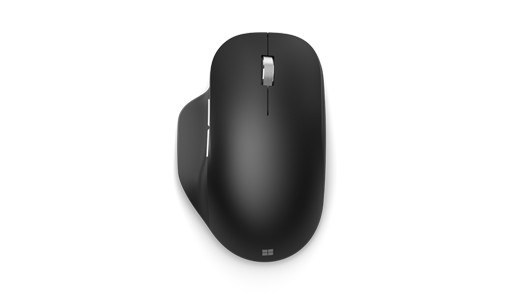
To connect a POP Mouse, turn it on and briefly press the button underneath to choose the desired channel. Then hold the button for three seconds until the white indicator flashes quickly, showing that Bluetooth discovery is active.
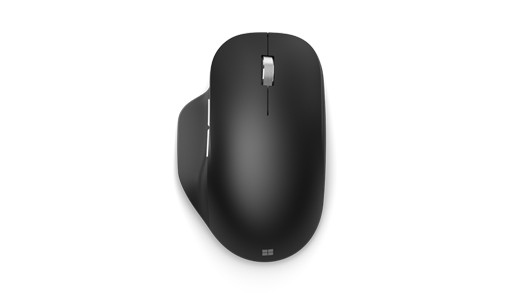
On Windows, respond to the connection notification or add Logi POP Mouse from Bluetooth settings. On a Mac or iPad, select it from the available Bluetooth device list. The difference between choosing a channel and entering pairing mode explains why a short button press alone may not make the mouse discoverable.
A short press chooses the connection slot, while a longer press starts pairing.


Leave a Comment
Comments (0)