
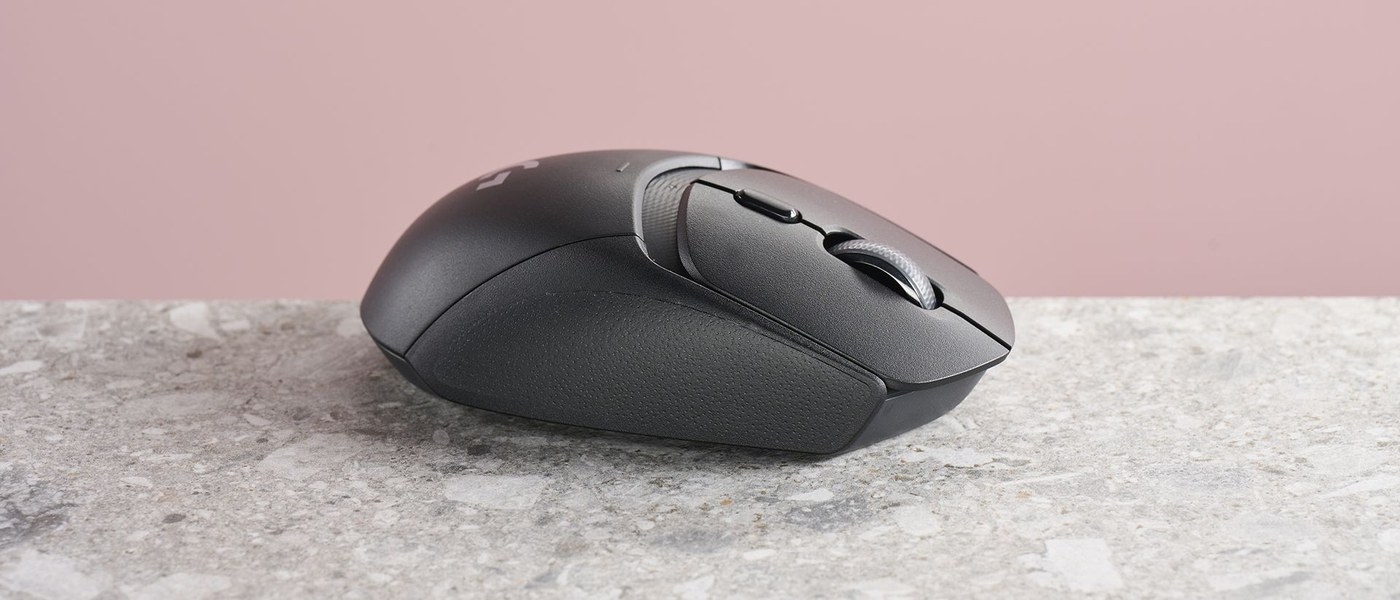
Compare a USB receiver with Bluetooth for a mouse: Choose between the G309's two wireless modes
Compare a USB receiver with Bluetooth for a mouse
A dedicated receiver occupies a USB port, while Bluetooth uses the computer's Bluetooth adapter. Some mice provide both choices and others only one, even within similarly named product ranges. Check the exact model and the supported performance of each mode before deciding which connection fits the computer.
Receiver and Bluetooth serve different connections
TechRadar describes Logitech G309 Lightspeed as a wireless gaming mouse with both Lightspeed receiver operation and Bluetooth. It uses an AA battery and does not provide a conventional wired operating mode. The review positions it below more expensive performance models, with a maximum polling rate of 1,000Hz rather than an 8K headline specification.
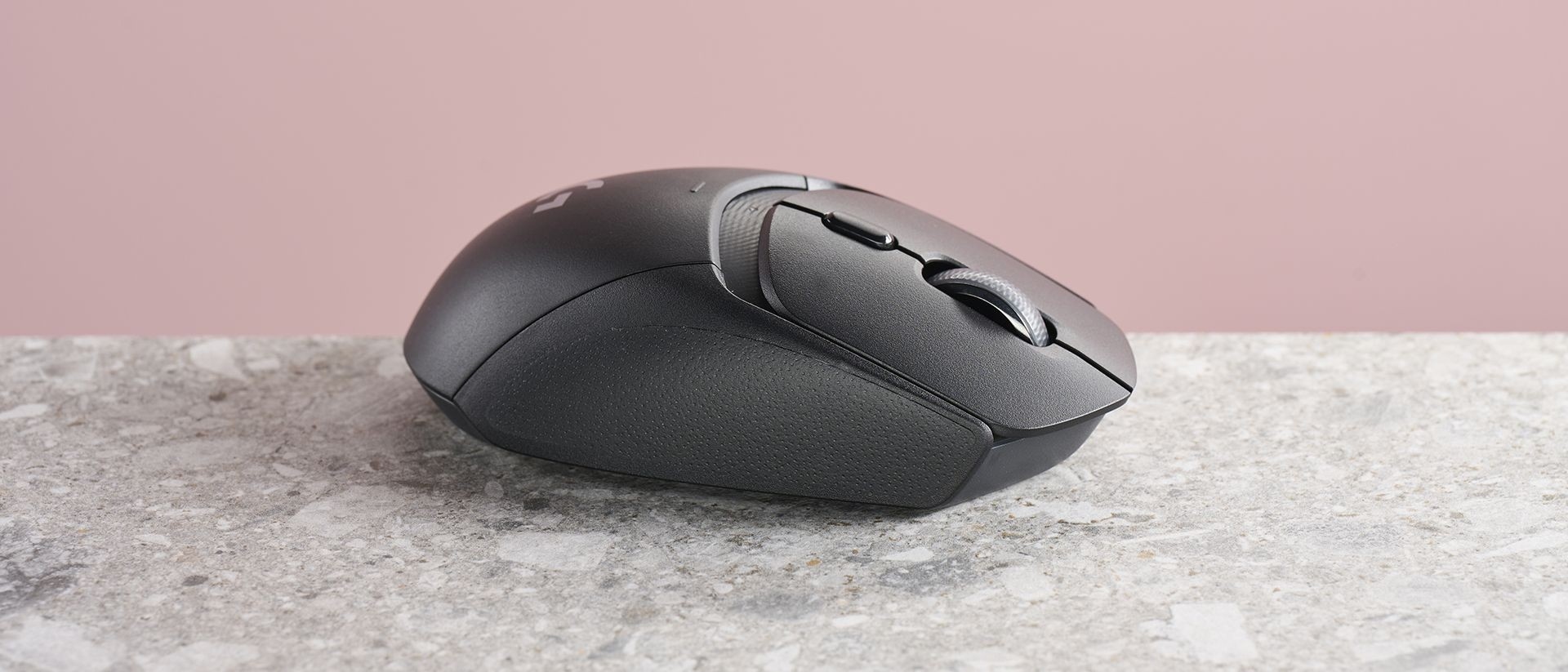
Balance connection features with comfort
The reviewer praised its construction, gaming performance and G Hub customization while noting its weight and battery requirement. Those trade-offs illustrate why wireless mode alone is not enough to select a mouse. Check whether the computer has a suitable receiver port or Bluetooth support, and judge the shape and power arrangement alongside performance. A receiver connection and direct Bluetooth pairing are separate setup procedures.
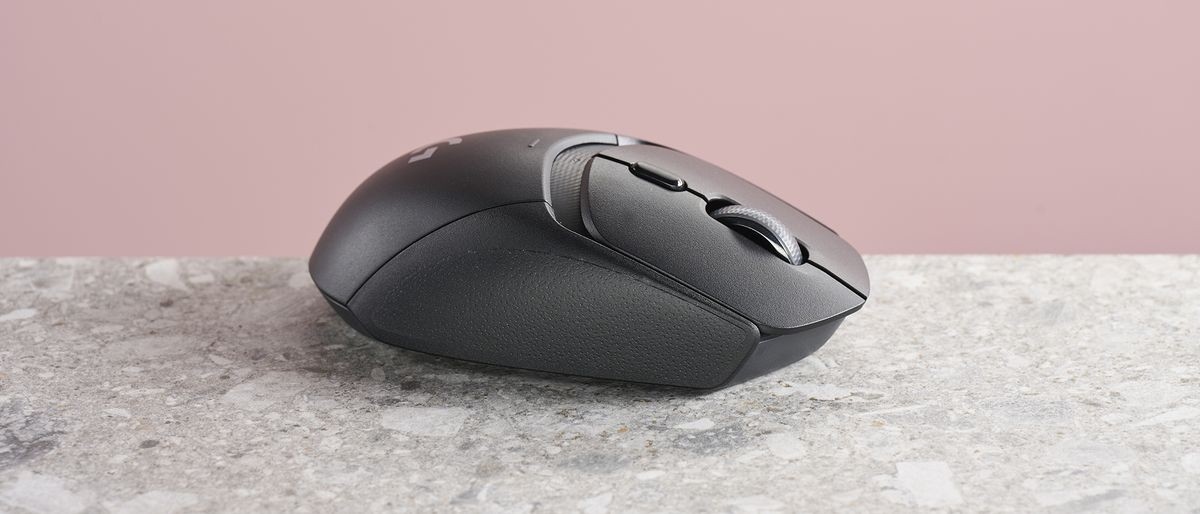
TechRadar describes Logitech G309 Lightspeed as a wireless gaming mouse with both Lightspeed receiver operation and Bluetooth. A dedicated receiver occupies a USB port, while Bluetooth uses the computer's Bluetooth adapter.


Leave a Comment
Comments (0)