
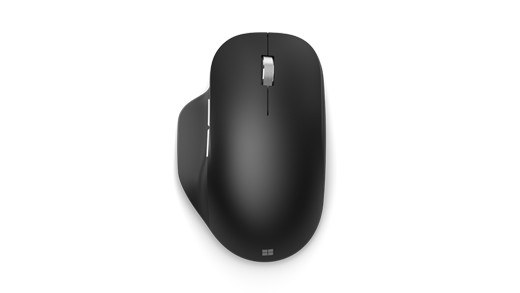
Add or Remove a Bolt Mouse Through Logi Options+
A Bolt mouse can be paired from the Add Device control in Logi Options+. Choose the Logi Bolt receiver, then hold the mouse's connect button for three seconds until the indicator blinks quickly. When the device appears, select Connect and follow the verification instructions shown by the app rather than assuming detection means the mouse is ready.
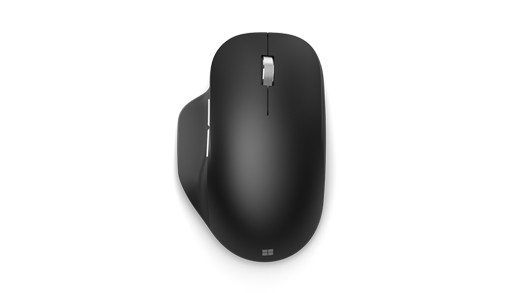
After successful verification, Options+ displays the connection method and battery information. If verification fails, repeat the instructed actions. To unpair, use the device's trash icon and confirm removal. Logitech advises performing that removal while the mouse is active, which makes the software action and the peripheral's pairing state easier to keep aligned.
Mouse pairing includes an on-screen verification step after receiver discovery.


Leave a Comment
Comments (0)