
Understand mouse polling rate trade-offs: Test whether 8K polling improves the games you play
Understand mouse polling rate trade-offs
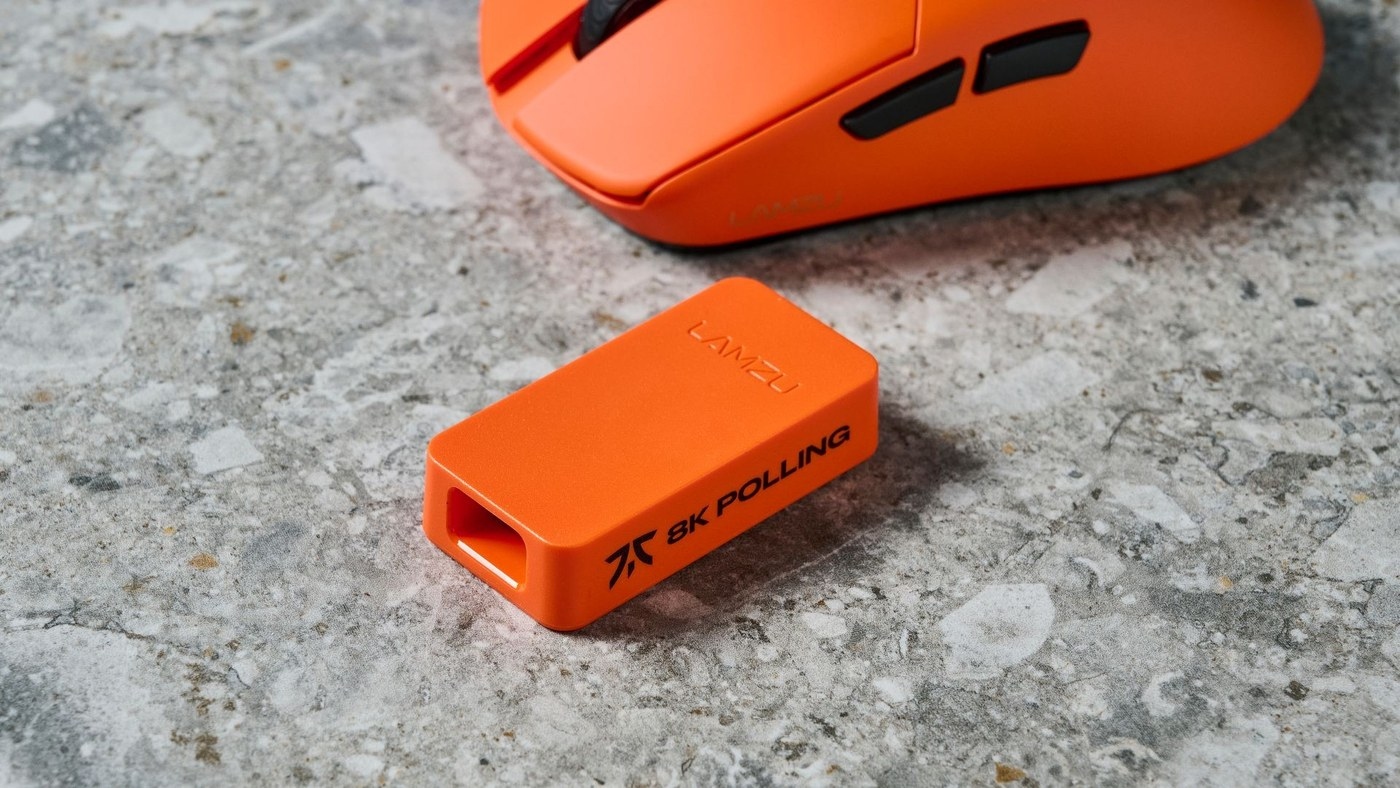
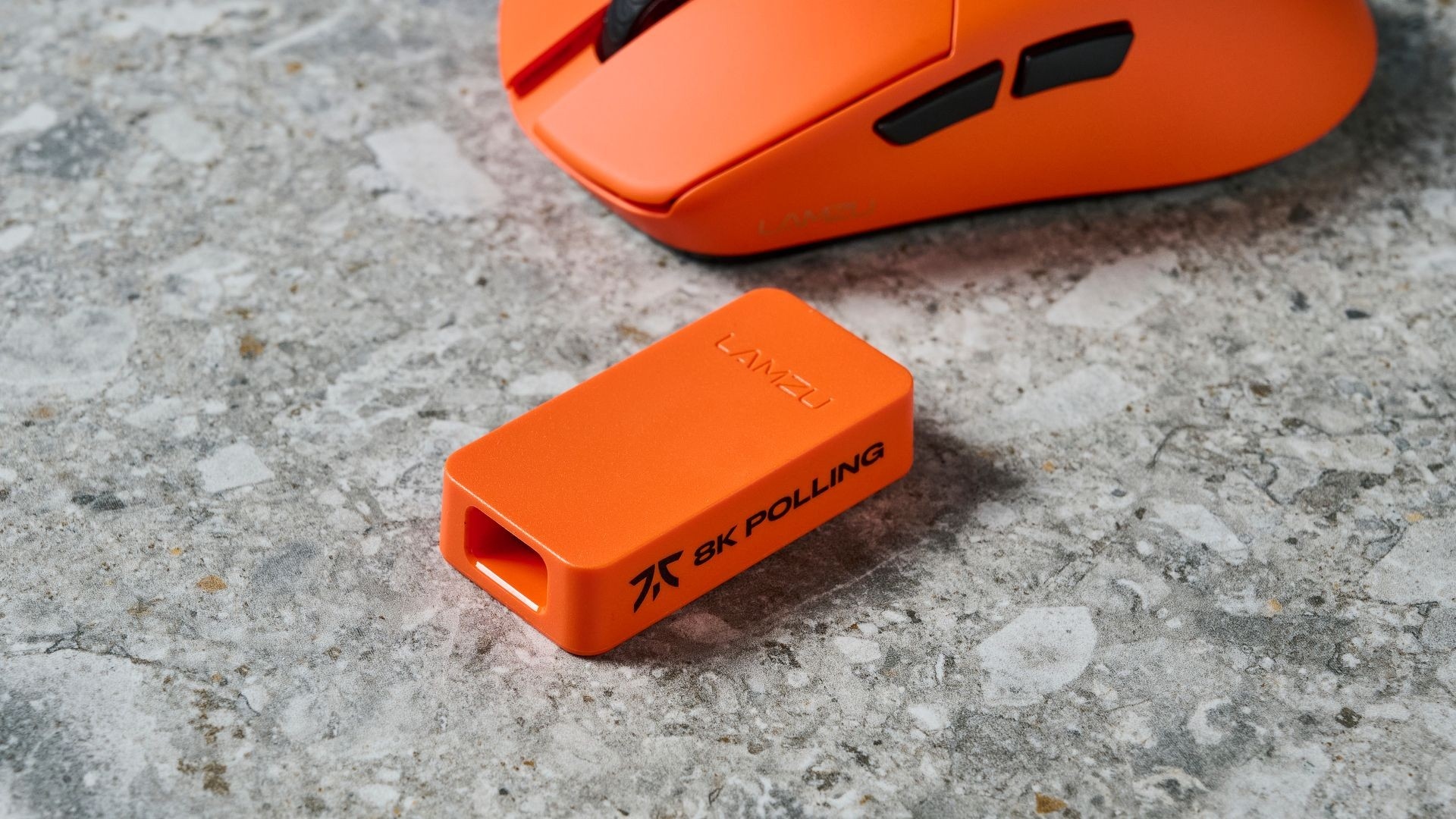
Polling rate describes how often an input device reports to the computer, rather than the entire delay of a game. Compare supported rates in the intended connection mode. Higher settings can affect processing load and wireless battery endurance, so test stability and comfort alongside the headline specification.
Separate a useful sensor from a headline setting
A Tom's Guide commentary argues that a good mouse still needs comfortable grip, dependable tracking and suitable controls. Its author found that 8,000Hz polling was not the most valuable feature of several otherwise enjoyable gaming mice. The article explains that polling rate measures how often the mouse reports its position to the computer.
Treat the experience as configuration dependent
The writer reports stuttering in some games and preferred lower polling settings for a balance of smoothness and battery life. This is an account of the author's testing, not proof that every computer will perform badly at 8K. Try supported settings in the games you actually use and evaluate consistency before paying extra solely for a maximum polling-rate specification.
A Tom's Guide commentary argues that a good mouse still needs comfortable grip, dependable tracking and suitable controls. Polling rate describes how often an input device reports to the computer, rather than the entire delay of a game.


Leave a Comment
Comments (0)