
Compare a USB receiver with Bluetooth for a mouse: Switch supported ergonomic mice between PCs
Compare a USB receiver with Bluetooth for a mouse
A dedicated receiver occupies a USB port, while Bluetooth uses the computer's Bluetooth adapter. Some mice provide both choices and others only one, even within similarly named product ranges. Check the exact model and the supported performance of each mode before deciding which connection fits the computer.
Use the mouse's separate device slots
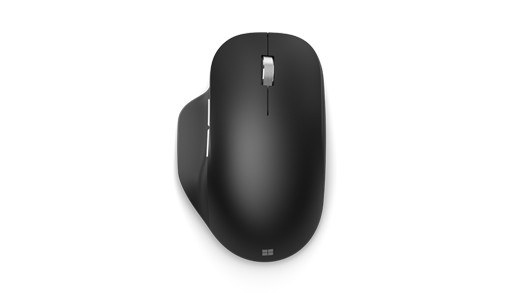
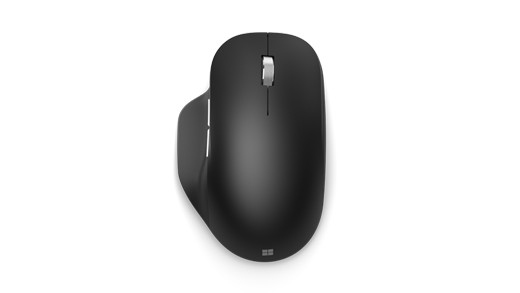
Microsoft Bluetooth Ergonomic Mouse supports pairing with up to three PCs and requires Bluetooth 4.0 or later. Turn it on, hold the pairing button if the light does not flash, and select it in Windows Bluetooth settings. Pressing the pairing button changes the selected device slot for another computer's setup.
Choose manual switching or Smart switch
After the computers are paired, the button can switch manually between them. Microsoft's Smart switch feature instead allows cursor movement between configured screens, but requires Microsoft Mouse and Keyboard Center on each PC. That software requirement and the mouse's explicit multi-device support are central to the feature; ordinary Bluetooth pairing does not grant every mouse seamless switching between unrelated computers.
Microsoft Bluetooth Ergonomic Mouse supports pairing with up to three PCs and requires Bluetooth 4.0 or later. A dedicated receiver occupies a USB port, while Bluetooth uses the computer's Bluetooth adapter.


Leave a Comment
Comments (0)