
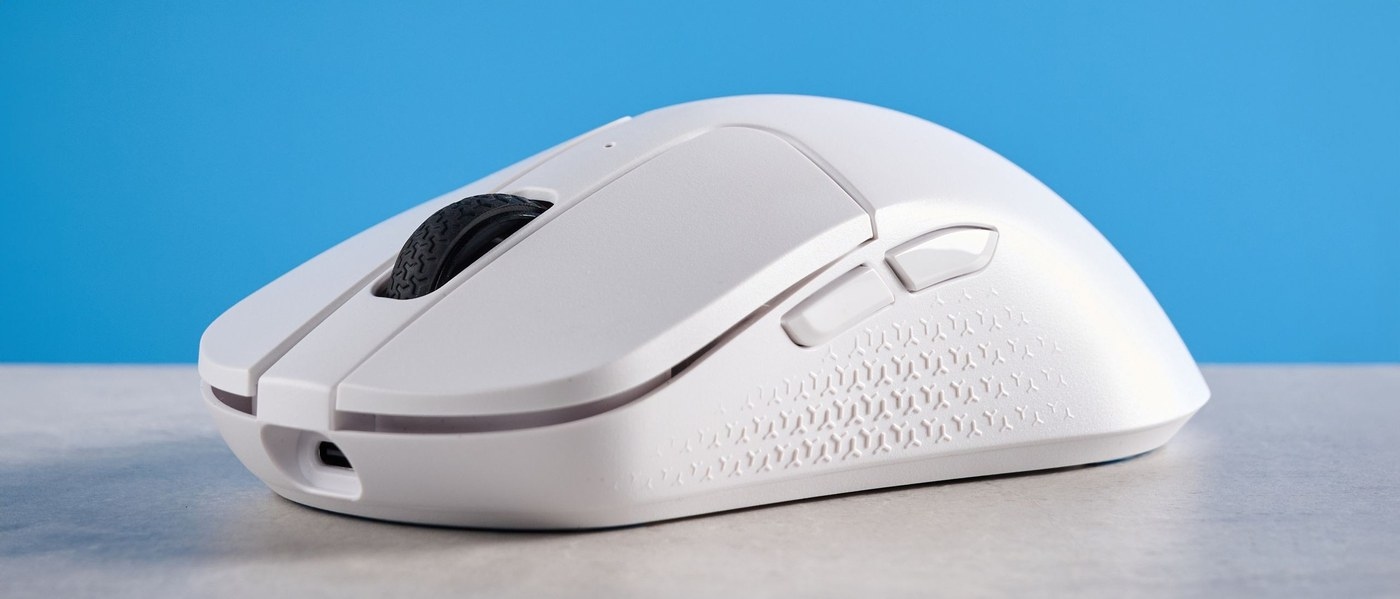
Compare a USB receiver with Bluetooth for a mouse: Use the M3 Mini V2 8K as a connection example
Compare a USB receiver with Bluetooth for a mouse
A dedicated receiver occupies a USB port, while Bluetooth uses the computer's Bluetooth adapter. Some mice provide both choices and others only one, even within similarly named product ranges. Check the exact model and the supported performance of each mode before deciding which connection fits the computer.
High polling over the supplied receiver
Tom's Guide reviewed the Keychron M3 Mini V2 8K with Bluetooth, 2.4GHz wireless and wired connectivity. The review reports that its supplied wireless receiver can operate at 8,000Hz, illustrating why the supported rate must be checked for the particular connection mode rather than inferred from the mouse's general wireless label.
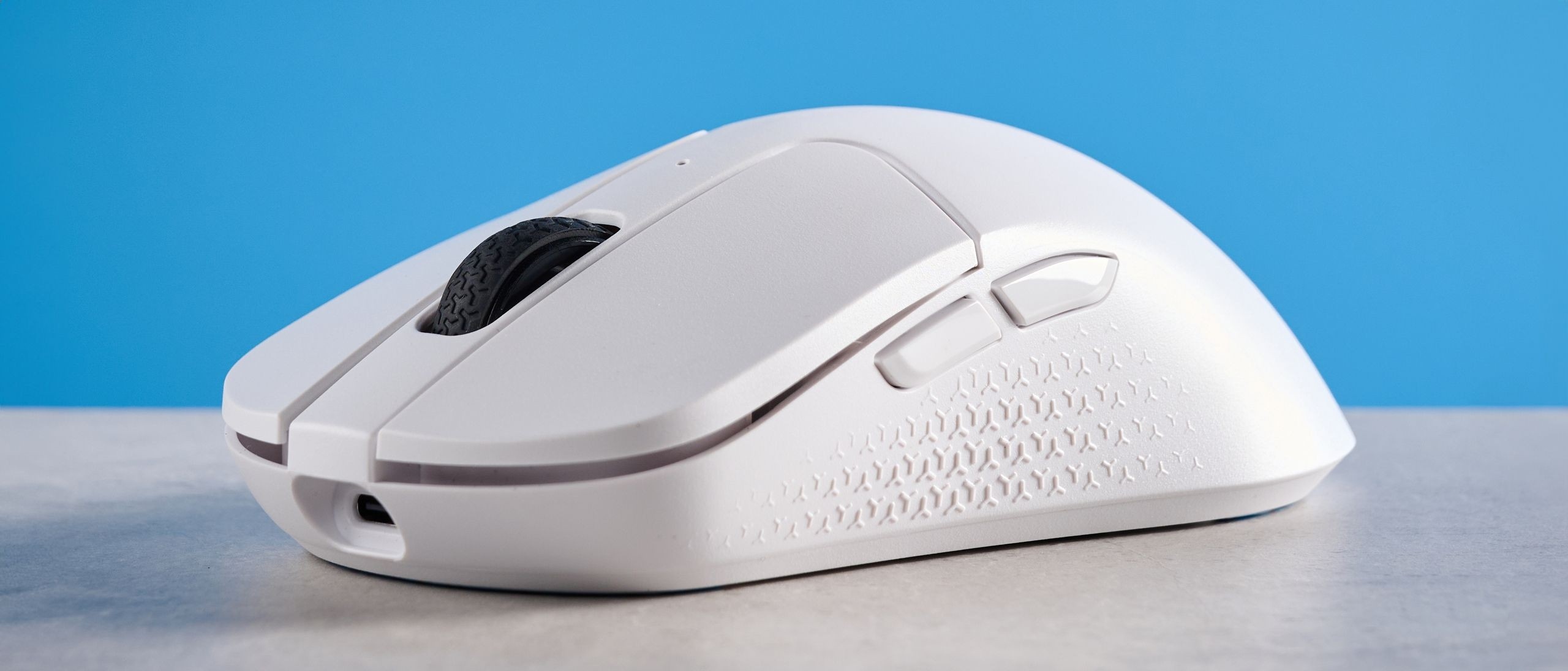
Check the remaining design trade-offs
The reviewer praised build quality, gaming performance and web-based customization, while noting the lack of a left-handed version and onboard receiver storage. The specification also lists a much longer battery estimate at 1,000Hz than an assumption of constant maximum-rate use would suggest. Compare polling settings, the intended computer port and the physical design before treating the highest rate as the only buying criterion.
Tom's Guide reviewed the Keychron M3 Mini V2 8K with Bluetooth, 2.4GHz wireless and wired connectivity. A dedicated receiver occupies a USB port, while Bluetooth uses the computer's Bluetooth adapter.


Leave a Comment
Comments (0)