
Compare a USB receiver with Bluetooth for a mouse: Set up a mouse without a dedicated receiver
Compare a USB receiver with Bluetooth for a mouse
A dedicated receiver occupies a USB port, while Bluetooth uses the computer's Bluetooth adapter. Some mice provide both choices and others only one, even within similarly named product ranges. Check the exact model and the supported performance of each mode before deciding which connection fits the computer.
Pair the Bluetooth Mouse directly
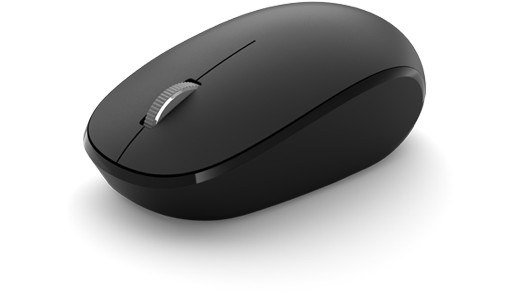
Microsoft Bluetooth Mouse connects through the computer's Bluetooth rather than requiring its own USB radio receiver. The guide requires Bluetooth 4.0 or later on supported Windows versions. Turn the mouse on, hold the pairing button until the indicator flashes, then accept Swift Pair or choose Microsoft Bluetooth Mouse in Bluetooth and devices.
Check battery and pointer preferences
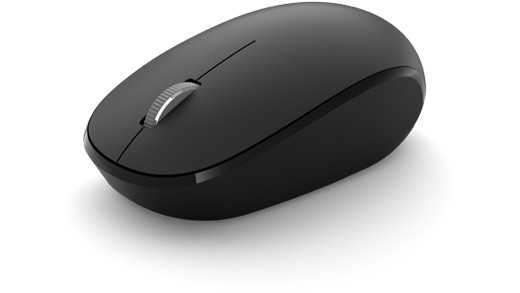
This model uses one AA battery, and Windows can display its remaining battery level. The Bluetooth button also turns the mouse off to conserve power when it is not being used. Pointer behavior can be changed in Windows mouse settings after connection. These controls are separate from the initial pairing, so test discovery and battery condition before changing sensitivity to solve an apparent connection problem.
Microsoft Bluetooth Mouse connects through the computer's Bluetooth rather than requiring its own USB radio receiver. A dedicated receiver occupies a USB port, while Bluetooth uses the computer's Bluetooth adapter.


Leave a Comment
Comments (0)