
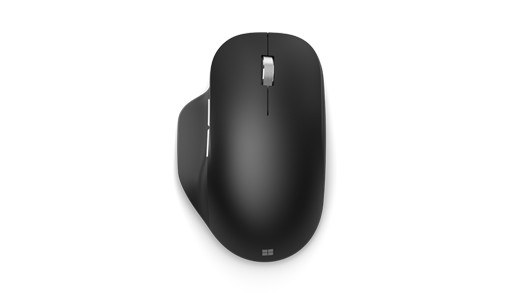
Zone Wireless Plus Can Also Pair Unifying Input Devices
A Zone Wireless Plus receiver can pair up to six Logitech Unifying peripherals in addition to its headset role. Insert the receiver into the computer's USB-A port and open Unifying software, removing any unrelated Unifying receiver so the intended one is used.
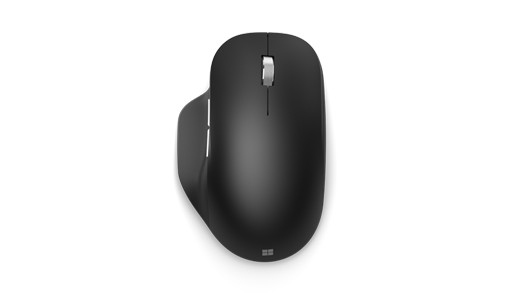
Turn each keyboard or mouse off and on when prompted, then complete the functional test. The headset supplied with the receiver is already paired, whereas added input devices require this procedure. Pairing support is limited to Unifying peripherals rather than every Logitech wireless device.
The headset receiver supports compatible keyboards and mice through a separate pairing process.


Leave a Comment
Comments (0)