
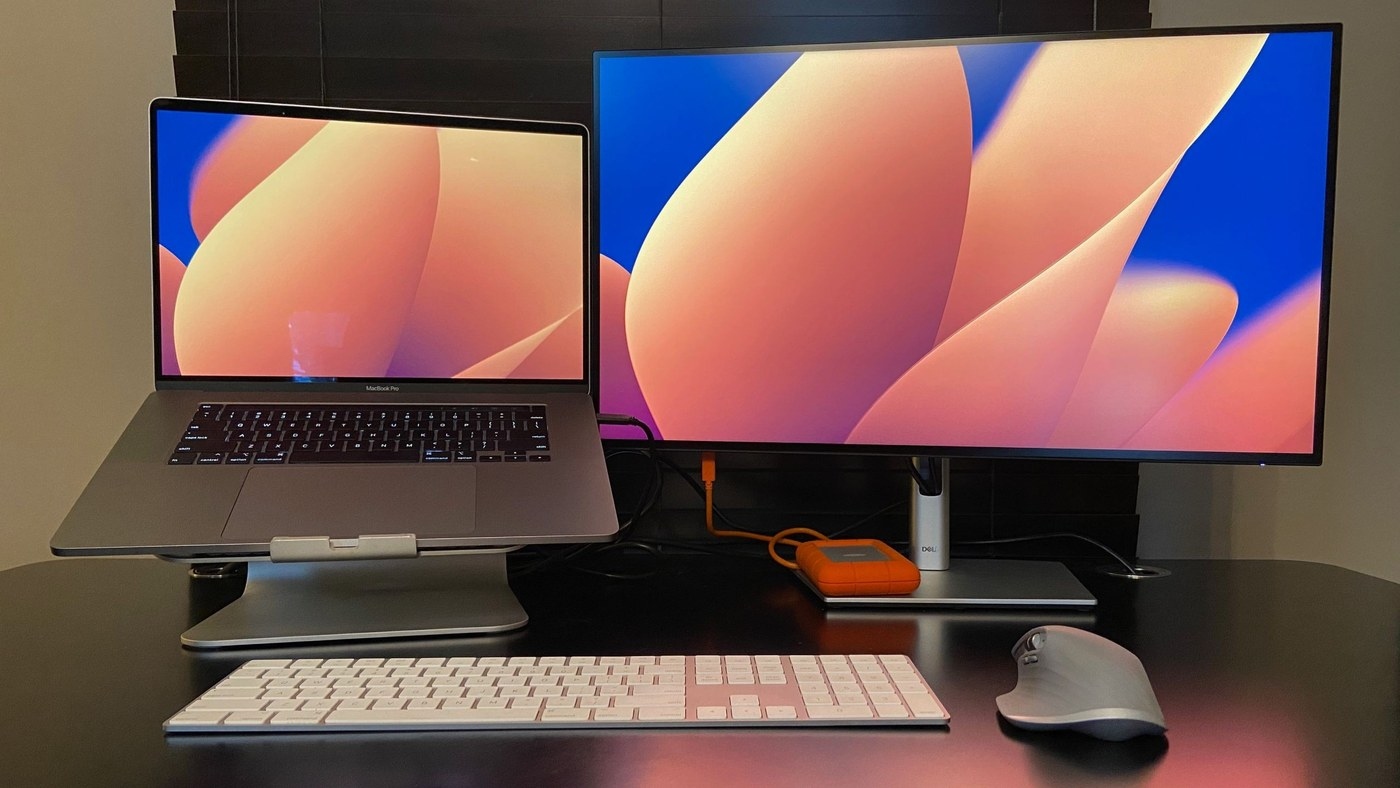
Use one keyboard across multiple computers: Share a keyboard through software across PCs
Use one keyboard across multiple computers
Multi-device keyboard use can involve dedicated pairing slots, reconnecting an ordinary Bluetooth keyboard or software that shares input between computers. These approaches have different requirements. Confirm explicit switching support on the keyboard or choose a supported software solution, and distinguish either method from simply extending one PC's desktop.
A different approach from device pairing
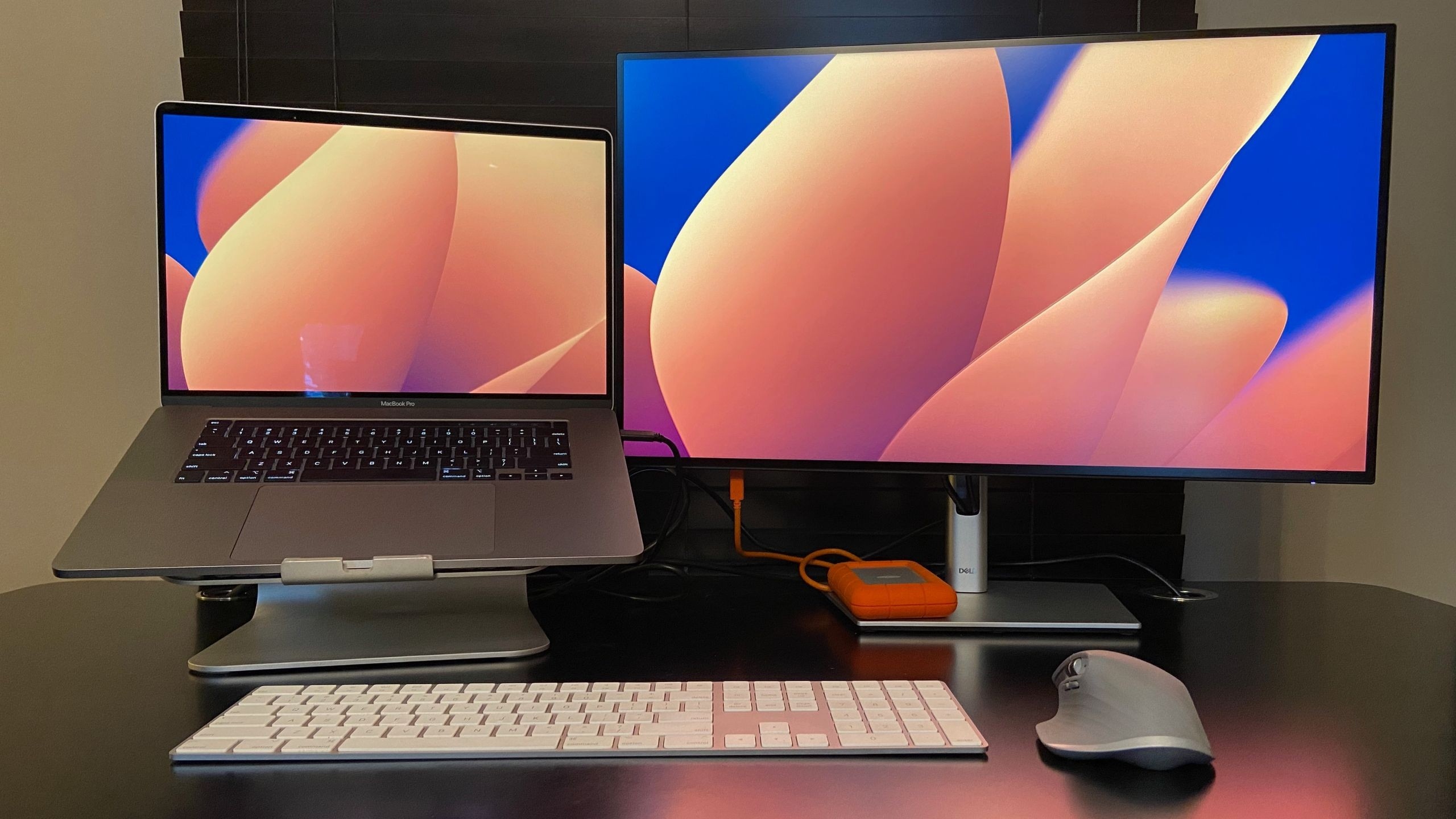
TechRadar describes software that lets one keyboard and mouse control several computers, each with its own screen. This differs from extending one PC's desktop and from selecting a Bluetooth slot on the keyboard. Some applications switch when the cursor crosses a screen edge, while others use a hotkey to transfer control.
Check network and platform support
The article discusses Mouse Without Borders, including its PowerToys availability, and other software options with different platform support. Such tools generally need a working shared network and can become unreliable on restricted or unstable Wi-Fi. Clipboard or file-sharing features also vary. Check those requirements before assuming a keyboard can control every nearby computer without additional setup, software or permission on the receiving systems.
TechRadar describes software that lets one keyboard and mouse control several computers, each with its own screen. Multi-device keyboard use can involve dedicated pairing slots, reconnecting an ordinary Bluetooth keyboard or software that shares input between computers.


Leave a Comment
Comments (0)