
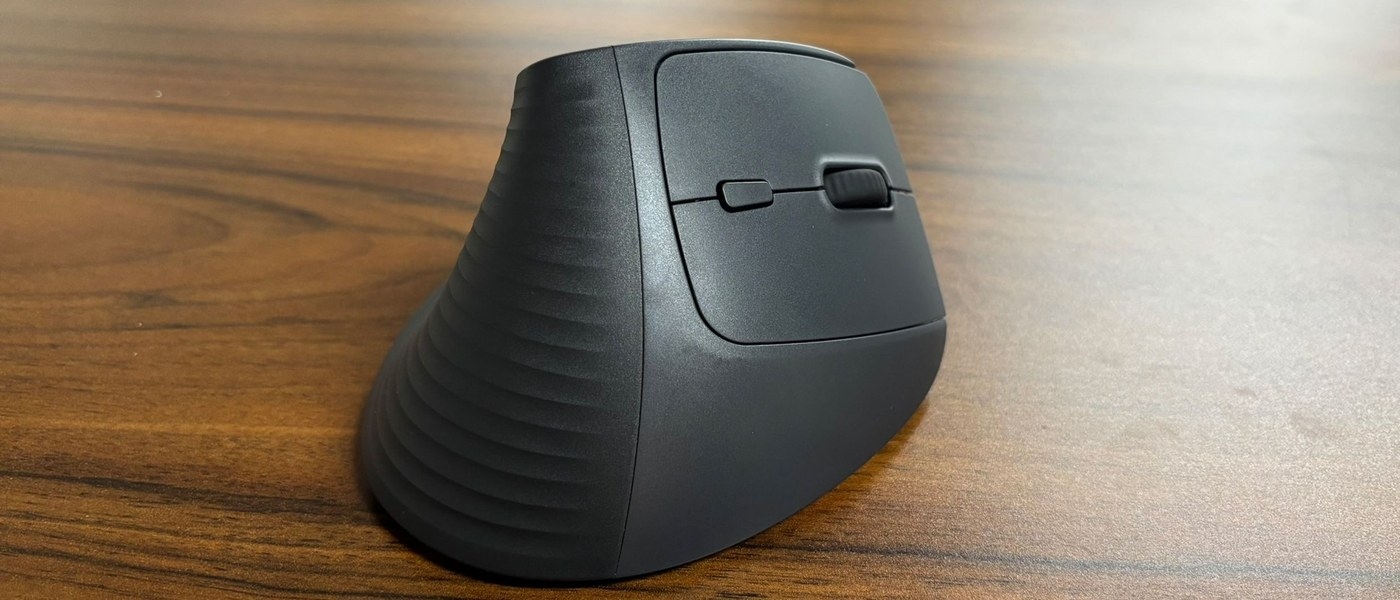
Compare a USB receiver with Bluetooth for a mouse: Check the exact Ugreen M571 wireless version
Compare a USB receiver with Bluetooth for a mouse
A dedicated receiver occupies a USB port, while Bluetooth uses the computer's Bluetooth adapter. Some mice provide both choices and others only one, even within similarly named product ranges. Check the exact model and the supported performance of each mode before deciding which connection fits the computer.
Similar names can conceal different radios
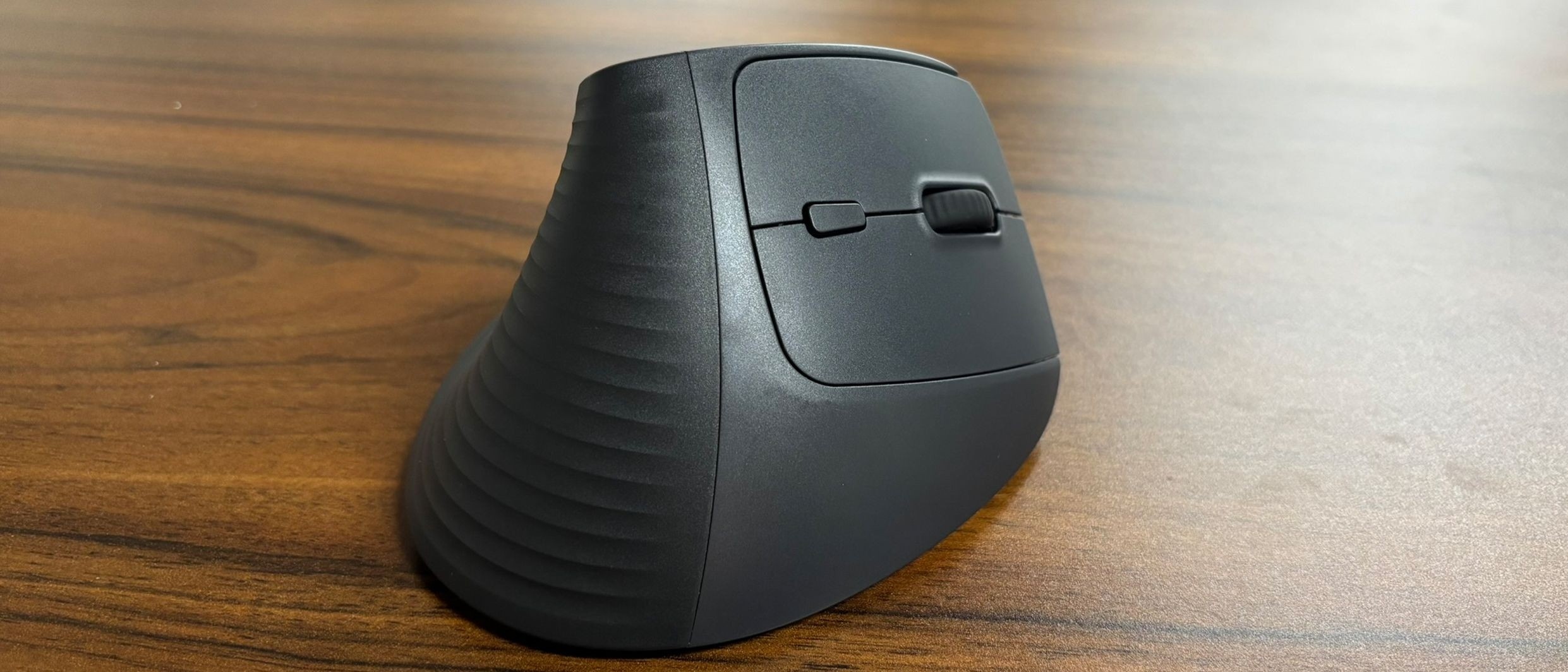
TechRadar's Ugreen M571 review describes a vertical mouse with a near-handshake grip and a larger base. The reviewed SKU uses a 2.4GHz USB receiver, while another version adds Bluetooth. That difference is particularly relevant to laptops without spare USB-A ports: the product family name alone does not confirm that direct Bluetooth pairing is available.
Consider fit alongside connection type
The reviewer found the receiver connection reliable and the shape comfortable, while noting the inexpensive plastic construction and confusing model naming. These are the reviewer's observations, not a guarantee for every hand size or wireless environment. Before buying, verify the SKU, receiver requirement, battery arrangement and available Bluetooth mode, then compare the physical shape with the way the mouse will be used.
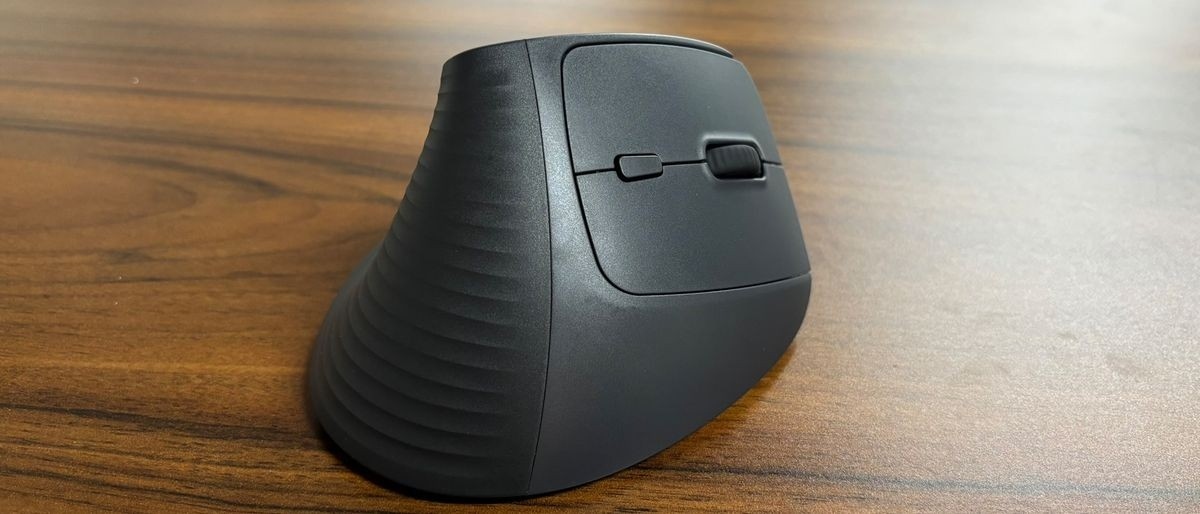
TechRadar's Ugreen M571 review describes a vertical mouse with a near-handshake grip and a larger base. A dedicated receiver occupies a USB port, while Bluetooth uses the computer's Bluetooth adapter.


Leave a Comment
Comments (0)