
Use the M3 Mini V2 8K as a connection example
High polling over the supplied receiver
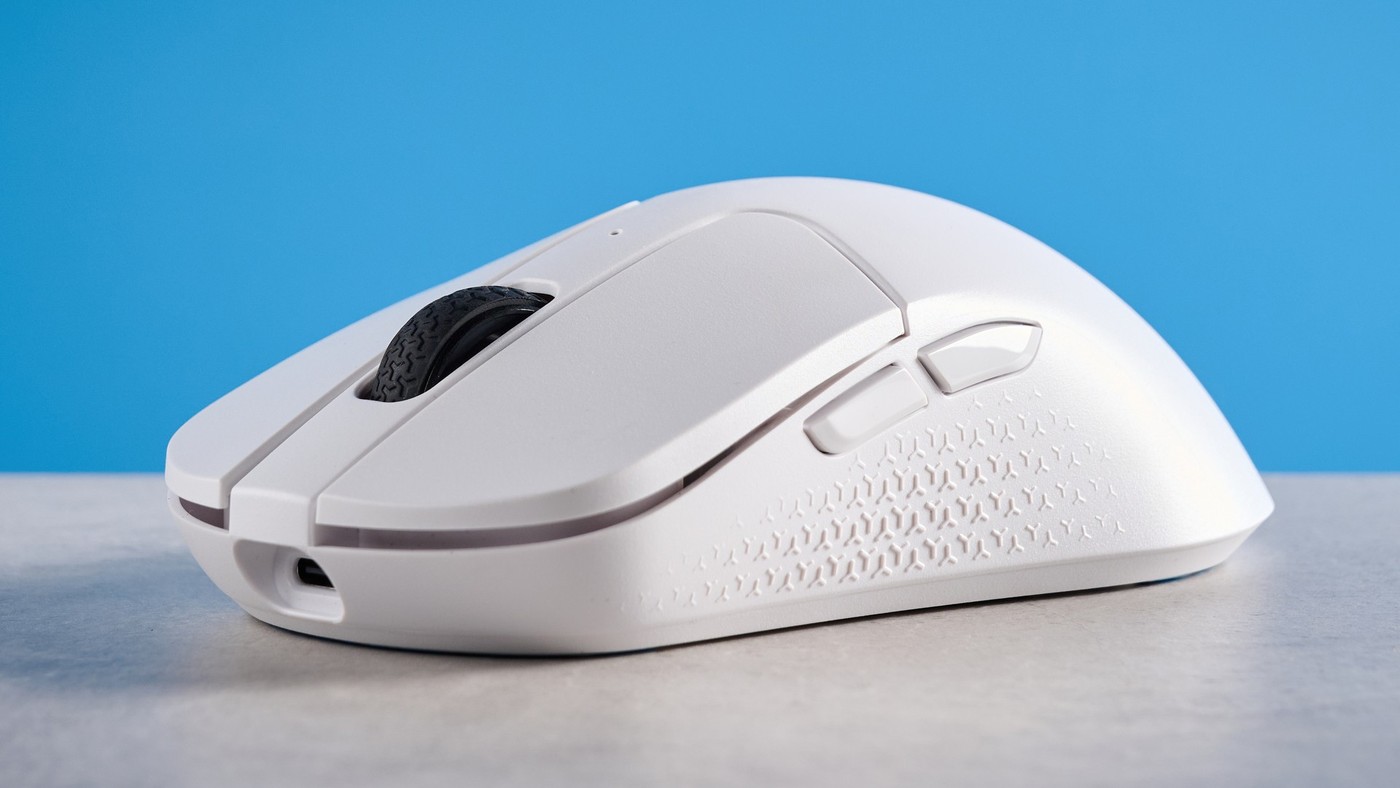
Tom's Guide reviewed the Keychron M3 Mini V2 8K with Bluetooth, 2.4 GHz wireless and wired connectivity. The review reports that its supplied wireless receiver can operate at 8,000 Hz, illustrating why the supported rate must be checked for the particular connection mode rather than inferred from the mouse's general wireless label.
Check the remaining design trade-offs
The reviewer praised build quality, gaming performance and web-based customization, while noting the lack of a left-handed version and onboard receiver storage. The specification also lists a much longer battery estimate at 1,000 Hz than an assumption of constant maximum-rate use would suggest. Compare polling settings, the intended computer port and the physical design before treating the highest rate as the only buying criterion.
Separate sensitivity, polling rate and the connection mode
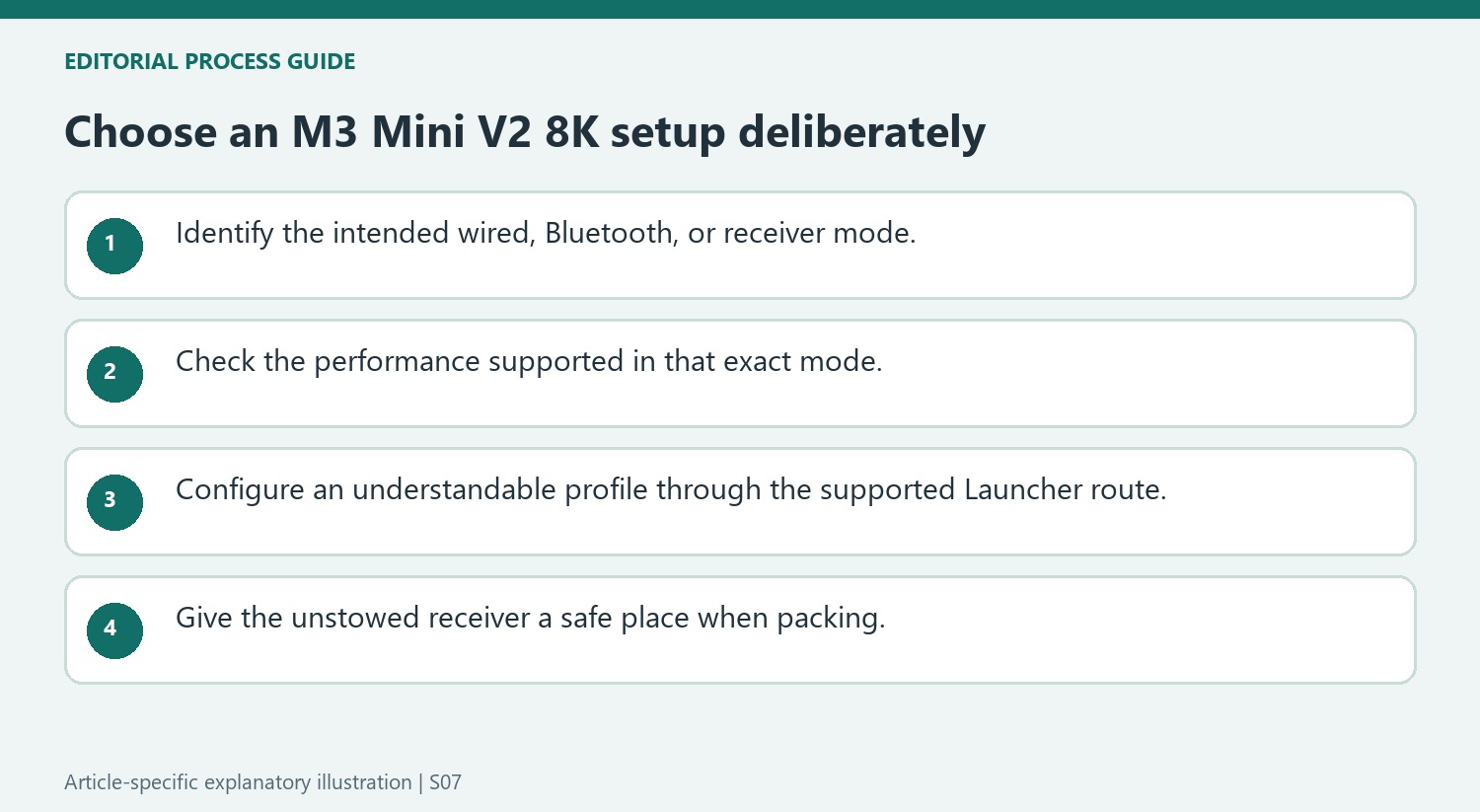
The source lists a maximum sensitivity of 30,000 DPI and an 8,000 Hz polling rate for the reviewed model. These specifications describe different things: sensitivity affects movement mapping, while polling concerns reporting frequency. Do not assume that selecting the highest sensitivity is necessary to use the faster receiver mode. The article describes sensitivity adjustment through a button and web-based settings. Choose a practical sensitivity for the game or application, then verify the available polling option for the actual wired, Bluetooth or receiver connection being used.
Evaluate the complete package rather than the headline rate
The reviewer praised construction and gaming performance but also noted the absence of a left-handed version and onboard receiver storage. Those are everyday considerations when transporting or sharing the mouse. The rated battery example in the specification table uses a 1,000 Hz setting, so it should not be presented as endurance measured continuously at 8,000 Hz. Check the current price, supported software and intended host port before purchasing. A favorable review describes the tested experience, while a useful buying decision weighs fit, receiver handling, battery expectations and whether the higher reporting rate serves the actual workload.
Use the connection mode that supports the intended performance
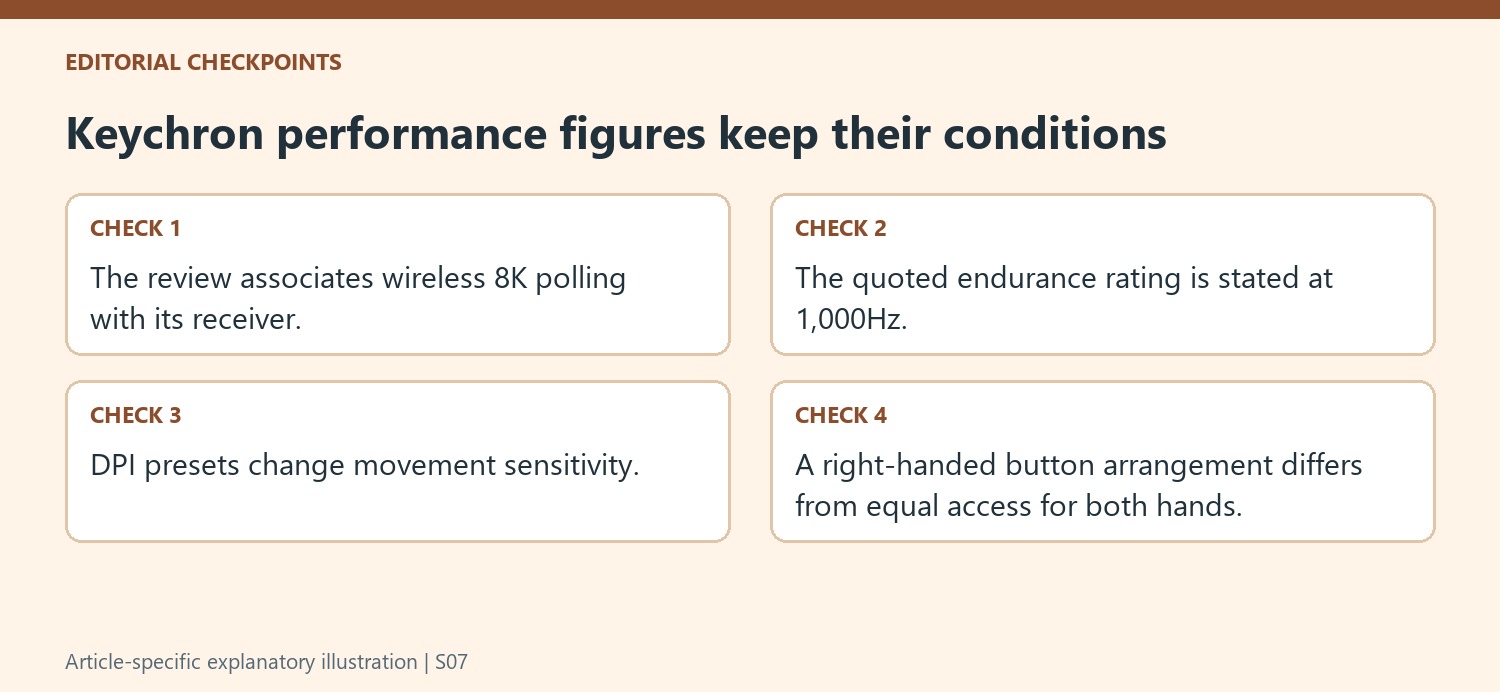
The M3 Mini V2 8K includes Bluetooth, a 2.4GHz receiver, and a wired connection, but the review specifically associates its wireless 8,000Hz capability with the included receiver. Do not assume all modes provide the same polling behavior merely because they belong to the same mouse. Decide whether the task is ordinary use, a receiver-based gaming setup, or a wired arrangement, then confirm the current specification for that mode. The review's battery-life rating is stated at 1,000Hz, which is another condition that should remain attached to the figure. Comparing an endurance claim at one setting with a performance headline at another obscures the actual tradeoff being considered.
Treat the browser configurator as a settings route
Keychron Launcher offers supported configuration through a web interface, including polling settings, five DPI levels, button mapping, and saved profiles. The reviewer found that convenient, but the current browser and connection requirements should still be checked for the actual machine. Choosing a maximum DPI or turning on angle snapping is not automatically the best setting for every game. Those controls change how movement is interpreted and should be tested against the user's intended task. Save an understandable baseline before experimenting with another profile, and distinguish the onboard DPI selection from the wireless mode choice. That preserves the difference between how the mouse connects and how its movement is configured.
Include grip and receiver storage in the purchase plan
The review's physical assessment includes the light plastic body, textured side areas, and right-handed side-button placement. A symmetrical-looking shell does not necessarily provide identical button access for both hands. Another practical limit is the absence of onboard receiver storage. The small receiver therefore needs a deliberate place when the mouse is packed or used over another connection. That detail is easy to overlook when concentrating on polling figures, yet it affects a portable setup directly. Compare the current package, regional price, supported handedness, and accessory arrangement together. The review's favorable performance observations are useful evidence about its test, while the complete everyday fit depends on these more ordinary handling and storage decisions too.
References
- Keychron’s new 8K polling mouse sets a new standard for gaming mice — and it costs just $69. Tom's Guide; Nikita Achanta.
Tom's Guide reviewed the Keychron M3 Mini V2 8K with Bluetooth, 2.4 GHz wireless and wired connectivity. The review reports that its supplied wireless receiver can operate at 8,000 Hz, illustrating why the supported rate must be checked for the particular connection mode rather than inferred from the mouse's general wireless label.


Leave a Comment
Comments (0)