
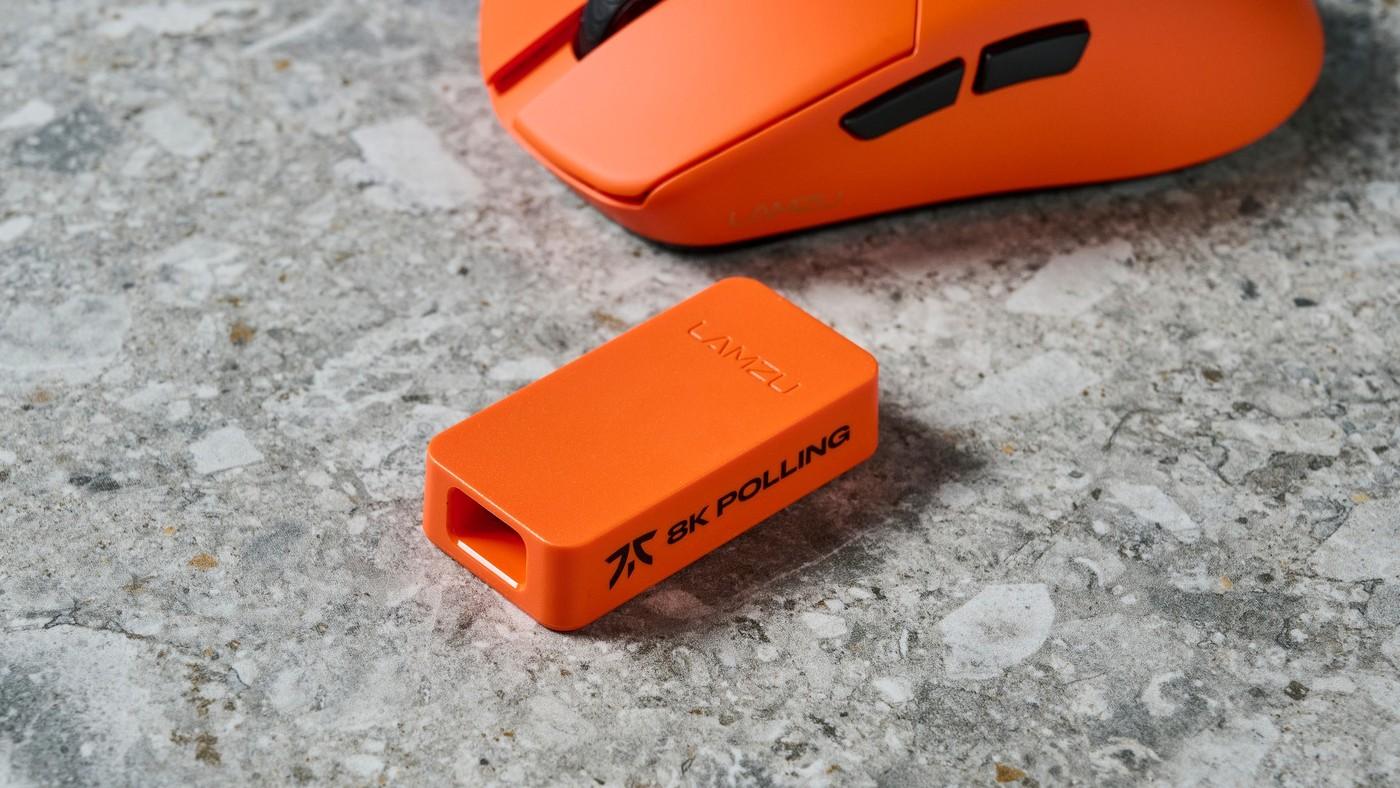
Test whether 8K polling improves the games you play
Separate a useful sensor from a headline setting
A Tom's Guide commentary argues that a good mouse still needs comfortable grip, dependable tracking and suitable controls. Its author found that 8,000 Hz polling was not the most valuable feature of several otherwise enjoyable gaming mice. The article explains that polling rate measures how often the mouse reports its position to the computer.
Treat the experience as configuration dependent
The writer reports stuttering in some games and preferred lower polling settings for a balance of smoothness and battery life. This is an account of the author's testing, not proof that every computer will perform badly at 8K. Try supported settings in the games you actually use and evaluate consistency before paying extra solely for a maximum polling-rate specification.
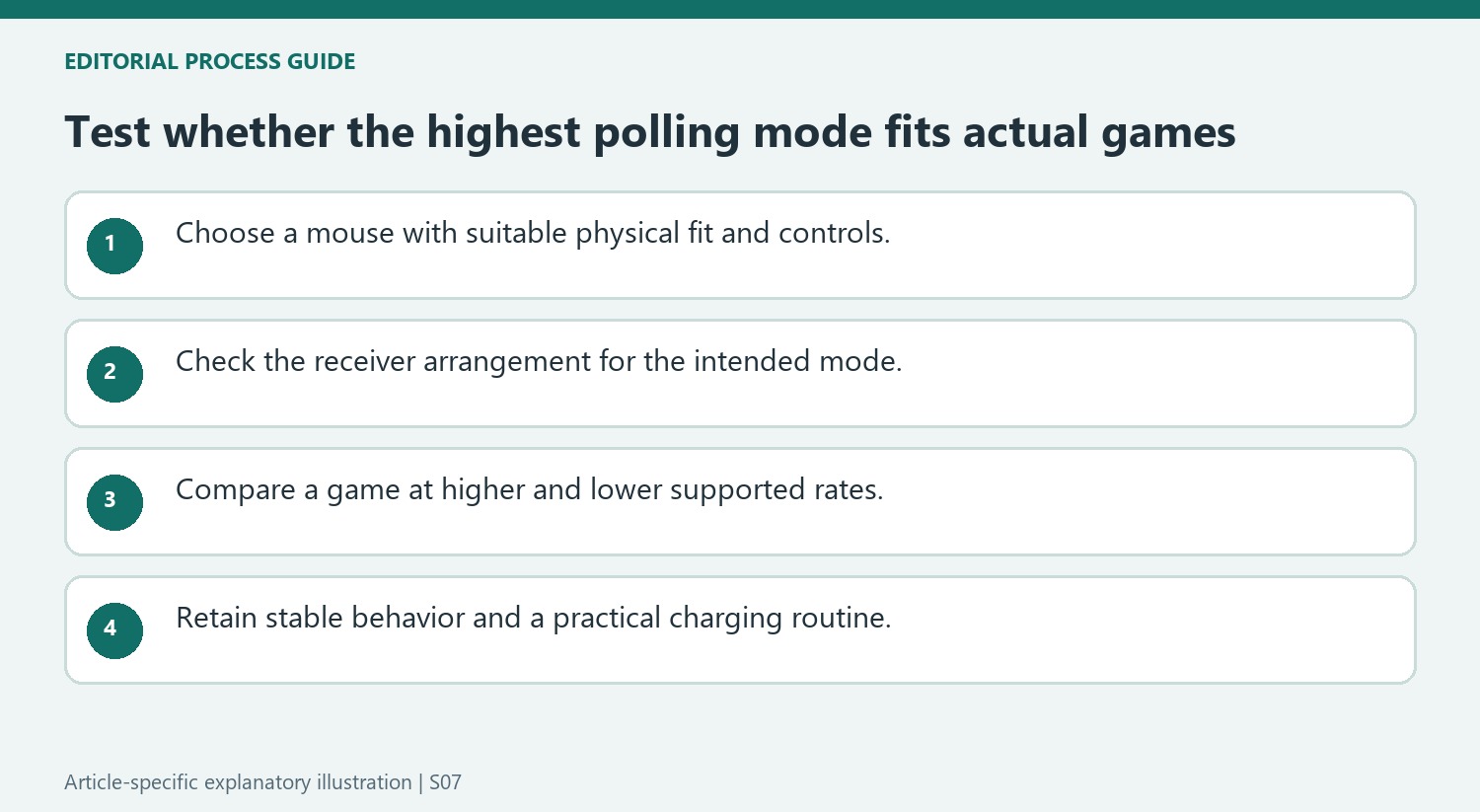
Treat the article as commentary based on particular tests
The writer liked several mice that supported 8,000 Hz while preferring lower settings in some games. That distinction matters: the opinion concerns the value of the feature in their configuration, not whether the entire mouse was poor. Its claims about typical Bluetooth behavior and minimum recommended rates should also be checked against the exact product and workload. A lower-rate connection can serve ordinary tasks even when a faster receiver mode is preferable for a competitive game.
Check the receiver arrangement and practical price difference
The commentary discusses external receivers, companion settings and the possibility of selecting a lower rate. Before paying for an upgrade, verify what the particular model needs for its advertised maximum and whether the required receiver is included. Compare current prices separately from historical deal examples in the article. Then test a stable setting in the games that matter. Good grip, suitable weight and dependable buttons can remain valuable even when the highest polling mode is unused; the buying decision should reflect those combined characteristics rather than treating one author's preferred frequency as a specification for everyone.
Evaluate an 8K mouse separately from its maximum-rate setting
The author's preferred examples remained appealing because of their grip, low weight, switches, and movement even when they were used below 8,000Hz. That is an important distinction for buying decisions: a mouse capable of a high rate can still be chosen for its physical qualities and run at another supported setting. Conversely, the 8K label does not excuse an uncomfortable shape or inaccessible button placement. Compare the complete product rather than treating one setting as its entire identity. Check which rates the actual model supports and how they are selected. The review's conclusion is based on the author's experience, so apply the reasoning to the user's needs rather than treating its forceful headline as a universal prohibition.
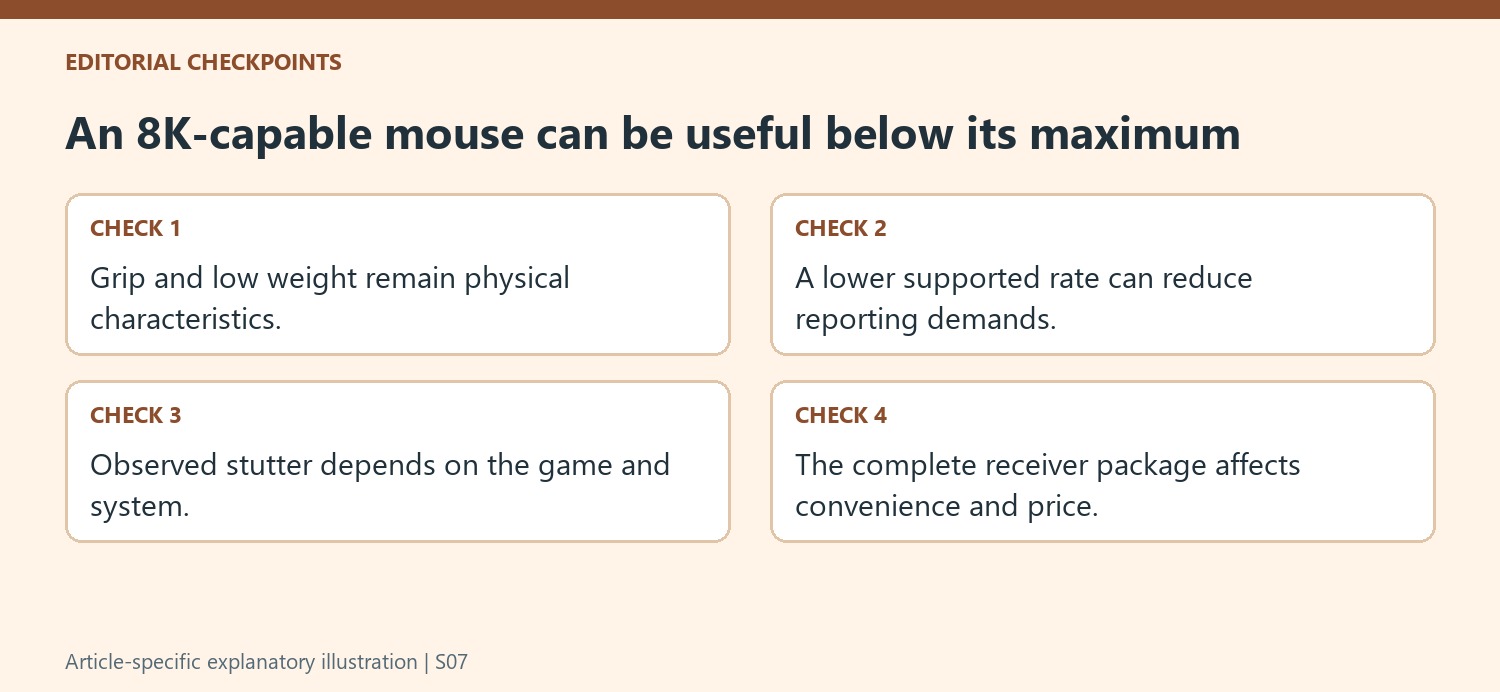
Test games individually when investigating stutter
The source describes stuttering in some games when the author used the highest reporting rate. That observation points toward a comparison under controlled conditions: try the same game and similar activity with a lower supported rate while leaving other relevant settings alone. A game that behaves poorly at one setting does not establish that every title or every computer will do so. Equally, a demanding PC specification is not a guarantee that every game handles the increased reporting work smoothly. Observe the actual response and keep the configuration that works reliably for the title being played. This turns a broad marketing debate into a practical compatibility check with a visible outcome.
Include the receiver arrangement and charging routine
The article mentions a receiver connected through a cable as an extra piece of desk equipment, alongside the battery-life cost of higher rates. Those details affect convenience even when the radio connection is working correctly. Check what the exact mouse package includes and whether additional equipment is required for the advertised mode. Compare current prices with that complete arrangement in mind, since the article's offers and model rankings were tied to its publication. A lower rate can be a useful choice for a long working day or games that do not benefit from the maximum setting. The aim is a comfortable, reliable input device whose supported modes fit the computer, titles, and charging routine, rather than a purchase justified only by a larger number.
References
- Do not buy that 8,000Hz polling rate gaming mouse — I'm not wasting my money again. Tom's Guide; Eve Butt.
A Tom's Guide commentary argues that a good mouse still needs comfortable grip, dependable tracking and suitable controls. Its author found that 8,000 Hz polling was not the most valuable feature of several otherwise enjoyable gaming mice. The article explains that polling rate measures how often the mouse reports its position to the computer.


Leave a Comment
Comments (0)