
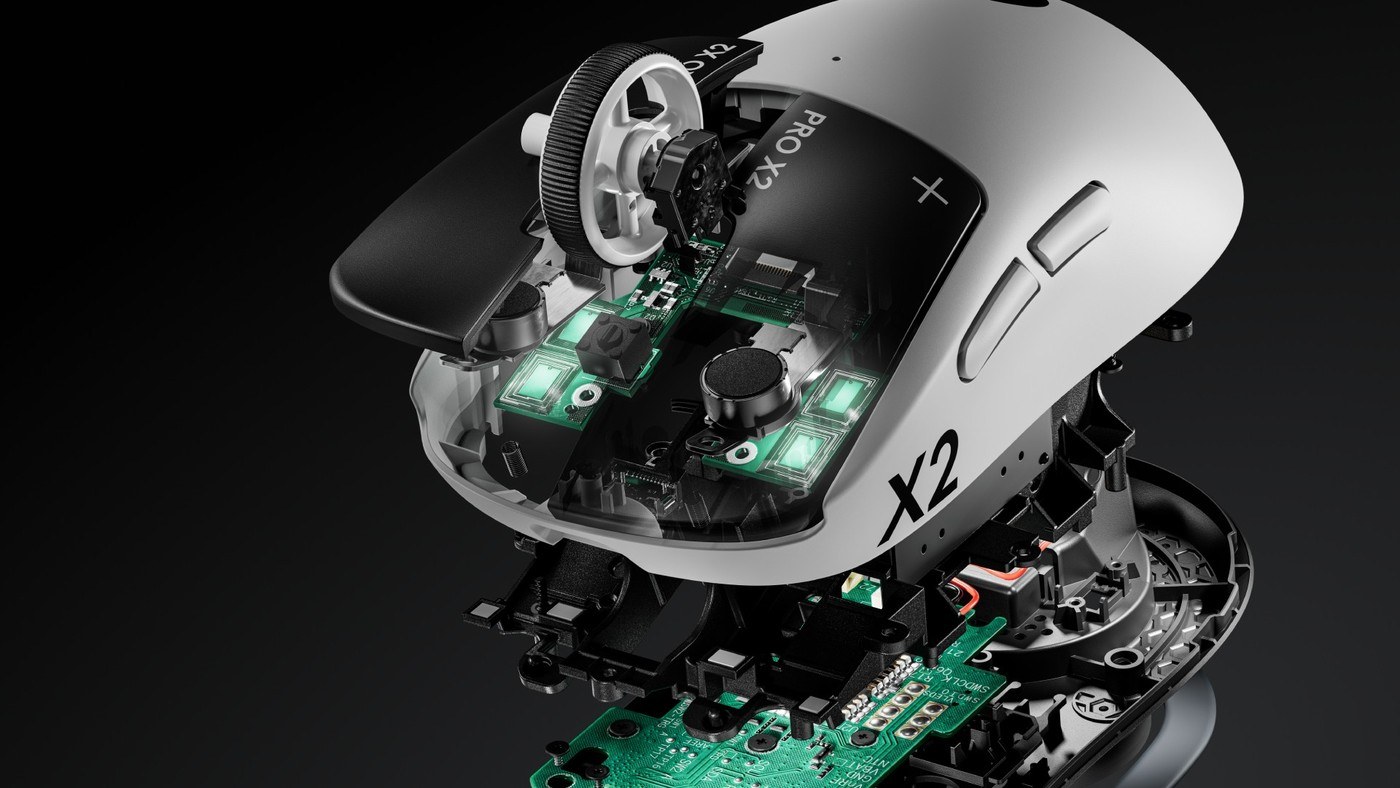
Put mouse polling intervals in context
Understand what the frequency measures
TechRadar explains polling rate as the frequency of reports sent from an input device to the computer. At 1,000 Hz, the interval is one millisecond; at 8,000 Hz it is 0.125 milliseconds. This describes one part of the input path, rather than the total time between hand movement and a visible change on a monitor.
Consider the costs of higher rates
The article highlights increased processing demand, shorter wireless battery life and possible micro-stuttering in some configurations. Higher rates are most useful when the rest of the gaming setup can take advantage of them. Compare available settings in actual games, and judge responsiveness together with battery endurance and stability rather than assuming the highest number is automatically the best everyday choice.
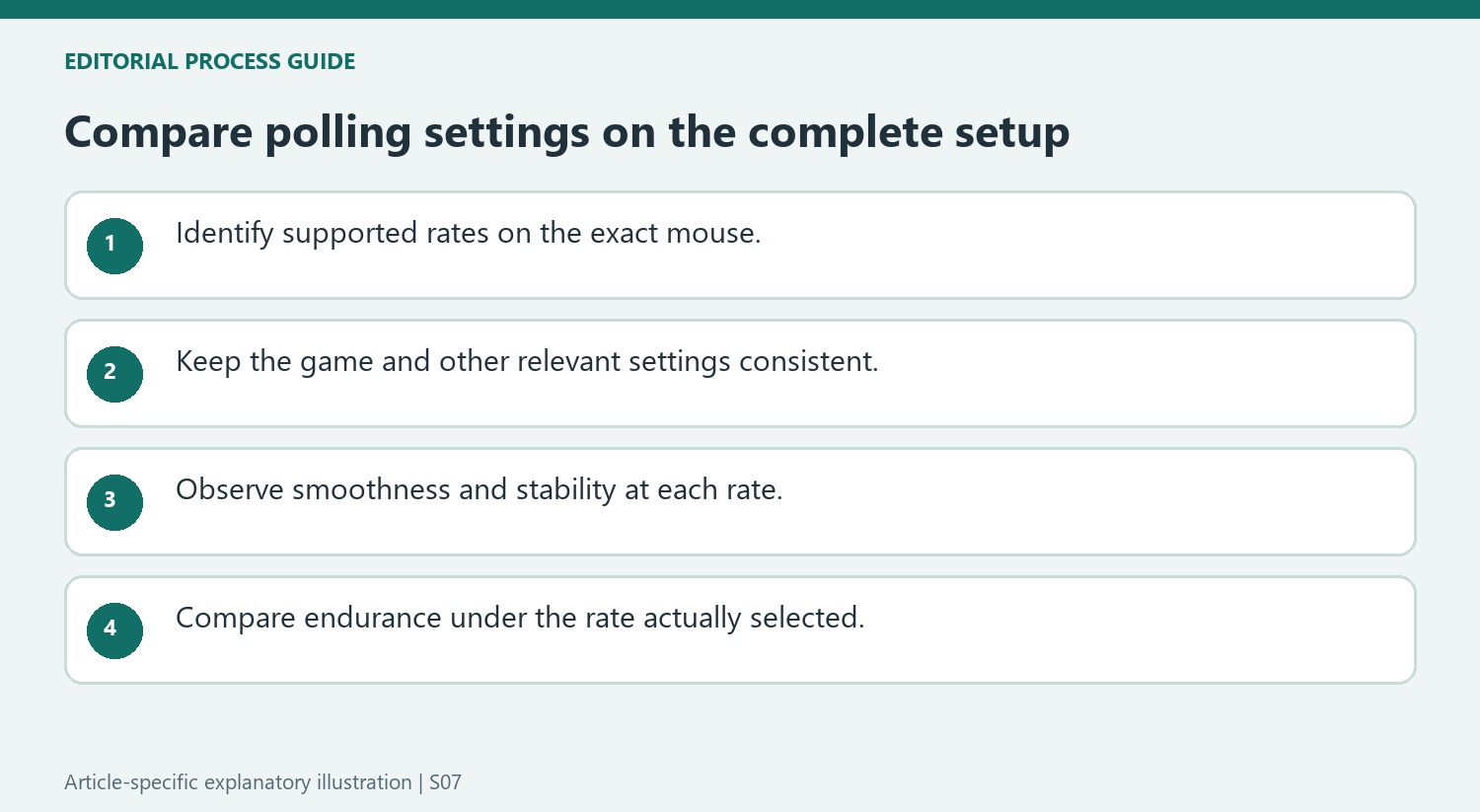
Compare endurance at the setting you will actually use
The article contrasts manufacturer battery claims with the author's experience at different polling settings. A battery figure measured or advertised at 1,000 Hz should not be transferred automatically to continuous 8,000 Hz operation. Review the relevant mode in the product documentation, then compare your own charging frequency under a consistent workload. Wireless endurance also depends on the particular device and enabled features. Lowering the polling setting can be a practical trade-off when frequent charging is more noticeable than the difference in reporting intervals.
Test the whole experience instead of one latency number
The quoted intervals concern the scheduling of reports, not complete sensor-to-screen or key-to-screen latency. The operating system, game, rendering and display still participate in the result. Avoid using a human reaction-time figure as proof that every smaller timing improvement is either valuable or impossible to notice. Compare supported settings in the actual game while watching smoothness and consistency. A demanding competitive setup may weigh that difference differently from ordinary desktop work, so choose based on the verified configuration and intended use rather than a universal rule drawn from the largest number.
Read the interval calculation without turning it into total latency
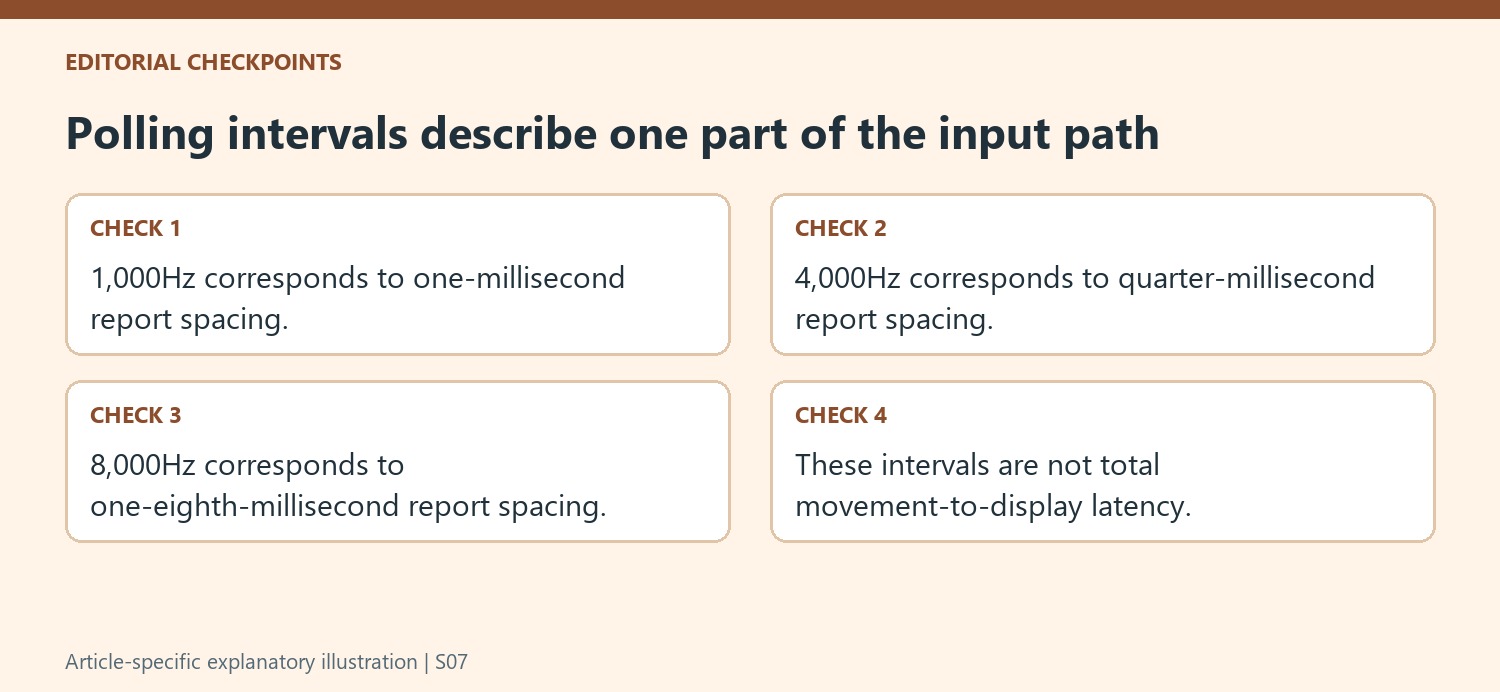
At 1,000 reports each second, the interval is one millisecond; at 4,000 it is a quarter of a millisecond; and at 8,000 it is one eighth. Those calculations describe the spacing between reports. They do not measure the entire time from a person's movement to the final visible result in a game. The article's numerical comparison is useful when that scope is kept clear. A shorter polling interval reduces one part of an input path, while the computer, game, display, and other conditions still contribute to the experience. Avoid interpreting the difference between the intervals as a guaranteed reduction of the same size in every complete real-world response.
Compare endurance at the same chosen setting
The source gives examples of wireless mice with much shorter endurance at their highest reporting setting, including both published ratings and the author's experience. Those examples show why a battery figure needs its associated polling condition. A product described as lasting over one hundred hours may not offer that duration in its maximum-rate mode. Check the current specification and the actual mode planned for use instead of combining the longest endurance number with the highest performance number. The effect differs by device and configuration, so another reviewer's charging schedule is context rather than a promise. Measure whether the selected mode fits the user's own charging routine and gaming sessions.
Test the complete system rather than copying a player's setting
The article cites professional players using several polling rates, illustrating that the largest available number is not universal even in competitive play. Those selections are snapshots of particular equipment and preferences, not a rule that another person must copy. The more practical comparison is whether increasing the rate produces a stable, useful result on the user's own computer and games. Keep other settings consistent during that test and watch for the stuttering or increased system demands discussed in the source. If a lower supported rate works well and extends battery life, it remains a legitimate configuration. The best balance depends on the complete setup and observable behavior, with polling treated as one adjustable feature among several.
References
- You don't really need an 8K polling rate for your gaming keyboard and mouse: here's why. TechRadar; Aleksha McLoughlin.
TechRadar explains polling rate as the frequency of reports sent from an input device to the computer. At 1,000 Hz, the interval is one millisecond; at 8,000 Hz it is 0.125 milliseconds. This describes one part of the input path, rather than the total time between hand movement and a visible change on a monitor.


Leave a Comment
Comments (0)