
Zone Wireless Plus Can Also Pair Unifying Input Devices
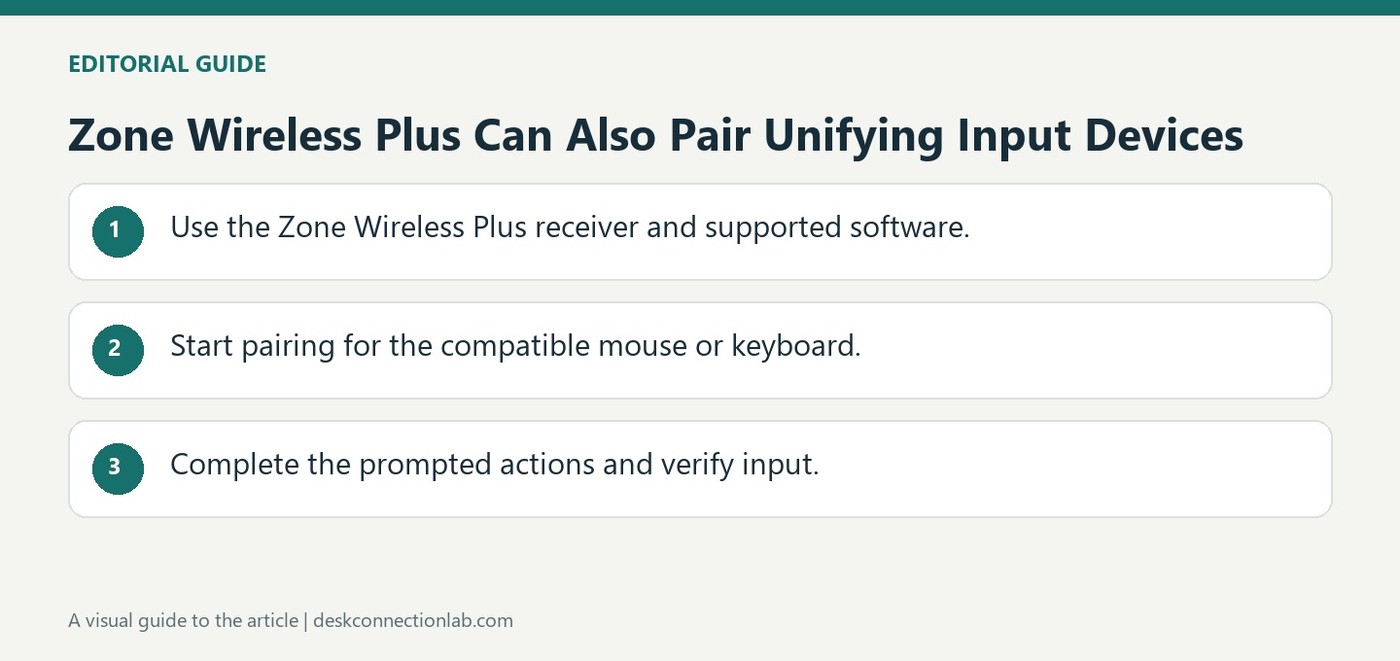
A Zone Wireless Plus receiver can pair up to six Logitech Unifying peripherals in addition to its headset role. Insert the receiver into the computer's USB-A port and open Unifying software, removing any unrelated Unifying receiver so the intended one is used.
Turn each keyboard or mouse off and on when prompted, then complete the functional test. The headset supplied with the receiver is already paired, whereas added input devices require this procedure. Pairing support is limited to Unifying peripherals rather than every Logitech wireless device.
Check receiver compatibility before starting the software
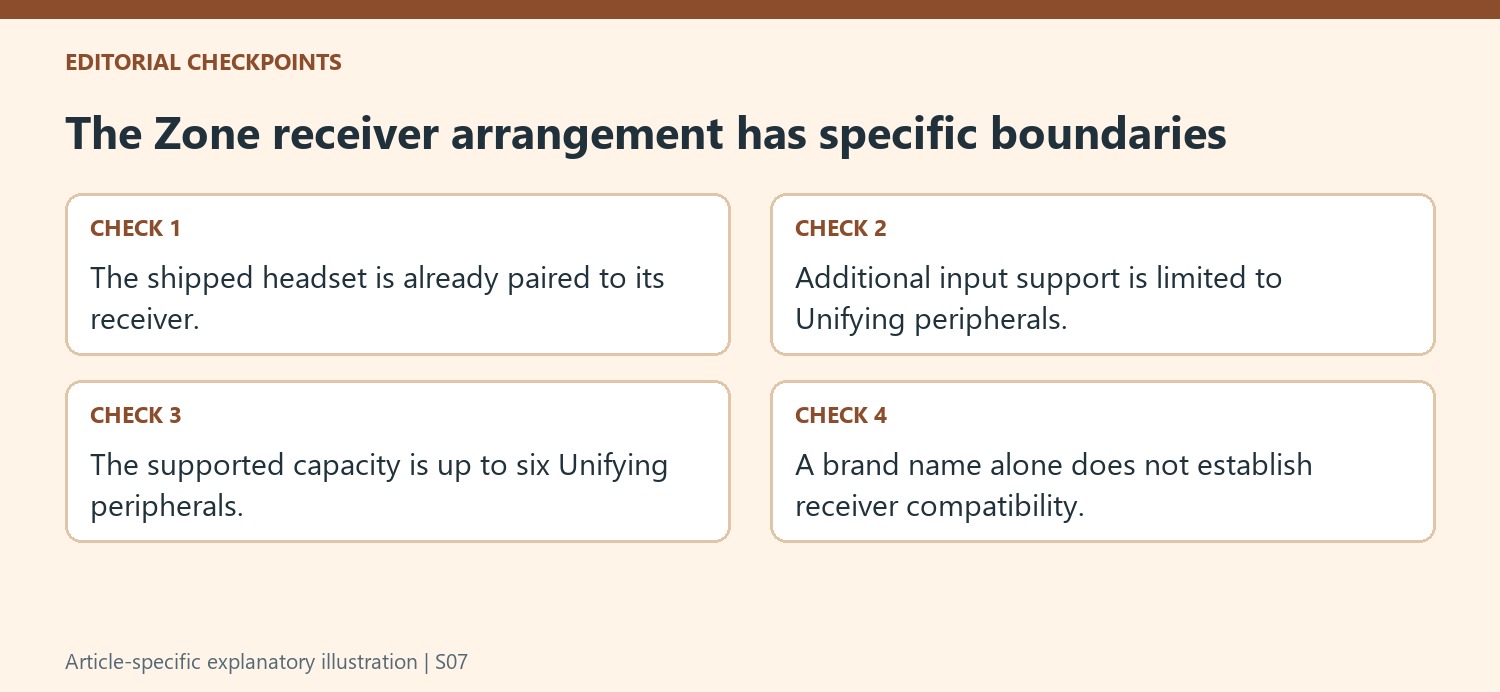
The source explicitly limits this procedure to Logitech Unifying peripherals. A Logitech brand name alone does not establish that a keyboard or mouse uses that receiver family. Confirm the product's supported connection before launching the pairing workflow. The Zone Wireless Plus headset is already paired with its supplied receiver and uses a solid-white receiver indication for its documented connection. Added keyboards and mice require their own pairing and functional test. Treat those separate roles deliberately rather than assuming an operational headset proves that every nearby input device is already linked.
Pair and test each peripheral with the intended receiver
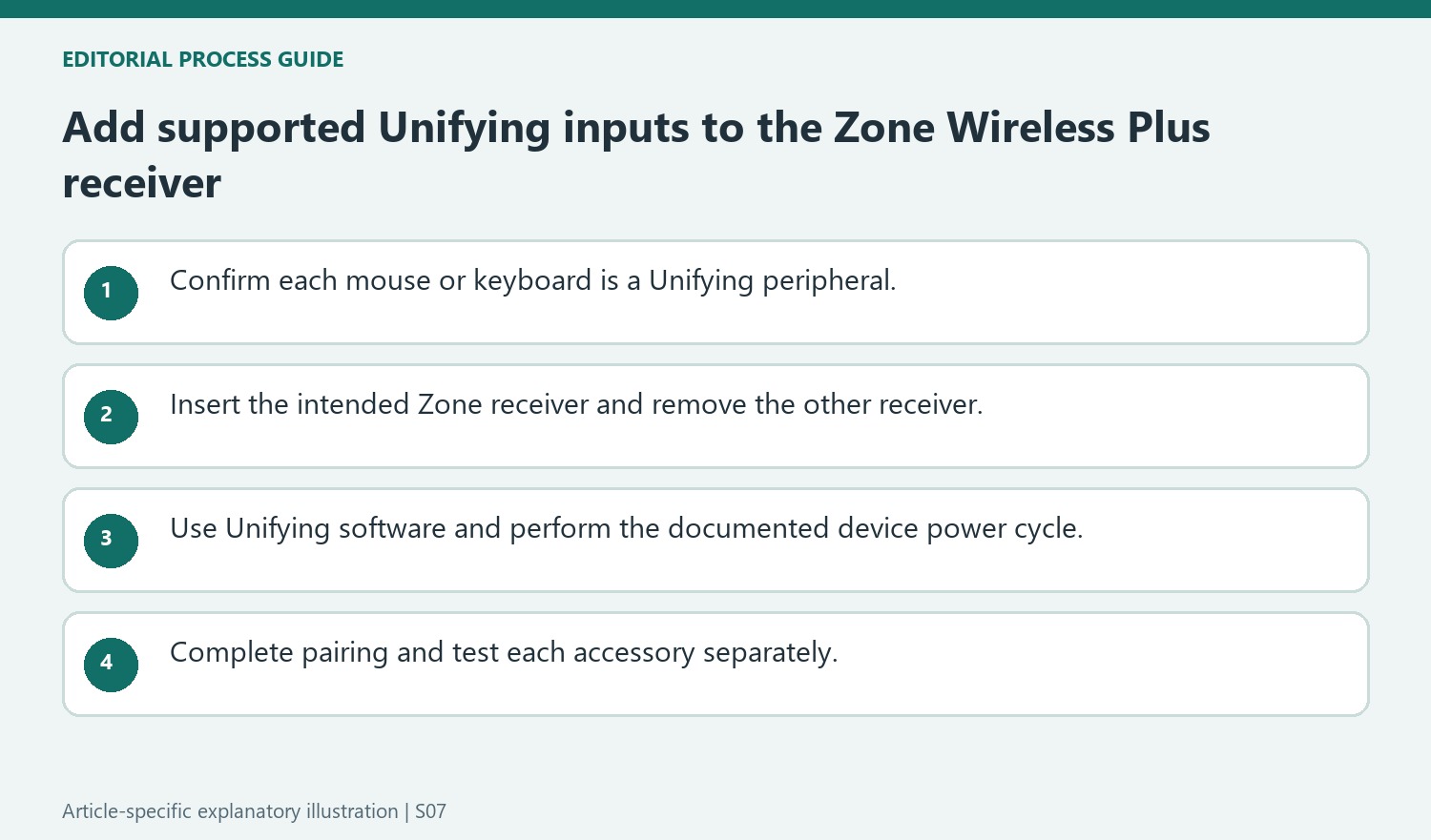
Use the receiver supplied with the headset and remove an unrelated Unifying receiver during the procedure, as Logitech directs. Power-cycle the particular mouse or keyboard when the software requests it, then carry out the input test before finishing. Repeat for additional supported devices within the receiver's documented limit. If pairing fails, retry the prescribed sequence or use Logitech support rather than trying unrelated receiver software. Record which device was tested and whether the pointer or typing actually worked; a completed welcome screen alone is less useful evidence than a confirmed response from the intended peripheral.
Confirm that the input devices belong to the supported receiver family
The central limitation in this support note is that the additional mouse and keyboard pairing applies to Logitech Unifying peripherals. The Zone Wireless Plus receiver is not presented as a universal receiver for every wireless Logitech product. Check the exact input devices before following the software procedure, especially when a desk contains products from different receiver generations. A familiar brand name or a USB connector does not establish the wireless pairing family. The source allows up to six Unifying peripherals, but that capacity remains within the stated compatibility limit. It should not be interpreted as permission to add six arbitrary Bluetooth or other proprietary wireless accessories.
Keep the intended receiver as the only one used for this procedure
Logitech instructs the user to insert the Zone Wireless Plus receiver into the computer's USB-A port and remove another Unifying receiver if one is already attached. That helps make the pairing target clear while the software searches. The headset shipped with the receiver is already paired, with a solid white receiver indicator showing its successful connection when switched on. Adding an input device is therefore a separate operation from setting up the headset itself. Use the receiver identified in the instructions rather than assuming the software should distribute accessories between several attached receivers. An unambiguous target makes the resulting mouse, keyboard, and headset arrangement easier to understand.
Complete the device power cycle and test the result
The Unifying software guides the user forward from its welcome screen, then Logitech calls for locating the input device's on-off slider and switching it off and back on. That action is part of the receiver pairing sequence described by the support page. Perform it on the intended mouse or keyboard, then continue and test that accessory on the computer. If both a mouse and keyboard are being added, verify their behavior separately so one working device does not hide an incomplete association for the other. The article directs users to retry the documented sequence or contact support if pairing fails. Preserve the device identities, receiver choice, and point of failure when seeking help instead of assuming the capacity figure alone guarantees compatibility.
References
A Zone Wireless Plus receiver can pair up to six Logitech Unifying peripherals in addition to its headset role. Insert the receiver into the computer's USB-A port and open Unifying software, removing any unrelated Unifying receiver so the intended one is used.


Leave a Comment
Comments (0)