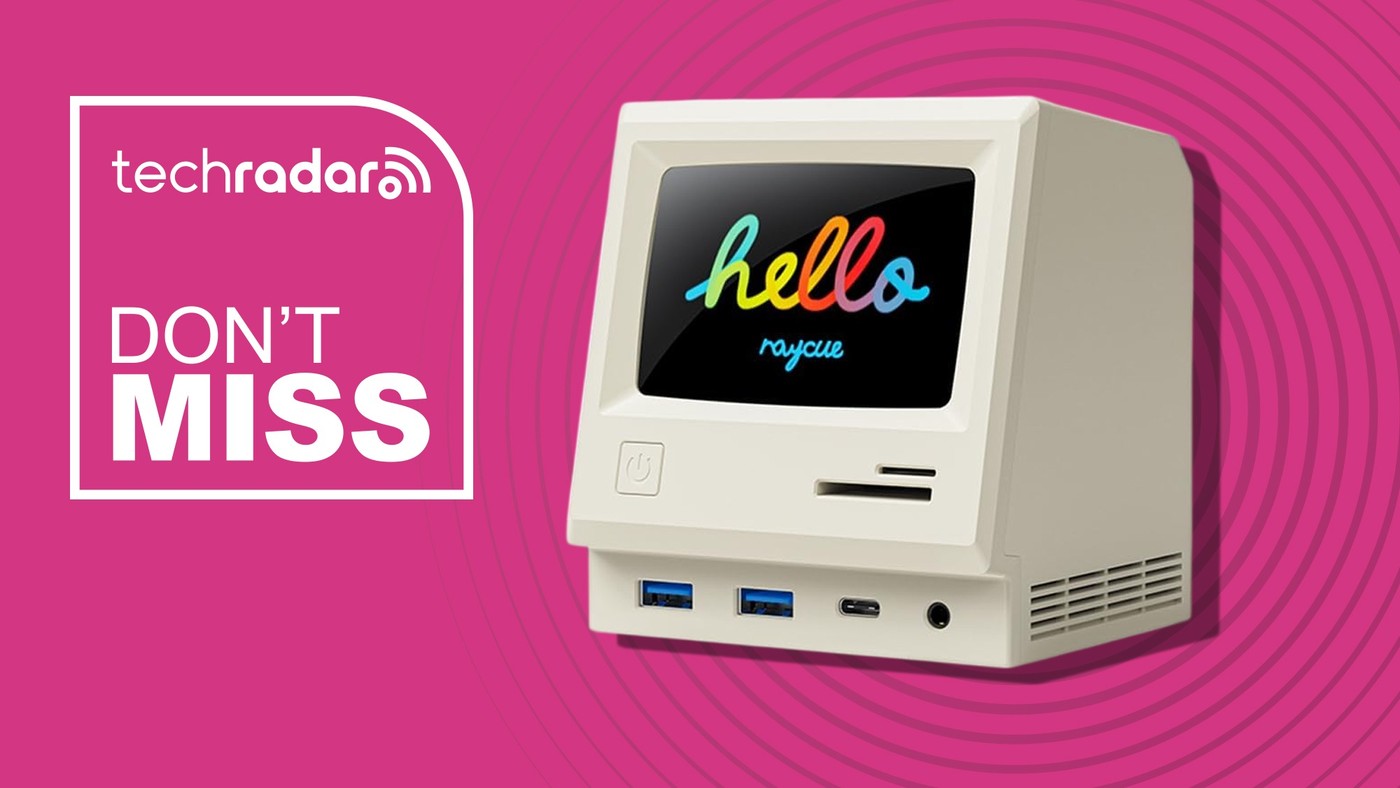
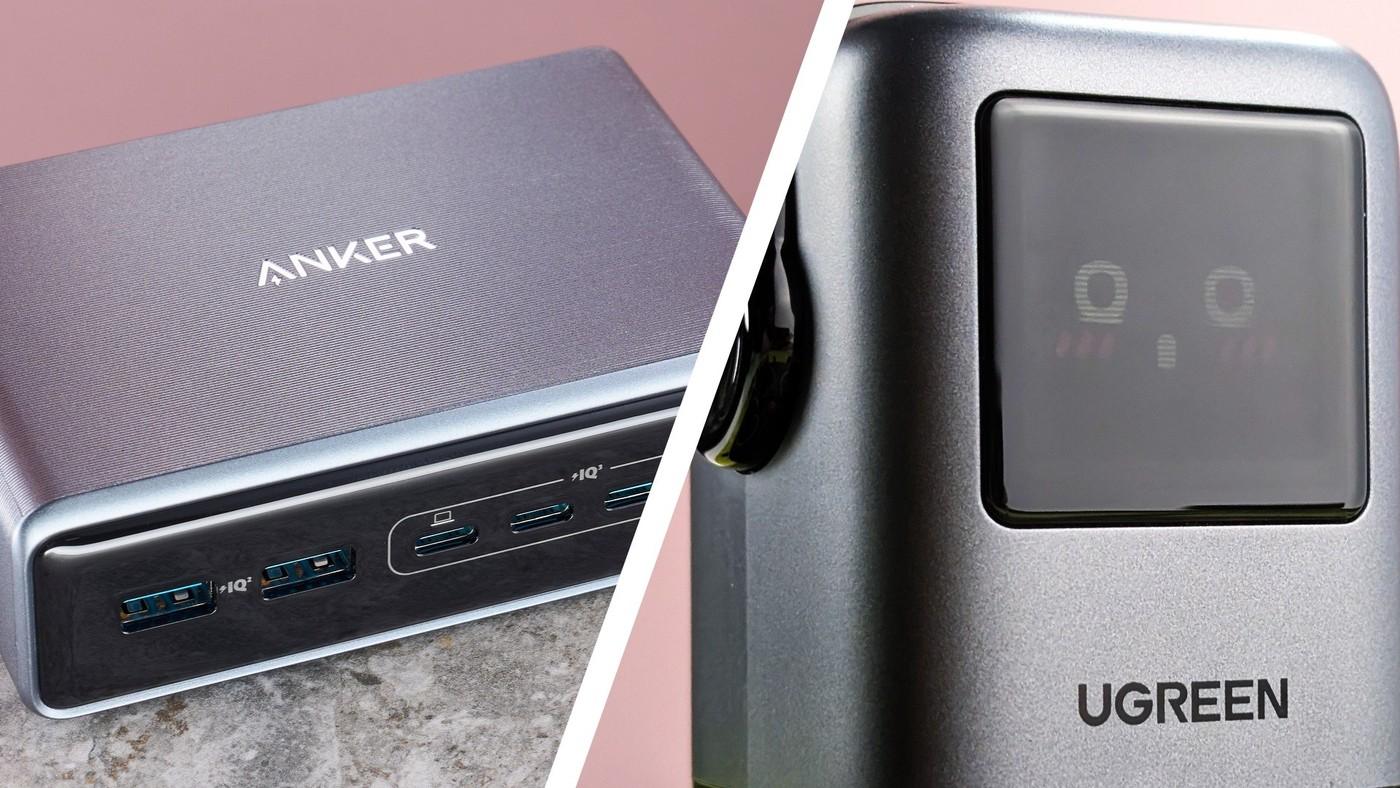
The 128K SE combines desktop styling with several connections, but the reported Mac display behavior needs a specific check.
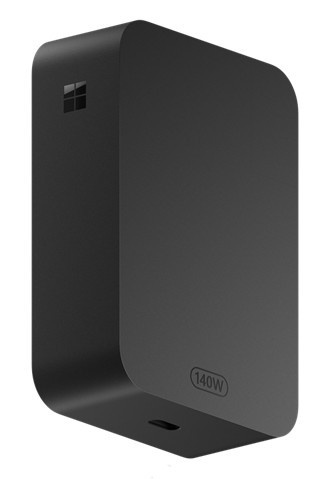
Microsoft describes the Surface 140W USB-C Power Adapter as a power source for compatible USB-C charging devices. The adapter's detachable USB-C cable is sold separately, and the support page recommends a cable rated for five amps. The cable is therefore a separate part of checking the charging arrangement.
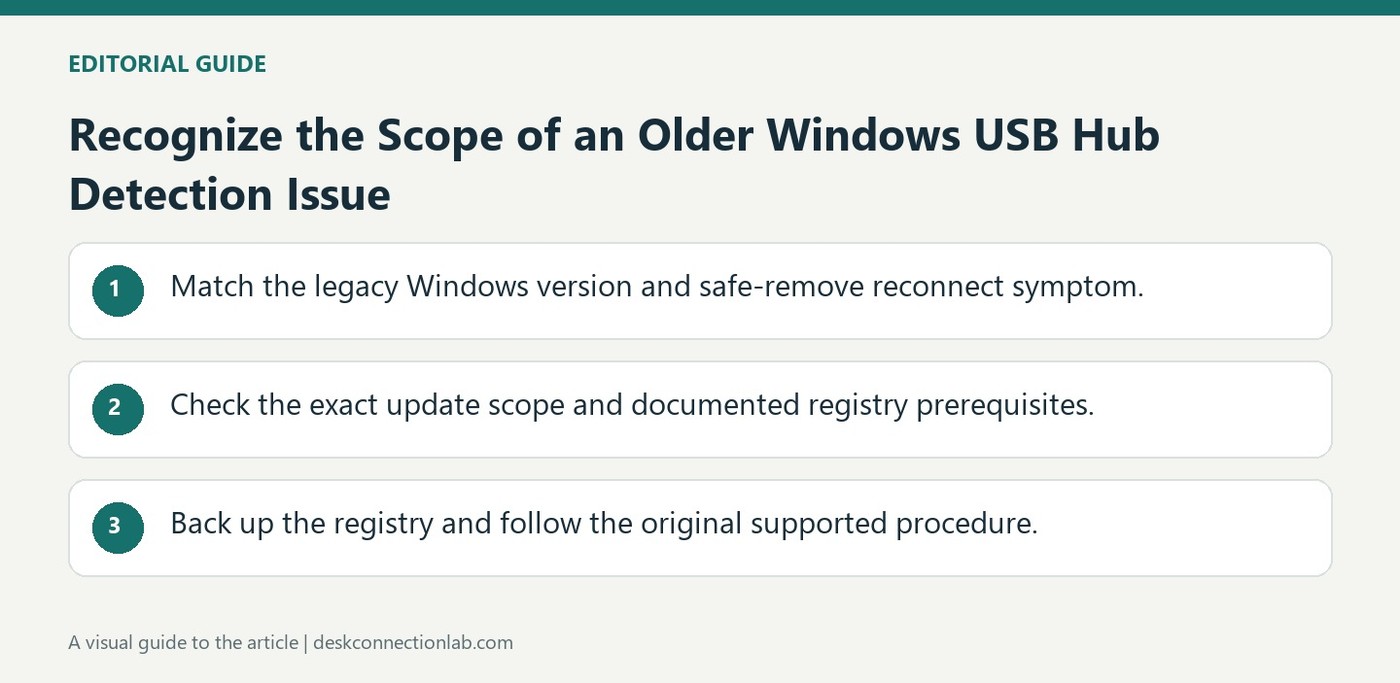
Microsoft documents a case in which a USB device is not detected after it is safely removed and then reconnected through a hub. The article concerns particular Windows 8-era systems and explains that the affected port can remain disabled. It also distinguishes which systems the hotfix itself applies to.
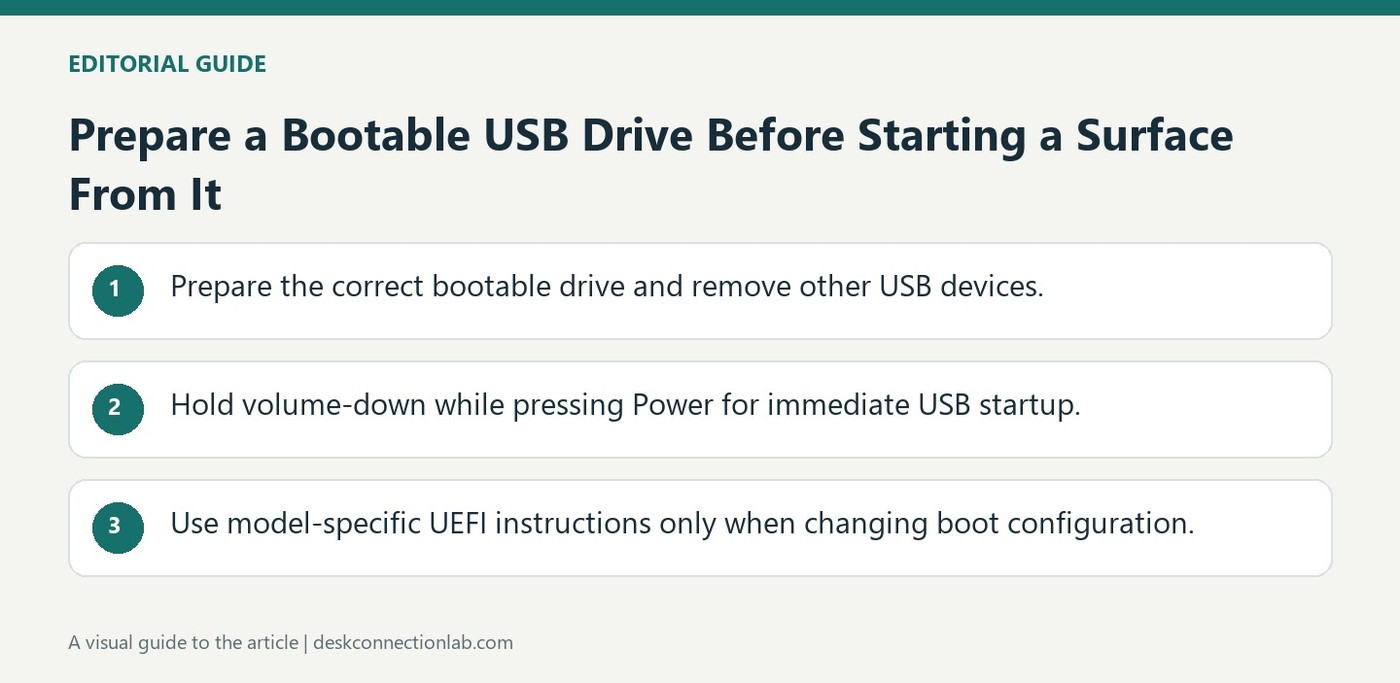
Microsoft distinguishes booting a Surface from USB from refreshing or resetting the computer. The USB drive must already contain an appropriate bootable operating system or recovery setup. Remove other USB devices first so they do not interfere with the intended startup choice.
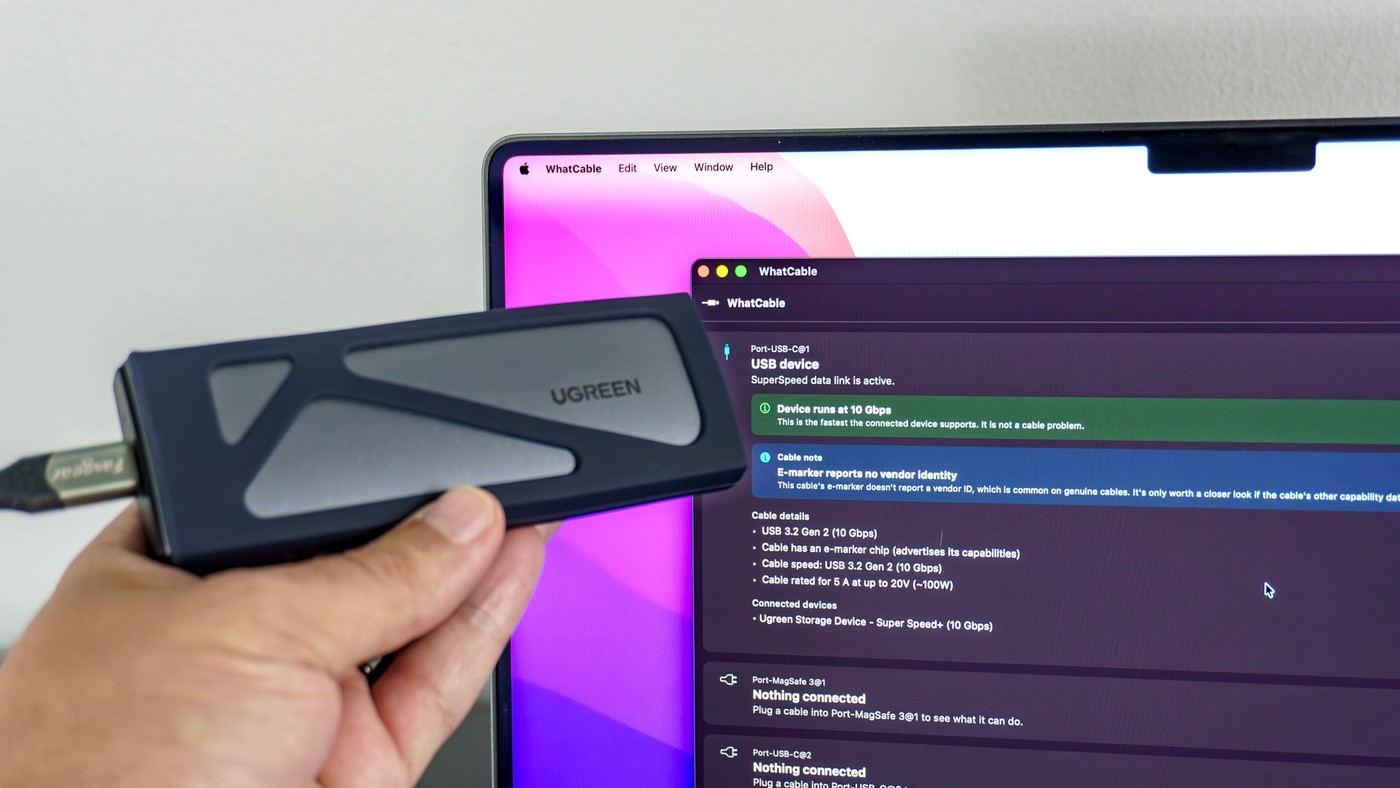
Tom's Guide describes using the WhatCable Mac app to investigate USB-C cables whose capabilities are difficult to identify from their appearance. The writer points out that labels are inconsistent and that a braided jacket does not establish a cable's power or data specification.
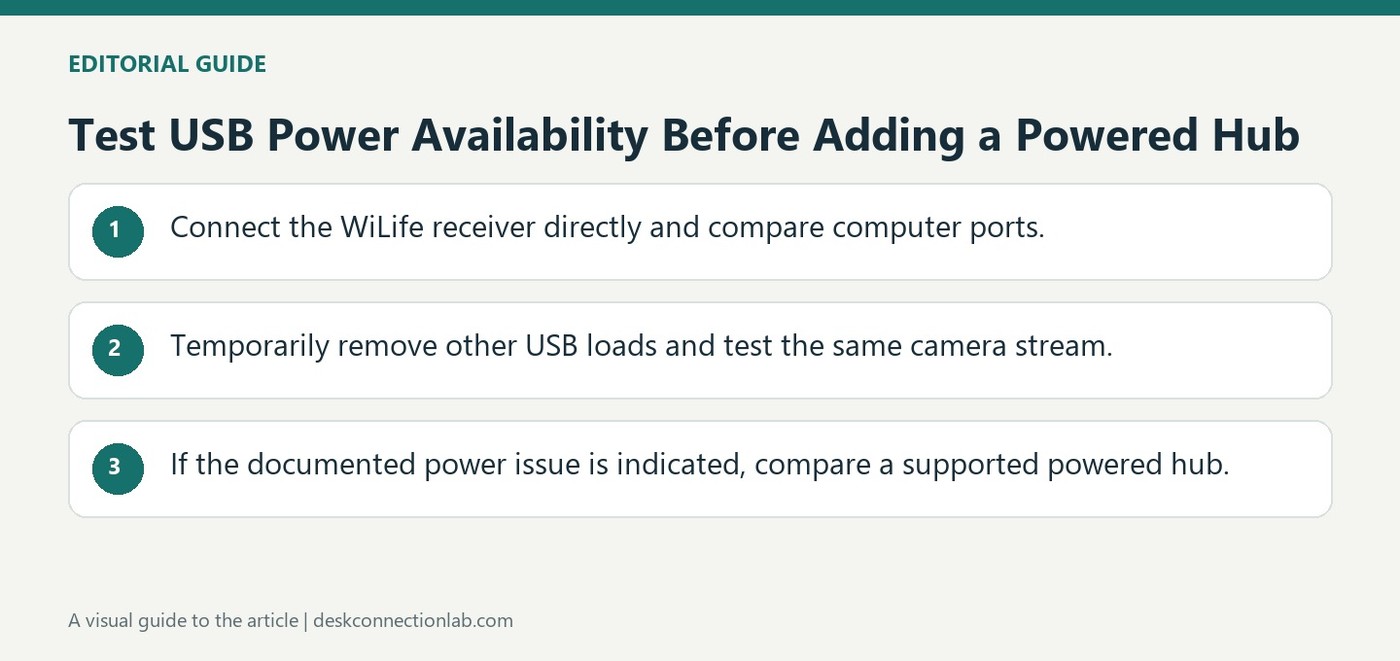
Logitech's guidance for WiLife camera receiver modules recommends a direct connection to the computer in normal use. On some older systems, insufficient USB power can cause intermittent video streaming. The article suggests trying another computer port and temporarily disconnecting other USB devices to help identify that cause.
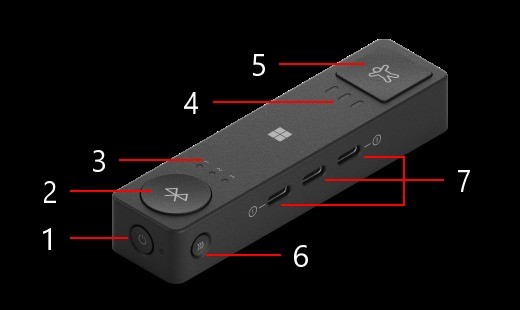
Microsoft Adaptive Hub combines button connections, assistive switch inputs and device profiles; its USB-C ports have specific roles.
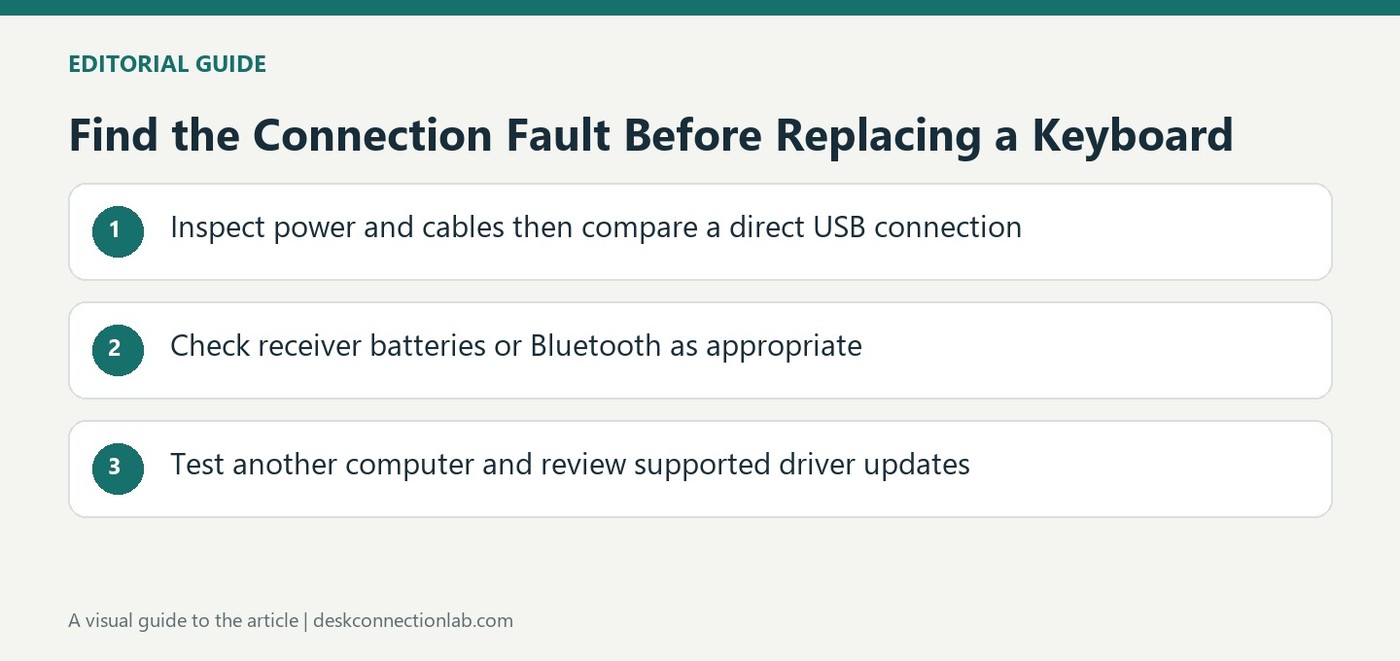
Microsoft's mouse and keyboard checks separate port, power, receiver and driver problems before treating the accessory as faulty.
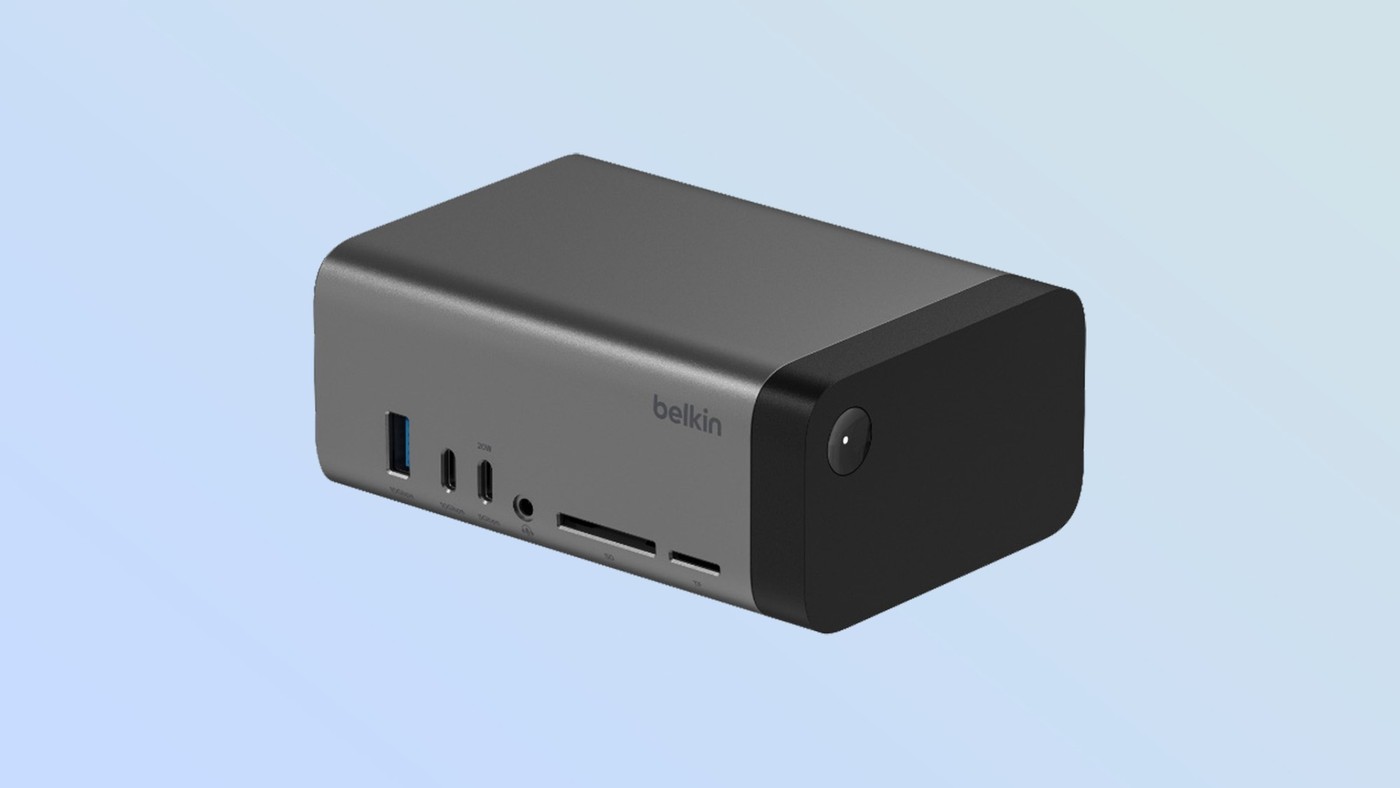
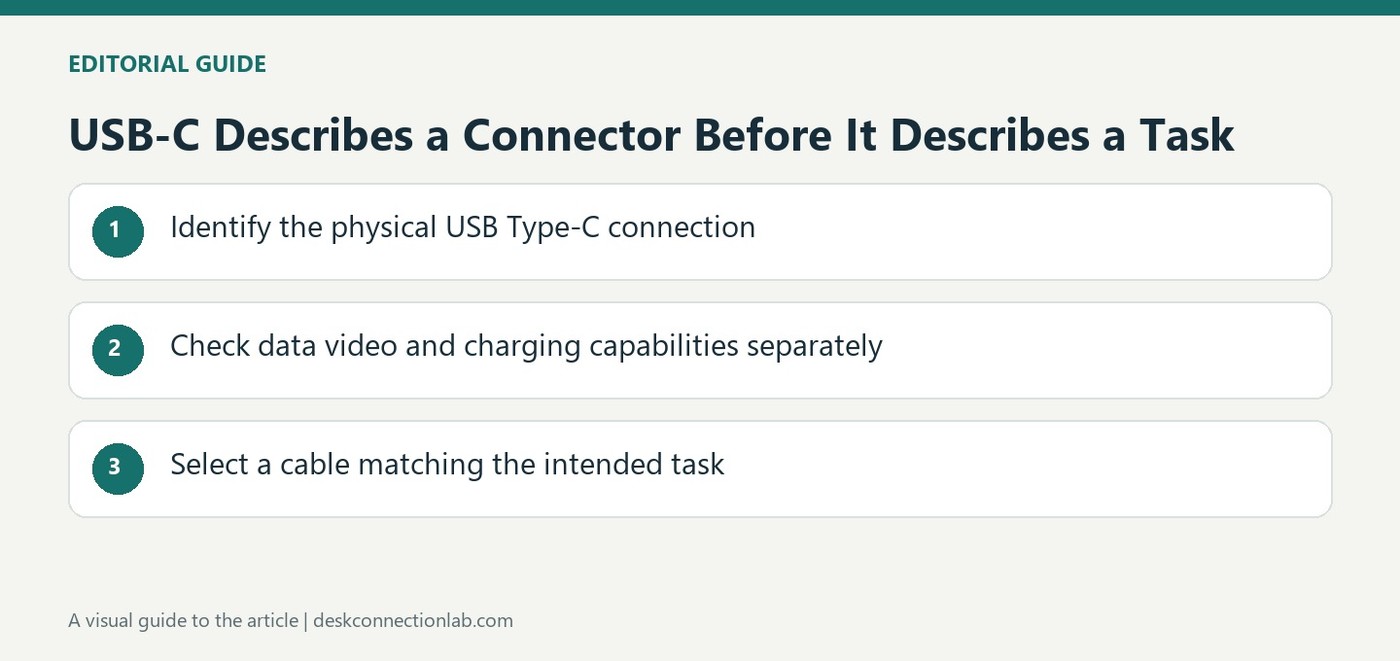
Belkin's MWC 2025 dock announcement shows why identical-looking USB-C sockets need separate checks for data, video and charging.
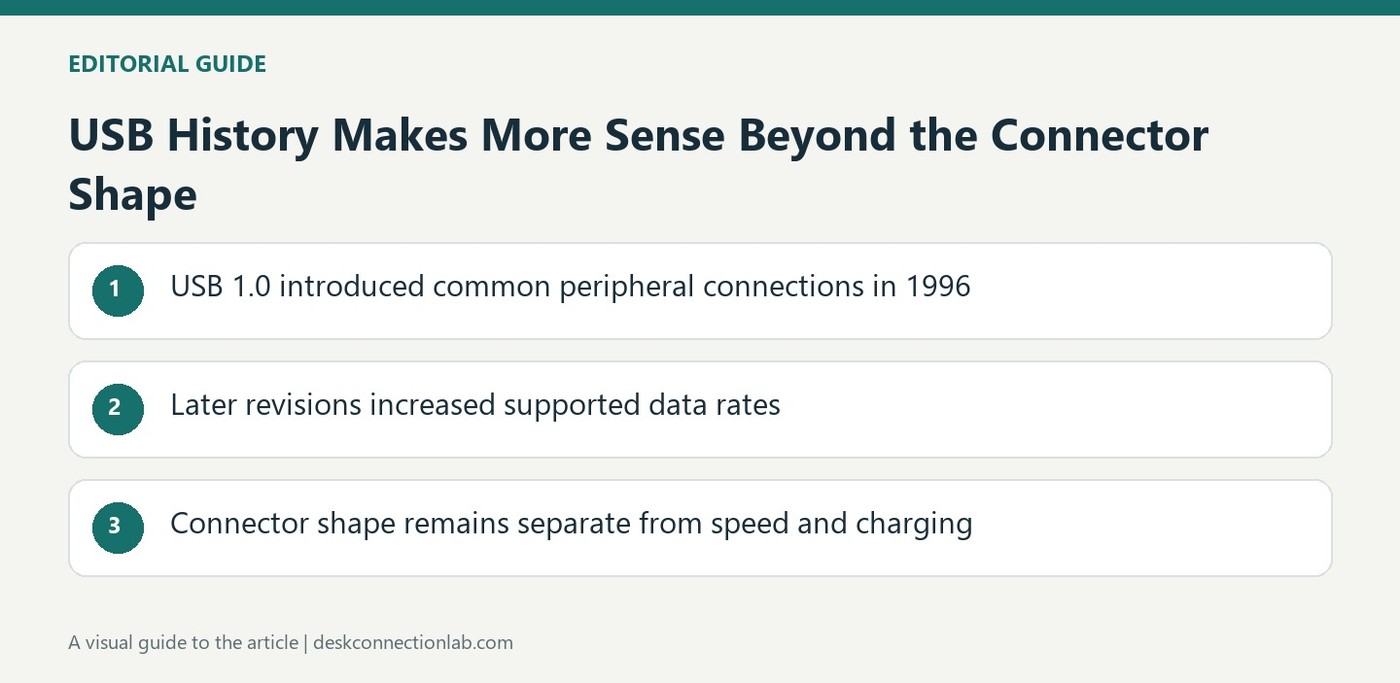
USB evolved from a simpler connection standard into faster data links; connector shape, data speed and charging remain separate questions.
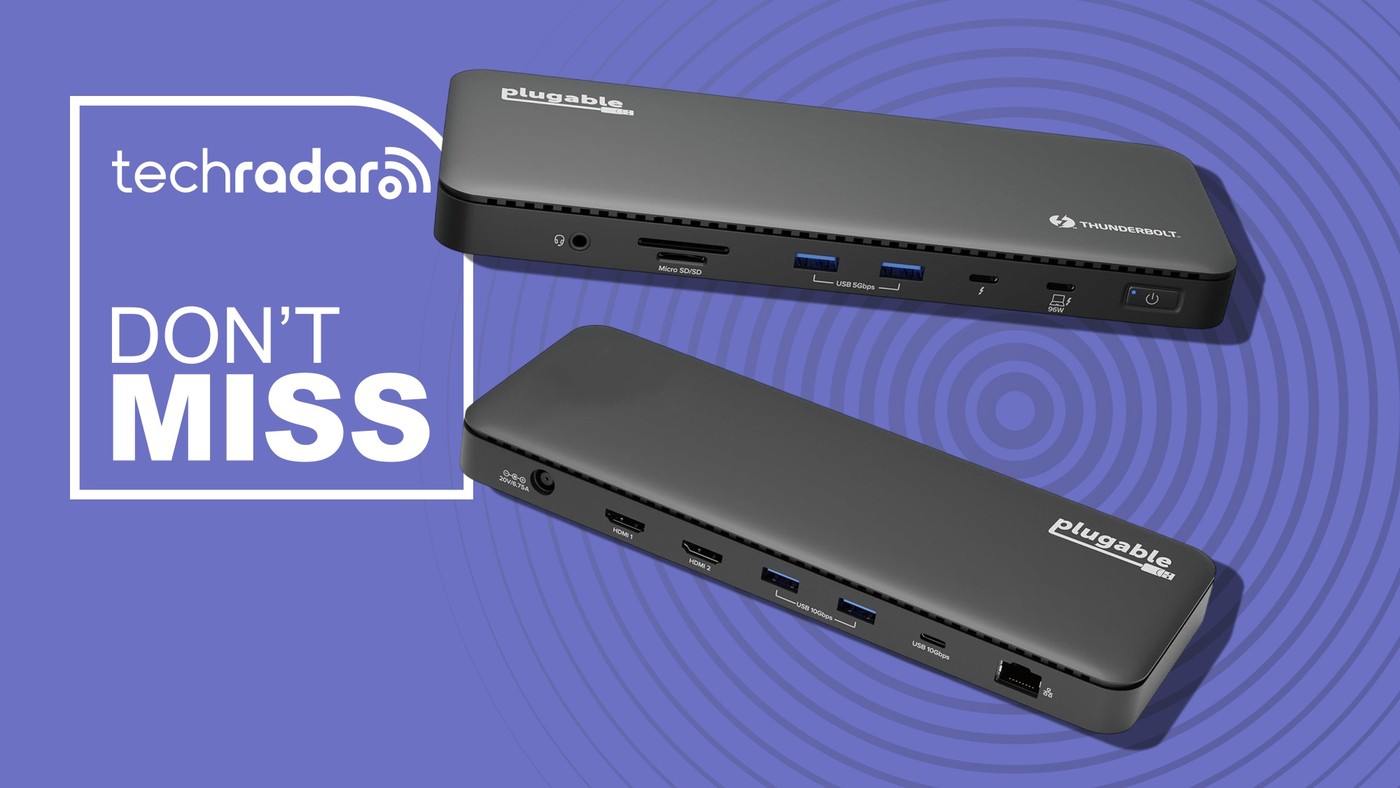
Plugable's TBT-UD5 brings desk connections onto one hub, but display support and charging still depend on the laptop and setup.
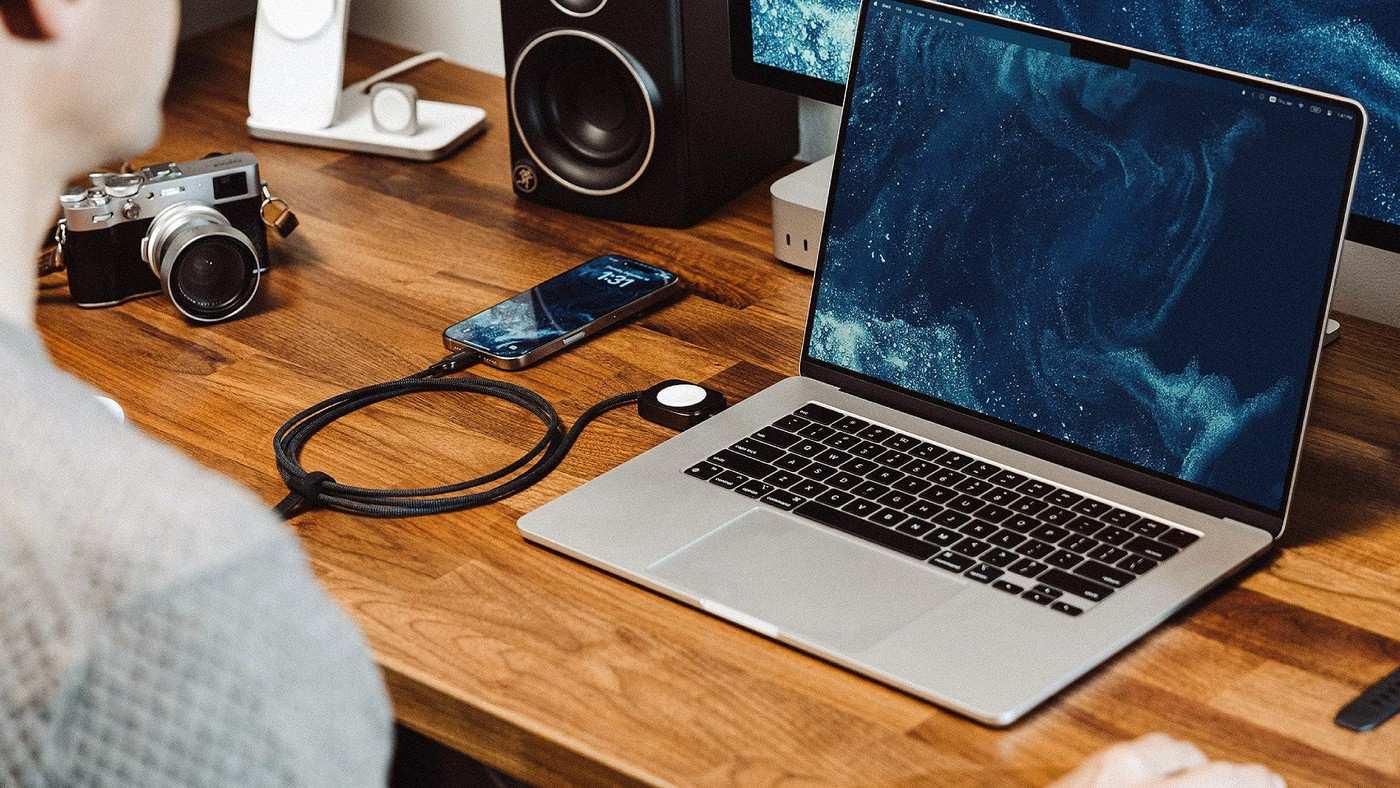
The Universal Cable integrates an Apple Watch puck near a USB-C end, while data performance and shared power remain separate limits.
A TechRadar writer's preferred chargers illustrate different roles for desk hubs, portable batteries and integrated cables.
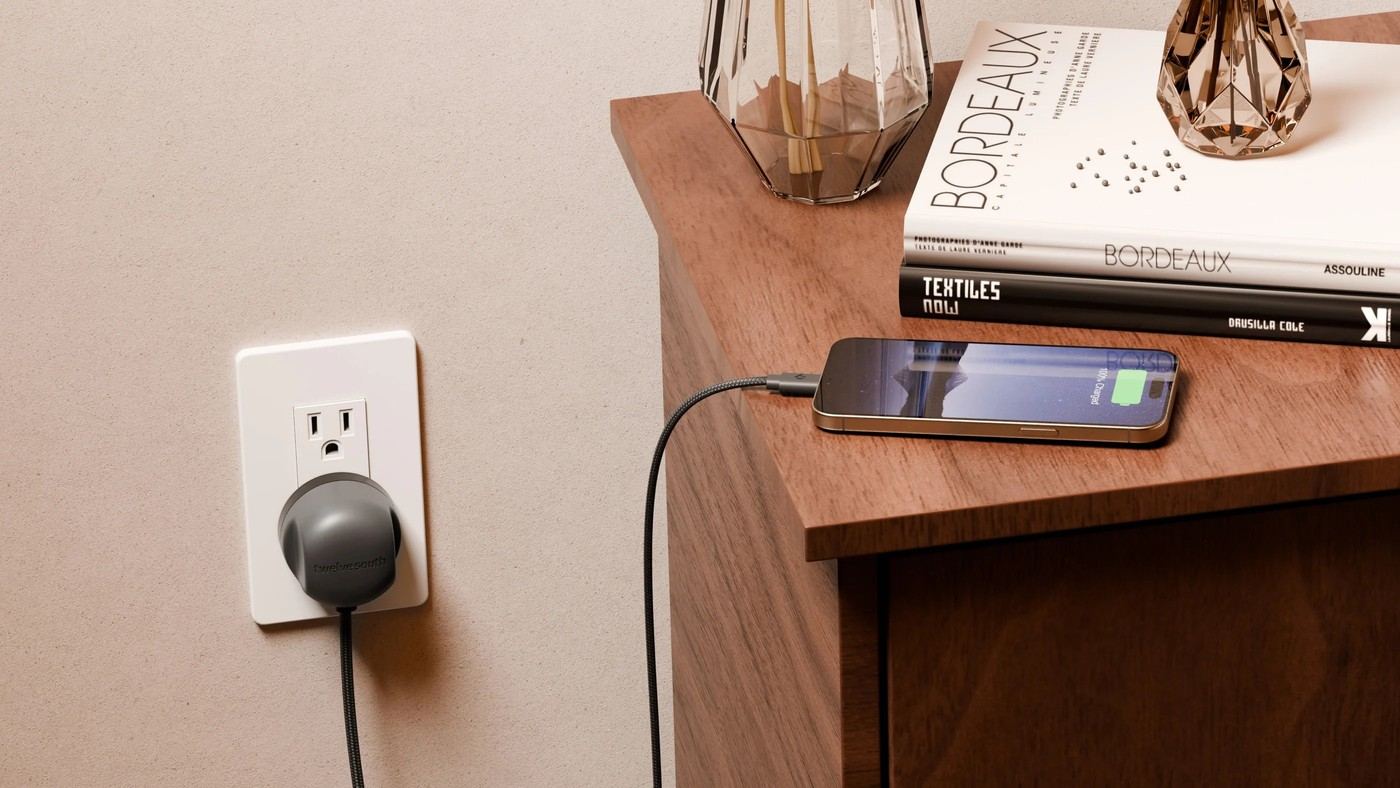
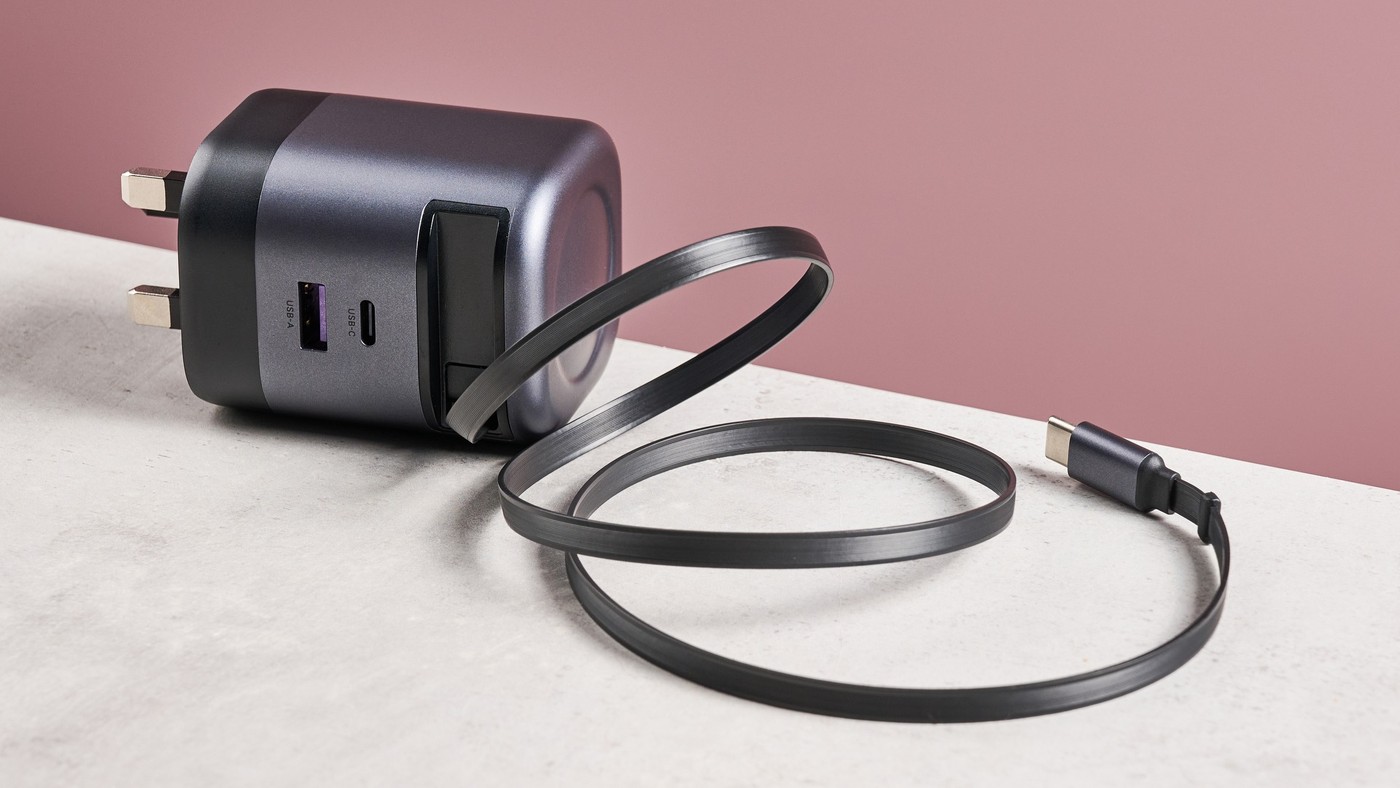
An integrated wall plug and USB-C cable reduce separate pieces, while the product's 30 watt output and regional plug still matter.
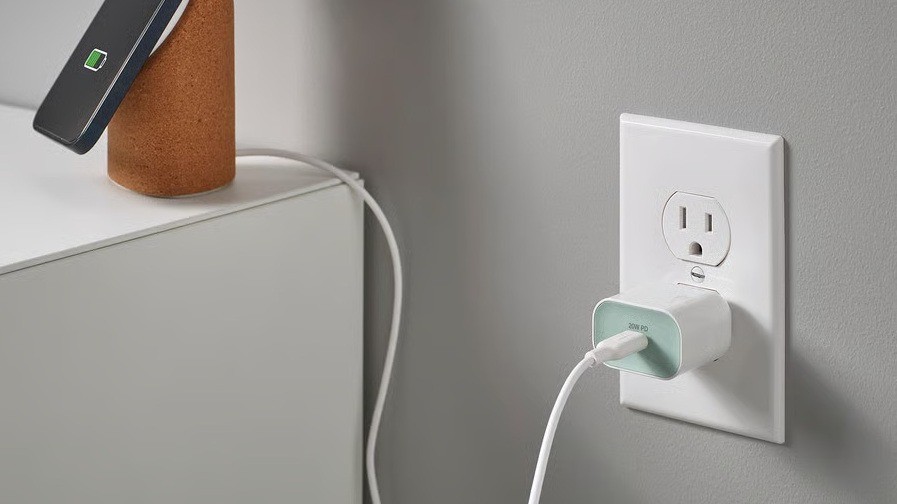
Tom's Guide describes IKEA's single port 20 watt charger as compact, with colored stickers to distinguish it from similar adapters.
USB-IF's connector guidance explains the move toward a smaller reversible interface, while product features still need separate checks.
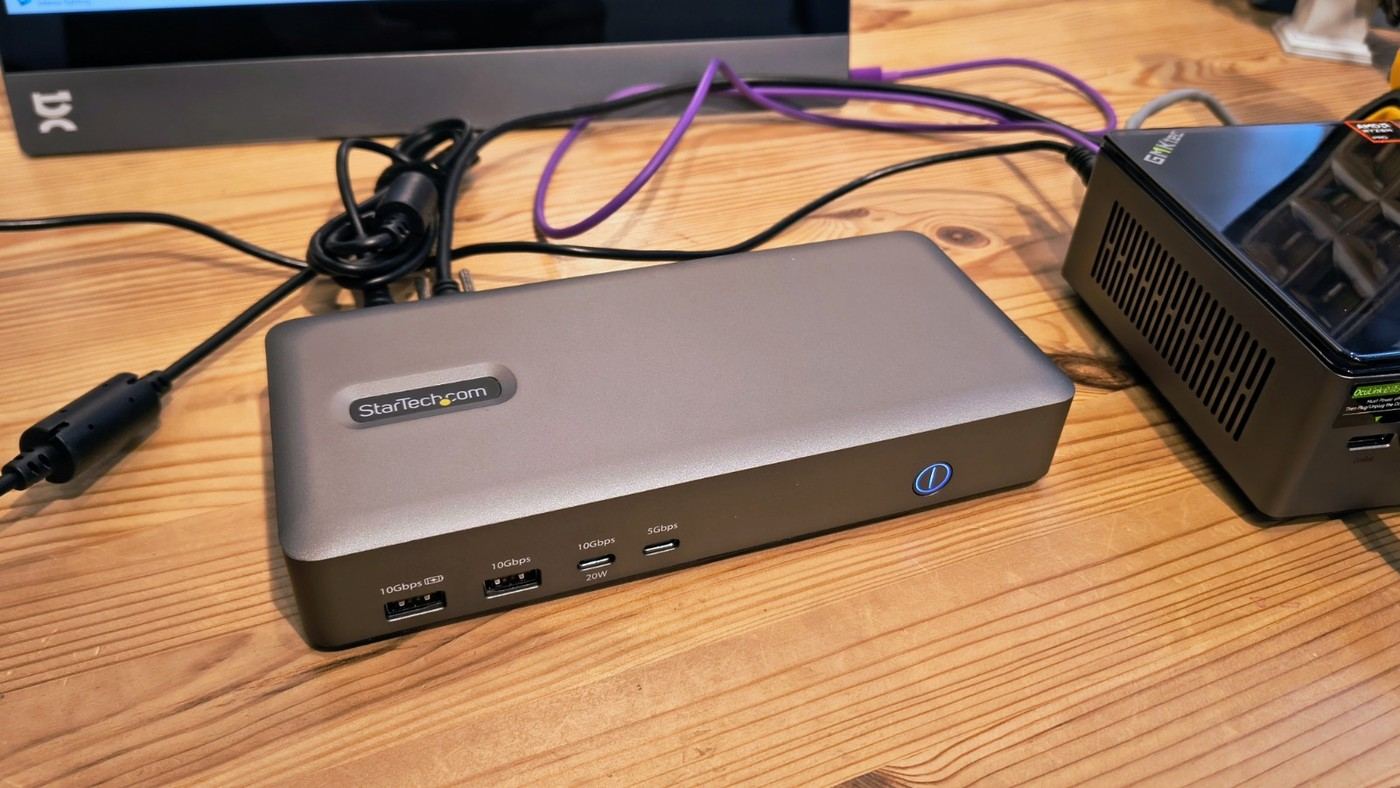
TechRadar's StarTech USB4 review describes a retained uplink cable and many USB ports, alongside limits on downstream expansion.
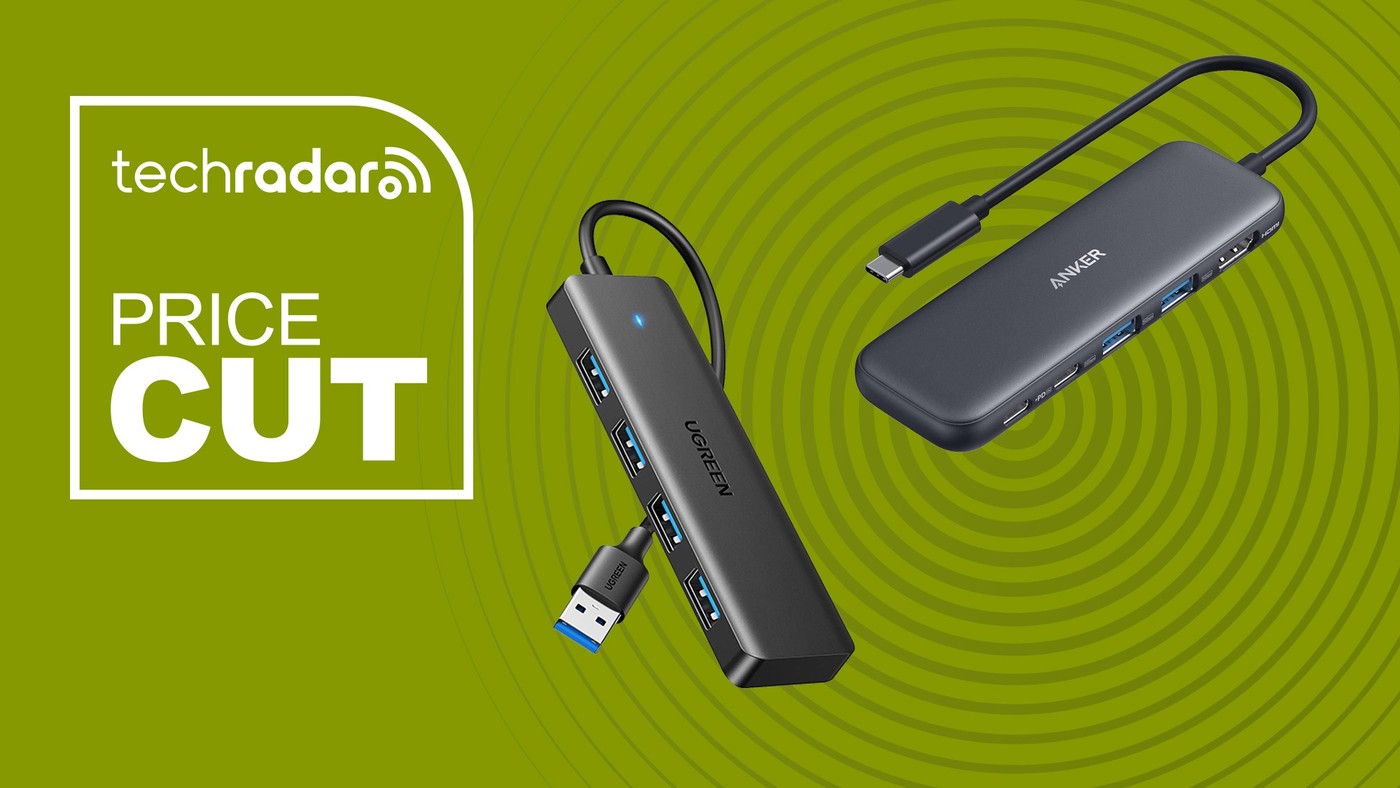
A TechRadar roundup shows why adding USB sockets is a different job from adding displays, card readers and charging inputs.
TechRadar's review praises the integrated lead but finds important differences between single port and shared charging arrangements.
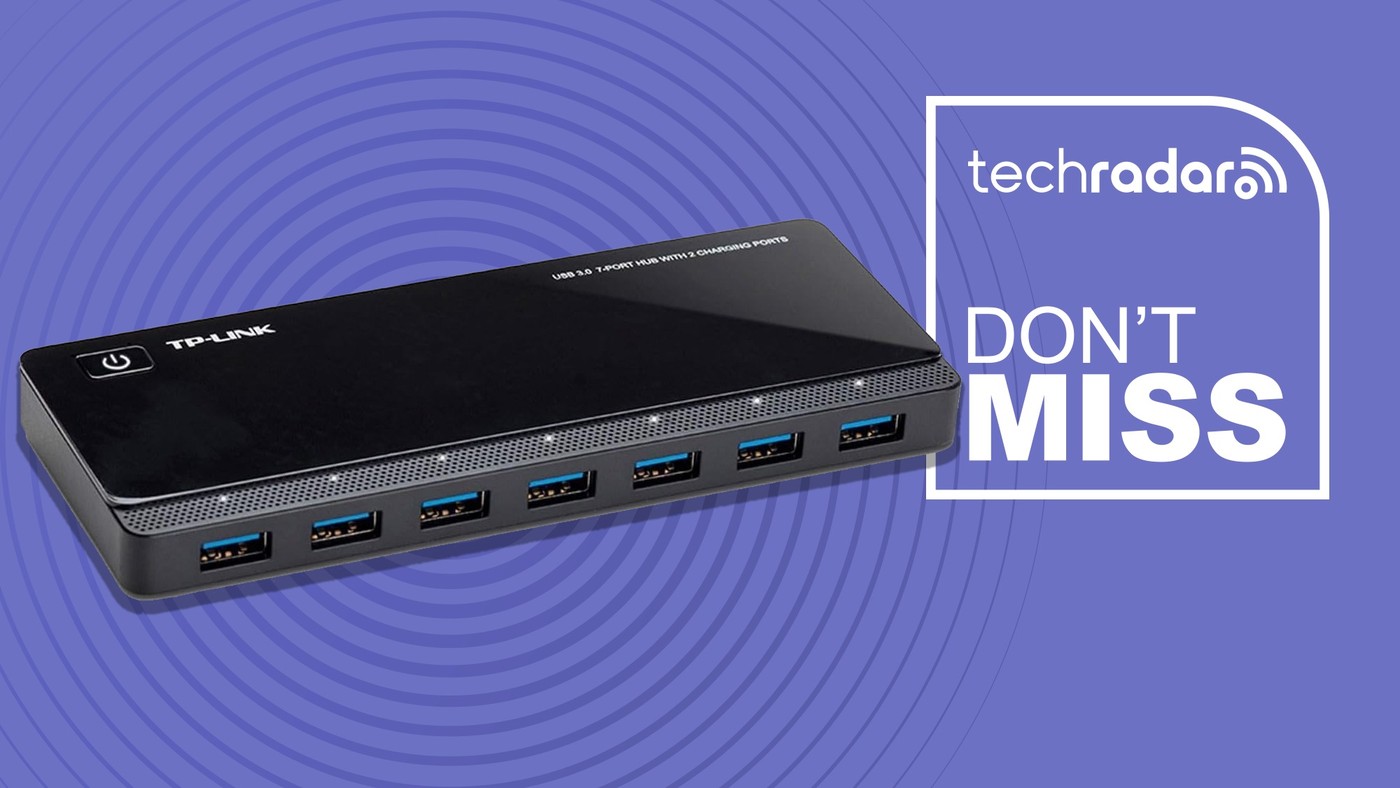
A TechRadar report describes a TP-Link hub with separate data and charging ports, making the intended role of each socket important.