
Check the exact Ugreen M571 wireless version
Similar names can conceal different radios
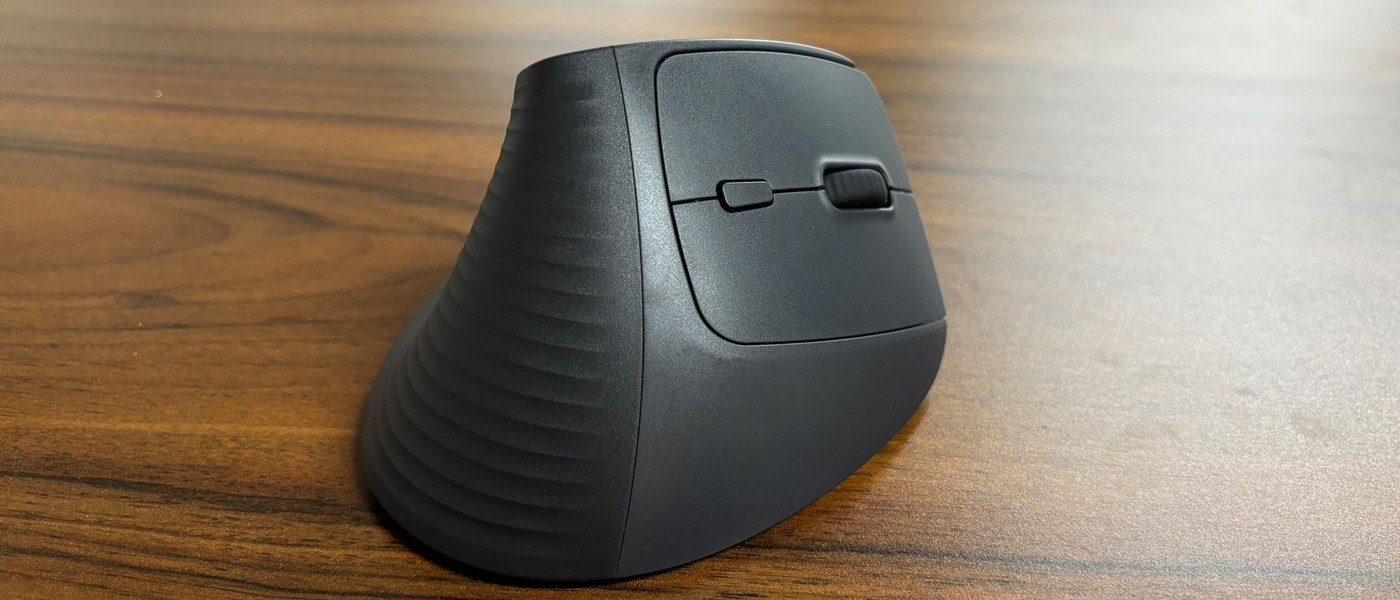
TechRadar's Ugreen M571 review describes a vertical mouse with a near-handshake grip and a larger base. The reviewed SKU uses a 2.4 GHz USB receiver, while another version adds Bluetooth. That difference is particularly relevant to laptops without spare USB-A ports: the product family name alone does not confirm that direct Bluetooth pairing is available.
Consider fit alongside connection type
The reviewer found the receiver connection reliable and the shape comfortable, while noting the inexpensive plastic construction and confusing model naming. These are the reviewer's observations, not a guarantee for every hand size or wireless environment. Before buying, verify the SKU, receiver requirement, battery arrangement and available Bluetooth mode, then compare the physical shape with the way the mouse will be used.
Consider the grip and button behavior as individual preferences
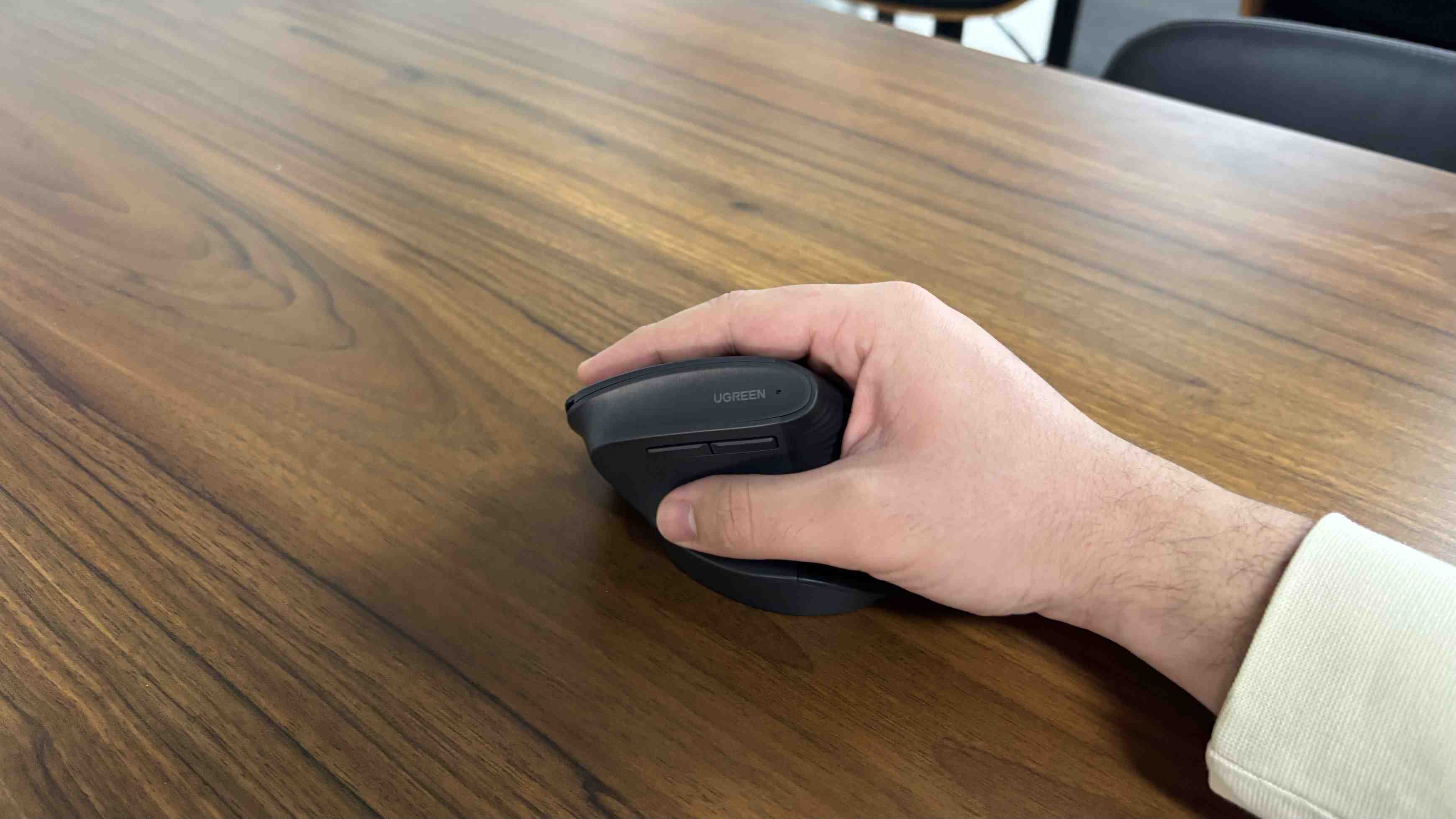
The reviewer describes the M571's near-vertical stance as comfortable for their use, with a broad base and subdued clicks. That account does not establish a medical benefit or a universal fit. Smaller hands and different grip styles may experience the shape differently, and the hard-plastic surface was identified as a compromise. The bottom Windows and Mac mode switch changes the side-button behavior in the reviewed device. Check that setting before assuming browser navigation or application switching has been assigned incorrectly by the computer.
Verify the purchased SKU and power arrangement
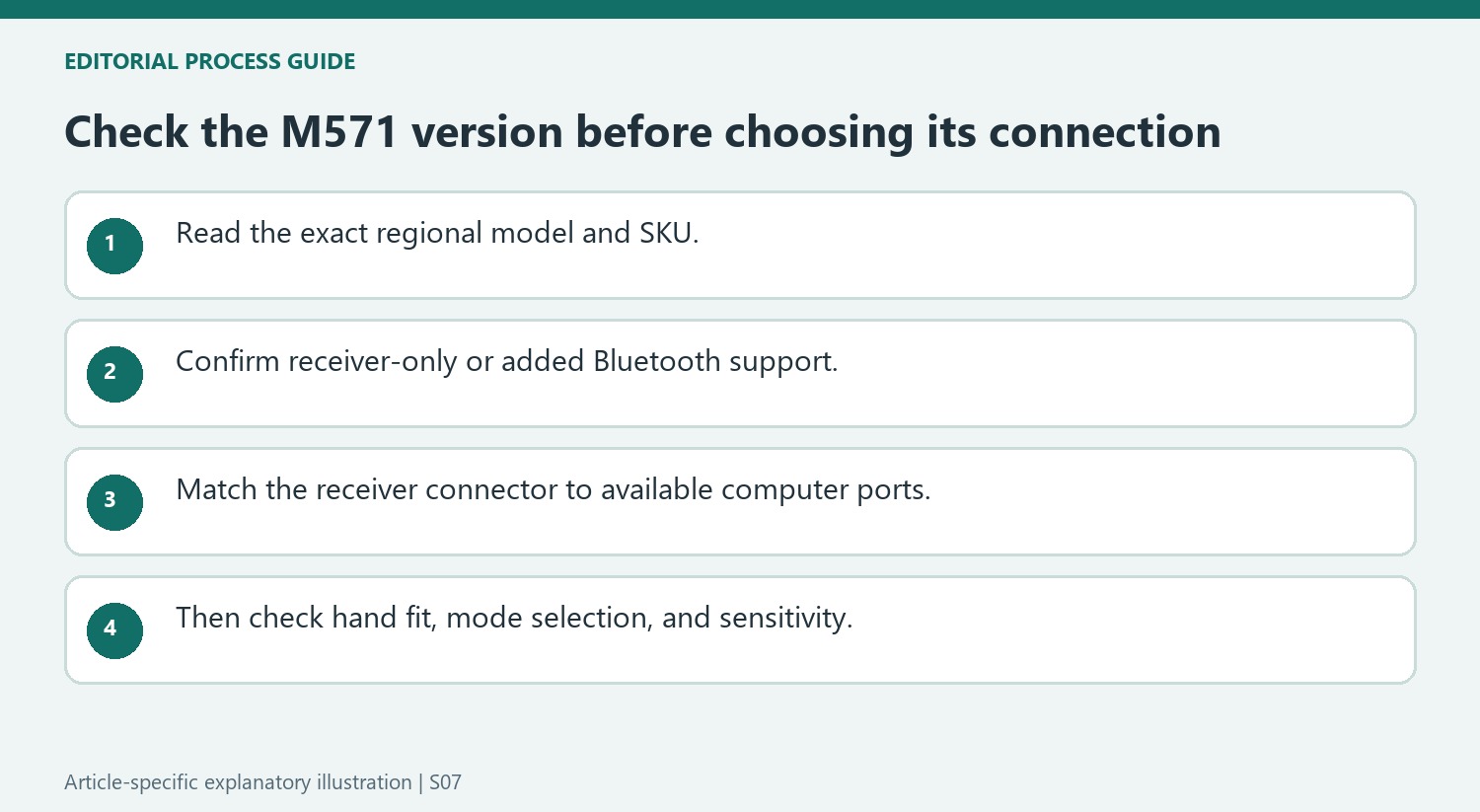
The reviewed receiver-only version is identified as SKU 55916, while a different version adds Bluetooth. Check the actual product listing and packaging instead of treating the M571 family name as a complete connection specification. The source describes a single AA battery and a range of sensitivity settings, with battery impressions based on the reviewer's own use. Compare those details with the intended laptop ports, daily tasks and hand fit. Current pricing and availability should be verified separately from the review's value judgment before using it to choose a particular seller or variant.
Match the exact SKU to the computer's available connections
The reviewer's M571 sample used a 2.4GHz USB receiver without Bluetooth, while other versions added Bluetooth support. That distinction is central for a laptop whose available ports do not accept the included receiver directly. Read the precise model or SKU and the local listing rather than assuming every M571 shares the same connection options. Regional versions can also differ in visible grip details, according to the review. The family name and appearance are therefore only a starting point. Confirm the intended wireless mode, receiver connector, and computer support before evaluating whether the low price represents a convenient complete setup or requires additional equipment for the planned laptop.
Judge the hand fit separately from the connection
The M571's approximately 57-degree form encourages a more upright grip, and the reviewer reported reduced wrist tension during use. That is an attributed experience rather than a promise of the same comfort or a medical outcome for every user. The larger base suited the reviewer's hand, while the hard-plastic finish felt less refined than more expensive alternatives. Fit, button access, and surface feel are therefore worth considering alongside wireless compatibility. A buyer trying a vertical design for the first time may value the lower initial cost, but should still compare the mouse dimensions and the intended grip. A correct radio connection cannot compensate for a shape that does not suit the person's hand.
Check the mode switch and sensitivity for everyday behavior
The source describes an underside Windows/Mac setting that changes the side-button behavior: browser navigation in the Windows arrangement and application switching in the reviewed Mac use. If those controls do something unexpected, that selection belongs among the first checks. The DPI control provides several sensitivity levels up to the reported 4,000 maximum, giving another way to adjust pointer movement without changing the wireless method. Keep those controls distinct from receiver or Bluetooth setup. The single AA battery also means the charging routine differs from a rechargeable mouse. The review's battery observations and connection reliability describe its test period, so use them as context while checking the present product specification and the particular version being purchased.
References
TechRadar's Ugreen M571 review describes a vertical mouse with a near-handshake grip and a larger base. The reviewed SKU uses a 2.4 GHz USB receiver, while another version adds Bluetooth. That difference is particularly relevant to laptops without spare USB-A ports: the product family name alone does not confirm that direct Bluetooth pairing is available.


Leave a Comment
Comments (0)