
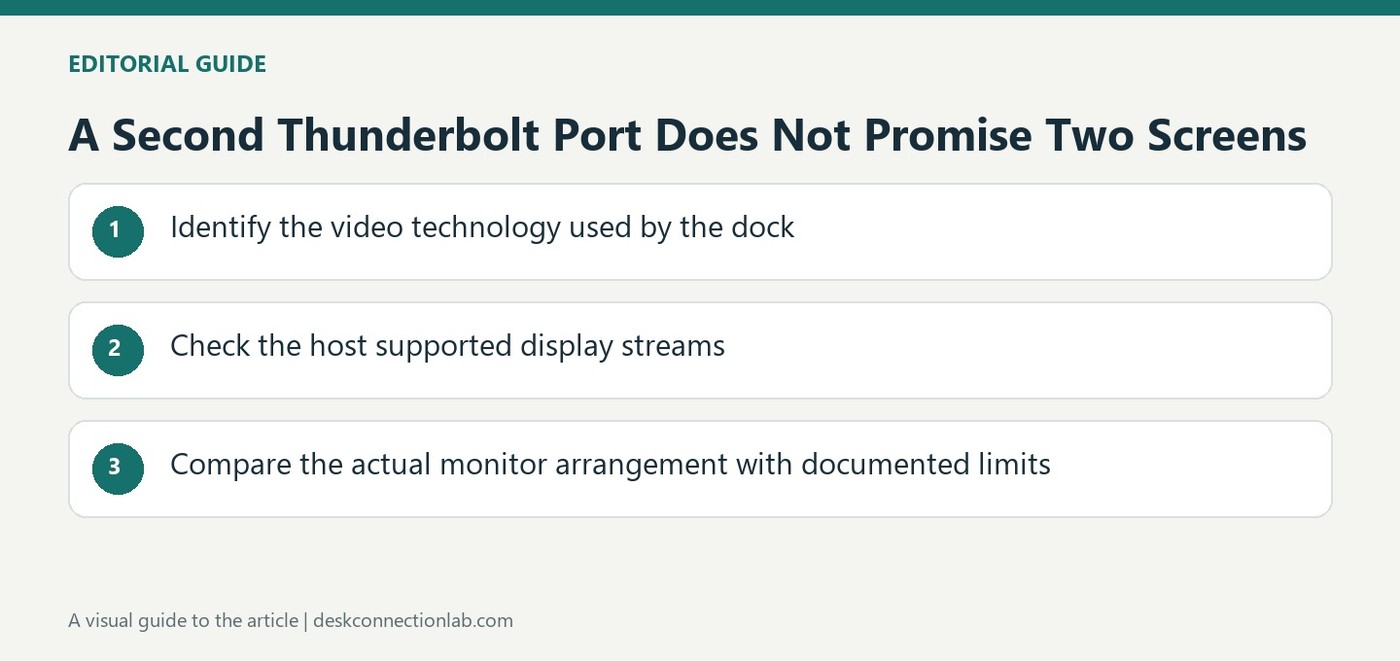
A Second Thunderbolt Port Does Not Promise Two Screens
Distinguish a socket from an available display stream
A dock may offer another Thunderbolt connector without being able to create an additional native display stream on its own. Plugable's TBT3-UDV support article explains that using its downstream Thunderbolt 3 port for a second display depends on the host computer's design. The computer manufacturer decides how many displays a single Thunderbolt connection can support. Some systems provide for two through that link, while others provide only one. The presence of the second physical port therefore does not settle the monitor count. Check the host capability before choosing an adapter based only on the number of accessible sockets.
Ask a question specific to the complete connection
A general statement that a laptop supports external displays may not answer whether it provides two through one Thunderbolt link. Plugable notes that published system specifications often omit this level of detail and recommends asking the manufacturer directly. State the exact laptop model, the dock and the intended connection arrangement when making that inquiry. This keeps an answer about the computer's total display capability from being mistaken for confirmation of the particular dock path. It also helps separate a host design limit from a failed monitor, cable or adapter when only one screen appears in an otherwise functioning setup.
Keep standards information in its proper role
USB-IF describes modern high speed links as sharing supported data and display functions according to the capabilities of connected devices. That broader idea does not expand an older dock's documented host support. Use standards information to understand why connection capabilities matter, then use the specific host and dock documentation to decide the supported layout. Buying another cable cannot by itself add a display stream the host does not supply. Resolve the capability question first, then choose the connection hardware appropriate to the confirmed setup instead of repeatedly rearranging accessories around an unsupported assumption.
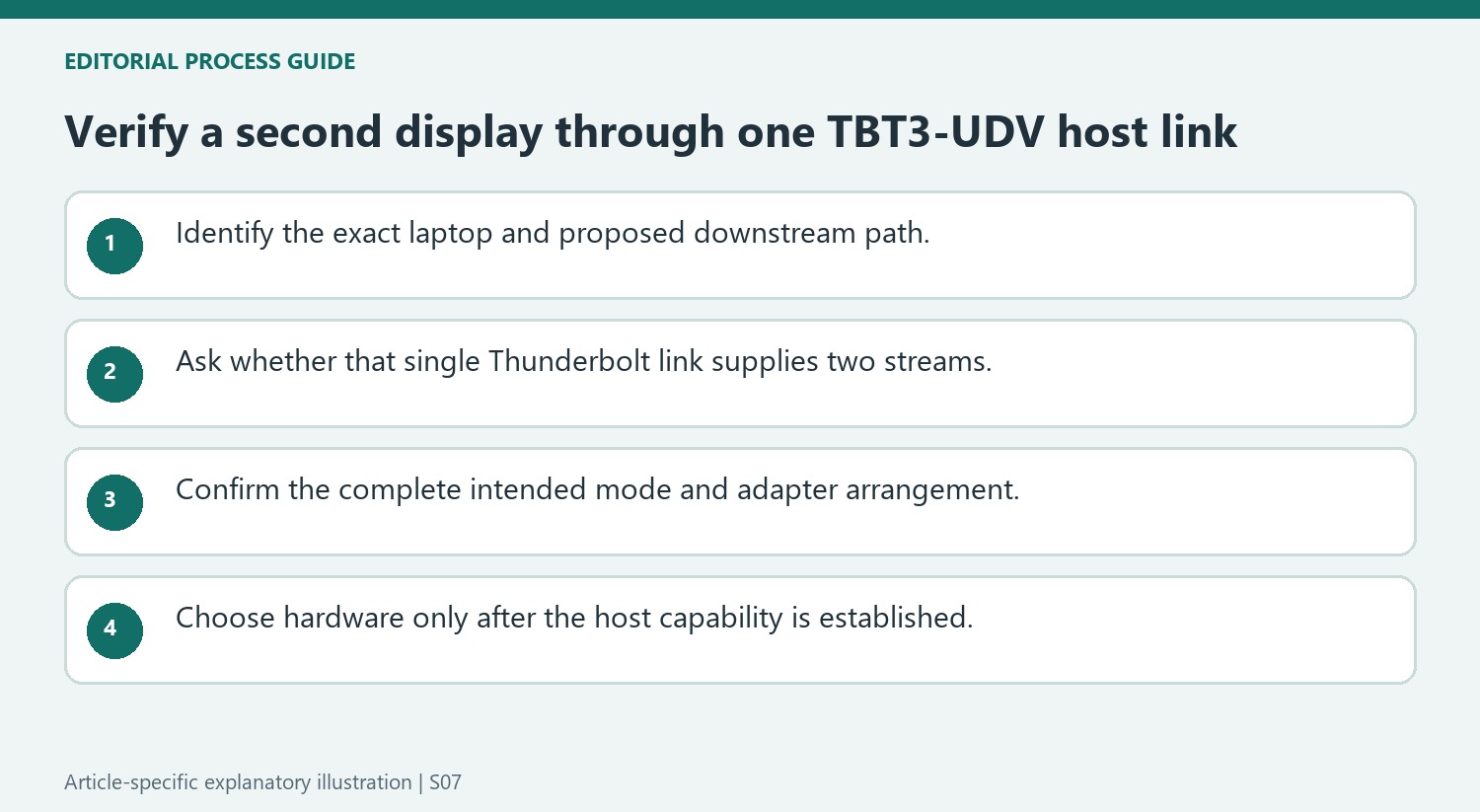
Ask about the single host link rather than total computer capability
A computer can support external displays overall without supplying two through the particular Thunderbolt link used by this dock. The source explains that manufacturers make internal design decisions affecting that count. Phrase the compatibility question around the exact laptop model, TBT3-UDV and downstream second-display arrangement rather than asking only whether the computer supports multiple monitors.
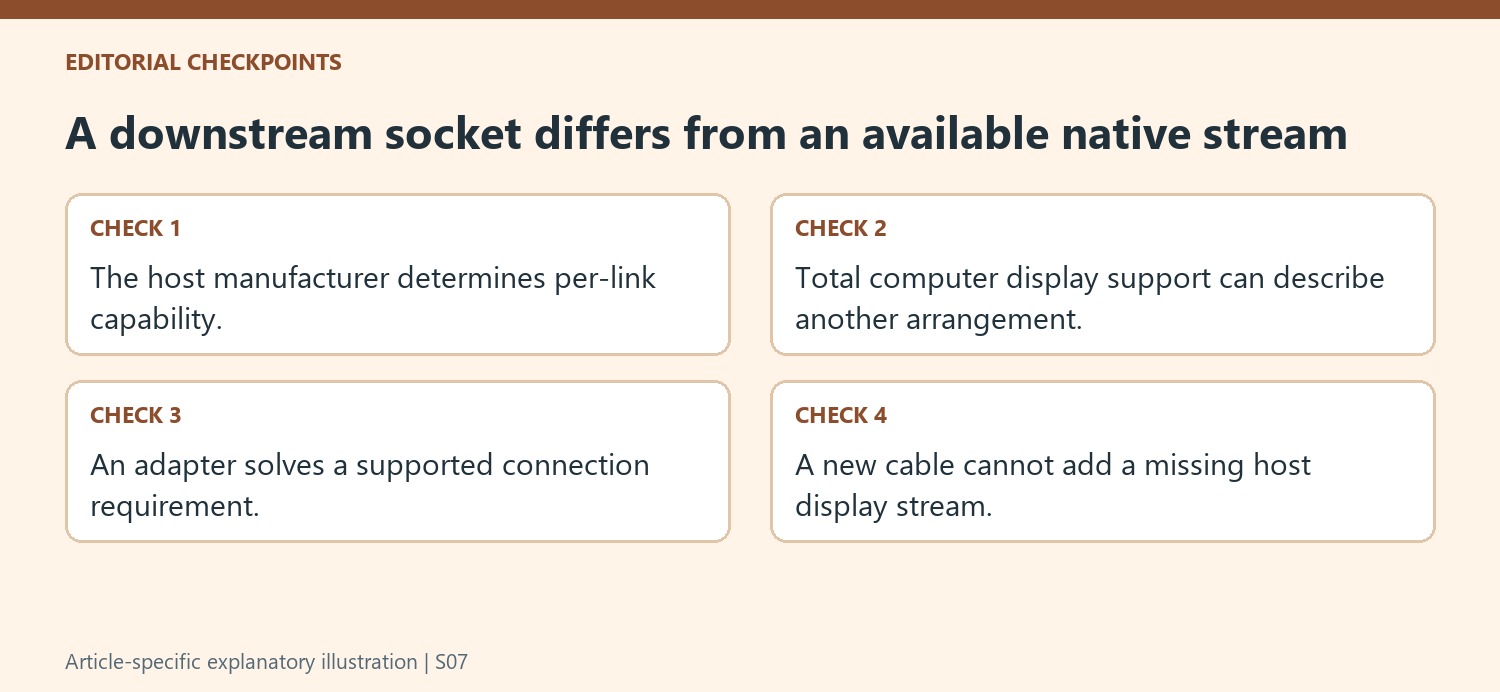
A downstream port is a place to attach a supported device, not an independent guarantee that another native display stream is available. Keep the distinction visible when comparing docks by their photographs. Buying another adapter can solve an input-connector mismatch, but it cannot supply a video stream the host does not deliver through the link. Resolve the capability question before treating the second socket as a promised desktop output.
Preserve the connection arrangement when seeking confirmation
Manufacturer specifications may omit the per-link detail, as Plugable notes. If necessary, ask the system manufacturer with the complete proposed map: one host connection to the dock and a second display through its downstream port. An answer about two monitors using separate computer outputs should not be silently applied to two through this one connection.
Include the intended resolution and refresh rate and identify any required adapter. Those details help keep a response attached to the actual arrangement rather than a generic statement about Thunderbolt. Record the supported configuration when confirmed so that later cable changes can be checked against it. This is especially useful with older docks and hosts whose family names conceal different internal display capabilities.
Distinguish capability limits from a failure in a verified setup
If the arrangement is documented as supported, establish the first display and then test the downstream path with suitable hardware. Keep the exact working and failing combinations in the notes. If support confirms only one stream, choose another supported layout instead of repeatedly changing drivers or cables to overcome that hardware condition. General standards information helps explain why link capabilities matter, while the host and dock documentation determines the actual plan. That division gives both purchasing and troubleshooting a clear purpose, avoiding the assumption that every accessible Thunderbolt socket creates another independent display.
References
- Plugable Help Center. Plugable Knowledge Base.
- USB4®. usb.org.
The TBT3-UDV can expose a downstream connection, but the computer determines how many native display streams are available.


Leave a Comment
Comments (0)