
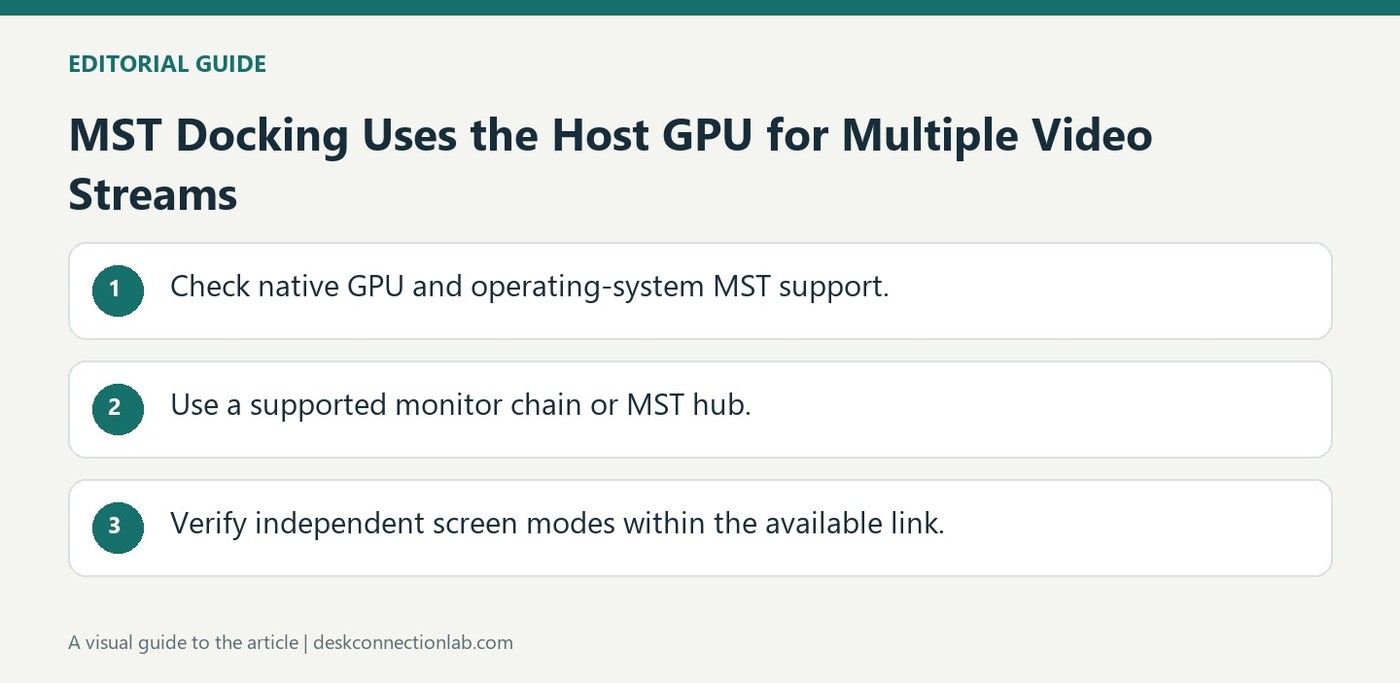
MST Docking Uses the Host GPU for Multiple Video Streams
DisplayPort Multi-Stream Transport sends multiple uncompressed video streams through a supported link. Plugable explains that an MST hub can break that link into individual monitor connections, while compatible monitors can also form a daisy chain. The feature can travel through suitable USB-C Alt Mode and Thunderbolt connections.
MST relies on native graphics and operating system support instead of generating DisplayLink-style USB graphics. Check those capabilities when comparing docking technologies. A dock that exposes several outputs through MST may behave differently across operating systems, so physical connectivity alone does not guarantee independent extended desktops on every host.
Identify whether the setup uses chaining or a hub
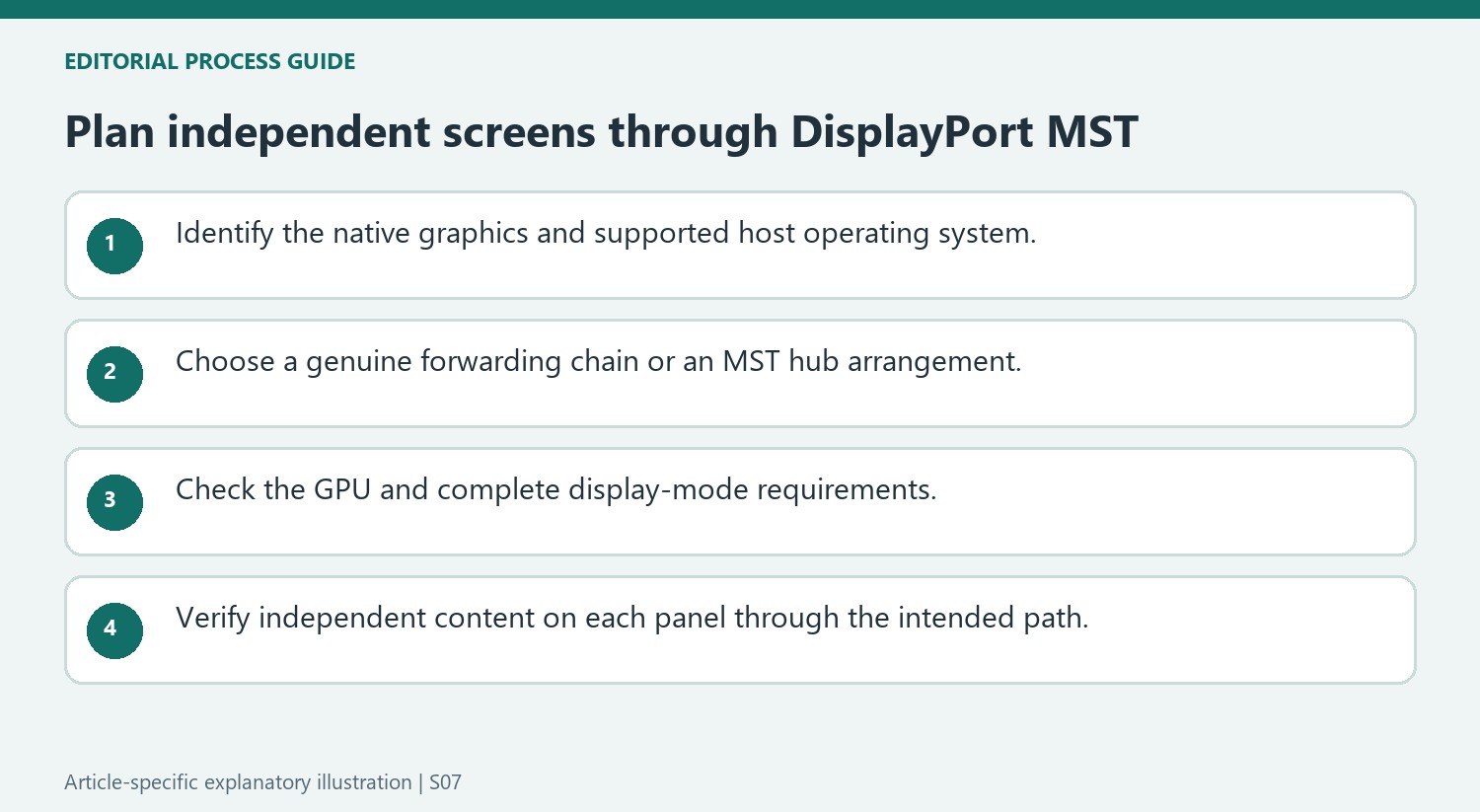
A daisy chain needs an appropriate video output on the upstream monitor and MST enabled where required. When screens lack forwarding outputs, an MST hub can distribute the supported DisplayPort streams to individual connections instead. These are different physical arrangements. A row of HDMI inputs on an ordinary monitor does not make it an MST forwarding device. Follow the actual dock or screen instructions rather than treating every extra connector as another stream.
Check the operating system as well as the graphics hardware
Plugable describes MST as using the host GPU without a separate USB graphics driver. Its guidance lists Windows and ChromeOS support while noting that macOS does not provide the same MST extended-desktop behavior. A compatible physical plug therefore does not establish identical multi-screen operation on a Mac and a Windows laptop. The available modes also depend on the GPU and the total display configuration. Before choosing an MST dock, document the host operating system, required independent screens, and target modes. This separates native DisplayPort stream distribution from DisplayLink expansion, which has its own software requirements and performance characteristics.
Identify where independent streams are created and distributed
DisplayPort MST carries several streams through a supported link, with the host graphics hardware providing the video. This differs from DisplayLink’s software-driven USB graphics path. Identify the technology used by the proposed dock rather than assuming that every accessory with several video outputs expands the desktop in the same way or has the same software requirements.
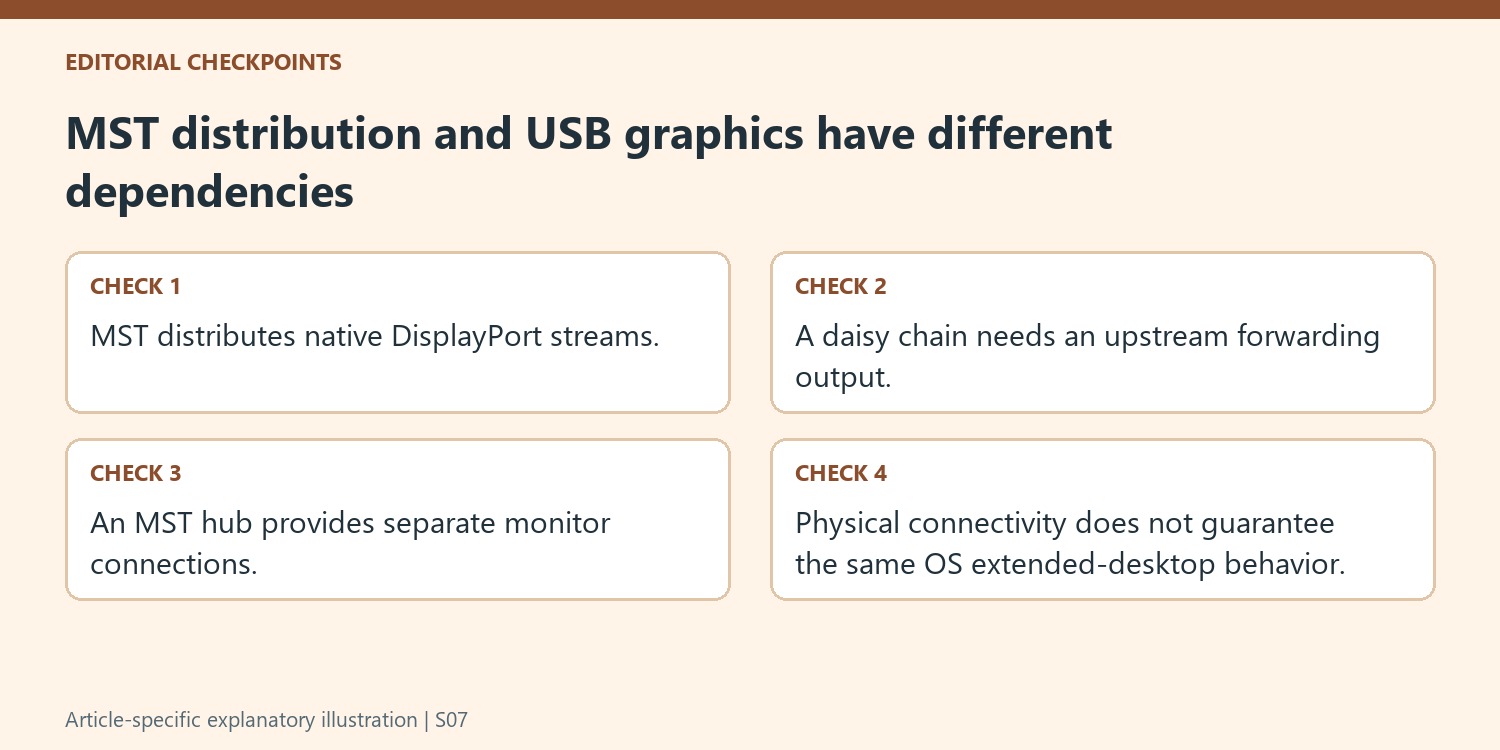
Choose the physical arrangement according to the equipment. A daisy chain relies on an upstream monitor with a genuine forwarding output and appropriate configuration. An MST hub distributes streams to separate monitor connections when the screens do not provide that forwarding path. Multiple input sockets on a monitor do not by themselves create either arrangement, so read their labels and the product instructions carefully.
Check operating-system behavior before purchasing a multi-screen dock
The source lists operating systems that support the described MST use and notes the macOS limitation. Preserve that distinction when comparing a dock between Windows and Mac computers. A common physical connection does not establish identical extended-desktop behavior, and working video on one screen does not prove the planned independent multi-screen arrangement is supported on another system.
Include the graphics hardware and desired modes in the assessment. The available bandwidth and GPU capability affect what streams can be driven, so the number of physical outputs alone is not a complete screen-support specification. Check resolution, refresh rate and total display configuration together, using current manufacturer guidance for the actual host and accessory rather than a generic version comparison.
Build a clear reference before expanding the stream arrangement
Establish one supported display path, then connect the additional screens through the intended hub or chain. Follow the relevant monitor instructions for MST and select the correct inputs. Verify that each panel shows the intended independent content rather than merely another copy of one desktop. Keep the operating system, GPU, dock or upstream display and cable path in the setup record. Include the tested mode on each screen as part of that reference. This makes later support more precise and helps distinguish a stream-distribution requirement from a missing USB graphics application, with each technology judged according to its own supported host and software conditions.
References
- Mst explained. Plugable Knowledge Base.
DisplayPort Multi-Stream Transport sends multiple uncompressed video streams through a supported link. Plugable explains that an MST hub can break that link into individual monitor connections, while compatible monitors can also form a daisy chain. The feature can travel through suitable USB-C Alt Mode and Thunderbolt connections.


Leave a Comment
Comments (0)