
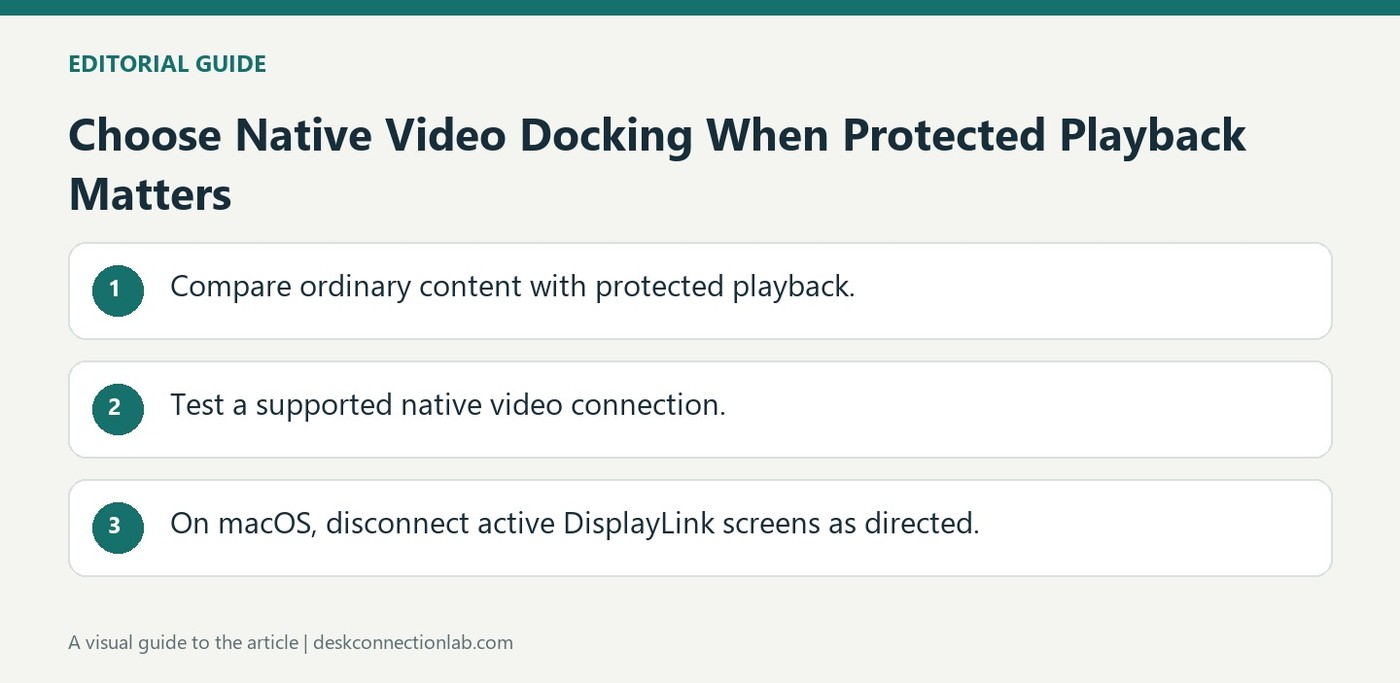
Choose Native Video Docking When Protected Playback Matters
A DisplayLink dock may suit desktop applications while failing a protected-video requirement. Plugable states that HDCP-protected playback is unsupported through its DisplayLink outputs, with symptoms including black video, audio-only playback, errors, or reduced resolution. Service, browser, and operating system differences affect the observed behavior.
For this requirement, consider a suitable native Alt Mode or Thunderbolt video connection instead. Plugable also warns that a Mac may need every DisplayLink display disconnected before protected playback works elsewhere. Test the intended streaming application before purchasing or standardizing a docking station for a media-focused workstation.
Use ordinary desktop content to distinguish the symptom
If documents and unprotected local video display normally while a protected streaming title shows black video or an error, the failure may concern the protected playback path rather than basic monitor detection. Plugable lists different possible symptoms and cautions that behavior varies by service, browser, application, and operating system. Changing the monitor's input or reducing text scaling would not establish support for HDCP-protected playback through a DisplayLink output.
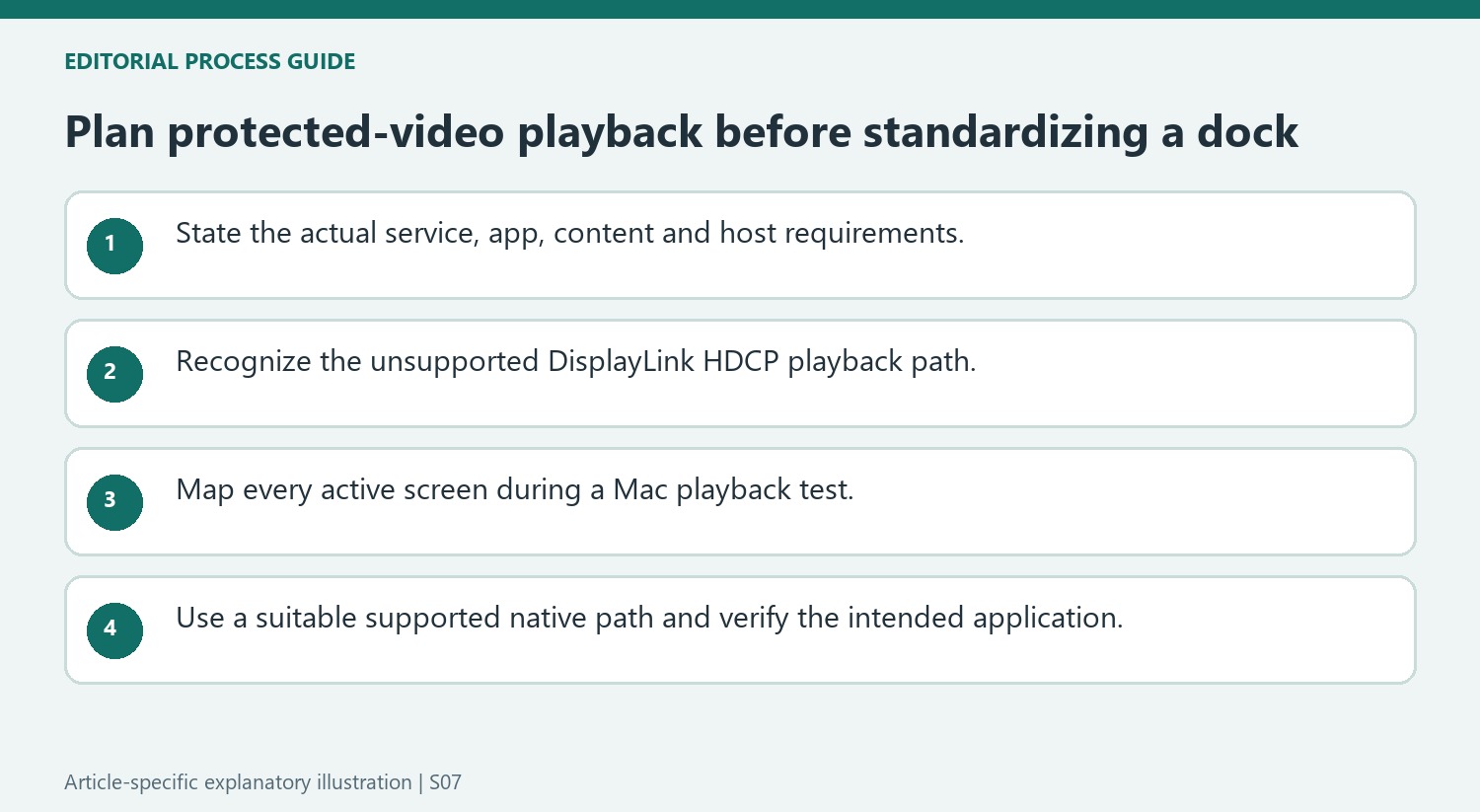
Map every active screen when testing playback on a Mac
Plugable notes that protected content can remain unavailable on macOS while any DisplayLink-connected display is active, even when playback is attempted elsewhere. Its workaround calls for disconnecting those displays before testing the protected content. For a media-focused workstation, evaluate an appropriate native video path and verify the intended application with the actual host and display. A native connection still needs the relevant device and service support; the recommendation is not a promise that any HDMI adapter will play every title. Include protected playback in the requirements before standardizing a dock whose primary purpose is otherwise office-screen expansion.
Include protected playback in the requirements before selecting the dock
An office-screen expansion plan and a media-playback plan can impose different requirements. Plugable states that DisplayLink outputs do not support HDCP-protected video playback, even though ordinary desktop applications and unprotected files can work normally. Make the protected-content requirement explicit before purchasing or standardizing hardware, rather than discovering the limitation after a workstation is deployed.
Keep the playback application, service, operating system and content in the test description. The source lists several possible symptoms and notes that behavior varies, so a black video rectangle, an error or audio without picture should be described as observed rather than promised for every service. A working desktop on the same screen remains useful evidence that the basic connection and protected path are different questions.
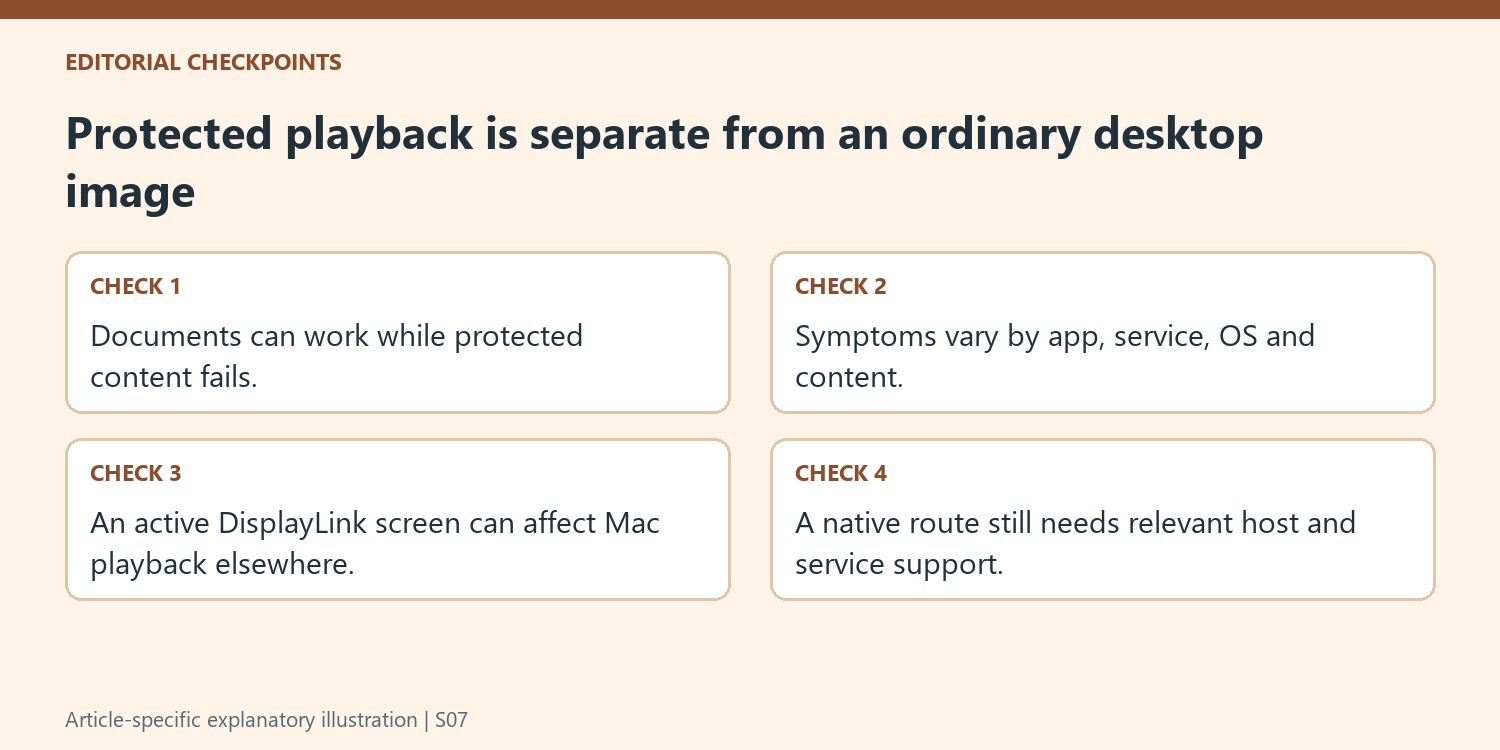
Trace the complete active display arrangement during testing
On a Mac, the source warns that protected playback may remain unavailable while any DisplayLink-connected display is active, including when the content is shown elsewhere. Follow its documented disconnection comparison when investigating that situation. Moving the playback window alone does not necessarily remove the active DisplayLink condition described by the guidance.
Record which screens are attached and how each one receives video. A dock can be part of a mixed native and USB graphics arrangement, making a vague statement that the movie is on another screen insufficient to describe the test. Record the connection method for each active screen before starting the playback comparison. Keep the actual paths visible so that the comparison can distinguish an active indirect output from a native route and preserve the context of any result.
Use a supported native route and verify the intended application
Plugable recommends a suitable direct graphics, alternate-mode or Thunderbolt path for this requirement. Check the host and display capabilities and the service’s relevant conditions rather than interpreting native output as a universal guarantee that every adapter plays every title. Test the actual application and content through the complete arrangement before relying on it. If ordinary productivity is the primary goal, the dock may still meet that separate use case; the decision should reflect the documented playback limitation honestly. This avoids replacing unrelated monitor controls or scaling settings in an attempt to create protected-video support that the DisplayLink output does not provide.
References
A DisplayLink dock may suit desktop applications while failing a protected-video requirement. Plugable states that HDCP-protected playback is unsupported through its DisplayLink outputs, with symptoms including black video, audio-only playback, errors, or reduced resolution. Service, browser, and operating system differences affect the observed behavior.


Leave a Comment
Comments (0)