
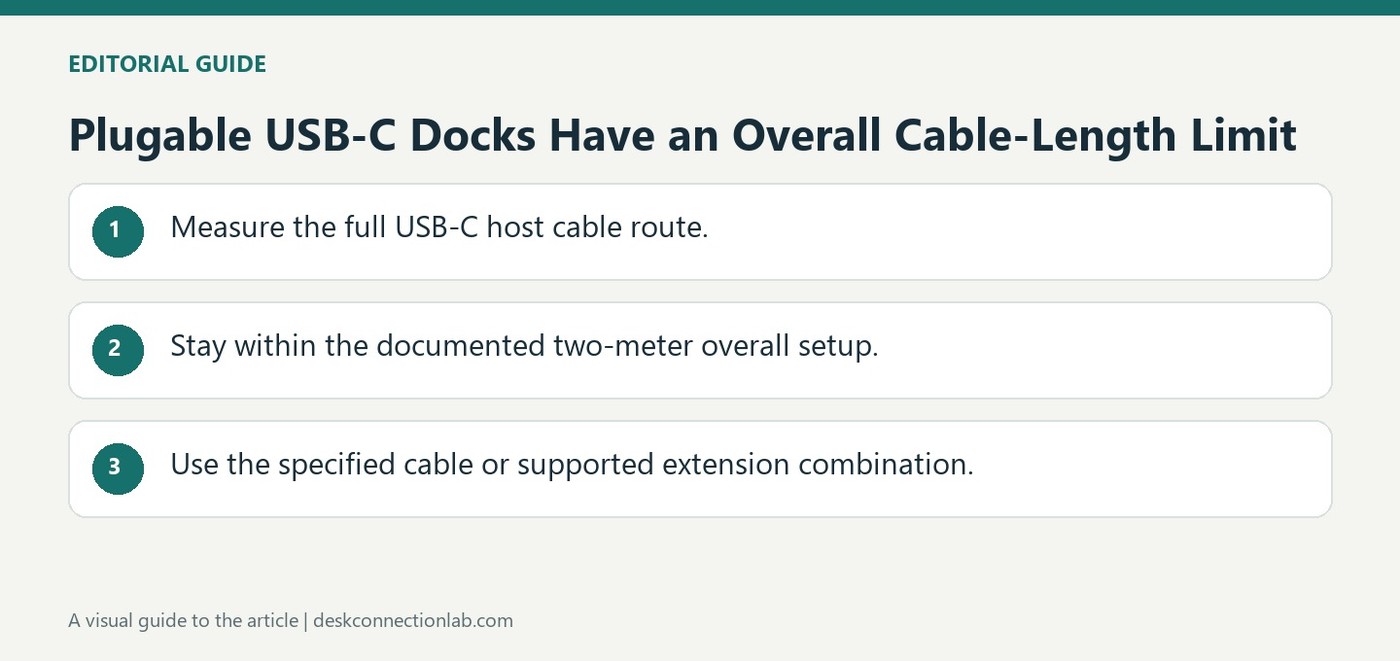
Plugable USB-C Docks Have an Overall Cable-Length Limit
Plugable supports USB-C host cables up to two meters overall for its USB-C docking stations. The guide describes checking the original cable's specifications on its attached flag and choosing a replacement that matches or exceeds them. A longer cable must preserve the complete host connection requirements.
Plugable also describes combining its one-meter extension with the original one-meter cable for a two-meter total. It does not support third-party extensions, signal repeaters, or longer overall runs. Measure the actual desk route before moving a dock far from the host, rather than adding multiple extensions after the setup is installed.
Measure the total host path rather than one segment
The two-meter limit in this Plugable guidance is the overall connection between the host and the USB-C dock. Adding a one-meter extension to a two-meter replacement would exceed that described arrangement even though each item looks short individually. Include the route around the desk and allow suitable placement before selecting a cable. Check the supplied cable flag for its supported functions instead of buying an inexpensive charging lead with the same plugs.
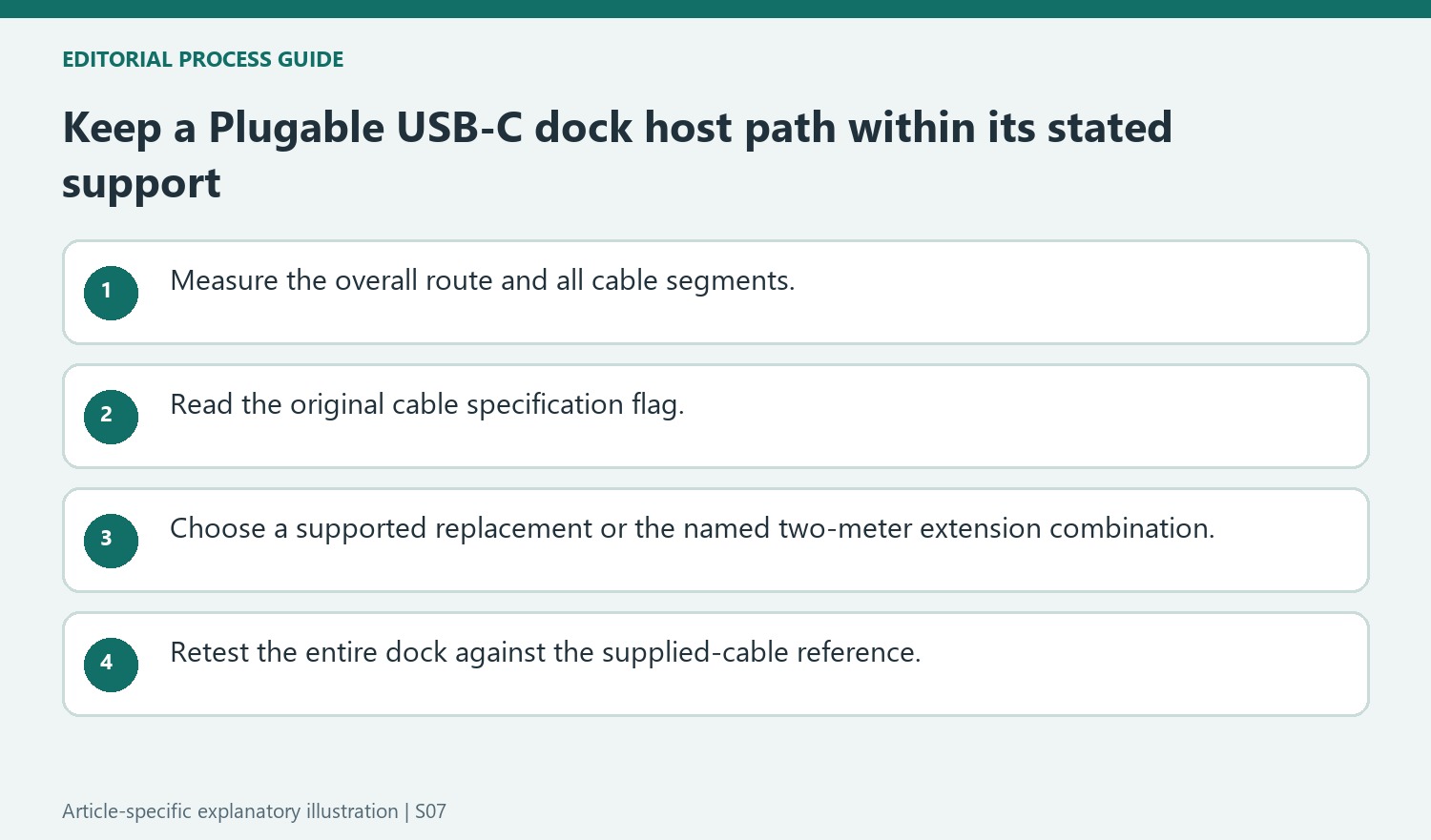
Keep the USB-C recommendation separate from Thunderbolt guidance
The article names a particular Plugable one-meter extension that can be paired with the original one-meter USB-C host cable. It does not endorse arbitrary third-party extensions or repeaters, and it should not be transferred to a Thunderbolt dock whose support instructions differ. A replacement cable must preserve the host connection requirements, including relevant video, data, and power capabilities. Retain the original lead as a diagnostic comparison. If a longer setup stops detecting screens or peripherals, return to that known arrangement before changing drivers; the new host path affects several functions at once and is therefore an important variable.
Measure the host path as one overall connection
Include every host-cable segment when comparing the arrangement with Plugable’s two-meter support limit. A short extension added to an already longer replacement can exceed the overall limit even when no individual item looks unusually long. Measure the route around the desk and stands before selecting the cable, keeping the full distance between computer and dock explicit.
Identify the actual dock and its supplied host-cable specifications. The source describes a flag carrying the original cable’s capabilities, which is more useful than judging a replacement solely by its USB-C plugs. The host path carries the dock’s relevant video, data and power functions, so a cable intended only for an unrelated charging task may not preserve the required connection.
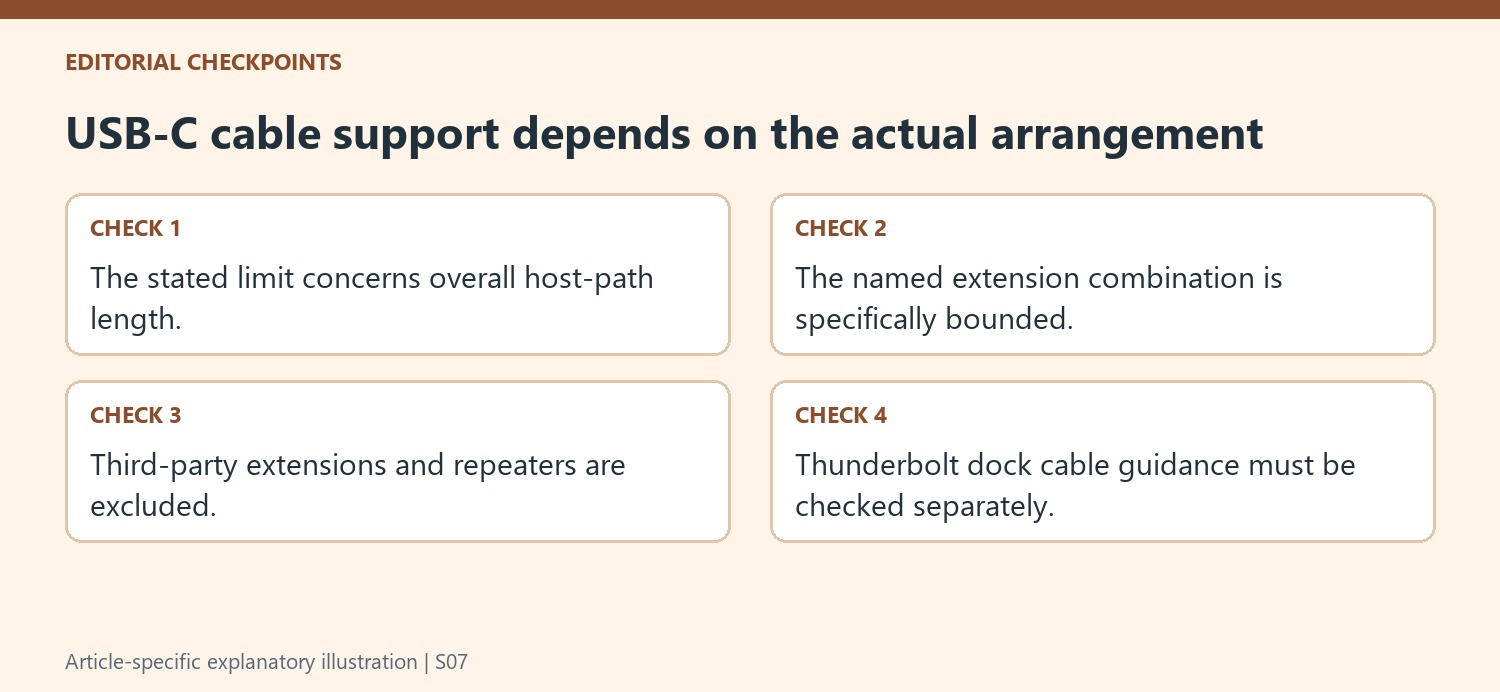
Distinguish the named USB-C option from other extension arrangements
The source permits a particular Plugable one-meter extension with the original one-meter cable to form the stated total. That is a defined supported combination, not a general endorsement of every third-party extender or signal repeater. Keep the model and total length in the setup record so that the actual path can be compared with the support statement.
Do not transfer this USB-C guidance to a Thunderbolt dock whose cable instructions differ. The connector can look the same while the product’s required host link and supported cable arrangements are different. For a third-party replacement allowed by this guidance, compare its specifications with the original and use the recommended reliable sourcing criteria, rather than assuming a longer cable works because another dock family supports an extension.
Retest the entire dock after changing its shared link
Check the screens, host charging and required peripherals after installing the longer path. Keep the remaining equipment steady so that any new symptom can be compared with the original connection. If instability appears, return to the supplied cable and known placement before reinstalling drivers or replacing monitor leads that previously worked. Record the exact total length and cable products for support. This focuses the investigation on an important shared variable without claiming that length is always the cause, and keeps a desk rearrangement within the manufacturer’s stated cable-support boundary rather than an improvised chain of connected extensions.
References
Plugable supports USB-C host cables up to two meters overall for its USB-C docking stations. The guide describes checking the original cable's specifications on its attached flag and choosing a replacement that matches or exceeds them. A longer cable must preserve the complete host connection requirements.


Leave a Comment
Comments (0)