
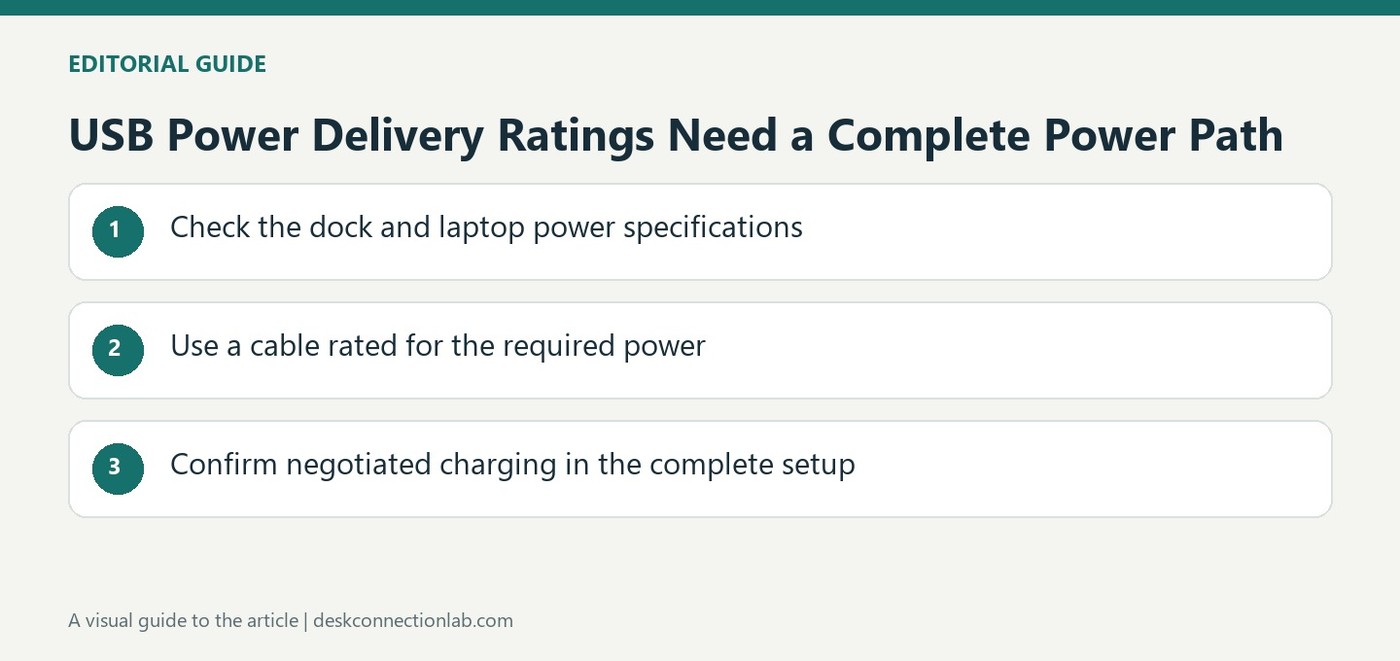
USB Power Delivery Ratings Need a Complete Power Path
Distinguish a specification ceiling from a dock rating
USB Power Delivery allows a USB connection to carry negotiated power alongside data. USB Implementers Forum explains that the USB PD revision announced in 2021 extended the specification to as much as 240 watts under the required conditions. That figure describes a capability of the standard, rather than the output of every USB-C charger or docking station. A particular dock still has its own host charging rating. Read that number separately from the total power printed on its external adapter, and check the computer's input requirements before deciding that a connection will replace the original laptop supply.
Check the cable and supported power modes
The USB-IF account describes higher fixed voltages and cable requirements introduced for the expanded power range. A matching connector shape alone does not establish support for these modes. The supply, cable and receiving device need compatible capabilities for the intended power transfer. USB PD also allows a device to request what it needs, so a higher rated charger is not a statement that every connected accessory continuously receives the maximum wattage. Compare the actual product specifications rather than adding assumptions from a USB-C label. Charging behavior and data performance remain separate questions even when one lead handles both.
Consider how a shared setup manages power
The specification supports flexible management across connected devices and use cases where power direction can vary. USB-IF gives examples including a powered monitor charging a laptop while carrying a display signal. These possibilities depend on the implementation in the products being used. For a docking setup, identify which port serves the computer and which serve accessories, then check their individual power limits. A usable charging arrangement is the result of compatible devices and the correct connection path. The standard's maximum is useful context, but the complete installed setup determines what power is actually available to the laptop.
Read the standard as a framework for compatible products
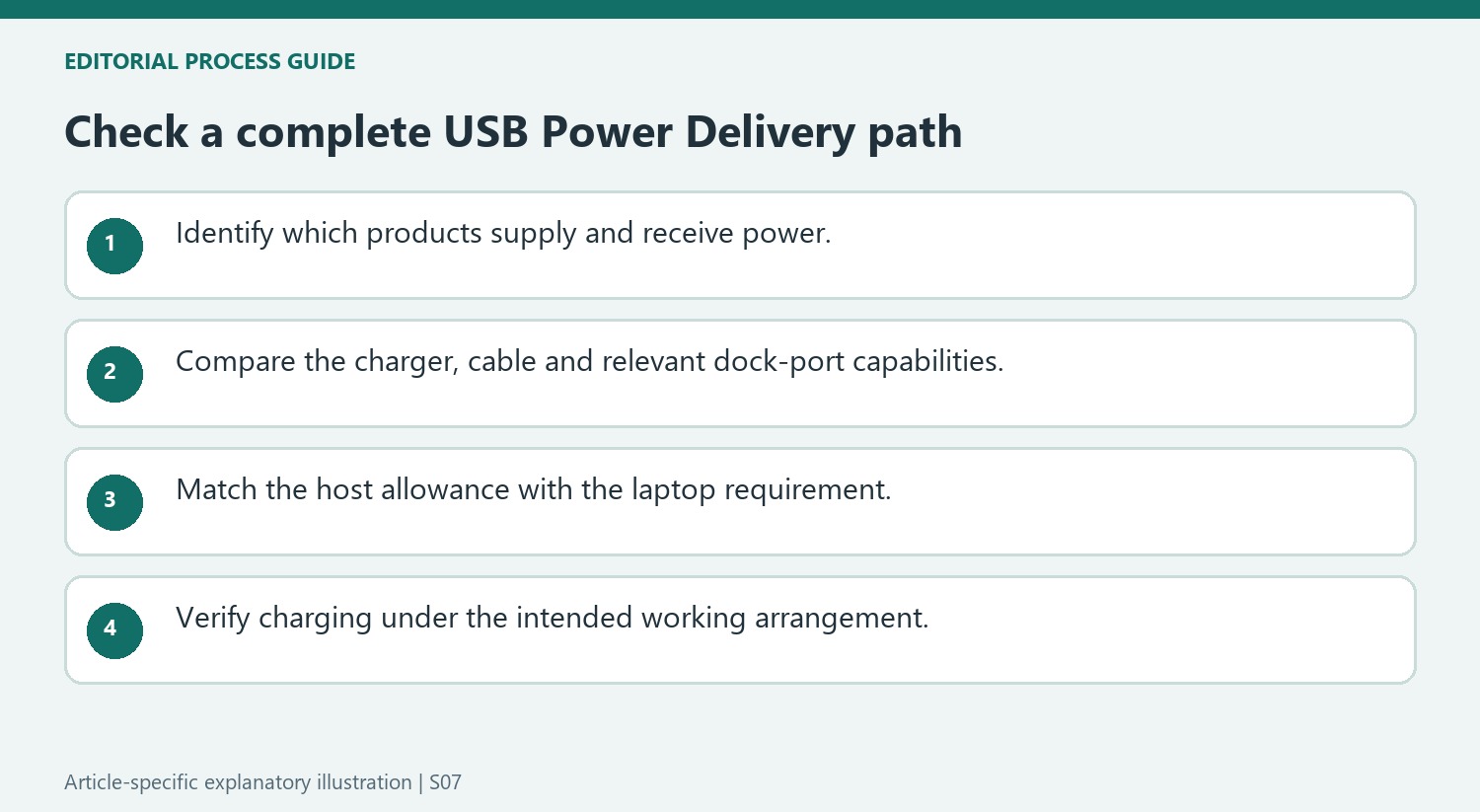
USB-IF describes the expanded Power Delivery range as a capability enabled by updated protocol, supply and cable definitions. Keep the maximum associated with that complete set of requirements. A USB-C charger or dock already on a desk does not acquire the expanded range merely because the standard now describes it or because the connector can be inserted into a newer device.
Identify the power roles in the actual arrangement. The source explains that power direction need not be fixed and gives a powered-monitor example, but those possibilities require suitable implementation. Write down which product supplies power, which receives it and which ports are intended for the host and accessories. This makes a one-cable workstation understandable without assuming every USB-C socket accepts or supplies identical power.
Compare ratings at the point where they apply
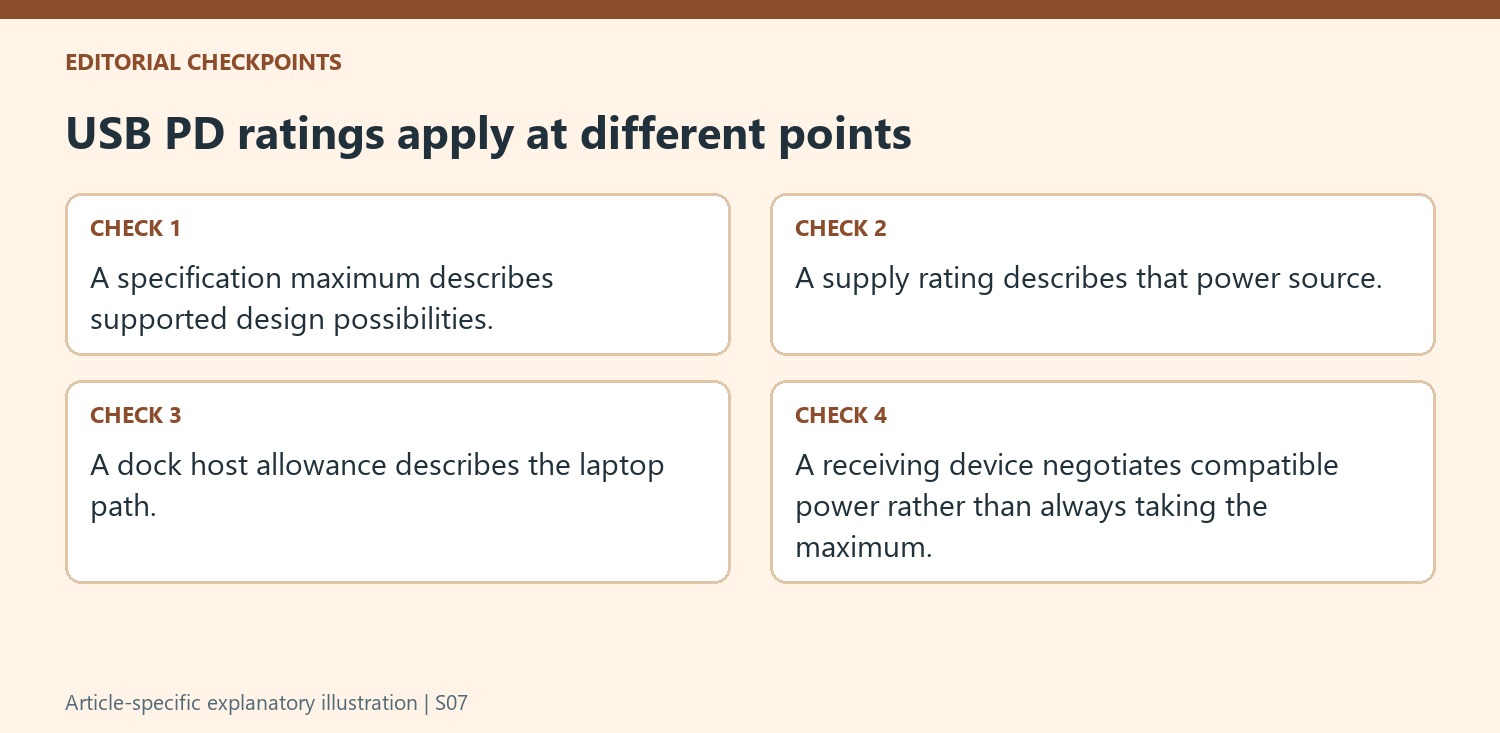
A wall adapter’s total rating, a dock’s host passthrough limit and an accessory port’s output describe different parts of the system. Compare the laptop’s documented requirement with the host allowance actually available through the dock. Do not add unrelated port ratings together or assume that the total supply label is delivered unchanged to the computer.
The receiving device requests compatible power rather than continuously taking the maximum printed on a charger. Check the supported modes and cable requirements when selecting equipment for a higher-power use case. This is a compatibility review across the complete path, separate from checking whether the same cable carries the required display signal or data performance. Success in one function does not establish that every other function is adequately supported.
Verify the intended working arrangement
Test the computer and required accessories under the ordinary workload, noting whether charging remains appropriate and whether any power warning appears. Retain the supply, cable, dock and host model details with their relevant ratings. If a product does not meet the requirement, select an appropriate supported arrangement rather than describing the standard’s maximum as a remedy. The expanded specification creates useful design possibilities, while the installed products and their compatible connection determine the power available in practice.
References
- USB Charger (USB Power Delivery). USB Implementers Forum.
USB PD defines negotiated power capabilities, but a dock, cable and computer must all support the required charging level.


Leave a Comment
Comments (0)