
Choose Surface Charging Power for the Exact Device
Start with the Surface model and supported input
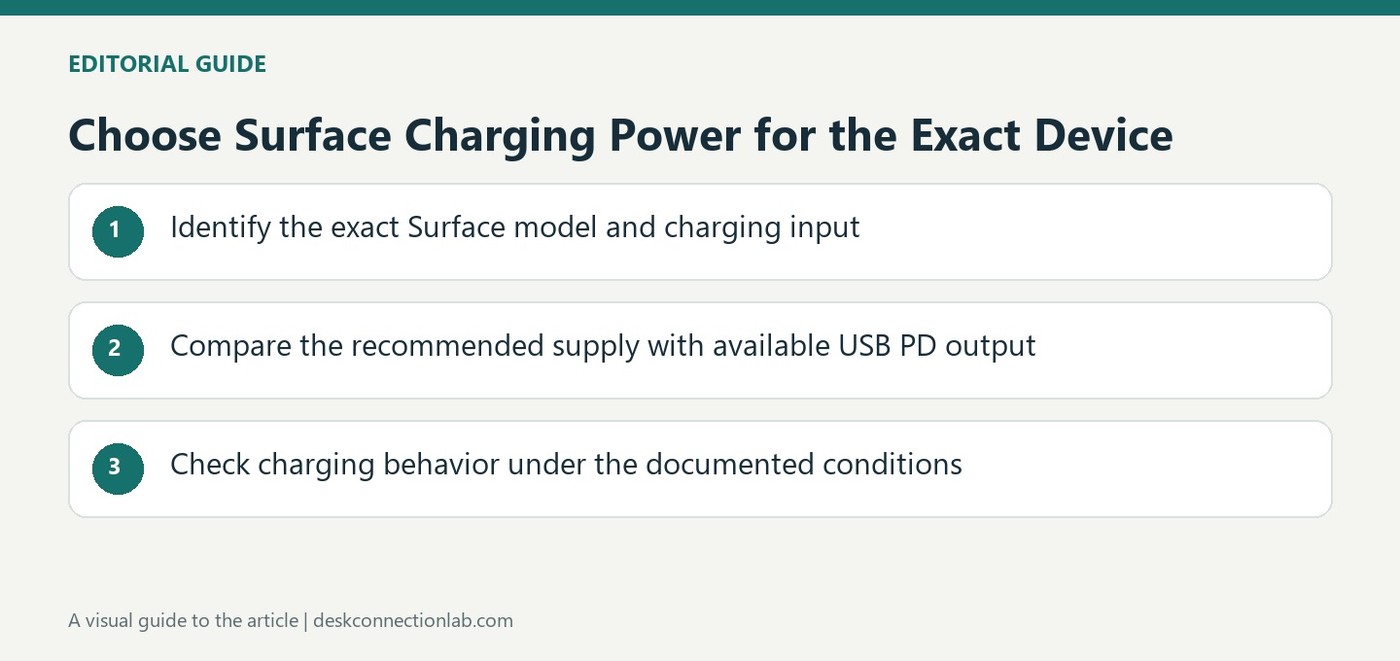
Microsoft advises using the power supply designed for a Surface, while supported models with USB-C can also use a suitable USB Type-C Power Delivery charger. Check the exact model before assuming every USB-C port accepts incoming power. Microsoft specifically identifies Surface Studio 2 and Studio 2+ as models whose USB-C ports do not receive charging power; these use their supplied AC cord instead. A connector is therefore only one part of the decision. For a dock or charger purchase, compare the device's documented charging requirement with the output actually available to that host connection.
Treat low power as a possible cause of slow charging
The support guide notes that a lower wattage charger, or a USB-A charger connected through a USB-A to USB-C cable, may charge slowly or not at all. Such a setup does not provide Microsoft's described Fast Charging experience. If the battery is depleted, startup behavior can also depend on available charger power. These distinctions help explain why a light or connected cable is not proof that the recommended charging arrangement is present. Check the supply's PD capabilities and the Surface requirements rather than repeatedly replacing cables without knowing which part of the power path is insufficient.
Keep fast charging claims within their conditions
Microsoft describes reaching roughly eighty percent in about an hour on most supported devices under stated temperature and power conditions. This is not a promise for every Surface, battery state or room. Use a sufficiently rated recommended supply and follow the device guidance on temperature. The source also notes that connecting Surface Connect and USB-C charging simultaneously does not combine them: the device uses Surface Connect in that situation. A second cable is therefore not a way to add the two power ratings together. Match the approved charging method to the model and assess performance under the conditions Microsoft actually specifies.
Confirm charging support at the exact Surface input
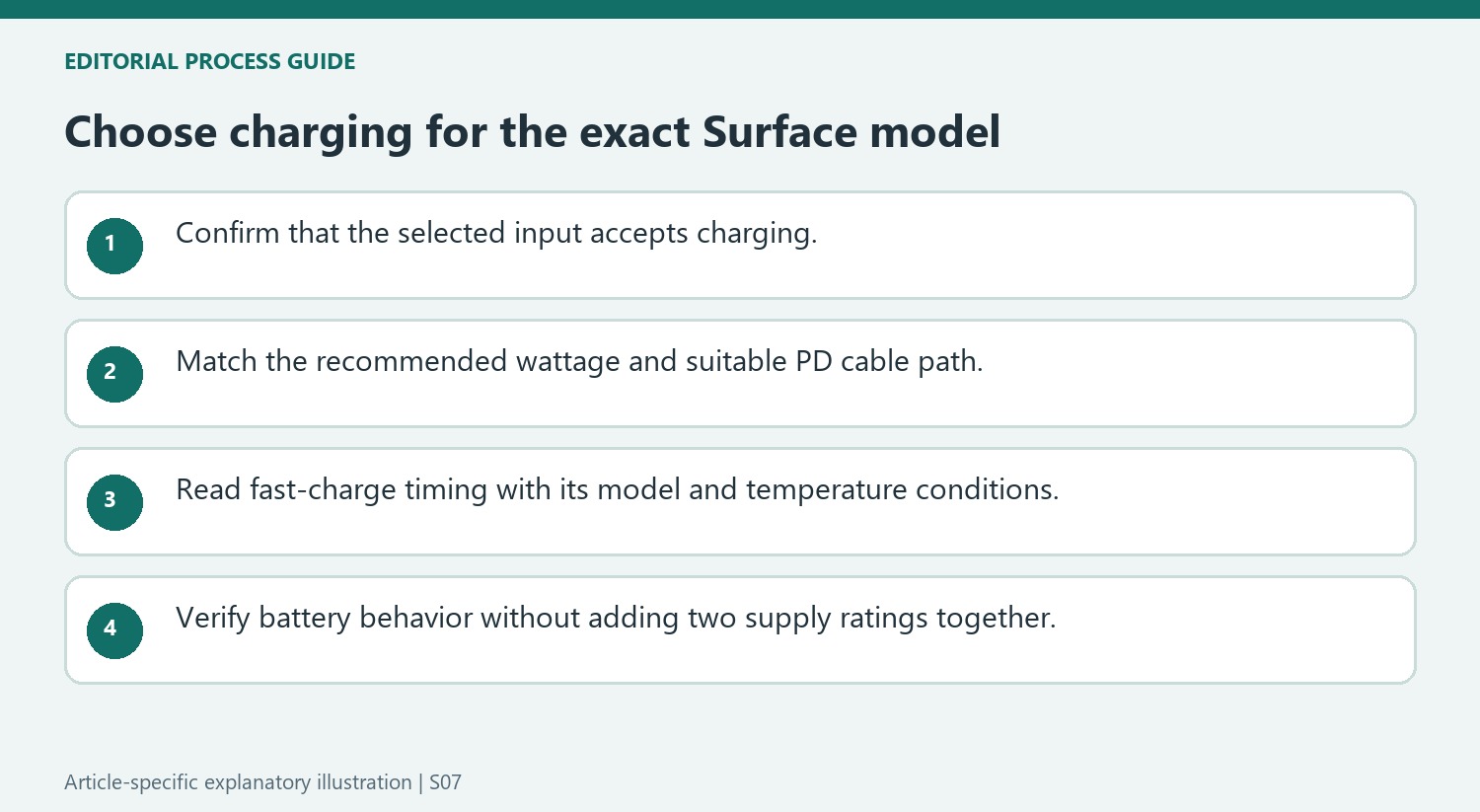
Start with the Surface model and the power method described for it. Microsoft recommends the device’s intended supply and permits suitable USB-C Power Delivery charging on supported models. The source’s Studio exceptions show why a USB-C socket cannot be assumed to accept incoming charging power. Establish that capability before trying to diagnose a cable or dock as faulty.
Compare the actual charger output and cable support with the model’s recommended wattage. A USB-A supply connected through a USB-C-ended cable is not equivalent to the recommended PD arrangement. If the device charges slowly or remains off after depletion, preserve the available power information rather than treating any connected lead as evidence that the correct charging conditions are present.
Interpret charging speed within the conditions of the claim
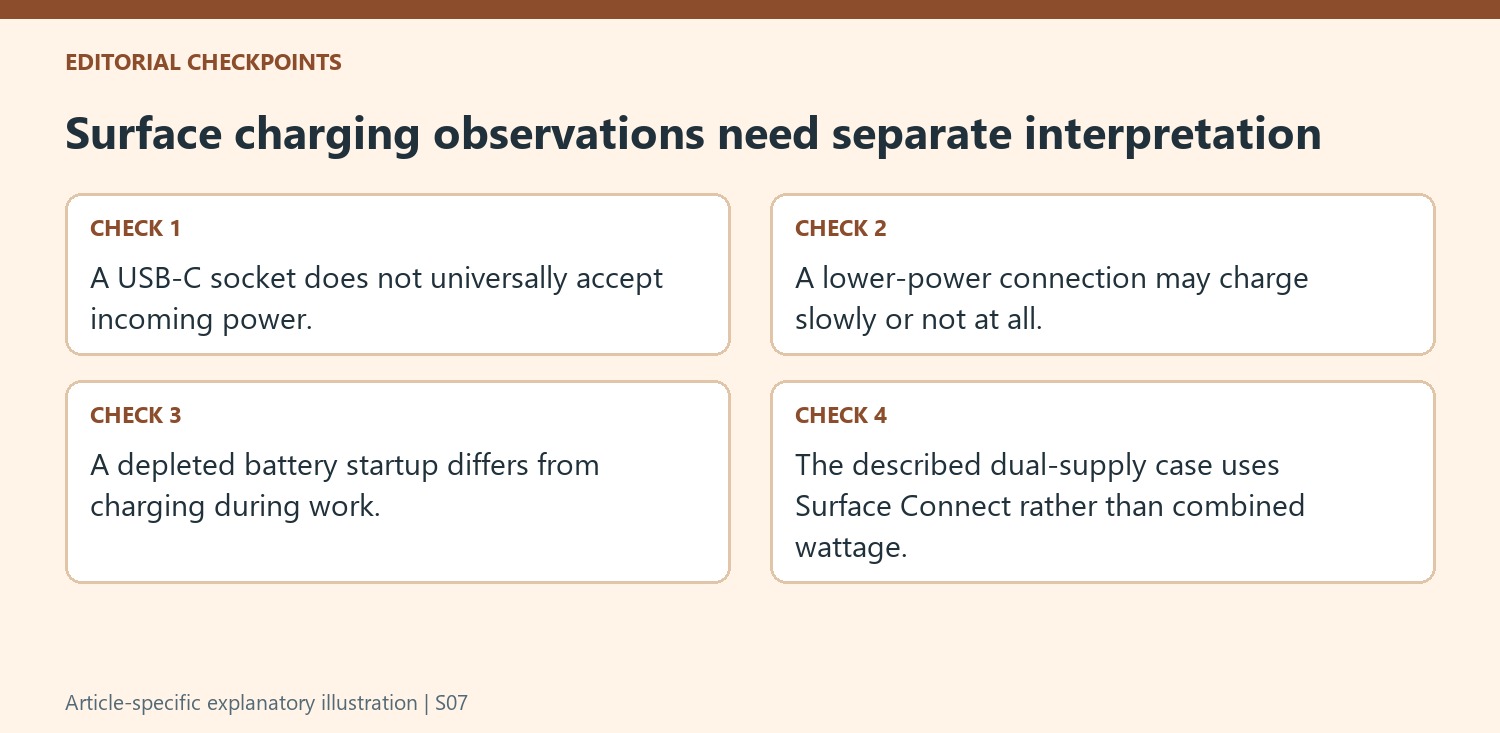
The source’s approximate fast-charge example applies to supported devices with adequate power and the described temperature conditions. Keep those qualifications with the figure. A colder or warmer environment, another model or an unsuitable supply should not be expected to reproduce the same timing simply because the connector fits.
Record the starting battery condition and the supply used when comparing behavior. A depleted battery needing time before startup is different from a running computer whose battery drains during work. Both warrant checking the model-specific power requirement, but they should not be reported as the same observation. A clear account helps separate expected consequences of insufficient power from a new fault in an otherwise supported arrangement.
Do not combine two charging paths by adding their ratings
Microsoft states that when Surface Connect and USB-C charging are both connected in the described situation, the device uses Surface Connect. A second supply therefore does not add its printed wattage to the first as one combined charging budget. Follow the model’s intended method and verify the result through actual battery behavior and relevant system warnings. Keep the chosen supply and cable identifiable for later support. This produces a practical charging plan grounded in the Surface’s supported input, the available compatible power and the conditions under which the manufacturer describes fast charging.
References
- USB-C and Fast Charging for Surface. Microsoft Support.
Microsoft recommends a suitable USB-C PD supply and notes that a lower power connection may charge slowly or fail to charge.


Leave a Comment
Comments (0)