
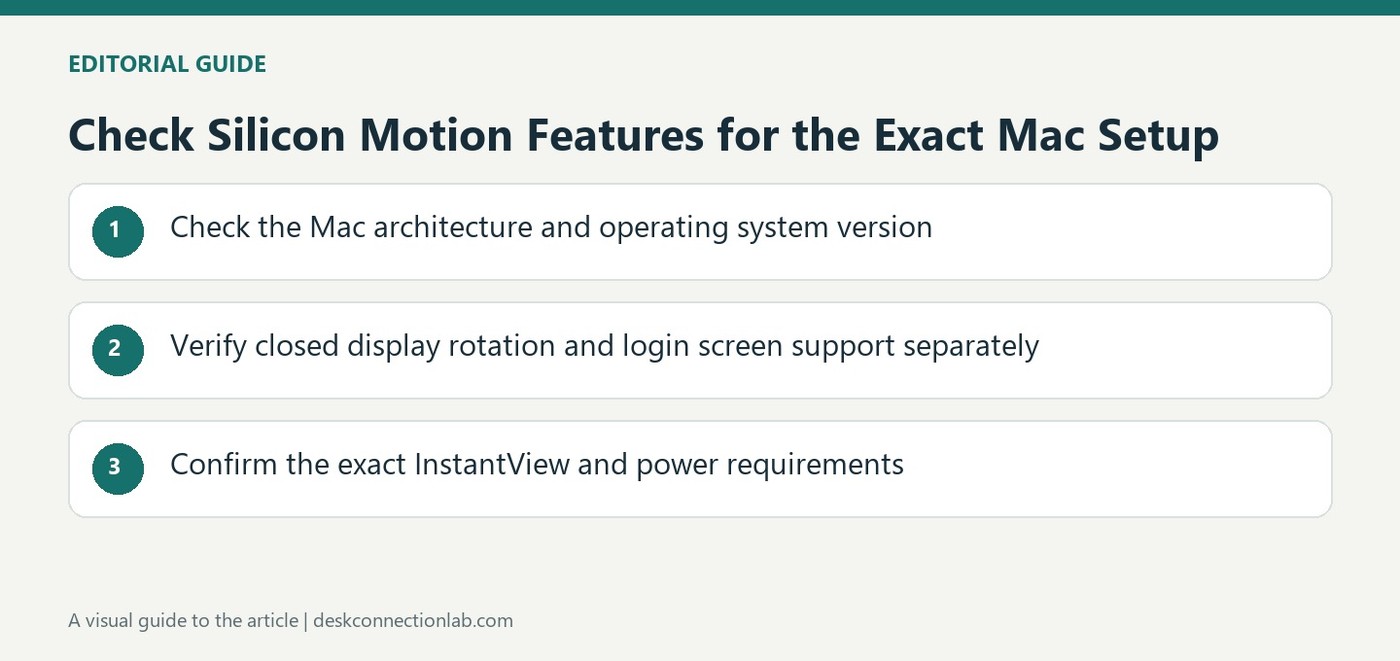
Check Silicon Motion Features for the Exact Mac Setup
Verify closed display support with power connected
Plugable's guidance for Silicon Motion graphics products distinguishes macOS versions and Mac architectures rather than presenting one feature set for all computers. Its table lists closed display support for Intel systems with macOS twelve or later and Apple Silicon systems with macOS eleven or later, with an external power source connected. Earlier listed Intel combinations have a different limit. Check the exact Mac, operating system and product guidance before building a desk routine around closing the laptop lid. A graphics adapter displaying an image with the lid open does not by itself confirm the closed display arrangement is supported.
Treat rotation as a separate capability
The source describes display rotation support for listed Apple Silicon systems using an appropriate InstantView version, while identifying a different limitation for Intel based systems. This makes portrait monitor planning a separate check from ordinary landscape output. Confirm the current application version and supported hardware rather than assuming that updating any Mac automatically enables rotation. The same care applies when standardizing equipment for several users: a dock that behaves as intended on one architecture may not offer the same workflow on another. Record the configuration used for testing so a later change can be compared accurately.
Check login display and color related features
Plugable notes a Display before Login option for showing the screen at the macOS login stage. That setting addresses a different moment from ordinary operation after the user signs in. Its table also identifies Night Shift and other blue light reduction software as unsupported for the described products. Consider whether those features are essential before deciding that general macOS support covers every requirement. Consult current model documentation when operating system or application versions change. A useful compatibility decision includes the specific tasks needed throughout the day, not only whether a monitor lights up after connection.
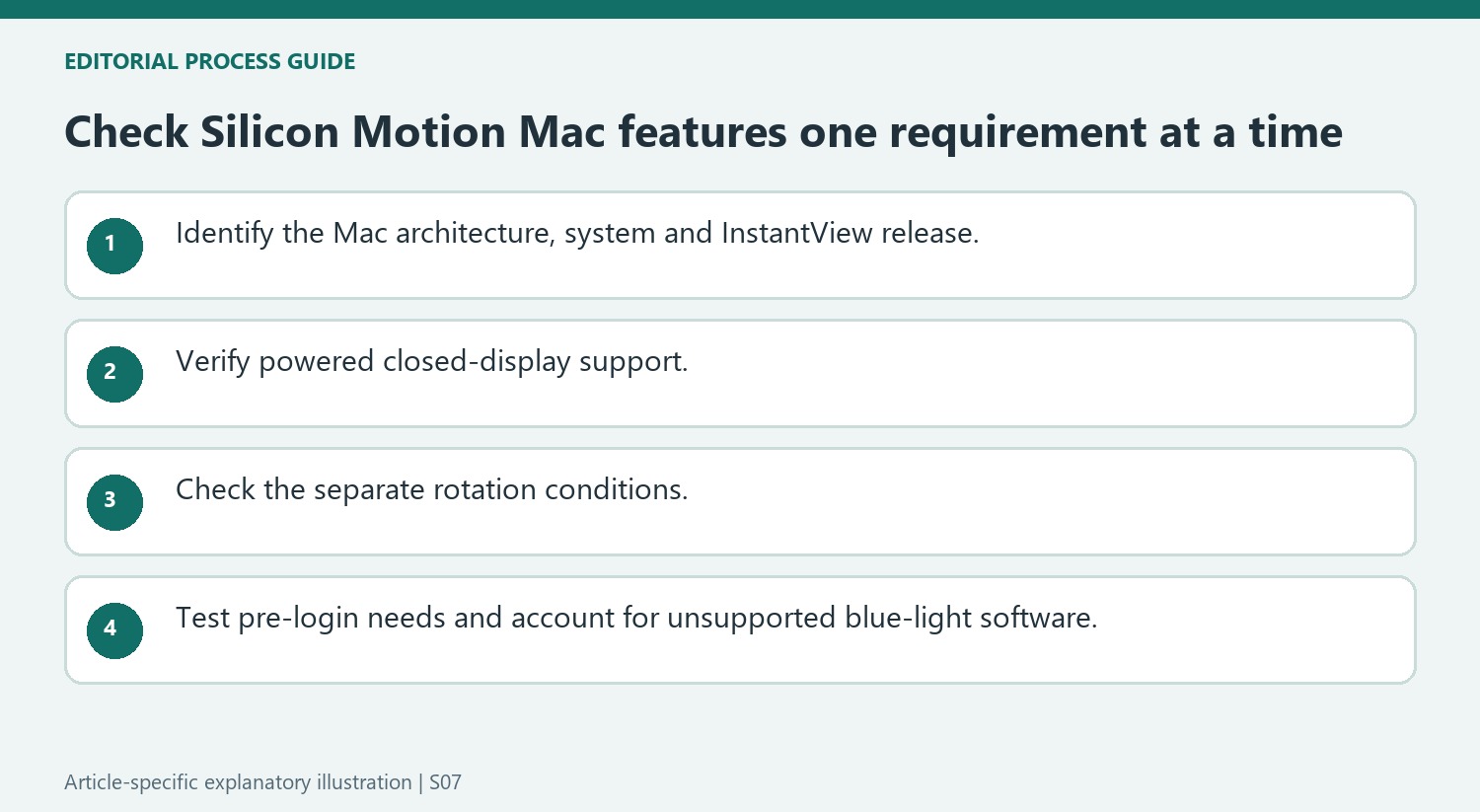
Check the feature rather than assuming general macOS support covers it
A Silicon Motion product can support macOS while individual workflows differ by system release, architecture or application version. Write down the required features before deployment: closed-lid operation, portrait orientation, pre-login display and any color-related function. The source’s table addresses them separately, which is more useful than a single yes-or-no compatibility label.
Identify the exact Mac, macOS and InstantView release used for the test. The table includes older Intel combinations with different closed-display limits and Apple Silicon examples with their own requirements. Do not extend those historical entries to an unlisted future configuration without current product confirmation. Keep the tested combination documented so a later update can be compared with a known state.
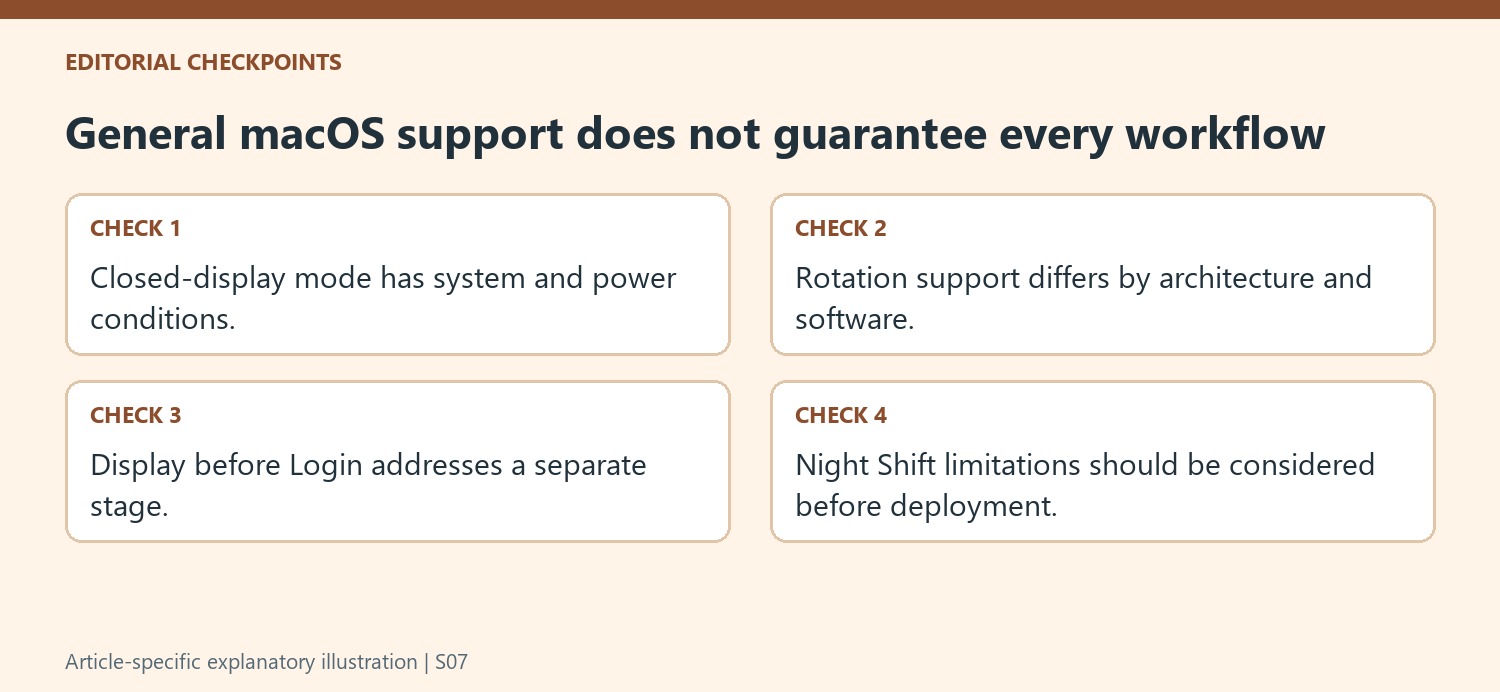
Validate closed-display mode and rotation independently
For closed-lid operation, confirm the applicable system support and connect the external power source specified by the guide. A screen working with the lid open does not settle whether the closed arrangement is supported. Test the actual external screen and input devices through the routine users need, retaining access to the built-in controls during setup.
Portrait orientation is another requirement. The source gives particular Apple Silicon and InstantView conditions and a different Intel limitation. An application update should not be described as enabling rotation for every Mac architecture. Verify the relevant version and actual behavior before purchasing a portrait-oriented screen or promising the same desk arrangement to users with different computers.
Account for login-stage and blue-light feature boundaries
Use the Display before Login option when that stage is required and test it explicitly rather than relying on a picture that appears after sign-in. The table also identifies Night Shift and other blue-light-reduction software as unsupported for the described products. If that function is essential, include it in connection selection instead of treating its absence as a surprise repair issue. This feature-by-feature plan makes general compatibility meaningful for a real workday, while preserving the support conditions that can differ between machines using the same dock and similar-looking cables.
References
- Plugable Help Center. Plugable Knowledge Base.
Plugable's macOS guidance distinguishes clamshell, rotation, login display and Night Shift support by configuration.


Leave a Comment
Comments (0)