
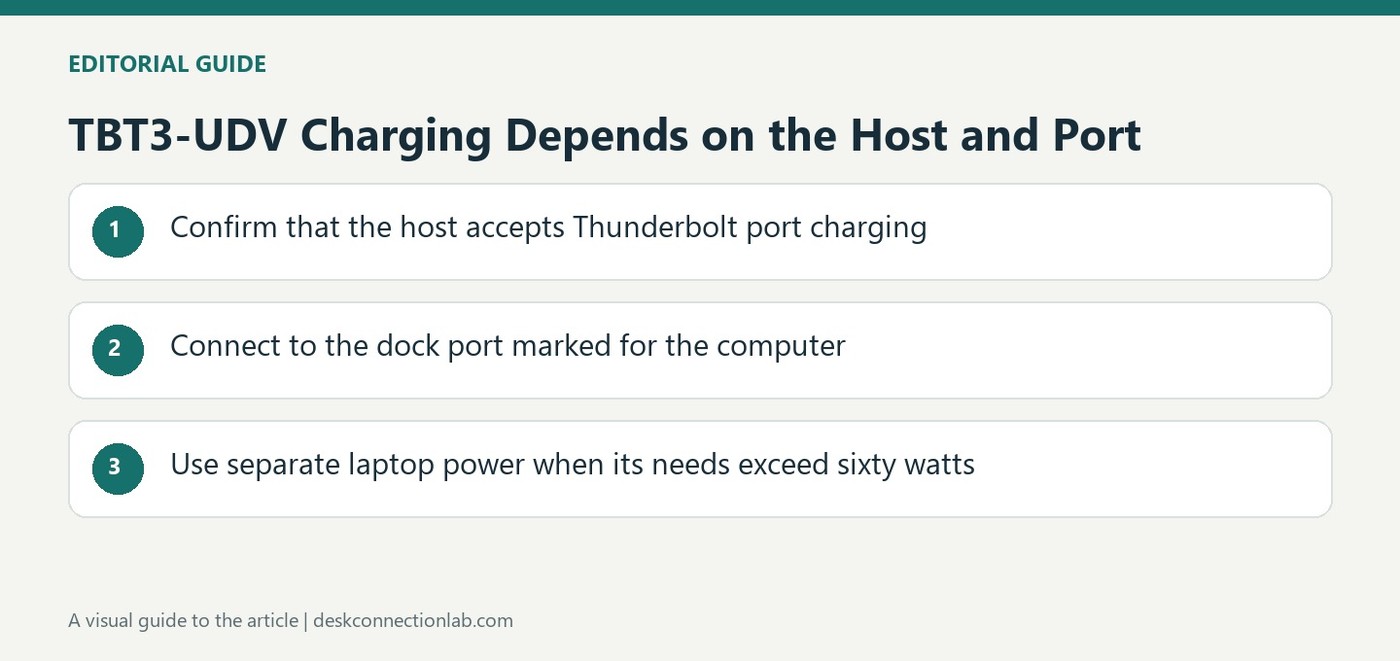
TBT3-UDV Charging Depends on the Host and Port
Confirm that the computer accepts port charging
Plugable's TBT3-UDV guidance begins with a host limitation: not every Thunderbolt 3 computer supports charging through that port. A dock cannot add incoming power support that the computer does not provide. Check the system manufacturer's specifications or user manual for both Thunderbolt capability and charging behavior. Plugable suggests the supplied laptop adapter's rating and connector can provide a useful initial clue, but the system's documented support remains important. A USB-C shaped socket by itself does not settle the question. Establish compatibility before interpreting a failure to charge as evidence that the dock or cable has developed a fault.
Use the computer marked connection on the dock
The source identifies the rear Thunderbolt 3 port marked with a small computer icon as the host charging connection. Attaching the laptop elsewhere does not create the same power path simply because another socket looks similar. Trace the actual cable from the computer to this designated port and use a suitable connection. The TBT3-UDV can provide up to sixty watts to a compatible host through that arrangement. Read this as the dock's host limit, rather than assuming its power adapter rating or the presence of Thunderbolt implies a higher charging output.
Plan separately for systems needing more power
A laptop requiring more than the dock's available output may need its original power supply connected, as Plugable notes. That is a compatibility and power requirement issue rather than a setting that necessarily can be removed through software. Check the laptop manufacturer's instructions for the intended arrangement. Keep host charging separate from the dock's accessory charging functions when reviewing specifications. The article applies to a discontinued dock that may still be in service, making its precise model guidance more useful than a general claim about modern Thunderbolt docks. Identify the hardware first, then check its documented capabilities.
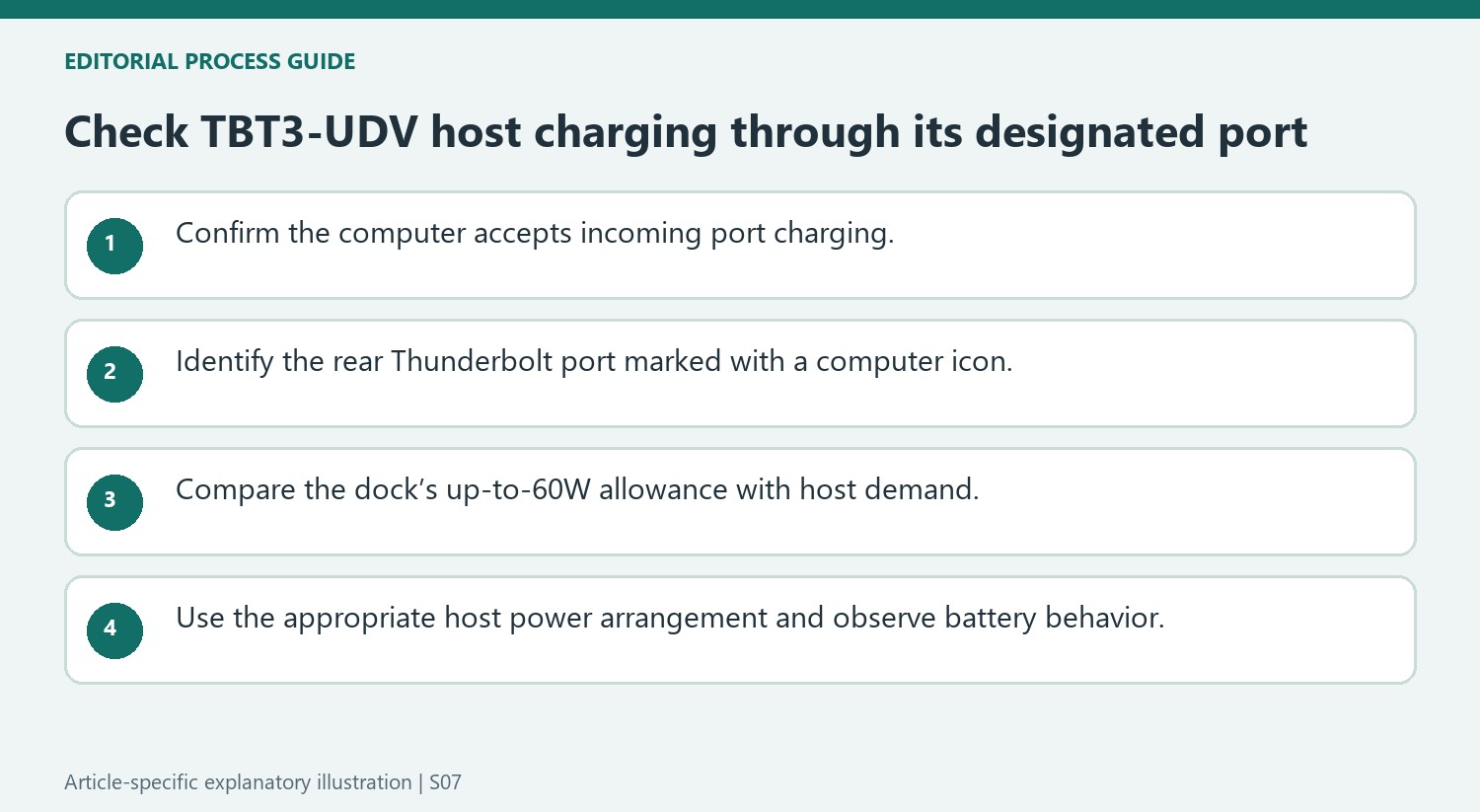
Check incoming charging support independently of Thunderbolt connectivity
The source begins by noting that not every Thunderbolt 3 computer accepts charging through that port. Confirm the host manufacturer’s documentation before interpreting a working data or video link as proof of charging support. A dock cannot add an incoming-power function that the computer’s port does not implement.
The laptop’s included adapter can provide an initial clue about its typical power needs, but the model-specific charging specification remains decisive. Record the host model, supported input and required wattage before selecting this older dock for a workstation. This makes the purchase or troubleshooting question concrete rather than relying on the appearance of a USB-C-shaped connector or the broad Thunderbolt product label.
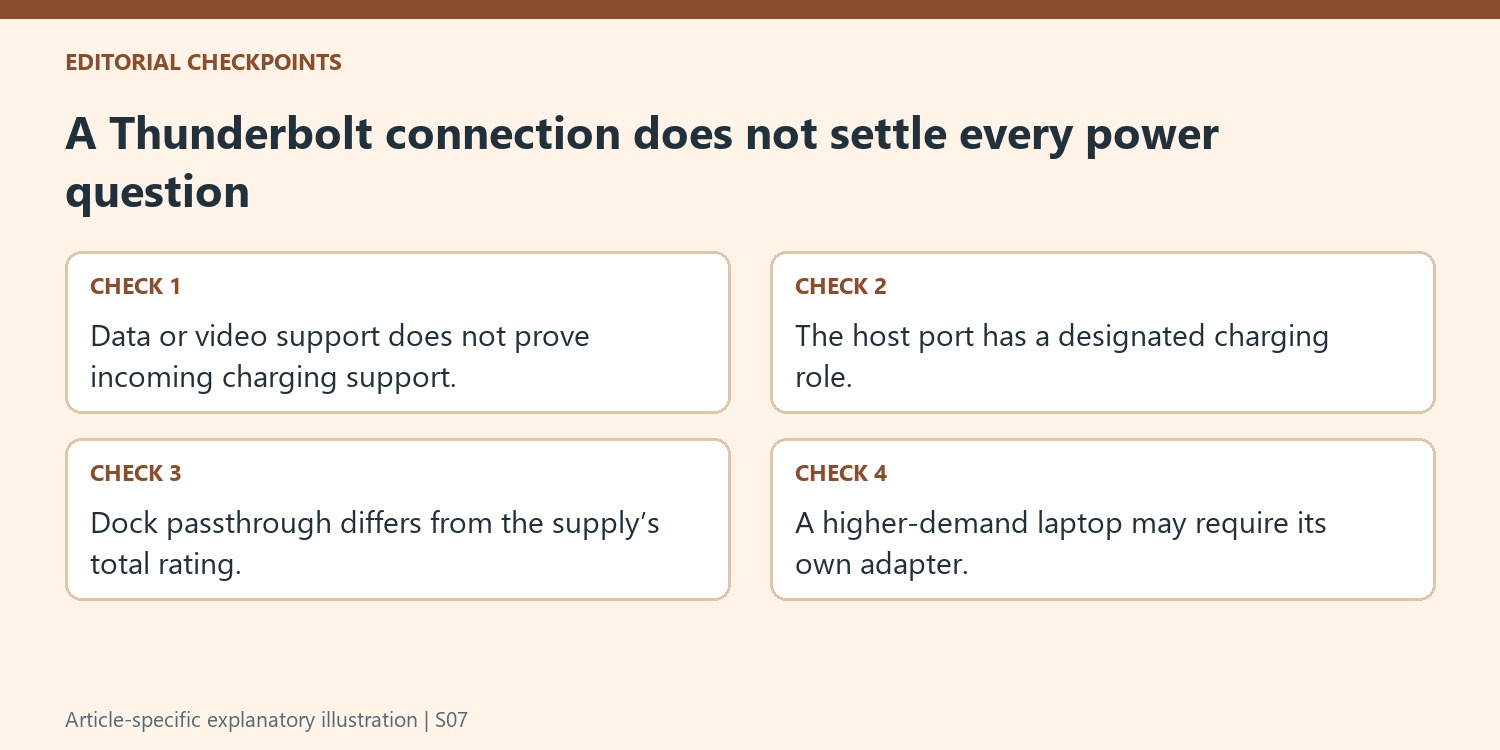
Trace the designated host port and its actual allowance
Follow the computer cable to the dock’s rear connection marked with the computer icon. The source assigns host charging to that port, so a similar-looking downstream socket is not an equivalent path. Confirm the suitable cable and secure connection before looking for software settings that cannot change the physical role of the port.
Keep the dock’s up-to-60W host allowance separate from its external supply label and accessory power functions. A computer requiring more power may need its own adapter as the source describes, following the host manufacturer’s instructions for that arrangement. The fact that the dock charges one lower-power laptop successfully does not establish adequate power for another model during its normal workload.
Assess an installed legacy dock through its own guidance
The article identifies the TBT3-UDV as discontinued, which makes exact product guidance especially useful for equipment remaining in service. Do not apply the charging rating of a newer dock as though it describes this unit. After establishing supported host charging and the correct port, observe battery behavior during the intended work and retain the cable map. If the host supports charging but still does not receive it, provide those checked details to support. This separates an unsupported or underpowered arrangement from a reproducible fault in a configuration that is meant to work.
References
- Plugable Help Center. Plugable Knowledge Base.
Plugable rates the TBT3-UDV host connection at up to 60 watts and requires a computer that accepts charging through Thunderbolt.


Leave a Comment
Comments (0)