
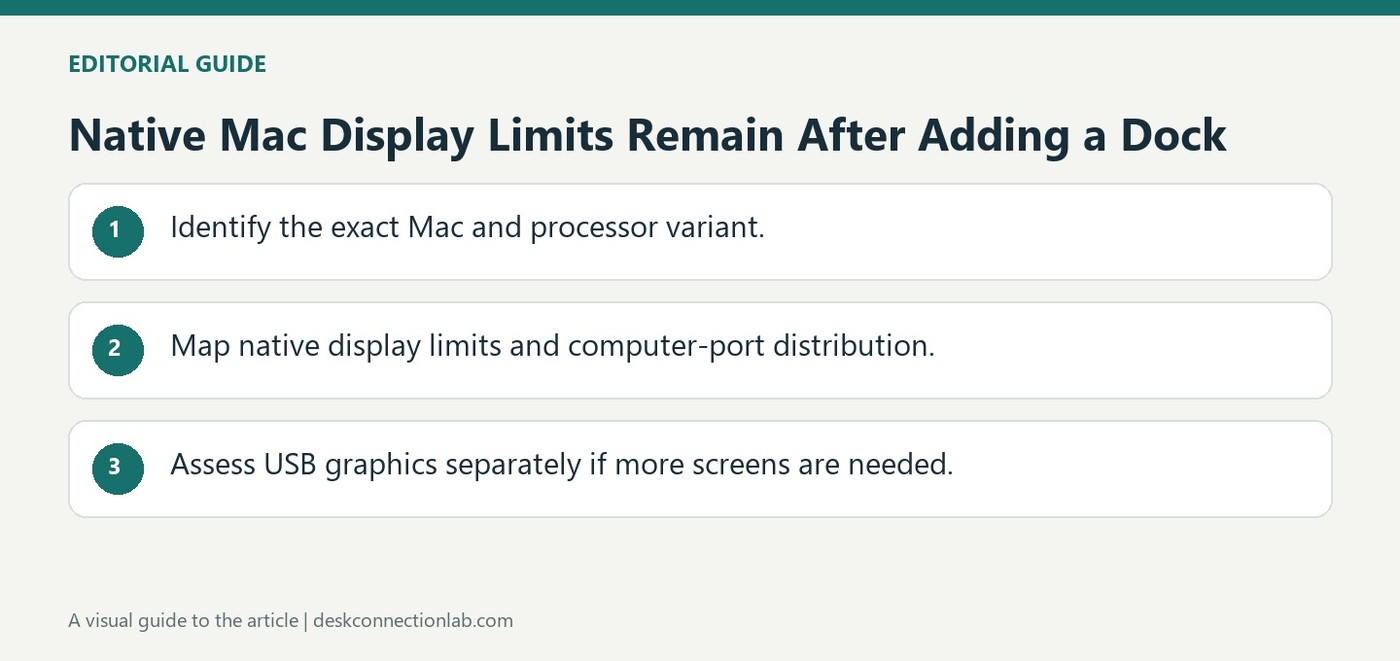
Native Mac Display Limits Remain After Adding a Dock
Plugable's Apple Silicon guide emphasizes that a Thunderbolt dock cannot exceed the host's native display support. Base M1 and M2 MacBooks, for example, do not gain additional native Thunderbolt displays merely by adding more dock outputs. Other processor variants and generations support different configurations.
Some higher-end layouts also require distributing displays across multiple computer ports rather than one dock connection. USB graphics is an alternative technology with its own software needs. Check the exact Mac documentation and intended connection map before standardizing a dock for users with different Apple Silicon models.
Identify the processor variant and intended connection map
The support guide distinguishes base, Pro, and Max processor variants rather than treating all Apple Silicon machines as one display configuration. It also focuses mainly on MacBooks, with other Mac families requiring their own documentation. Record the exact computer and chip before comparing a dock's advertised output count. In some arrangements the supported displays must be distributed across more than one computer port, so a single dock cannot necessarily provide the full native configuration.
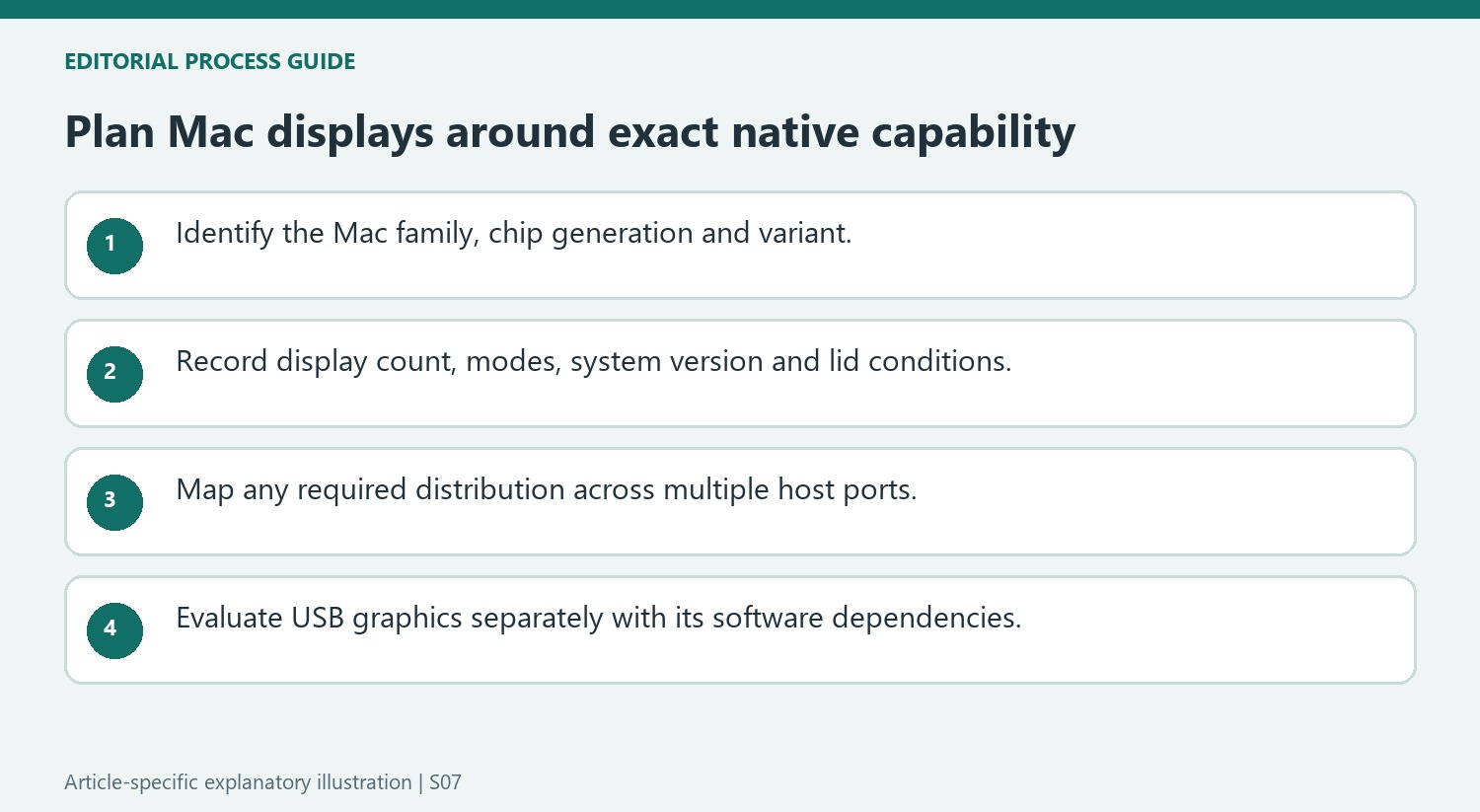
Separate native expansion from a USB graphics alternative
DisplayLink or InstantView products add software-driven USB graphics rather than changing the processor's native display limit. That can address a different expansion requirement but also introduces application and permission dependencies that a native connection does not share. Confirm the current Mac documentation for the proposed resolution, refresh rate, display count, and lid state instead of relying on a table for a different generation. Then select a dock and cable map that implements that arrangement. A list showing several physical video sockets is incomplete unless it also explains which host capabilities and display technology are required to use them independently.
Identify the complete Mac model before using a processor comparison
Record the computer family, processor generation and variant, not merely that it uses Apple Silicon. Keep those details with the monitor purchase and connection plan. Plugable’s guide focuses mainly on MacBooks and tells readers to confirm other families through their own device documentation. Base, Pro and Max variants can have different native arrangements, and an apparently similar dock cannot erase those hardware conditions.
Include the desired display count, mode and lid state in the plan. Some configurations require a particular system release or closed-lid arrangement, while others distribute displays across several computer ports. A maximum quoted without those conditions can describe a different setup from the one being purchased. Use current documentation for the exact machine instead of transferring a nearby table entry to another generation.
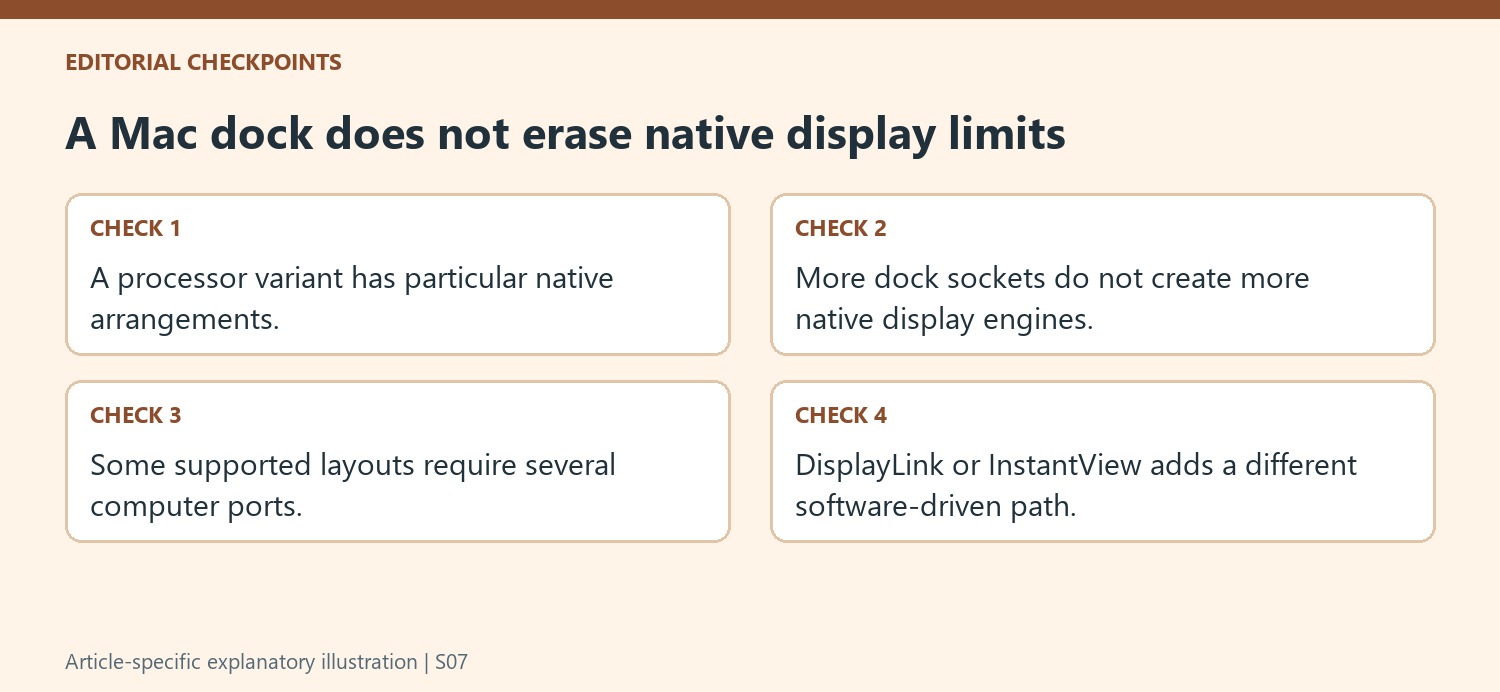
Draw the native connection map before counting dock outputs
A Thunderbolt dock provides connections within the host’s supported native capability; it does not create additional native display engines. The source uses base M1 and M2 MacBooks as an example of that boundary. More sockets on the accessory should therefore not be interpreted as a promise that every one can drive another independent native desktop on that host.
For a supported higher-end configuration, check whether the full arrangement requires more than one computer port. A dock carrying part of the display set and a separate direct connection can be different from attempting every screen through one host lead. Preserve those paths in the purchase list along with cables and monitor inputs, because the port distribution is part of the support condition rather than a cosmetic cable-management preference.
Evaluate USB graphics as another technology with its own requirements
A DisplayLink or InstantView solution can provide software-driven USB graphics without changing the processor’s native limit. Assess its application, permissions and intended workload as separate requirements, especially on macOS. It should not be described as native Thunderbolt expansion merely because it attaches through a USB-C-shaped port. Test the actual screen arrangement and normal login routine before standardizing it for several users. This keeps native and software-driven options understandable and prevents an organization from buying one dock for different Mac models on the unsupported assumption that identical external hardware guarantees identical display capability.
References
- Understanding external display support on apple m1 m2 m3 and m4 chips. Plugable Knowledge Base.
Plugable's Apple Silicon guide emphasizes that a Thunderbolt dock cannot exceed the host's native display support. Base M1 and M2 MacBooks, for example, do not gain additional native Thunderbolt displays merely by adding more dock outputs. Other processor variants and generations support different configurations.


Leave a Comment
Comments (0)