
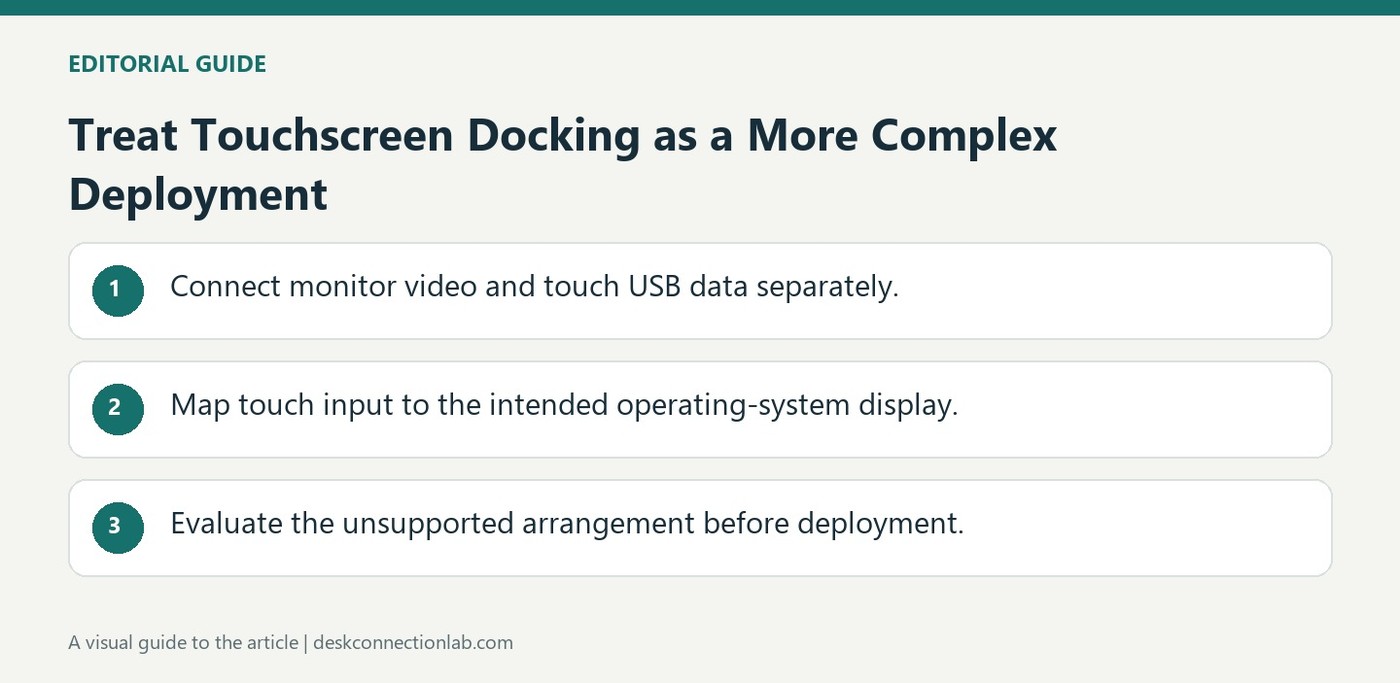
Treat Touchscreen Docking as a More Complex Deployment
A DisplayLink docking station can carry touchscreen video while a separate USB connection carries touch input. Plugable notes that driverless HID touchscreens may function, but mapping input to virtual graphics displays can become unreliable. This is why a seemingly simple cable arrangement can demand additional operating system configuration.
Plugable does not officially recommend or support these configurations. Before choosing such a dock for a touchscreen workstation, confirm how input will be mapped and tested across all screens. A successful video signal alone does not establish that touch coordinates, multiple monitors, and wake behavior will remain dependable.
Keep video and touch input distinct during testing
The monitor's video cable supplies the picture, while the separate USB data connection carries touch events from its HID controller. A clear image can therefore coexist with missing or misplaced touch input. Plugable describes connecting that USB data cable to the host or dock and using the operating system's mapping controls, such as Tablet PC Settings in Windows. Calibration must associate the touch device with the intended display rather than whichever screen is currently primary.
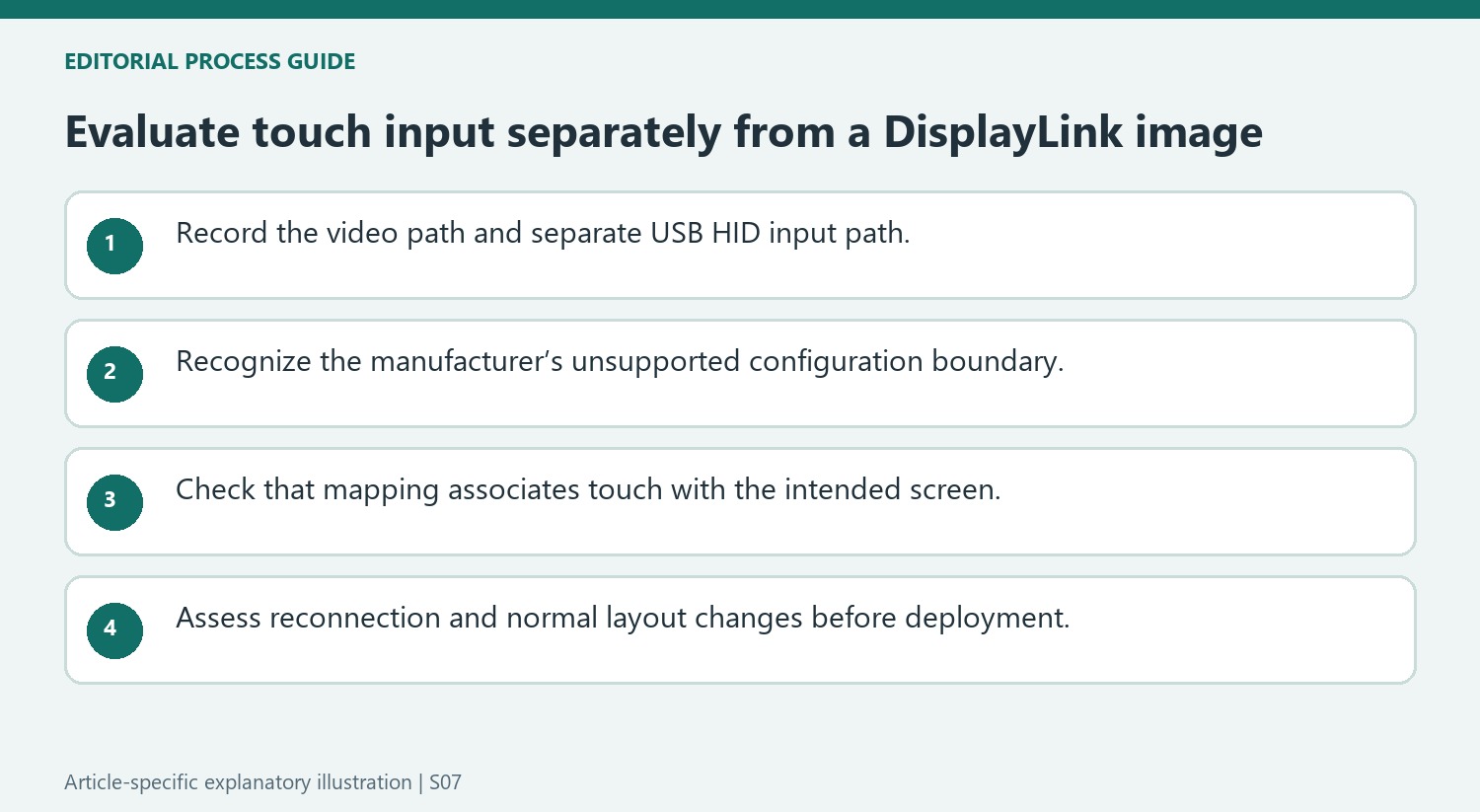
Evaluate the unsupported configuration before deploying it
Plugable explicitly does not recommend or officially support these DisplayLink touchscreen arrangements because multi-monitor input mapping can be unreliable. A one-time successful tap test is not a general compatibility guarantee. If considering such a setup, assess the actual screen layout and the way input behaves after reconnection or changes to display arrangement. An installation needing dependable touch interaction should make that requirement part of dock selection from the start. Keep the monitor model, video connection, USB input connection, and operating-system mapping details together; simply saying that the monitor is connected through USB leaves out the distinction responsible for many symptoms.
Treat reliable touch input as its own deployment requirement
A touchscreen workstation needs more than a stable picture. The source describes a separate USB HID input path and the operating system’s need to associate that input with the correct display. Record which video path shows the image and which USB connection carries touch events before deciding whether a dock can meet the intended task.
Plugable states that these DisplayLink touchscreen combinations are not officially supported or recommended. Keep that limitation prominent when evaluating a proposed deployment, particularly where dependable interaction is essential. A demonstration that one driverless screen can respond in one arrangement is not the same as a supported guarantee across multiple displays, reconnects and software states.
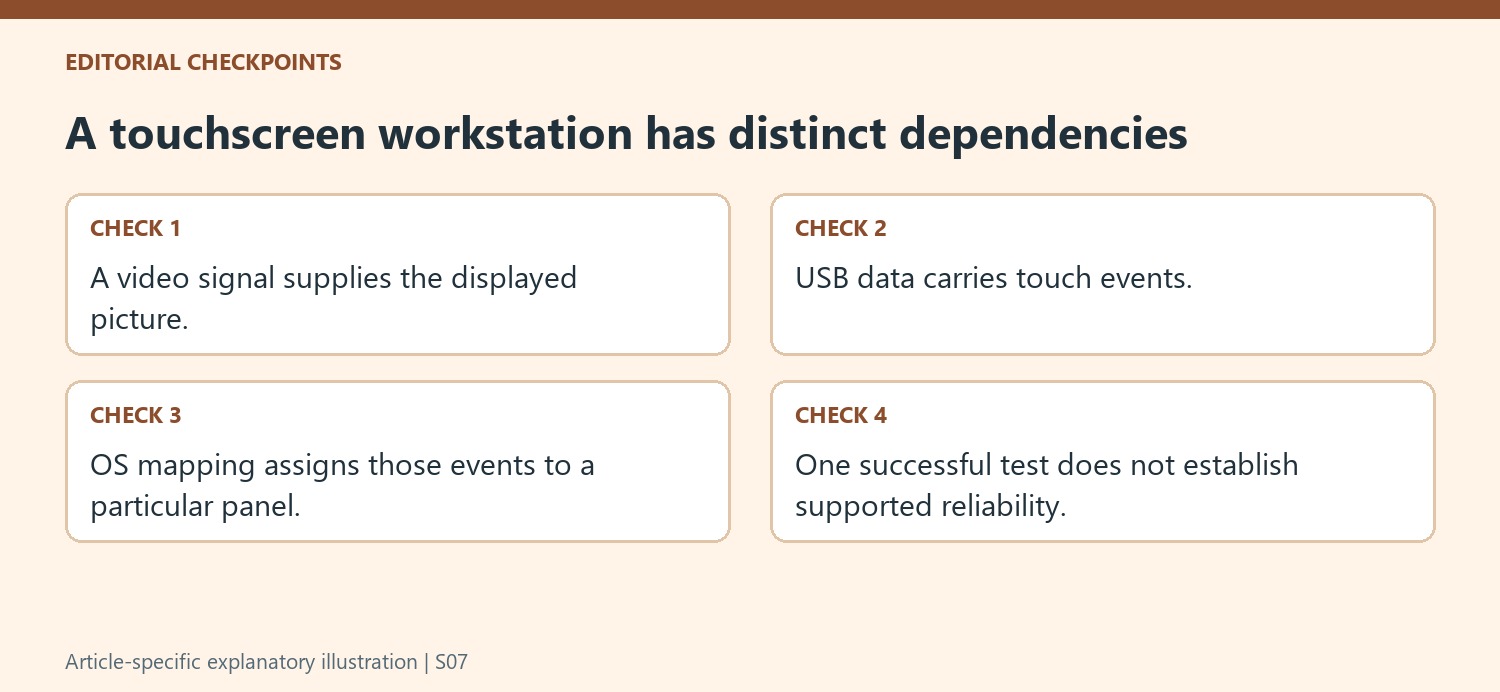
Inspect mapping before calling a clear image a complete success
Connect the video cable and separate USB data cable as described, then inspect the operating system’s appropriate mapping or calibration controls if choosing to evaluate the arrangement. The touch device must correspond to the intended panel rather than to whichever screen happens to be primary. A tap registered on another display is an input-association problem, even when both screens show a sharp image.
Keep the display arrangement explicit while testing. More than one non-native output can make the relationship harder to maintain, and the source identifies that mapping complexity as the reason for its support boundary. Test recognizable positions on the intended screen and observe where input arrives. Do not infer correct touch coordinates from video detection or assume a connected USB cable proves the operating system has associated its controller properly.
Evaluate the actual working routine before selecting equipment
Include reconnection and any ordinary layout changes in the assessment, preserving the exact monitor, host and dock models. Record both the image path and USB input path with the mapping state. If the requirement is dependable touch rather than occasional experimentation, make that a selection criterion from the start and seek a supported arrangement for it. This avoids building an essential workstation around a one-time successful test that does not address the manufacturer’s stated concerns. The practical decision should reflect the complete interaction requirement, with video, USB input and operating-system mapping evaluated as separate but connected dependencies.
References
A DisplayLink docking station can carry touchscreen video while a separate USB connection carries touch input. Plugable notes that driverless HID touchscreens may function, but mapping input to virtual graphics displays can become unreliable. This is why a seemingly simple cable arrangement can demand additional operating system configuration.


Leave a Comment
Comments (0)