
Plan Mac Software Setup Before Installing a Silicon Motion Dock
A Silicon Motion docking station on a recent Mac depends on InstantView to produce its USB graphics outputs. Plugable's installation guide covers the UD-768PDZ alongside related adapters and instructs users to grant screen access after installing the application. Dock power and a connected host cable are not the complete setup.
Include macOS version identification and application approval in a new workstation checklist. Some releases require permission renewal, so a previously working installation can need attention later. Keeping that requirement documented helps explain why USB peripherals may remain connected while the dock's software-driven displays need recovery.
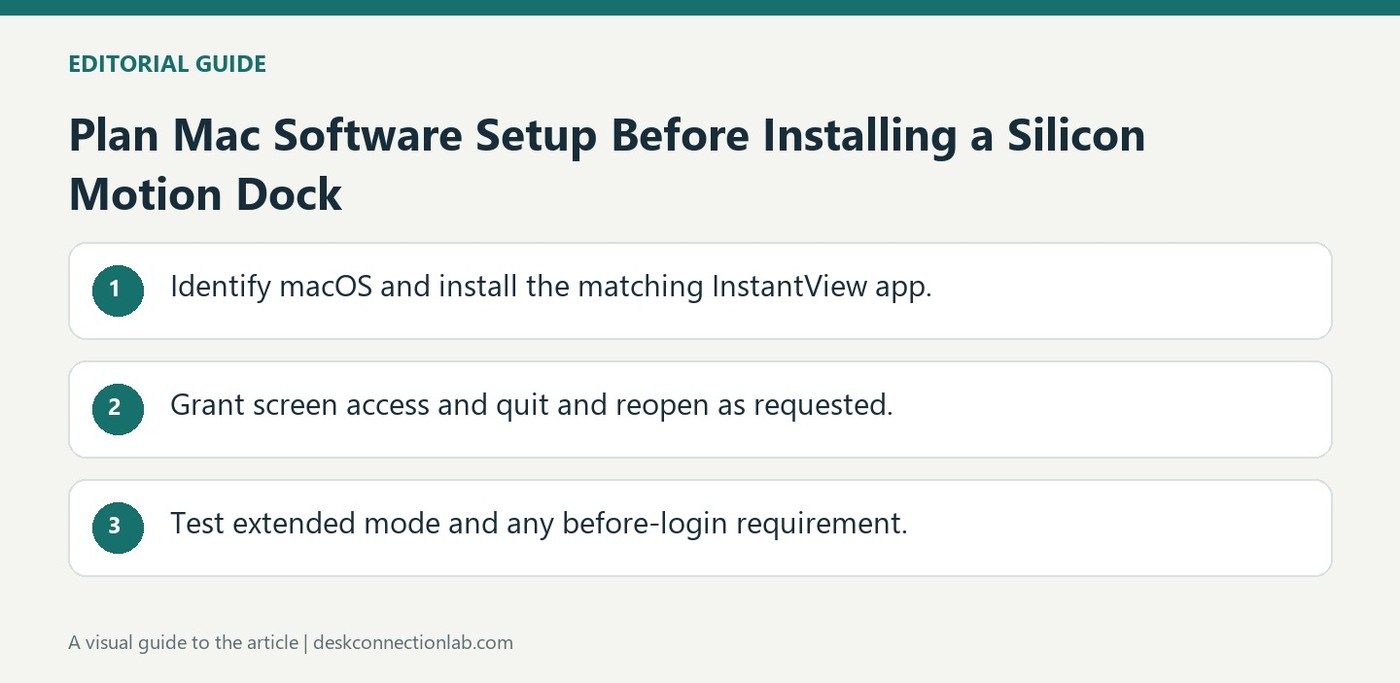
Include the app installation in the deployment plan
Check About This Mac to identify the operating-system version, download the corresponding InstantView package, and move the application into Applications as the guide directs. Launch it there and complete the screen-access request. Merely copying the app or attaching the dock does not confirm that the permission has taken effect; macOS may require the application to quit and reopen after approval. Test the connected monitor after that step.
Decide how the display should behave before login
The InstantView menu includes a Display before Login option for making the USB-connected screen available at the macOS login screen. Its interface also provides mirrored or extended modes and an automatic-update option. Check these deliberately instead of assuming that an image visible after login proves the pre-login setup is complete. Plugable explains that screen access is used to generate the display image, rather than to store screen recordings. If a later permission-renewal prompt appears, follow the current system and application guidance. Documenting the app version and permission state gives support useful information when a previously working monitor stops receiving a signal.
Treat application deployment as part of the hardware installation
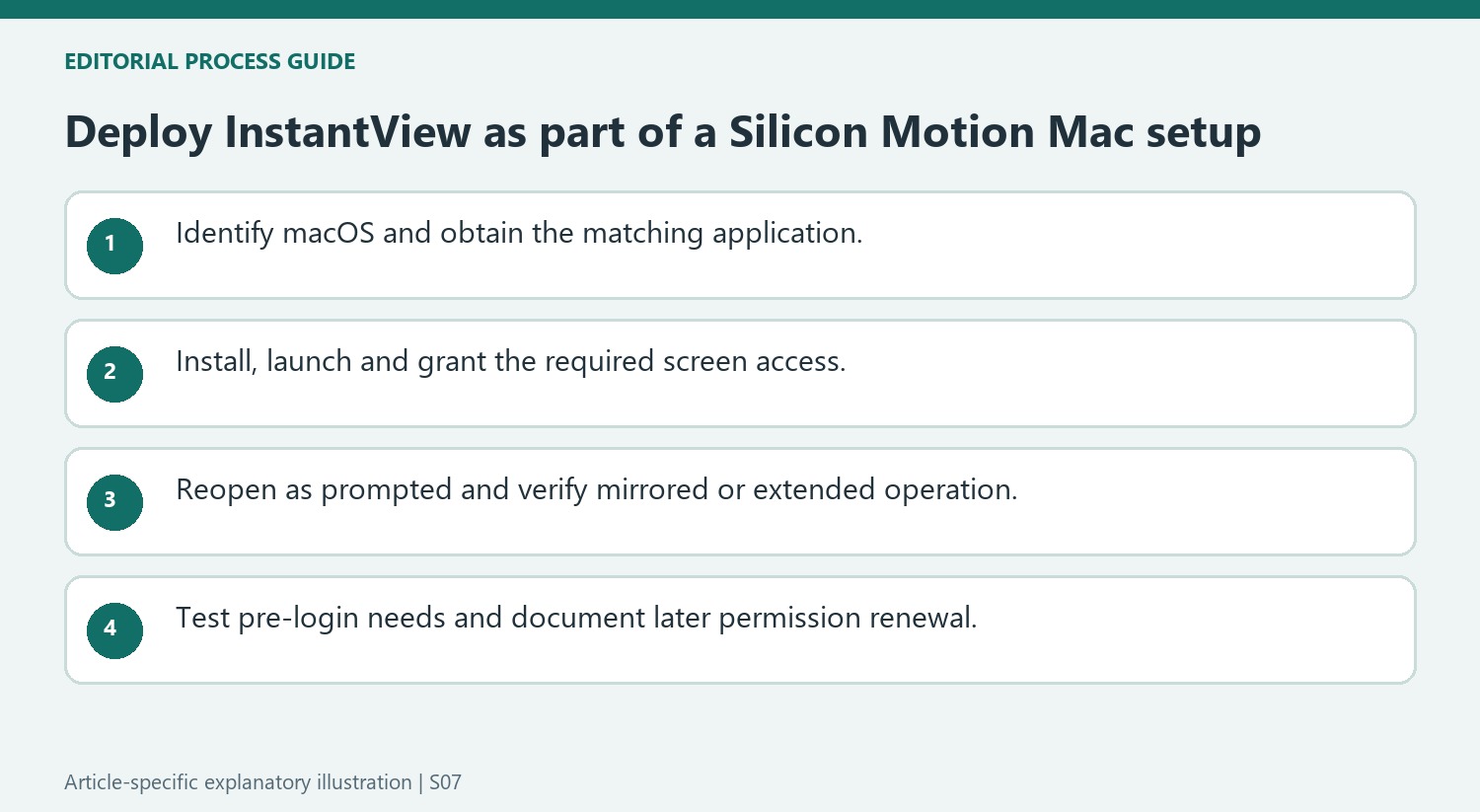
Identify the Mac’s operating-system version before downloading InstantView, and match the release to the installation guidance. The source applies to listed Silicon Motion products, so confirm the dock or adapter model too. A powered dock and a connected cable are necessary parts of the arrangement, but the USB graphics output also depends on the correct application being installed and permitted to operate.
Move the application into Applications and launch it there as directed. This keeps the setup path understandable and avoids treating a copied package that was never opened as a complete deployment. Follow the screen-access request, provide the requested system authorization where appropriate and quit and reopen when macOS requires that for the changed permission to take effect. Then test the external image rather than inferring success from the app icon alone.
Explain the privacy label and later renewal requirement accurately
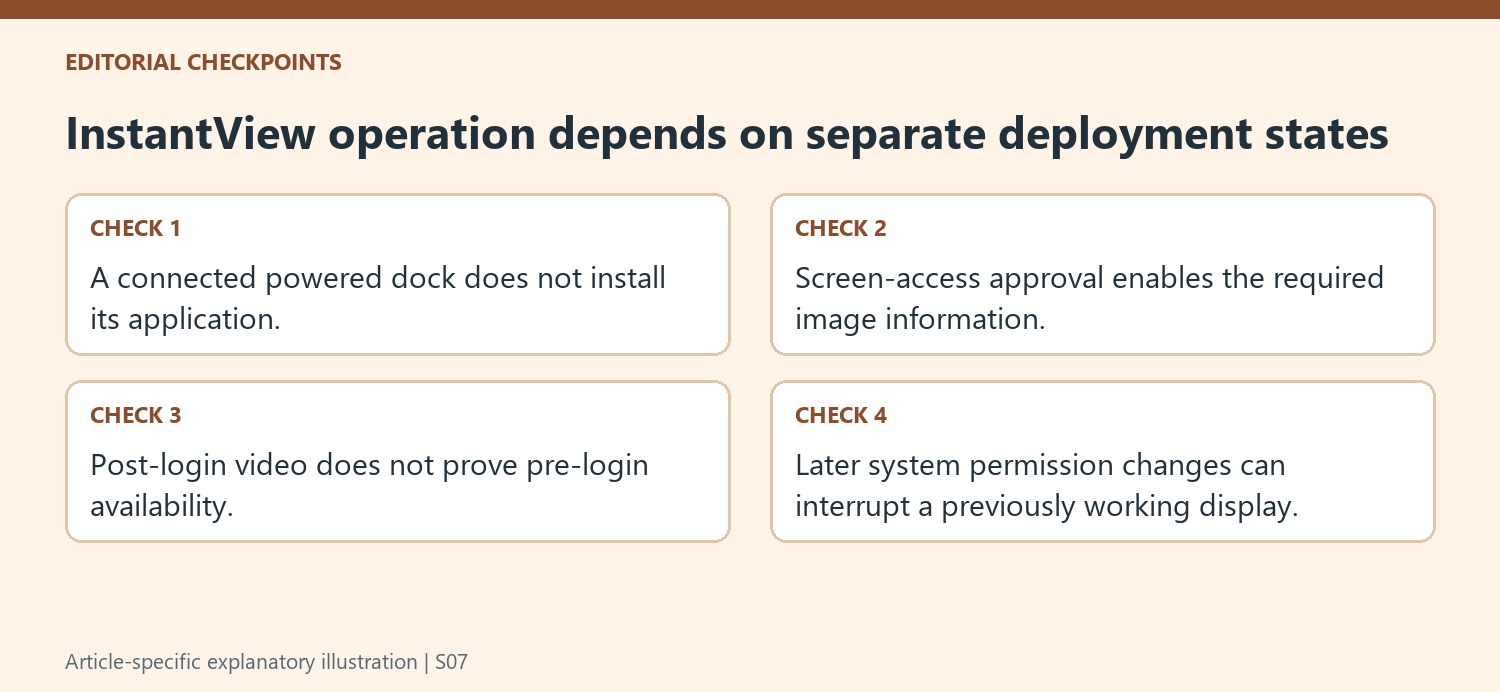
Plugable states that screen access supplies information used to generate the image on the Silicon Motion-connected display. The privacy setting’s recording terminology should not be paraphrased as evidence that the app saves a recording of the user’s work. Explain the documented purpose and keep that distinct from the operating system’s name for the permission category.
The guide also notes a renewal requirement on newer macOS releases. Document the applicable behavior for the actual installation and respond to later permission prompts through current system guidance. If USB accessories still work while the software-driven screens stop, inspect the application and permission state as separate dependencies. An operating-system update can change that state without proving the dock’s physical video sockets have failed.
Test the workstation at the stages people actually use
Choose mirrored or extended operation deliberately through the available display controls. If a screen is needed before login, enable and verify the specific Display before Login option rather than assuming a post-login image proves that requirement is met. Review automatic updates as directed and record the app version with the host and dock details. Test an ordinary login and reconnection routine after initial setup. This makes the installation complete for the intended workplace, while preserving useful evidence if a future permission change or application-state problem interrupts a previously working external display.
References
- 1237488 silicon motion instantview installation instructions for macos 10 15 and later. Plugable Knowledge Base.
A Silicon Motion docking station on a recent Mac depends on InstantView to produce its USB graphics outputs. Plugable's installation guide covers the UD-768PDZ alongside related adapters and instructs users to grant screen access after installing the application. Dock power and a connected host cable are not the complete setup.


Leave a Comment
Comments (0)