
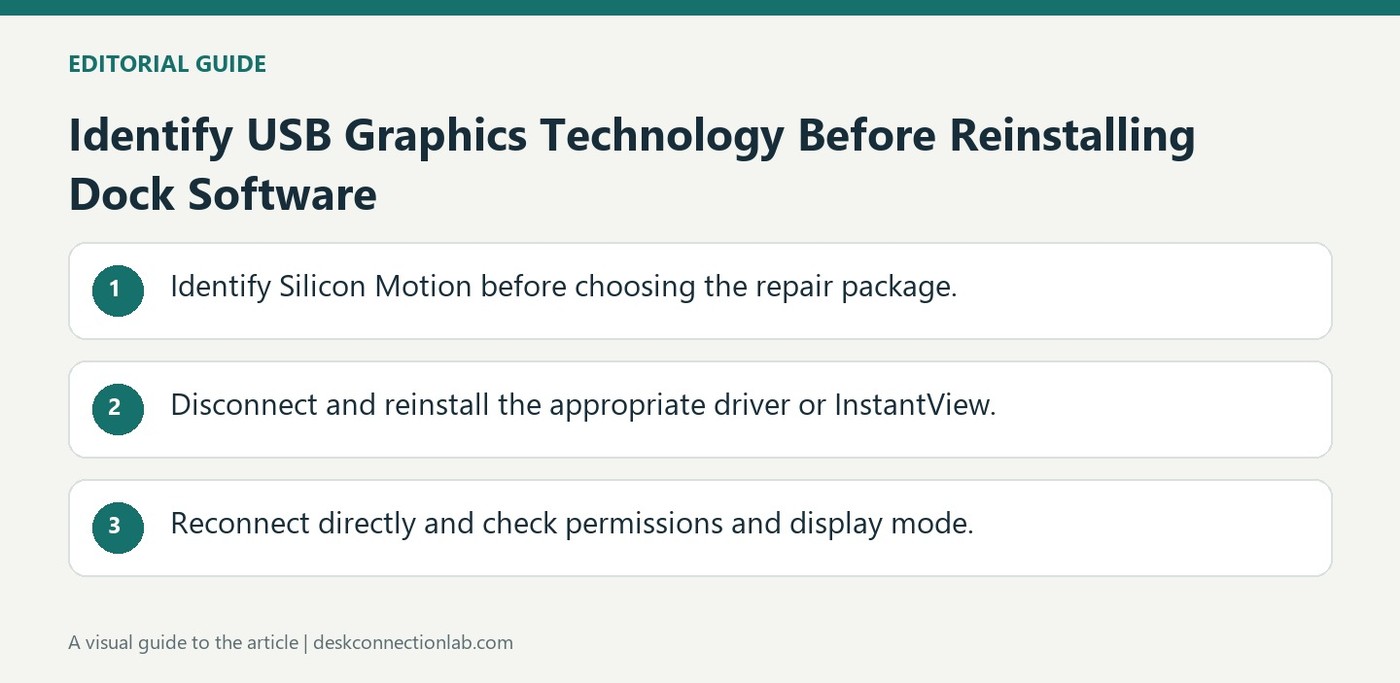
Identify USB Graphics Technology Before Reinstalling Dock Software
Plugable's clean reinstall guidance for Silicon Motion products covers specified docks and adapters, including the UD-768PDZ. On Windows it removes and reinstalls the Silicon Motion USB display driver with a restart; on macOS it addresses InstantView and its screen access. The instructions are tied to that chipset.
The guide explicitly excludes DisplayLink, native Alt Mode, and Thunderbolt-only products. Check the model before choosing a repair package, even if the products share USB-C connectors. Installing software for a different video technology does not address the dock's actual dependency and can obscure the original connection problem.
Reset the hardware while reinstalling the correct software
Plugable recommends disconnecting the Silicon Motion product and its external power before removing the existing software. On Windows, remove the Silicon Motion USB display entry, restart, install the current recommended driver, and then reconnect directly. Use the original host cable where possible and avoid hubs or switches during this test. Those steps establish a simpler baseline than reinstalling several unrelated graphics packages while the complete desk remains attached.
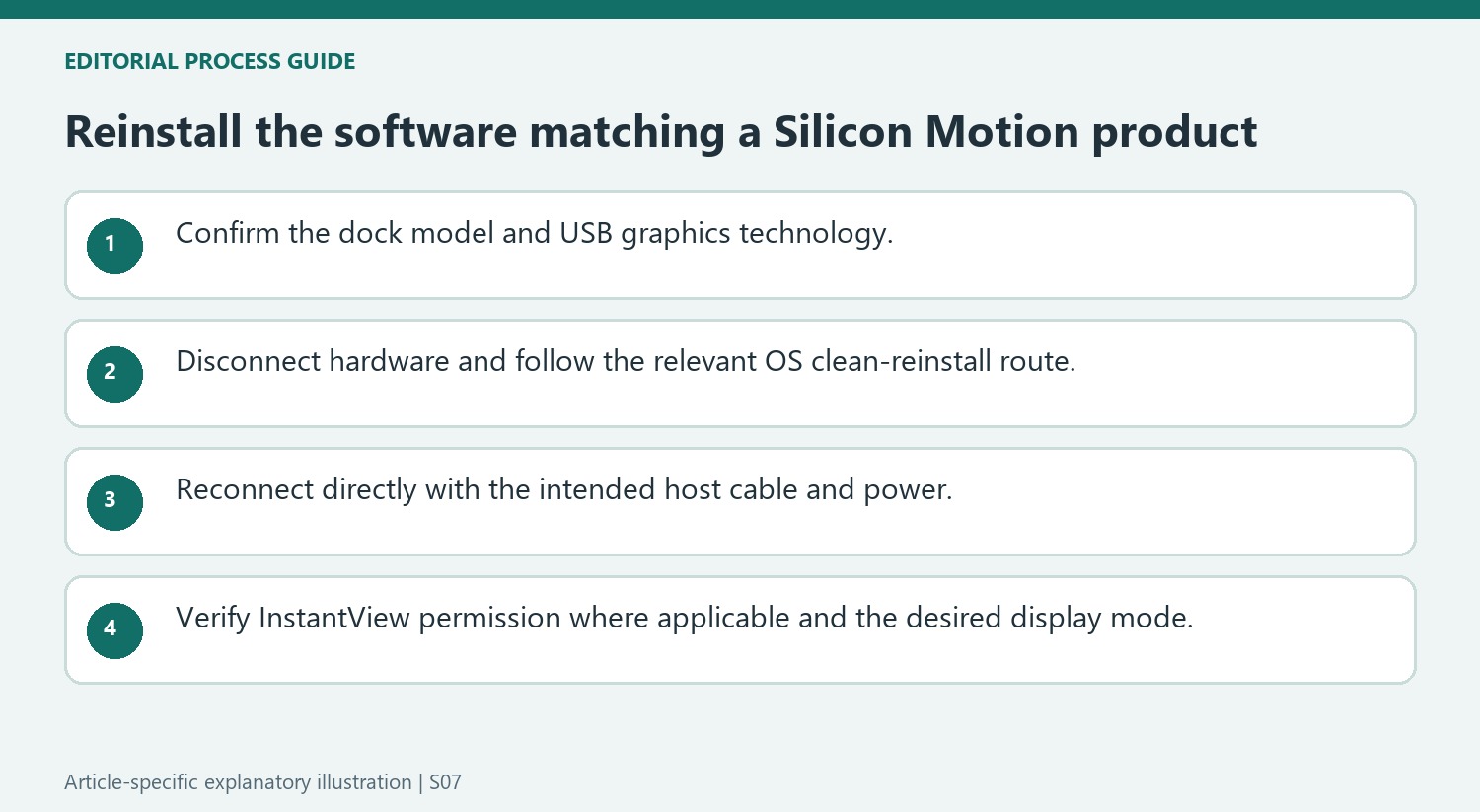
Check InstantView permission on macOS after an update
On a Mac, the corresponding software is InstantView. Reinstall the appropriate version, allow the required screen-access permission, and quit and reopen the app if prompted. The privacy-section name varies with macOS, and newer releases may require the permission to be renewed. Plugable explains that the access supplies information needed to generate the USB-connected image. After reconnection, verify whether the screen is extended or mirrored in the display controls. If the picture is still blank, inspect the screen input and video cable before repeating the installation. Retain the product, computer, operating-system version, and diagnostic output when seeking further help.
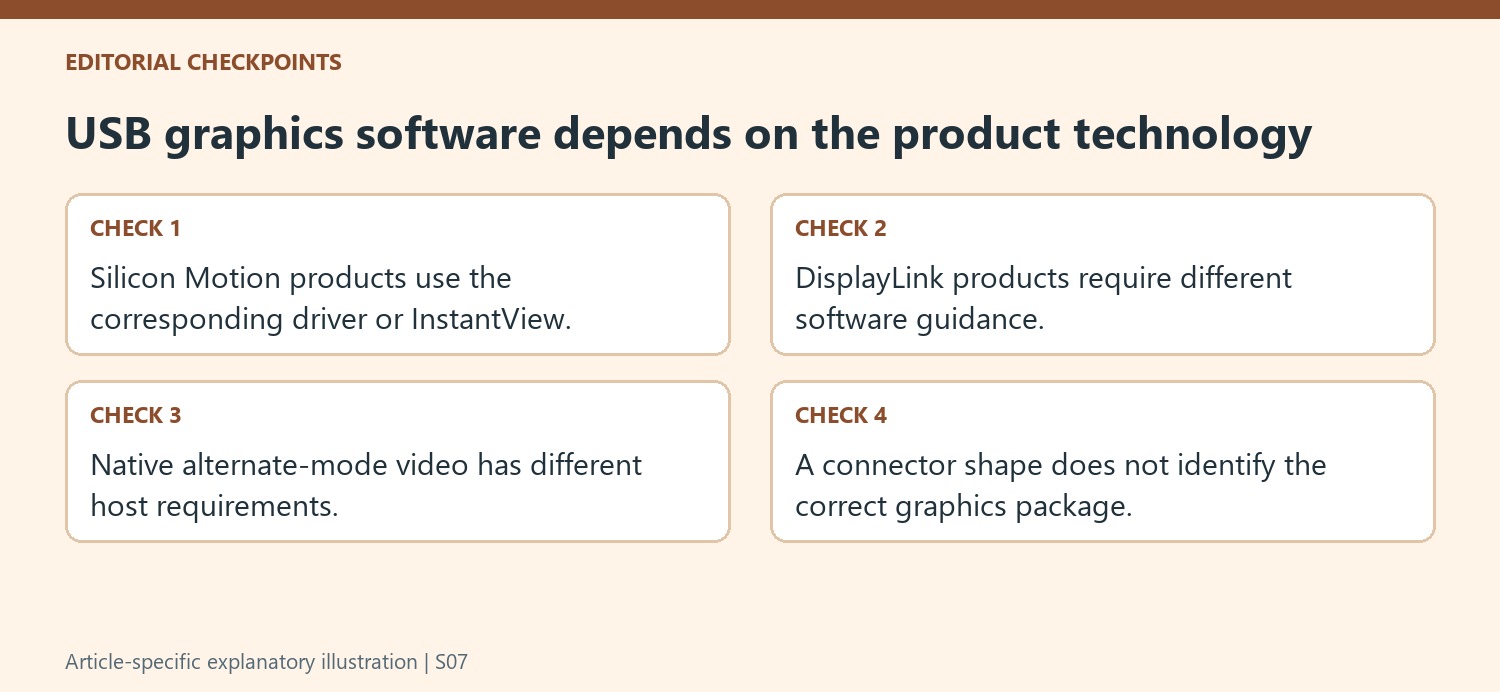
Identify the USB graphics technology from the exact product
Start with the model number and the manufacturer’s applicable-products list. The guide concerns Silicon Motion USB graphics and explicitly separates it from DisplayLink, native USB-C Alternate Mode and Thunderbolt video. A shared connector does not make their software packages interchangeable. Installing a driver for the wrong technology can leave the original dependency unresolved while adding confusion about what changed.
Record the operating-system version and the precise display symptom before beginning. A screen that is detected but mirrors another display requires a different final check from one that never appears. Record which display is affected and whether the same cable and input worked before the operating-system change. Save open work and retain the instructions needed after restarting so that the clean-reinstallation sequence can be completed without improvising unrelated removal steps.
Build a simplified hardware and software baseline
Disconnect the product and its external supply where present, as the guide directs. On Windows, remove the relevant Silicon Motion display software, restart and install the current recommended driver before reconnecting directly. A missing entry in the app list can reflect automatic installation, so follow the documented next step rather than assuming unrelated graphics packages must be removed.
Use the original host cable where possible and avoid intermediate hubs, switches or extensions during the reference test. This helps isolate whether the product and host operate through the intended connection. A complicated desk arrangement can be restored later, after the screen works directly. Keep the power and connection order understandable so that a recurring failure can be associated with a specific added stage.
Complete the Mac-specific permission and display checks
For macOS, use the appropriate InstantView release and screen-access setting for that system version. Reopen the app when prompted, and check whether an operating-system update or permission renewal affects its ability to generate the external image. The source explains the permission’s purpose without claiming that it means screen content is stored as a recording. After reconnection, inspect the monitor input and video cable, then verify the intended mirror or extended mode. If the issue persists, report the product, host, system version and observed direct-test result instead of repeating installation without new evidence.
References
- My silicon motion based usb docking station or usb video adapter is not working as expected. Plugable Knowledge Base.
Plugable's clean reinstall guidance for Silicon Motion products covers specified docks and adapters, including the UD-768PDZ. On Windows it removes and reinstalls the Silicon Motion USB display driver with a restart; on macOS it addresses InstantView and its screen access. The instructions are tied to that chipset.


Leave a Comment
Comments (0)