
Check Thunderbolt 4 dock host compatibility
Read the full compatibility table
Surface Thunderbolt 4 Dock offers USB4 and Thunderbolt 4 USB-C connections, USB-A accessory ports, networking and audio. Microsoft explains that a Thunderbolt 4 host provides the intended capability, while other compatible USB-C computers may have reduced features. The plug shape is therefore only the beginning of a compatibility check.
Budget power and bandwidth together
The listed 165W supply can provide up to 96W to the host, with the remaining capacity supporting the dock and attached equipment. Check video support on the intended downstream port and verify the computer's display limits. A dock can physically accept several devices while its actual performance still depends on the host connection, cable and supported combination of screens.
Match each peripheral to an identified downstream port
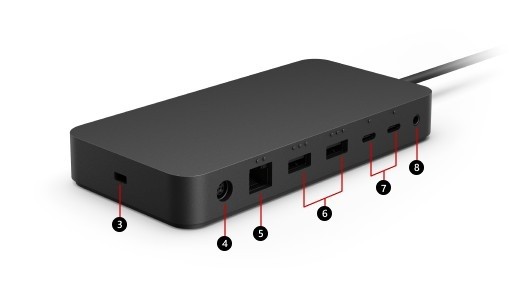
The dock provides USB-A accessory connections, display-capable USB-C ports, Ethernet, and a 3.5mm audio connection. These serve different functions even though several attached devices may be recognized at once. Follow the port diagram when choosing a display adapter, and select the correct audio device in Windows if a headset or speaker is also connected. A working wired network does not establish that an unsupported host can provide the desired video arrangement.
Verify the computer-specific display and charging needs
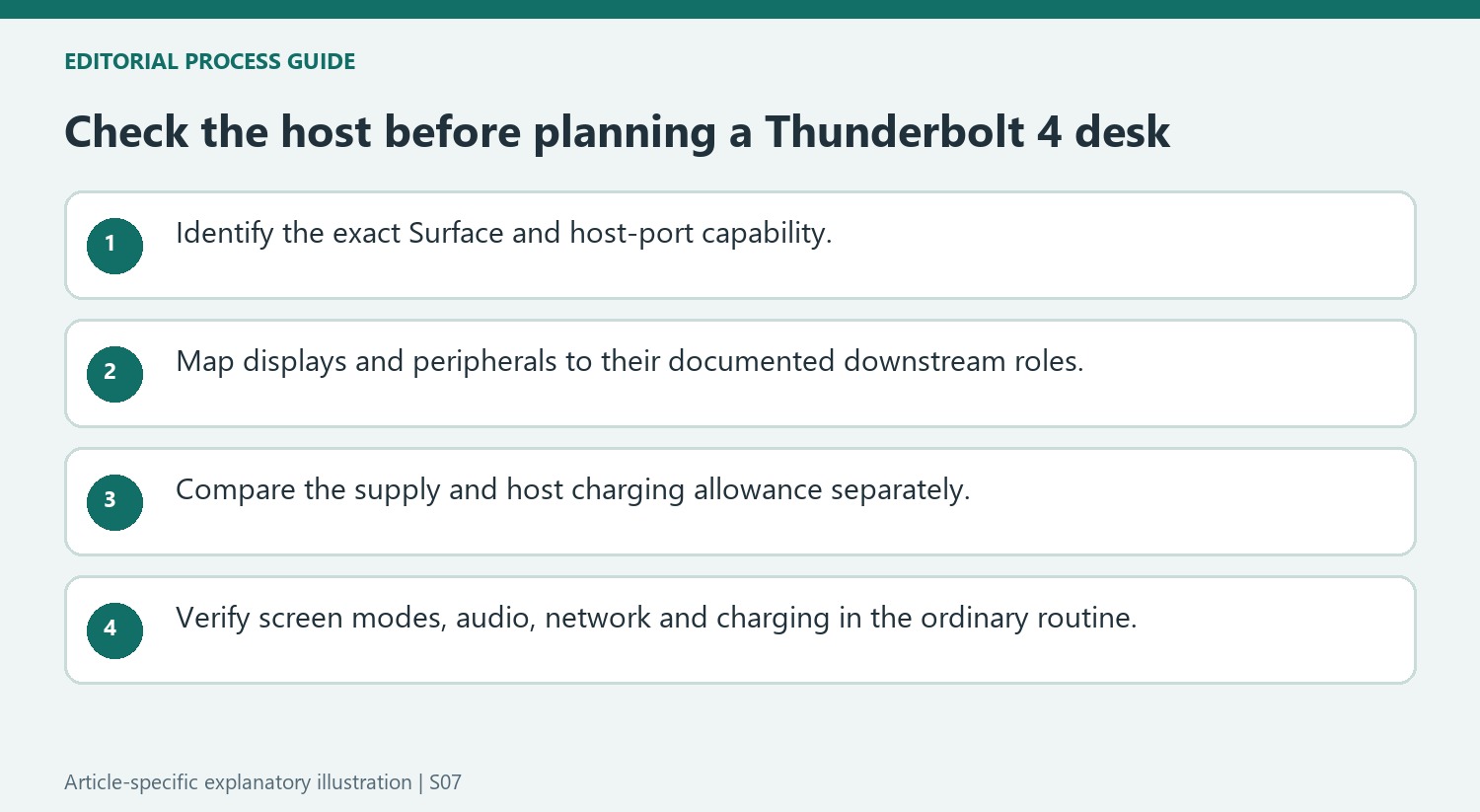
Microsoft's compatibility table distinguishes faster USB4 or Thunderbolt hosts from compatible USB-C systems with lower connection capabilities. Consult the entry for the actual Surface model and the separate display-mode guidance before planning two high-resolution screens. The listed 96W passthrough is also a maximum host-charging allowance, not a guarantee that it is sufficient for every model under load. Install the appropriate Surface and Windows updates while maintaining a powered connection as directed. Once the intended screen and accessories work, preserve the host cable and port choices as a documented baseline for later changes to the desk.
Confirm the host class before interpreting the dock name
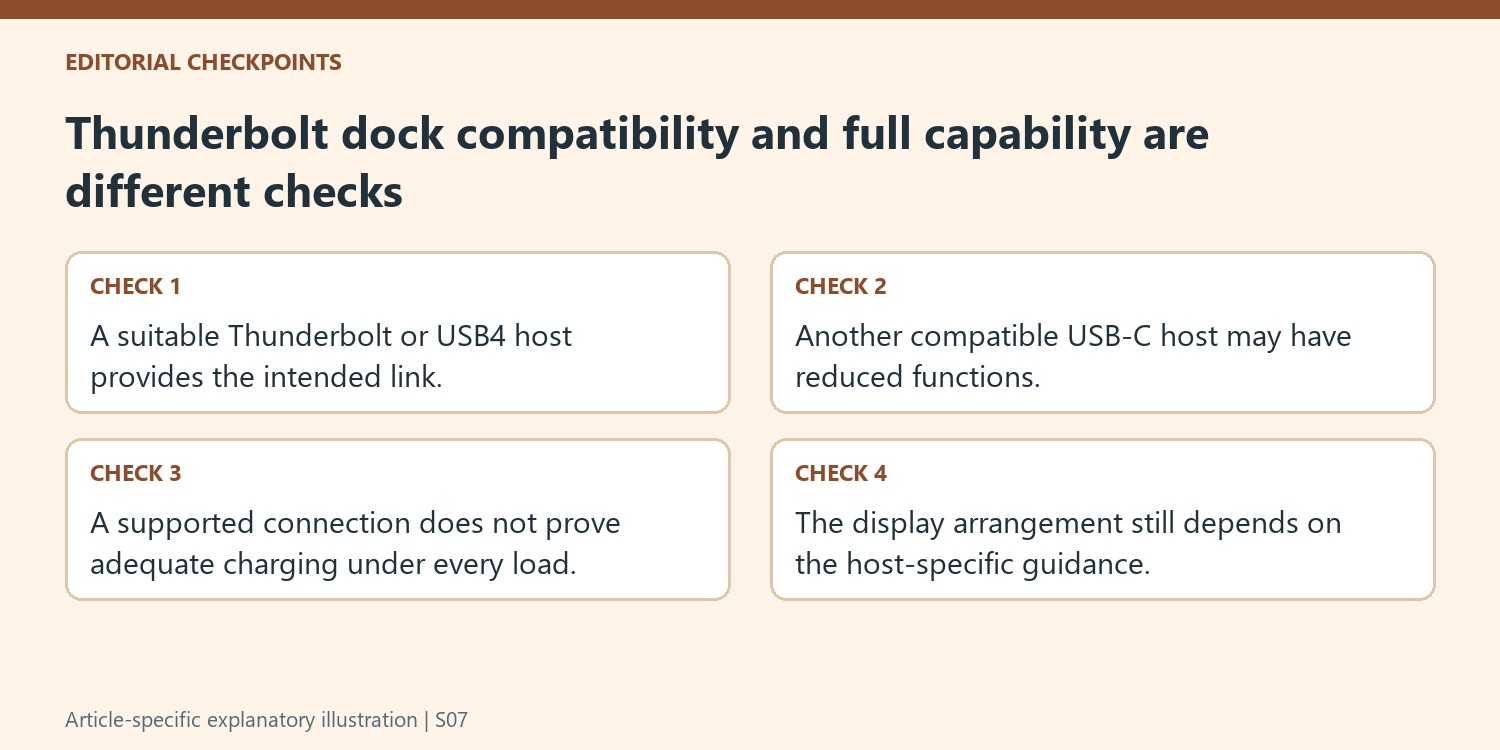
Microsoft describes the Thunderbolt 4 Dock as working best with an appropriate USB4 or Thunderbolt 4 host. A compatible computer with a less capable USB-C connection can expose reduced functions. Identify the exact model and relevant table entry before treating the dock’s product name as proof that every attached computer gains the same bandwidth or screen arrangement.
Keep the host cable and chosen computer port in that check. The whole connection must support the intended operation, and different sockets on a computer should not be assumed equivalent without documentation. A successful mouse or network connection establishes only that particular function. It does not demonstrate that the host can provide the desired high-resolution multi-monitor path through the same dock.
Map downstream devices without confusing their resource requirements
Use the port diagram to place the monitors, network cable, audio equipment and USB peripherals deliberately. Where a monitor requires an adapter, include that product’s capabilities in the video path. Avoid counting connector openings as independent guarantees of a supported display arrangement; consult the host-specific resolution and refresh guidance for the screen count and modes actually required.
Read the power figures separately. The 165W supply rating and up-to-96W host passthrough describe different quantities, and the host’s acceptance or demand can introduce another limit. The source includes a higher-power model needing additional suitable charging, illustrating that compatibility with a dock does not automatically establish adequate power for every workload. Check this before planning a desk around one host lead.
Verify the desk through its ordinary working routine
After connecting the supported arrangement, identify and arrange the monitors, select the intended sound devices and test required network and accessory tasks. Confirm host charging independently from the visible desktop. Apply supported Surface and Windows updates with power maintained as directed, and keep the successful cable map for later comparison. If a subsequent desk change causes trouble, return to that reference before altering unrelated software. A dependable workstation is built from verified host support, correct downstream roles and sufficient power, with the dock’s headline capabilities interpreted within those conditions rather than as an automatic upgrade for every USB-C computer.
References
- Use Surface Thunderbolt 4 Dock. support.microsoft.com.
Surface Thunderbolt 4 Dock offers USB4 and Thunderbolt 4 USB-C connections, USB-A accessory ports, networking and audio. Microsoft explains that a Thunderbolt 4 host provides the intended capability, while other compatible USB-C computers may have reduced features. The plug shape is therefore only the beginning of a compatibility check.


Leave a Comment
Comments (0)