

Choose between the G309's two wireless modes
Receiver and Bluetooth serve different connections
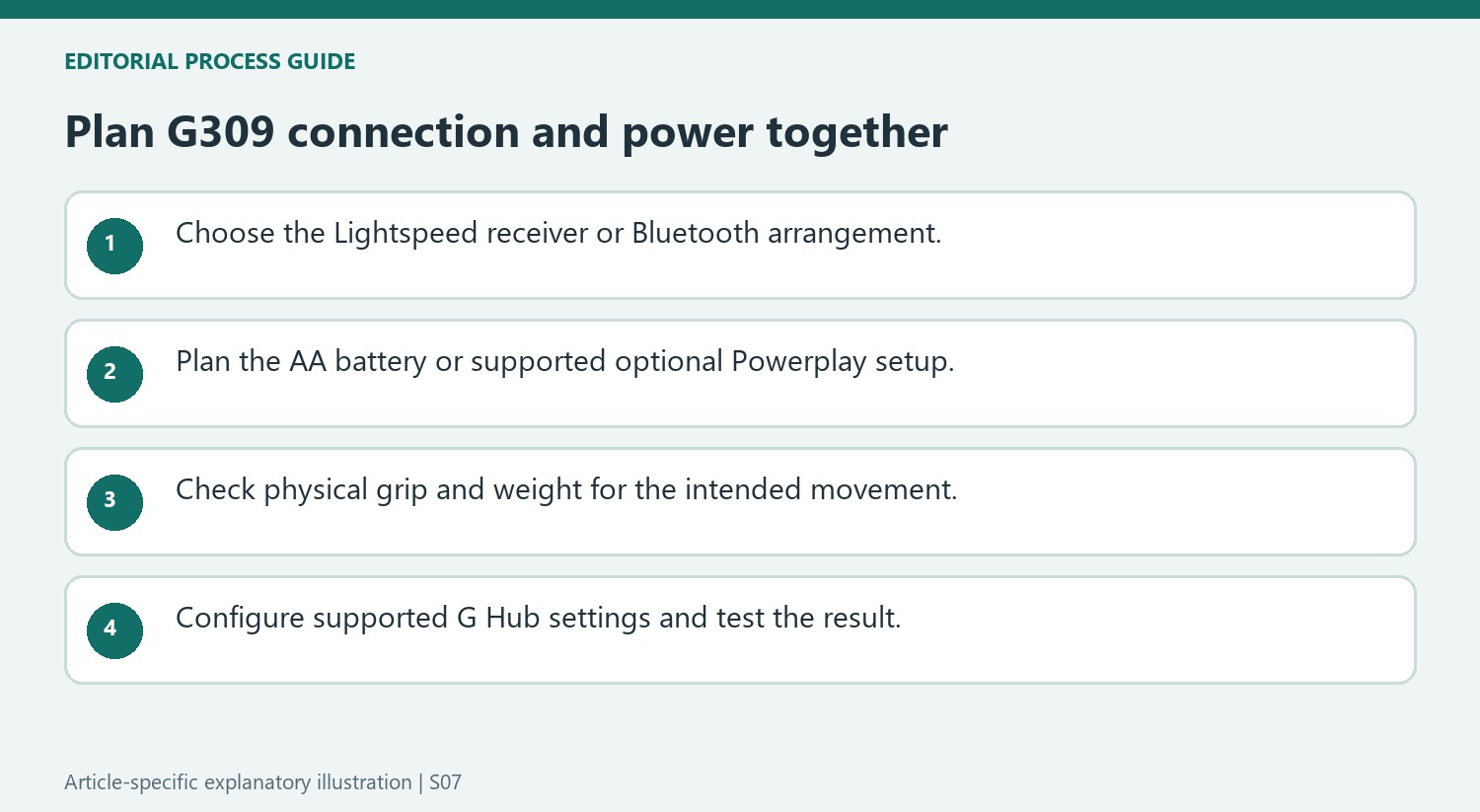
TechRadar describes Logitech G309 Lightspeed as a wireless gaming mouse with both Lightspeed receiver operation and Bluetooth. It uses an AA battery and does not provide a conventional wired operating mode. The review positions it below more expensive performance models, with a maximum polling rate of 1,000 Hz rather than an 8K headline specification.
Balance connection features with comfort
The reviewer praised its construction, gaming performance and G Hub customization while noting its weight and battery requirement. Those trade-offs illustrate why wireless mode alone is not enough to select a mouse. Check whether the computer has a suitable receiver port or Bluetooth support, and judge the shape and power arrangement alongside performance. A receiver connection and direct Bluetooth pairing are separate setup procedures.
Account for the battery and the optional Powerplay setup
The G309's ordinary operating arrangement uses an AA battery, which contributes to its weight and maintenance needs. The review also discusses using a compatible Powerplay mat as a separate accessory, changing the configuration and overall cost. Do not confuse that option with a conventional wired mouse mode. Compare the standard package with the actual desk requirements before assuming an accessory-based weight reduction applies to the mouse alone. Manufacturer endurance figures and a reviewer's shorter observation period should remain distinguishable when assessing expected battery life.
Use software options without overlooking physical fit
The source describes G Hub controls for sensitivity levels, button assignments and polling settings. Those tools can tailor actions for games or ordinary desktop work, but they do not change the shape or grip. The reviewer noted the button feel, resistance of the wheel click and the relatively smooth sides, with supplied grip tape helping some handling concerns. Evaluate those observations as experience with a particular unit and grip. A reliable wireless link is valuable, while long-term suitability also depends on the way the hand, surface and controls work together for the intended user.
Choose a wireless path without expecting a wired fallback
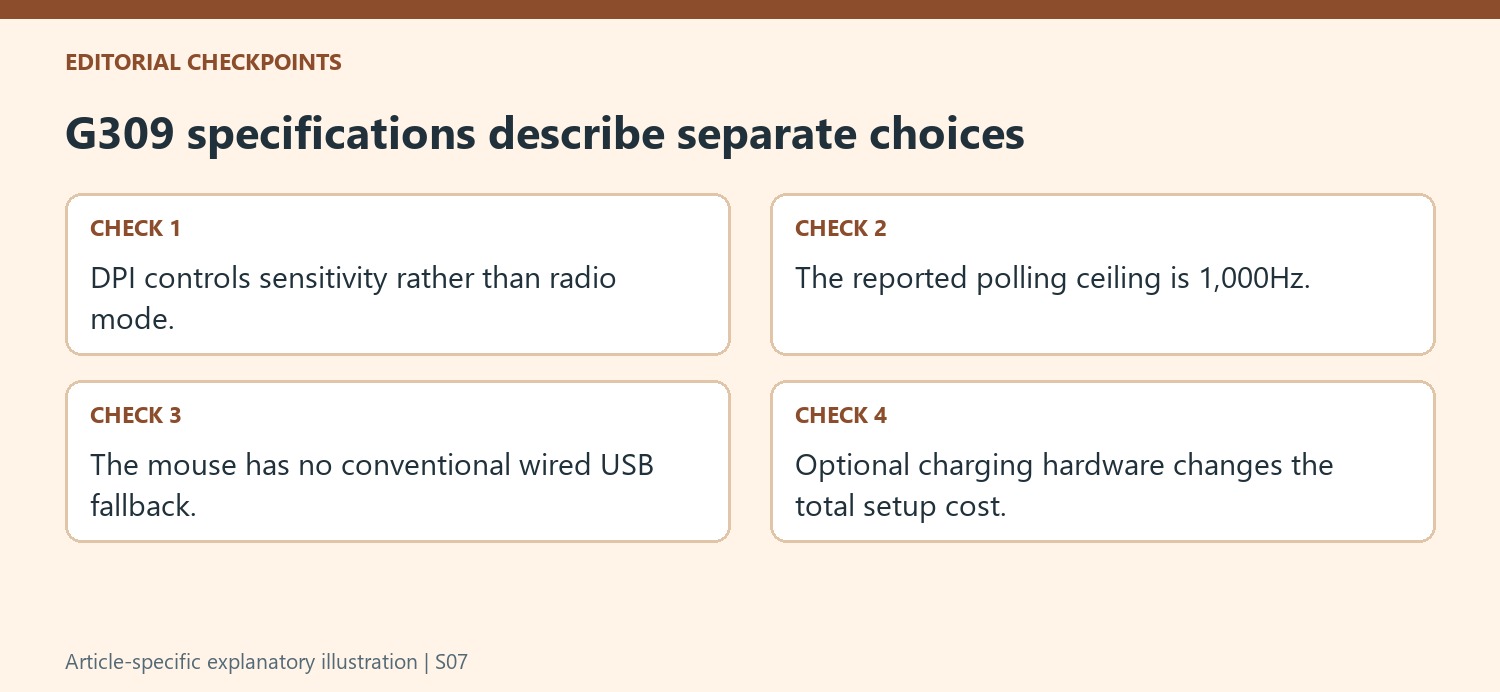
The G309 supports the Lightspeed receiver and Bluetooth, with the reviewer reporting easy switching between devices using the two paths. It does not provide a USB socket for a conventional play-while-connected cable. That is an important distinction when a user expects every wireless gaming mouse to become a wired model when power runs low. Plan for the AA battery arrangement or the separately supported Powerplay setup described in the review. The two wireless modes provide useful flexibility, but they do not create an additional cable mode. Check the exact connection and power requirements before deciding how the mouse will fit a gaming computer and a second everyday device.
Keep the headline sensor figure beside practical handling
The source lists sensitivity adjustments up to 25,600 DPI and a maximum polling rate of 1,000Hz. Those figures describe different characteristics and do not by themselves determine how the shape feels during a long session. The reviewer noted the weight with an AA battery, smooth sides, and a shape that could be less suitable for some grips. Included grip tape offers an adjustment, while removing the battery for supported Powerplay use changes the weight and adds cost. Compare those physical details with the desired movement style instead of ranking the mouse only by the largest sensitivity number. A usable setting can be much lower than the maximum and still suit the task.
Use G Hub for the supported adjustments rather than assumed ones
The review describes DPI presets, individual sensitivity steps, button reassignment, and several application-related actions through G Hub. It also identifies limits, including missing advanced controls found on some higher-end mice. Check whether the particular adjustment needed is actually supported before treating the software as unlimited customization. The battery-life claims differ between the two radio modes, and the reviewer's shorter test provided supporting observations rather than a complete endurance trial. Similarly, the price comparison belongs to the review's publication context. Compare today's total cost, including any optional charging hardware, against the features actually needed. The practical choice combines connection, power handling, physical fit, and supported settings rather than assuming one headline gaming specification settles the comparison.
References
- Logitech G309 Lightspeed review: a wireless gaming mouse that offers just enough to keep gamers interested. TechRadar; Lewis Maddison.
TechRadar describes Logitech G309 Lightspeed as a wireless gaming mouse with both Lightspeed receiver operation and Bluetooth. It uses an AA battery and does not provide a conventional wired operating mode. The review positions it below more expensive performance models, with a maximum polling rate of 1,000 Hz rather than an 8K headline specification.


Leave a Comment
Comments (0)