
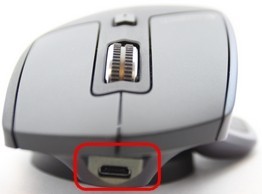
The Original MX Master Charging Cable Does Not Carry Mouse Input
The original MX Master can be used while its rechargeable battery is charging, but the supplied Micro USB cable provides charging only. Mouse input still travels through Bluetooth or the Unifying receiver, so attaching the cable does not convert it into a wired mouse.
Logitech describes a full charge taking about two hours and 45 minutes. Three side indicators show battery status, with red prompting a recharge and solid green lights marking completion. This separates a power connection from the wireless link needed for normal pointer control.
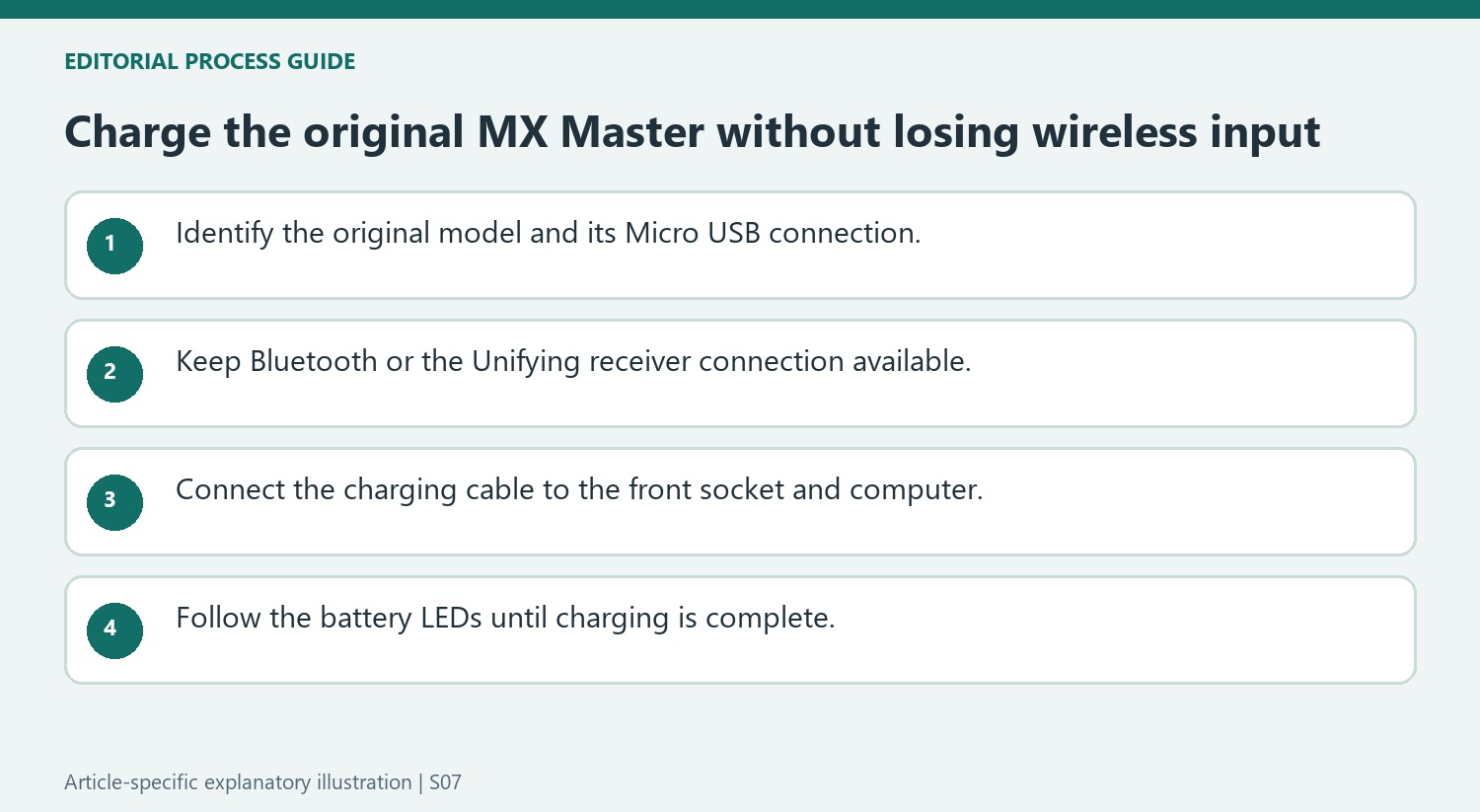
Read the battery claim in the context of this model
Logitech describes the original MX Master battery as rechargeable and non-replaceable, with an advertised maximum of forty days on a full charge. That maximum is a product claim, not a measurement of every user’s actual interval between charges. The source’s non-replaceable description also means its charging instructions should not be turned into a battery-swapping procedure. Identify the exact mouse model before borrowing the guidance for another MX Master generation, because cable connectors and battery behavior can differ even when the family name remains similar.
Use the front port while retaining a wireless input link
The documented charging sequence inserts the supplied Micro USB lead into the port at the front of the mouse and connects its larger USB plug to the computer. The three side LEDs become solid green when charging finishes, while a red indicator signals that charging is needed. If the pointer still does not move with the cable attached, check the Bluetooth or Unifying relationship that carries input. Charging power and pointer data follow different paths on this model, so an illuminated battery indicator alone does not establish that the computer has a working mouse connection.
Keep the original MX Master model in view
The support note concerns the original MX Master with a Micro USB charging connection and a stated battery-life figure of up to forty days. Those details should not be transferred automatically to newer mice in the same family, which can have different connectors and specifications. Identify the actual model before selecting a cable or interpreting the indicators. The quoted charging time of about two hours and forty-five minutes is also product-specific guidance rather than a universal timer for wireless mice. In everyday use, the battery indicators provide a more direct way to recognize when this mouse needs attention and when the documented charging process has finished.
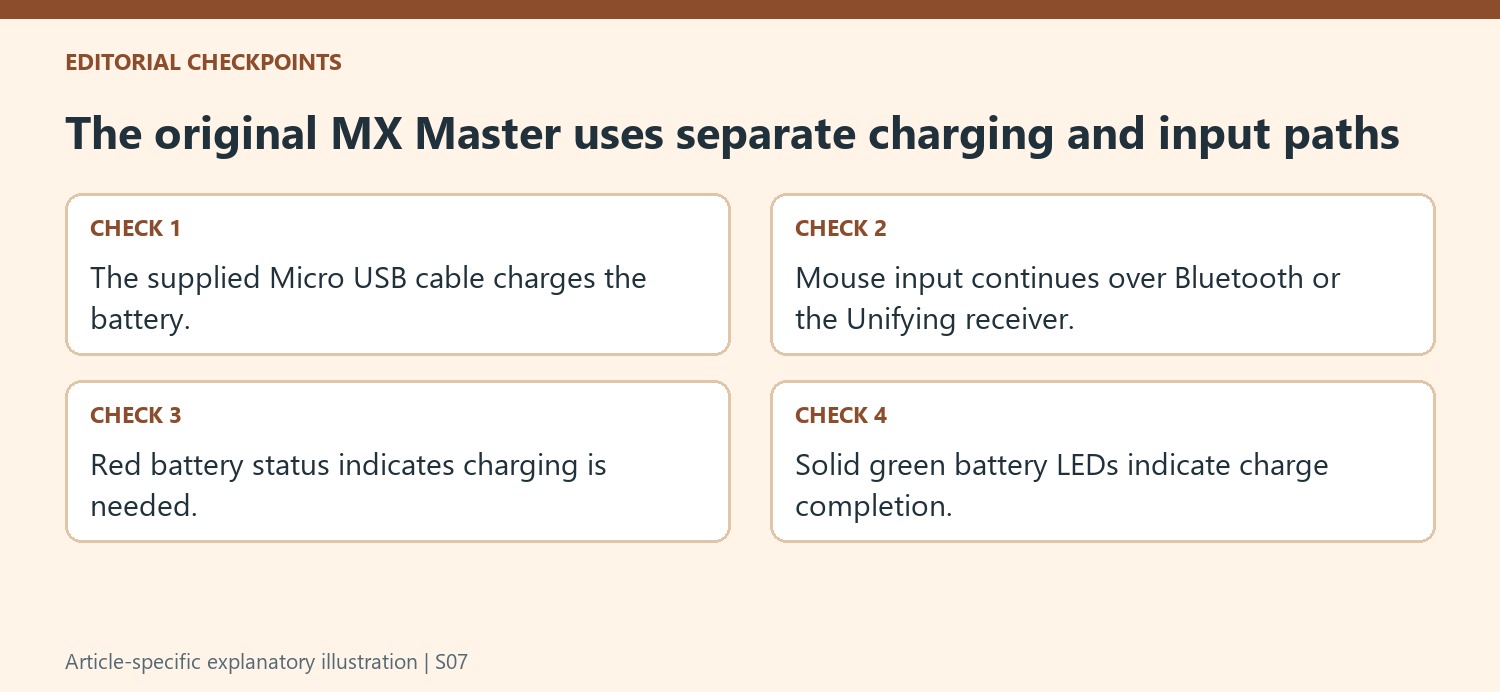
Maintain the wireless connection while the cable is attached
The key qualification in Logitech's note is that the supplied Micro USB lead charges the battery without carrying mouse input. To keep using the mouse while charging, its Bluetooth connection or Unifying receiver connection must remain available. Attaching the cable therefore does not turn this model into an ordinary wired USB mouse. If the pointer does not respond while the cable is connected, check the wireless path rather than assuming the cable should transmit movement. This distinction also explains why connecting the charging lead to a computer is not a replacement for completing the appropriate wireless setup. Charging and input communication are separate jobs that happen at the same time.
Use the indicator sequence to follow the charging task
Logitech describes three side LEDs, with a red indication prompting a charge and solid green indicators marking completion. The supplied cable connects to the Micro USB socket at the front, with its larger USB end attached to the computer. Follow that physical arrangement and the actual status lights instead of relying only on a remembered charging interval. The page identifies the battery as rechargeable and non-replaceable, so it does not describe routine user battery swapping as a maintenance step. For ongoing problems, use support information for this exact model and distinguish a battery that needs charging from a mouse whose wireless connection is unavailable. That separation makes the useful while-charging feature easier to understand without expecting capabilities the supplied cable does not provide.
References
- MX Master mouse battery life and replacement. Logitech Support.
The original MX Master can be used while its rechargeable battery is charging, but the supplied Micro USB cable provides charging only. Mouse input still travels through Bluetooth or the Unifying receiver, so attaching the cable does not convert it into a wired mouse.


Leave a Comment
Comments (0)