
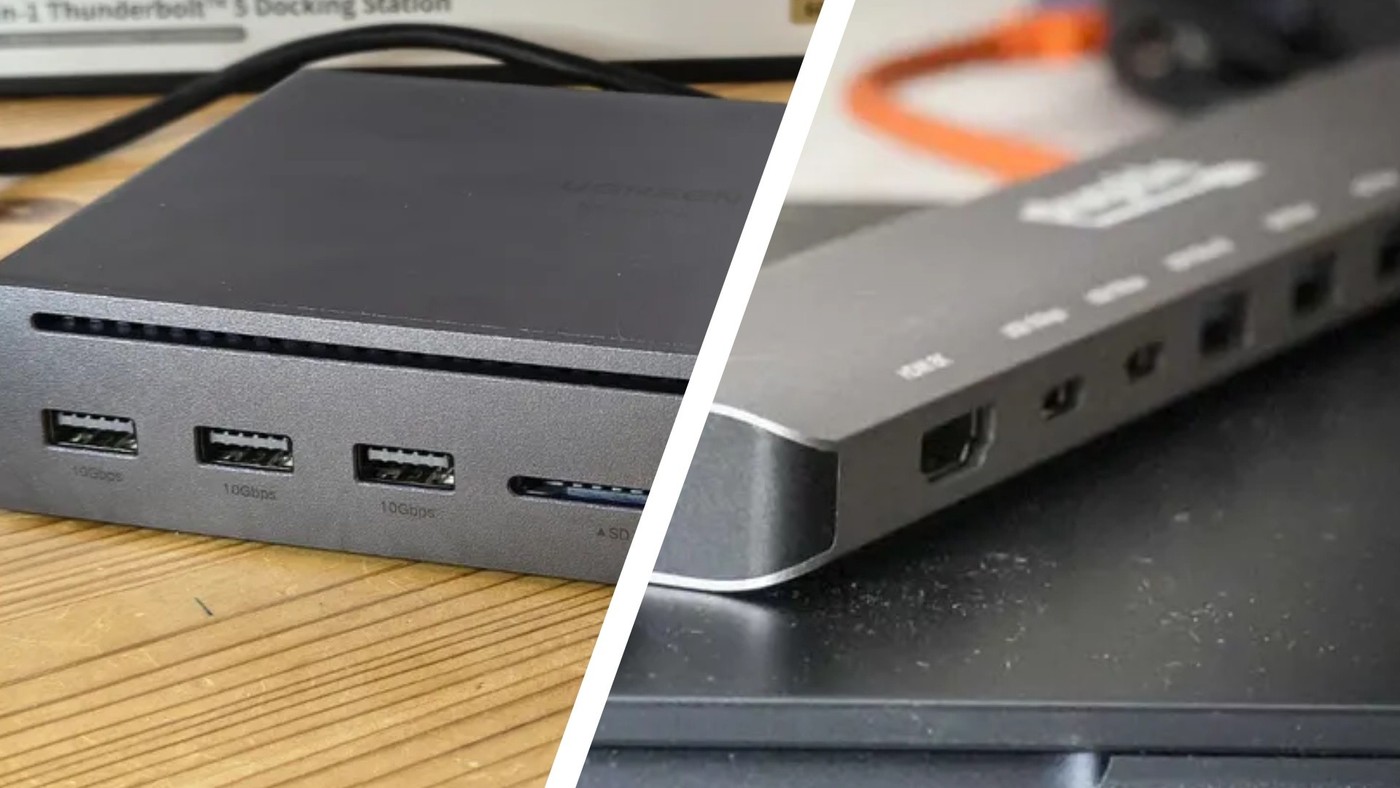
Compare bus-powered expansion with a powered dock
Identify the source of power
TechRadar's hub-versus-dock guide explains that a small hub commonly takes its operating power from the computer, while a desktop docking station often has a dedicated supply. The article also notes that some USB hubs accept external power. That exception matters: hub and dock labels alone do not establish how much power is available to connected devices.
Match expansion to the workload
A few low-power accessories may need little more than additional USB ports. A desk setup with displays, networking and charging needs closer scrutiny of the product's port list and supply. Check the actual model's specifications instead of treating the guide's broad speed or monitor comparisons as rules for every product; capabilities vary substantially within both categories.
List the required connections before choosing a category
A travel setup with a keyboard and flash drive may need only additional USB data sockets. A permanent workstation can require video, Ethernet, audio, and laptop charging as well. Those needs describe the task more precisely than the words hub or docking station, which are used inconsistently across products. Check whether the proposed accessory takes power from the computer or uses an external supply, and account for that supply when considering portability.
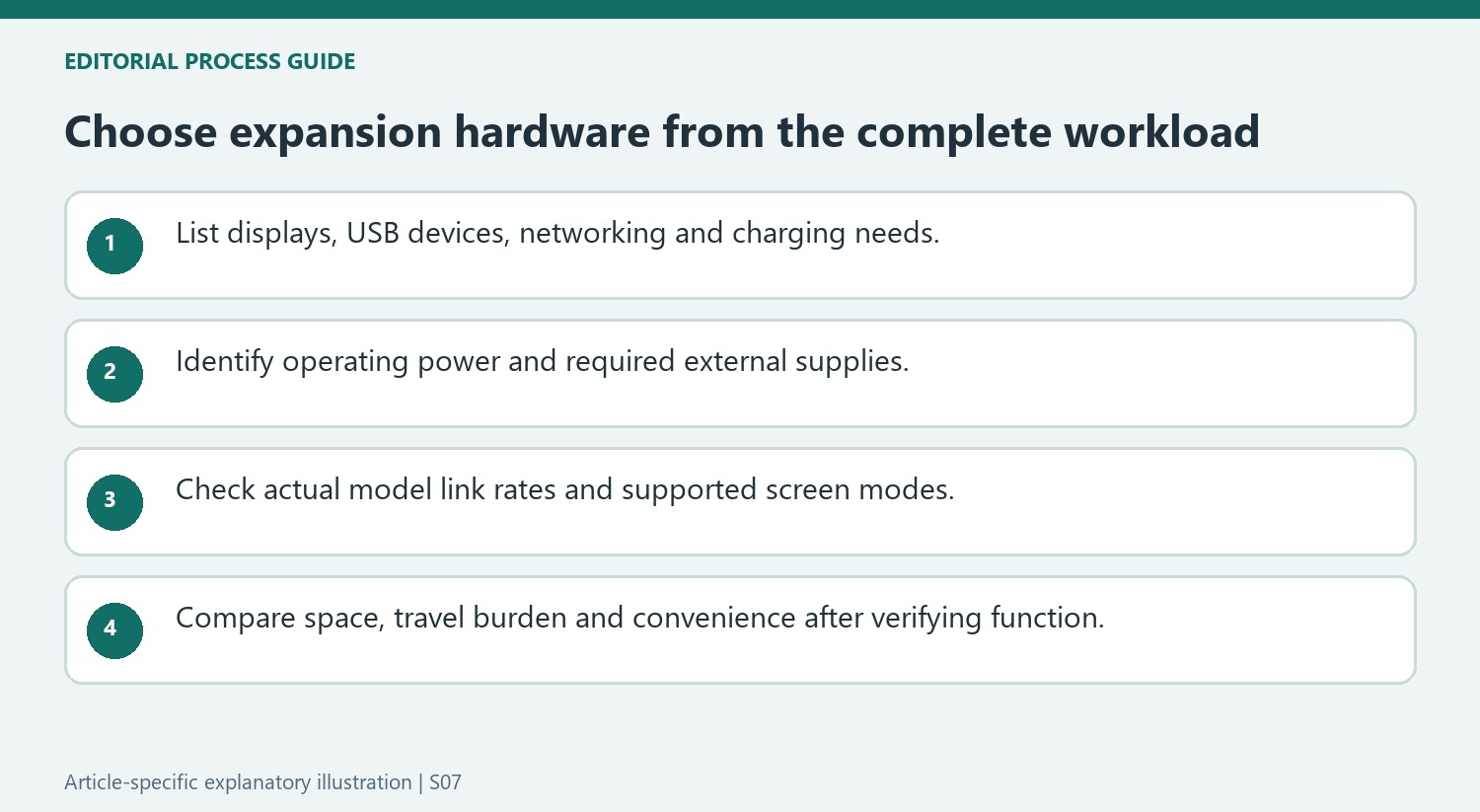
Compare model specifications rather than broad category claims
The TechRadar guide presents common differences in size, price, and expansion, but those descriptions should not be interpreted as universal port counts, display ceilings, or transfer rates. Read the actual host link rate and individual downstream-port specifications, preserving the difference between bits and bytes when comparing figures. A powered hub does not necessarily provide laptop charging, and a large dock does not automatically support every monitor arrangement. Choose the product whose documented functions cover the intended accessories and displays on the particular computer, then assess the practical trade-off in desk space, travel weight, and cable organization.
Describe the devices and power needs before choosing a label
Write down the exact accessories, screens and charging requirement for the planned workspace. A few USB data devices create a different need from multiple monitors, Ethernet and laptop power. The source’s hub-versus-dock comparison introduces common patterns, but category names are used across a wide range of products and do not by themselves establish a particular capability.
Identify where operating power comes from and whether an external supply is required. Some hubs accept power, while many docks use dedicated supplies. Neither fact alone proves that the accessory charges the laptop at the needed rate. Read the actual host charging specification and the requirements of connected devices, and include any supply in the travel-weight and outlet-planning decision.
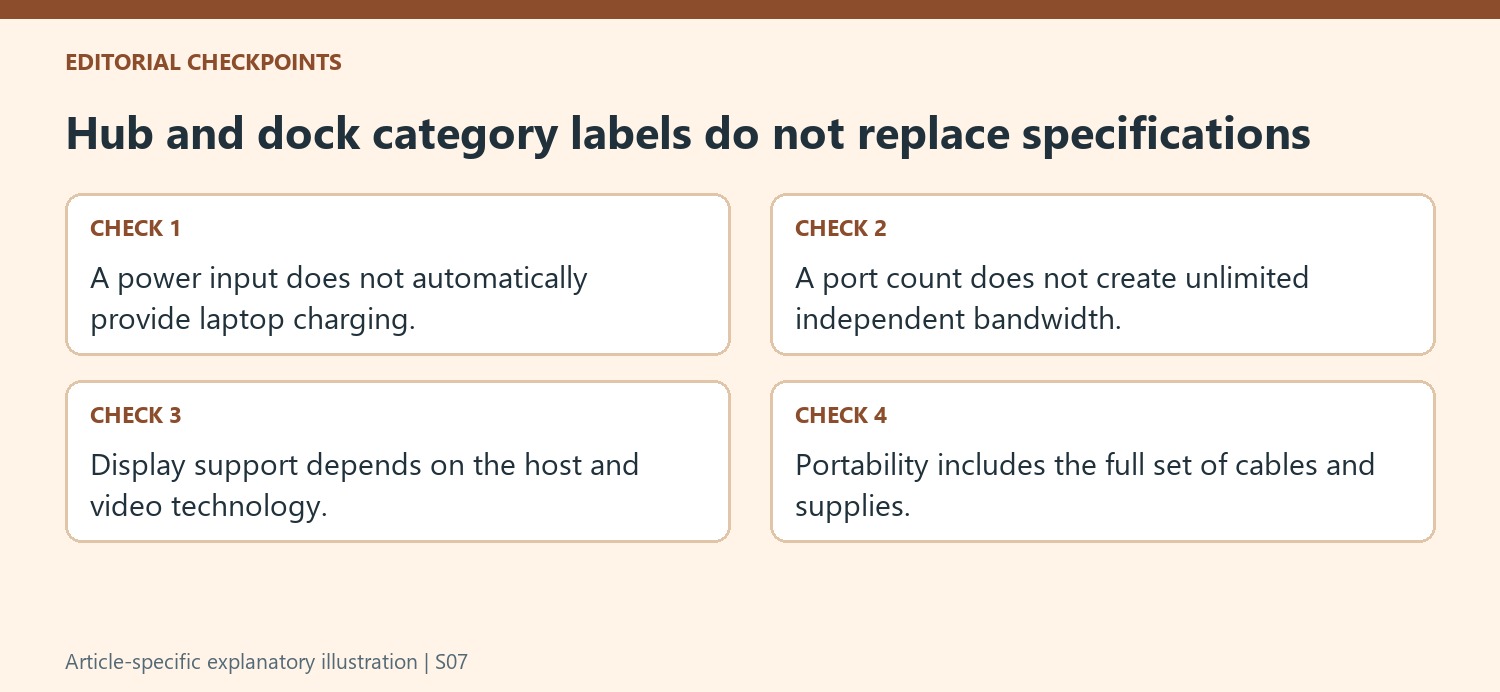
Read link rates and display modes from the actual model
Check the host connection and downstream-port specifications separately. More ports do not create unlimited independent bandwidth, and a category-wide speed claim cannot establish the result of a particular file transfer. Preserve the distinction between bits and bytes when comparing published figures. The useful evidence is the documented link and device capability, followed by a test of the intended task.
For screens, verify the supported display count, resolution and refresh combination with the actual computer. A large dock does not automatically provide every advertised monitor arrangement on every host, and a compact hub is not defined by one universal screen ceiling. Include the video technology and any required software or native host support in the comparison rather than selecting solely from the accessory’s marketing category.
Balance convenience with the complete working setup
Compare desk space, carrying weight, cable organization and current price only after the required functions are covered. A small accessory that needs several additional adapters can have a different practical footprint from its product photo, while a powered dock can simplify a permanent desk at the cost of travel bulk. Test the expected charging, display and peripheral tasks together in the supported arrangement. That final comparison turns a broad introduction into a model-specific choice, allowing portability and convenience to be weighed against real work requirements without relying on universal claims about what every hub or docking station can do.
References
- USB hub vs docking station: What actually is the difference?. TechRadar; Stefan Ionescu.
TechRadar's hub-versus-dock guide explains that a small hub commonly takes its operating power from the computer, while a desktop docking station often has a dedicated supply. The article also notes that some USB hubs accept external power. That exception matters: hub and dock labels alone do not establish how much power is available to connected devices.


Leave a Comment
Comments (0)