
Avoid Thunderbolt Extensions in Plugable Dock Setups
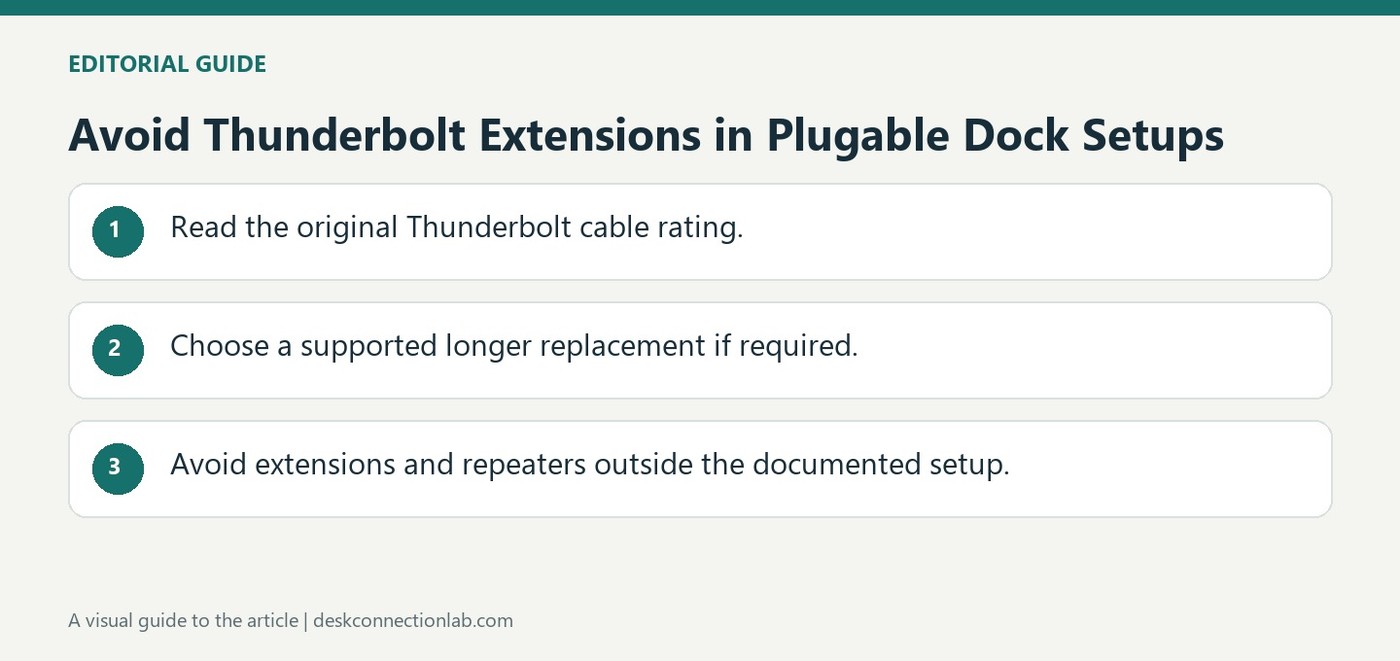
Plugable's Thunderbolt dock guidance describes replacing an included host cable with a supported longer cable when needed. It gives a two-meter Plugable Thunderbolt cable as an example and notes that the cable flag identifies specifications. This preserves a single defined host link instead of adding uncertain intermediate connections.
The company does not support Thunderbolt extension cables or signal repeaters with these products and guarantees its own branded cable combinations. Check the dock's current cable guidance before rearranging a workspace. The connection carries video and other dock traffic, so its reliability affects much more than simple USB peripheral detection.
Replace the host cable instead of extending it
The host lead is the link carrying the dock's combined traffic to the computer. Adding an extension introduces another connection outside the supported arrangement described by Plugable. If the supplied lead is too short, choose a supported longer replacement of the appropriate Thunderbolt rating. The manufacturer's example is a two-meter cable rather than an extension attached to the original one, so the total path remains a defined cable assembly.
Measure the required route before rearranging the desk
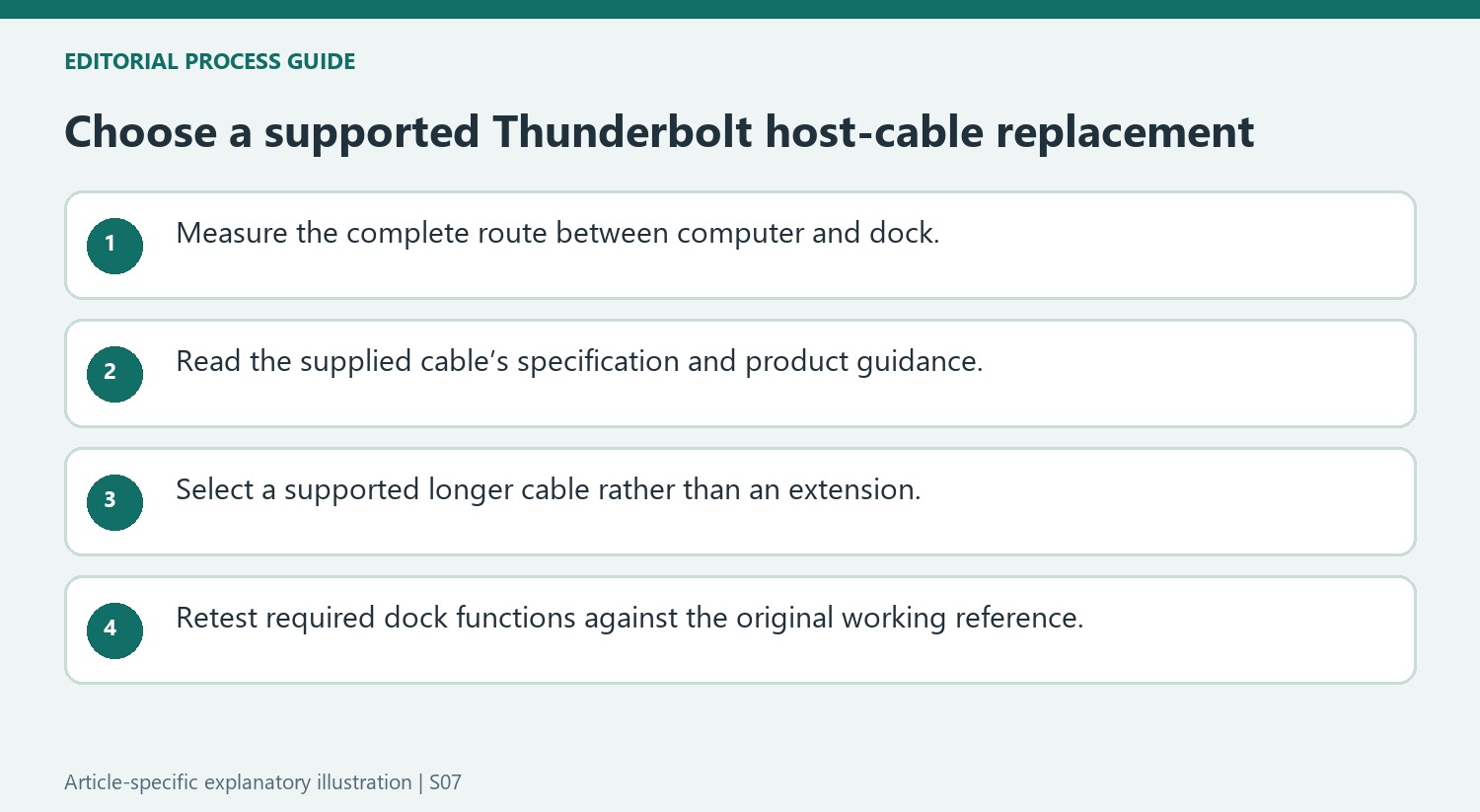
Include the distance around the monitor stand, desk edge, and computer position when measuring, but avoid assuming that excess cable length is harmless at every data rate. Read the specifications on the supplied cable flag and compare them with the replacement documentation. Plugable's article describes the included cable length at the time of writing, so verify the package contents for the actual dock generation. Its performance guarantee concerns its own cable combinations. If a new layout introduces instability, returning to the original host cable and placement is a useful comparison before changing video leads or software that previously worked.
Measure the complete supported route before moving the desk
Plan the computer and dock positions with the real cable route in mind, including the path around stands and the desk edge. A lead that reaches in a straight line may be too short once routed usefully. The source offers a supported longer replacement cable as the solution when the included host lead is insufficient, rather than an extension added to that lead.
Check the cable supplied with the actual dock generation. The article states its included length as of writing, so package contents should be verified rather than assumed from an older support example. Read the attached specification flag and retain the cable model in the equipment notes. That creates a defined reference for comparing a proposed replacement and for returning to a previously working layout.
Keep the distinction between replacement and extension explicit
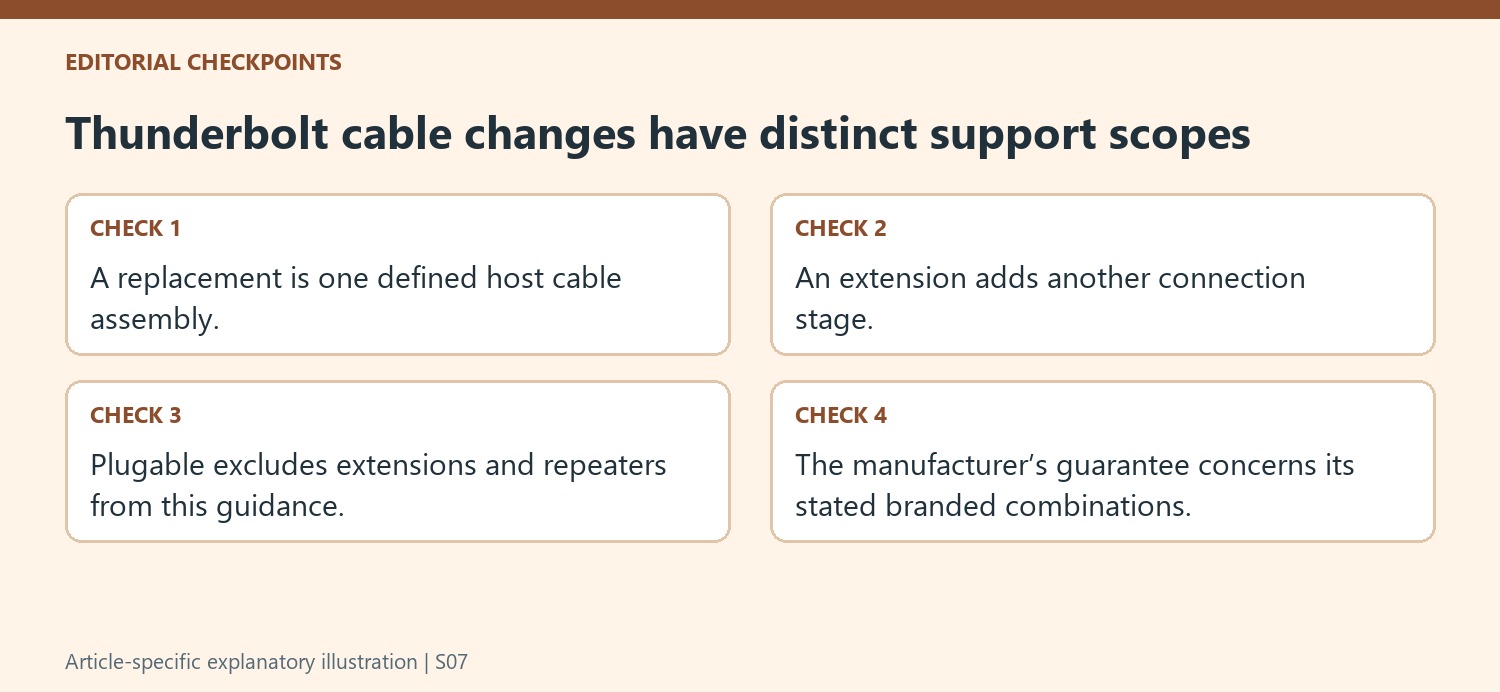
A supported replacement maintains one specified cable assembly between host and dock. An extension or signal repeater adds another stage that Plugable explicitly excludes from support in this guidance. Do not assume that a physically compatible join preserves the same supported path, especially when the connection carries display, storage, network and other dock traffic together.
The manufacturer limits its guarantee to its own branded cable combinations. Keep that statement attributed to the product-support context rather than treating it as a universal verdict on every third-party cable. For this setup, use the documented supported choice and compare the required Thunderbolt capability and length before purchase. The goal is an understood host link, not simply a longer line of connected plugs.
Retest ordinary dock functions after a cable change
Verify the screen arrangement and required peripherals with the replacement host cable, then repeat an ordinary work session. If instability appears only after the layout change, compare the original cable and placement before replacing video leads or changing drivers that worked previously. Record which host cable was used for each result and keep the other equipment steady during the comparison. This makes the test informative without claiming that every failure originates in cable length. A reliable desk layout balances the needed reach with the specific host connection supported by the manufacturer and preserves a known working baseline when the arrangement is modified.
References
Plugable's Thunderbolt dock guidance describes replacing an included host cable with a supported longer cable when needed. It gives a two-meter Plugable Thunderbolt cable as an example and notes that the cable flag identifies specifications. This preserves a single defined host link instead of adding uncertain intermediate connections.


Leave a Comment
Comments (0)