
Traditional KVMs Are a Poor Match for DisplayLink Docks
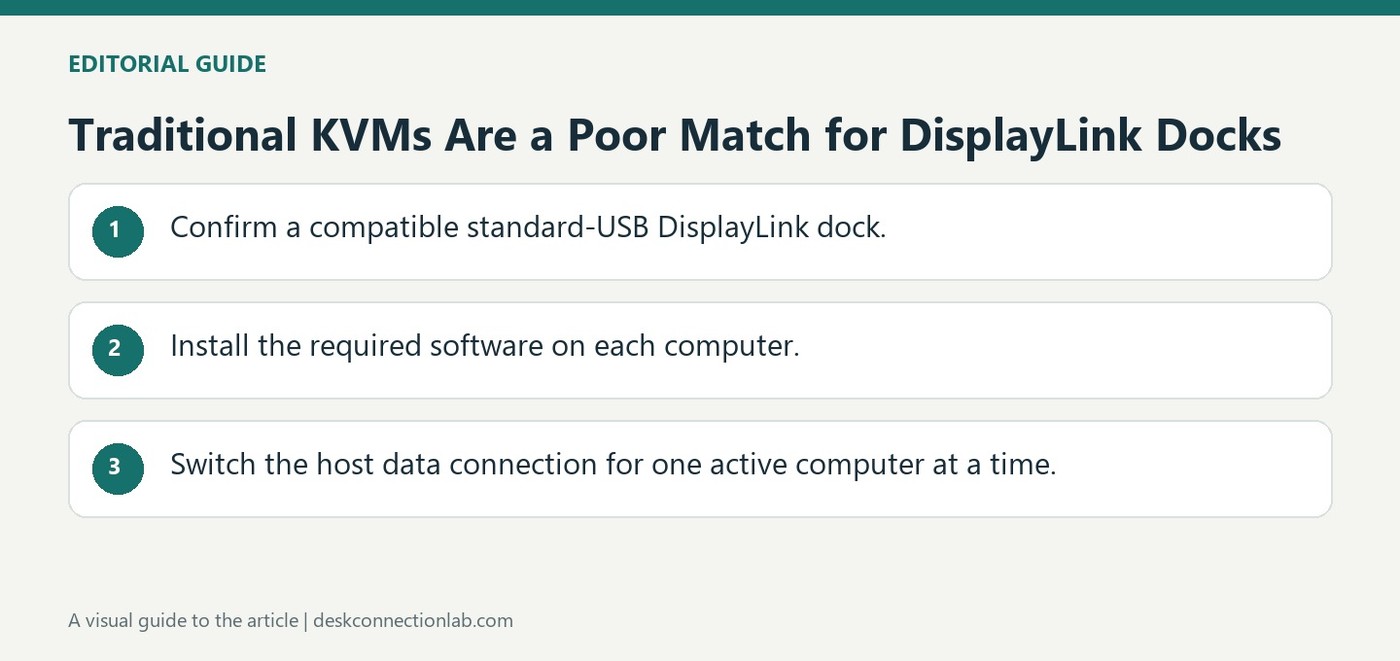
DisplayLink generates its monitor output through USB data and software on the active computer. Plugable therefore does not recommend pairing its DisplayLink docks with traditional KVM switches designed for direct video signals. A dock that works independently on each computer can still fail in an unsupported switching arrangement.
For compatible USB 3.0 DisplayLink docks, Plugable describes moving the host cable manually or using its USB3-SWITCH2 sharing switch. Only one computer uses the dock at a time. That recommendation does not extend to USB-C or Thunderbolt products relying on Power Delivery, Alt Mode, USB4, or Thunderbolt features.
Switch the host data connection for a supported USB dock
The suggested USB3-SWITCH2 arrangement shares a compatible USB 3.0 DisplayLink dock by changing which computer owns its USB connection. Its button selects the active computer manually; it does not make both hosts use the dock simultaneously. The active computer still needs the appropriate DisplayLink software and a suitable USB data connection. A traditional video KVM assumes a different path in which each computer supplies a direct graphics signal.
Keep native USB-C and Thunderbolt requirements outside that recommendation
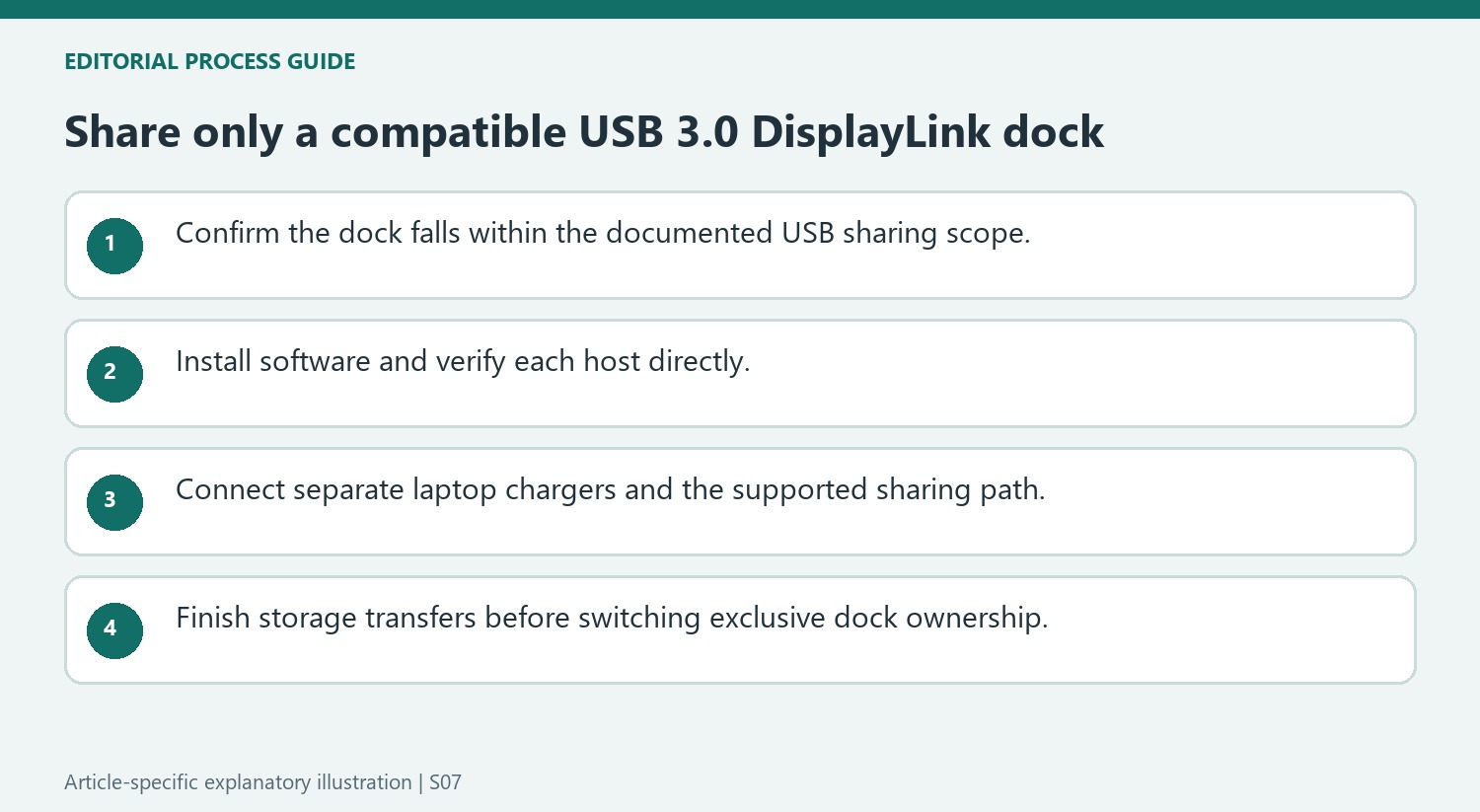
A dock depending on USB-C Power Delivery, Alternate Mode, USB4, or Thunderbolt cannot be treated as an ordinary USB 3.0 device merely because its host cable is detachable. Plugable limits the sharing-switch guidance to compatible standard-USB DisplayLink products and gives examples such as the UD-3900 and UD-6950Z. Identify the exact dock before buying a switch. If the goal is simply to move a supported dock between two computers, manually moving its host cable is another documented option. Test each computer independently first so that a switching problem is not confused with missing host software.
Decide whether the goal is dock sharing or native video switching
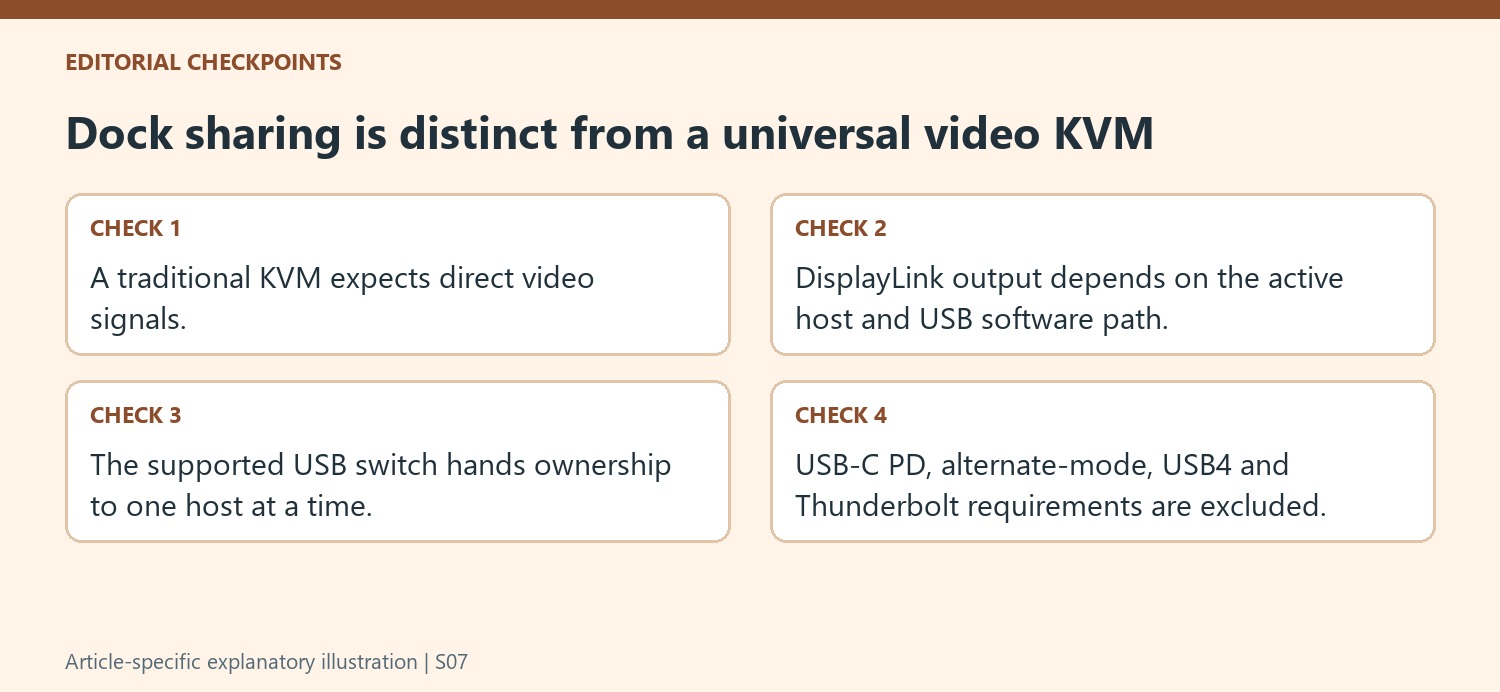
A traditional video KVM expects direct graphics signals from the computers, while a DisplayLink dock creates its output after receiving USB display data from the active host. Plugable therefore treats those arrangements differently. Clarify which equipment is actually being shared before purchasing a switch, because a familiar KVM label does not establish that it can support this indirect display path.
For a compatible standard-USB DisplayLink dock, the documented sharing approach changes the computer owning the dock’s USB connection. Only one computer controls its displays, network, audio and USB peripherals at a time. The inactive computer does not retain simultaneous access simply because both hosts remain attached to a switch. Plan the workflow around that exclusive ownership. A shared keyboard does not imply continued access to storage from both computers.
Check the full compatibility boundary before connecting the switch
Verify the exact dock model and confirm that it uses the supported USB 3.0 host-data arrangement. The source explicitly excludes docks depending on USB-C Power Delivery, Alternate Mode, USB4 or Thunderbolt features. Adding connector adapters does not make those requirements disappear, so the recommendation should not be generalized to every dock with a detachable cable.
Install the required DisplayLink software on both supported computers and test each one directly with the dock first. Connect each laptop’s own charger if power is needed, because the recommended USB sharing switch does not provide laptop charging. These independent tests establish that both hosts can use the dock before switching is introduced as another stage in the connection.
Switch only after attached storage activity has finished
Changing the active host disconnects the dock and its peripherals from the previous computer. Finish transfers and safely remove attached USB storage as appropriate before switching. Check the active-host indication before diagnosing a reconnect delay. Expect a short reconnection interval while the new host detects displays and other devices, and configure each computer’s own layout and audio settings separately. If a host fails only through the switch, compare its direct result and verify the active-host indication and cabling. This treats sharing as a supported USB handover with a defined compatibility scope, rather than as simultaneous access or a universal replacement for every native-video KVM arrangement.
References
DisplayLink generates its monitor output through USB data and software on the active computer. Plugable therefore does not recommend pairing its DisplayLink docks with traditional KVM switches designed for direct video signals. A dock that works independently on each computer can still fail in an unsupported switching arrangement.


Leave a Comment
Comments (0)