
DisplayPort 2.1 Bandwidth Depends on the Cable Too
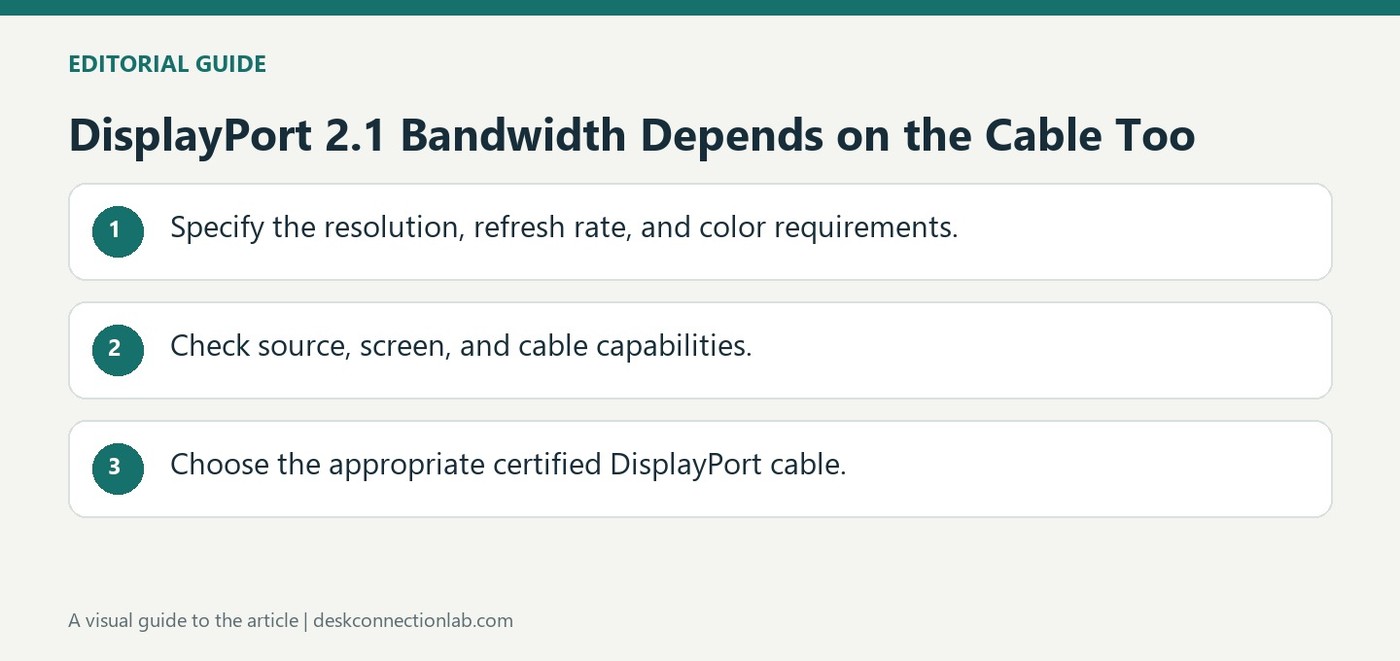
DisplayPort 2.1 uses four Ultra-High Bit Rate lanes and more efficient encoding to raise available bandwidth. Plugable explains that this supports higher resolution, refresh rate, and color-depth combinations than earlier connections could offer. The specification's maximum does not mean every cable can carry the same rate.
Its guide recommends VESA-certified cables identified by their DP40 or DP80 markings. Cable length also matters in the described configurations. Match the cable rating to the intended connection instead of choosing by connector shape alone, then verify the display and source support the desired mode.
Compare the claimed mode with the entire link
A monitor's preferred resolution and refresh rate need support from the graphics output as well as the cable and screen input. The DisplayPort version describes a family of capabilities; it is not enough to establish that every device uses the maximum link rate. Check the documented operating mode for the actual equipment rather than assuming a new cable upgrades an older output. Higher color depth and additional screens also affect the required connection.
Use the cable examples as selection guidance
Plugable's explanation associates DP40 and DP80 markings with different certified bandwidth categories and discusses shorter cable lengths for the higher-rate examples. Those examples help explain why a long, unmarked replacement should not be selected solely because its plugs fit. They are not a substitute for the current certification and mode specification of a particular cable. Keep the cable model with the equipment records and test the desired display setting after installation. If a lower mode works but the target mode does not, review every component's rating before interpreting the result as a defective monitor. Certification supports a capability check; it does not override host limitations.
Define the required mode before comparing cable markings
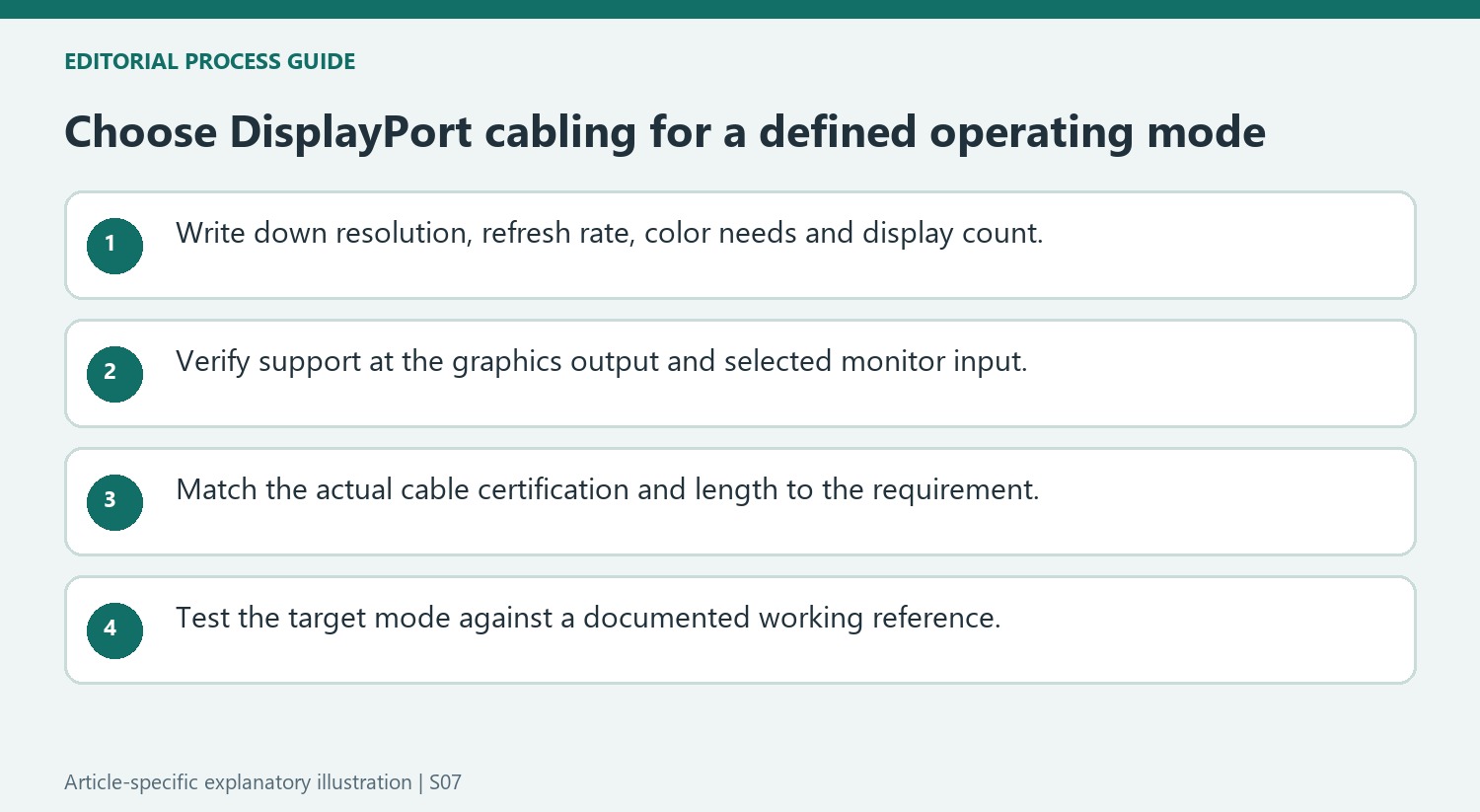
Write down the resolution, refresh rate, color requirements and display count needed for the task. Plugable explains higher bandwidth through UHBR lanes and more efficient encoding, but those technical improvements answer a capability question only when the relevant products implement them. A target operating mode is a more useful buying criterion than simply requesting the newest version number.
Check the computer’s output and the monitor’s selected input against that same target. They can impose different limits even when the connector looks familiar. A newer cable cannot add a missing link rate or feature to an older endpoint. Keep the specific model and port information with the mode requirement so that the connection can be assessed as a whole rather than through one component’s advertising.
Read certification and length within the actual product specification
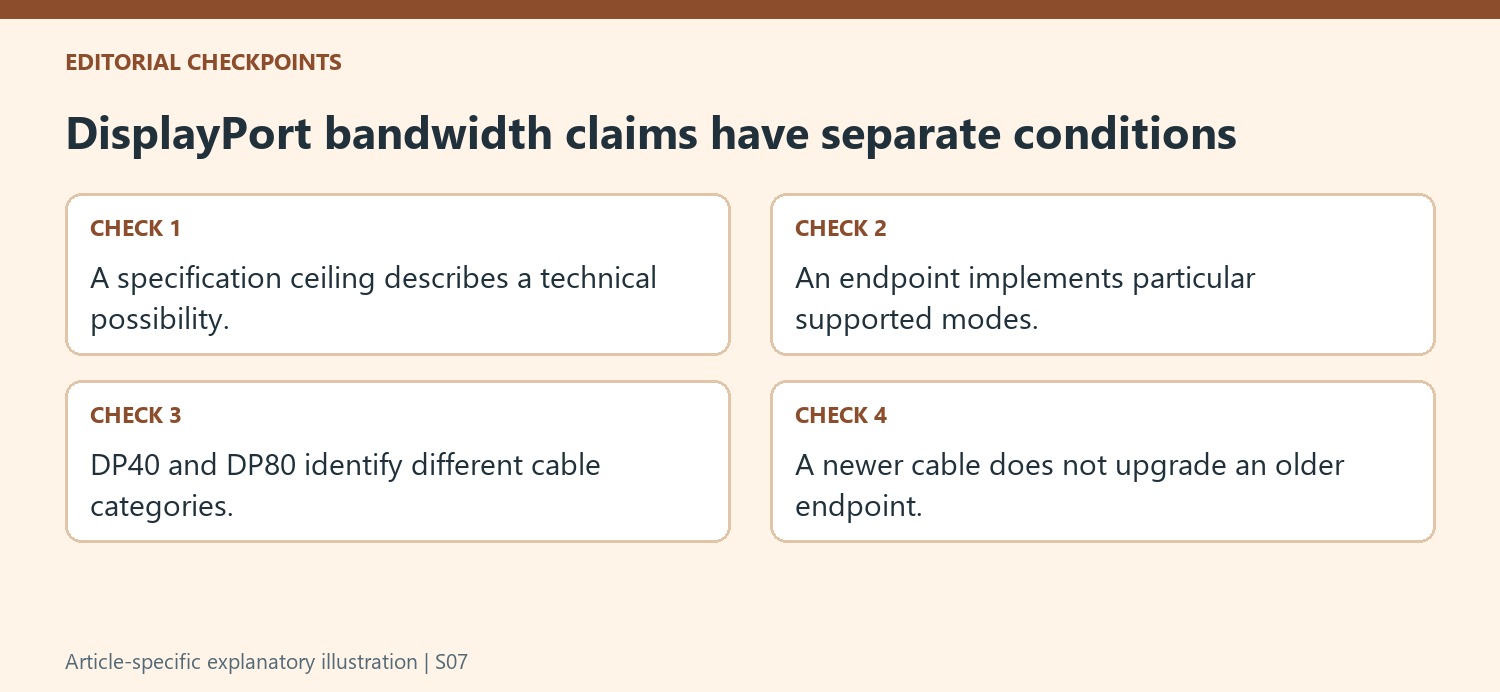
The source recommends VESA-certified DP40 or DP80 cables and uses length examples to explain why selection matters. Verify the current certification and supported length for the particular cable being considered. A generic product photograph or an unmarked replacement does not provide the same evidence as an identifiable rating attached to that product.
Do not interpret the article’s example cable lengths as proof that every cable of a shorter length supports the same maximum rate. The relevant support still depends on construction, certification and stated capability. Likewise, a cable described for a lower category should not be assumed to unlock the upper specification ceiling because it happens to connect physically between two newer devices.
Use a lower working mode as evidence rather than a final diagnosis
After installation, select and verify the intended display mode. If a lower setting works while the target does not, compare the documented limits of the host, cable, adapter and screen before deciding which item is at fault. Keep the working configuration as a reference and change one uncertain stage at a time. Record the exact settings rather than describing the result only as high resolution. This does not guarantee that the target is achievable, but it makes the investigation understandable. The specification’s larger bandwidth creates possibilities, while the supported mode of the actual complete link determines whether those possibilities are available on this desk.
References
- Understanding displayport 21. Plugable Knowledge Base.
DisplayPort 2.1 uses four Ultra-High Bit Rate lanes and more efficient encoding to raise available bandwidth. Plugable explains that this supports higher resolution, refresh rate, and color-depth combinations than earlier connections could offer. The specification's maximum does not mean every cable can carry the same rate.


Leave a Comment
Comments (0)