
TBT3-UDV Display Conversion Needs Active Adapters
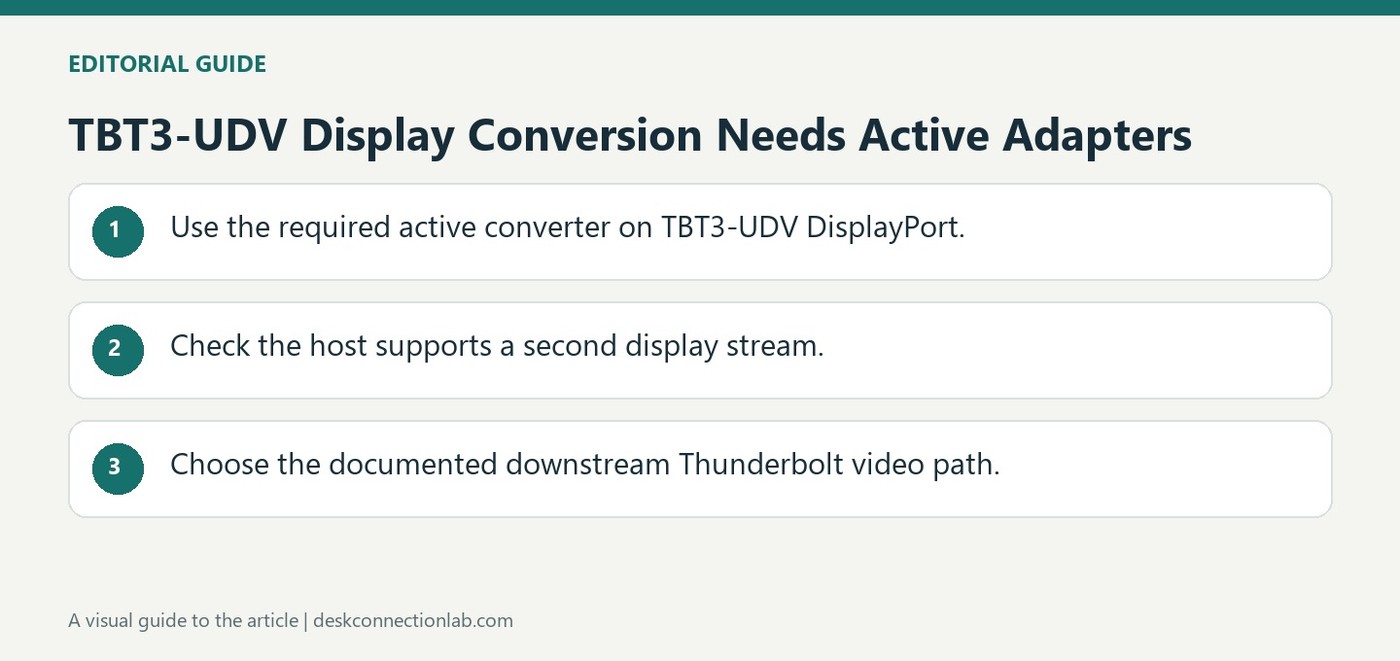
To convert the TBT3-UDV's DisplayPort output to HDMI, Plugable specifies the included active adapter, supporting up to 4K at 60Hz. Converting that output to DVI or VGA also requires an active adapter. A passive product with the same visible connectors is not an equivalent substitute for this dock.
A supported second display can instead connect through the downstream Thunderbolt 3 port using an appropriate USB-C Alt Mode adapter or cable. The host must support that second video stream. Check both the conversion type and host capability before interpreting a blank adapted monitor as a broken output.
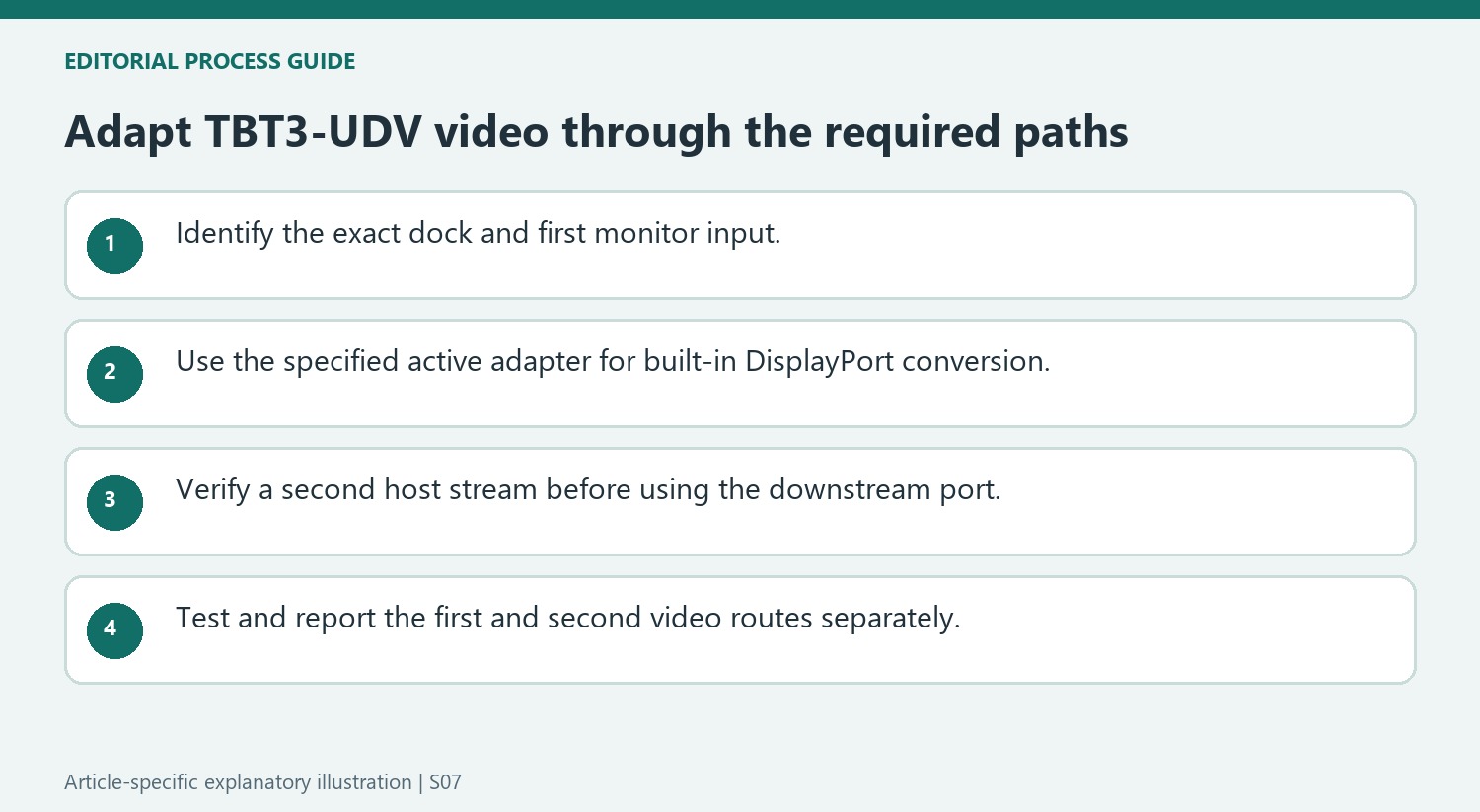
Identify active conversion in the product description
For the TBT3-UDV, Plugable explicitly requires active adapters for the conversions described. An active adapter performs conversion rather than relying on a passive compatibility feature at the source. Confirm that wording when replacing a missing included adapter; a similar photograph or the same pair of connector names is insufficient. The 4K-at-60Hz figure belongs to the specified HDMI arrangement and remains subject to the rest of the display path.
Plan the second screen as a separate supported stream
The dock's downstream Thunderbolt 3 port can provide another video route only on a host supporting the second display stream. Plugable lists suitable USB-C Alternate Mode cables or dongles for different monitor inputs, rather than recommending another passive adapter on the first output. Establish the first screen and then test the second with the correct host and cable. In a support request, list the dock model, the built-in DisplayPort conversion, and the downstream connection independently. That prevents a host stream limit from being confused with the active-adapter requirement affecting the first monitor.
Keep the TBT3-UDV requirement attached to that dock
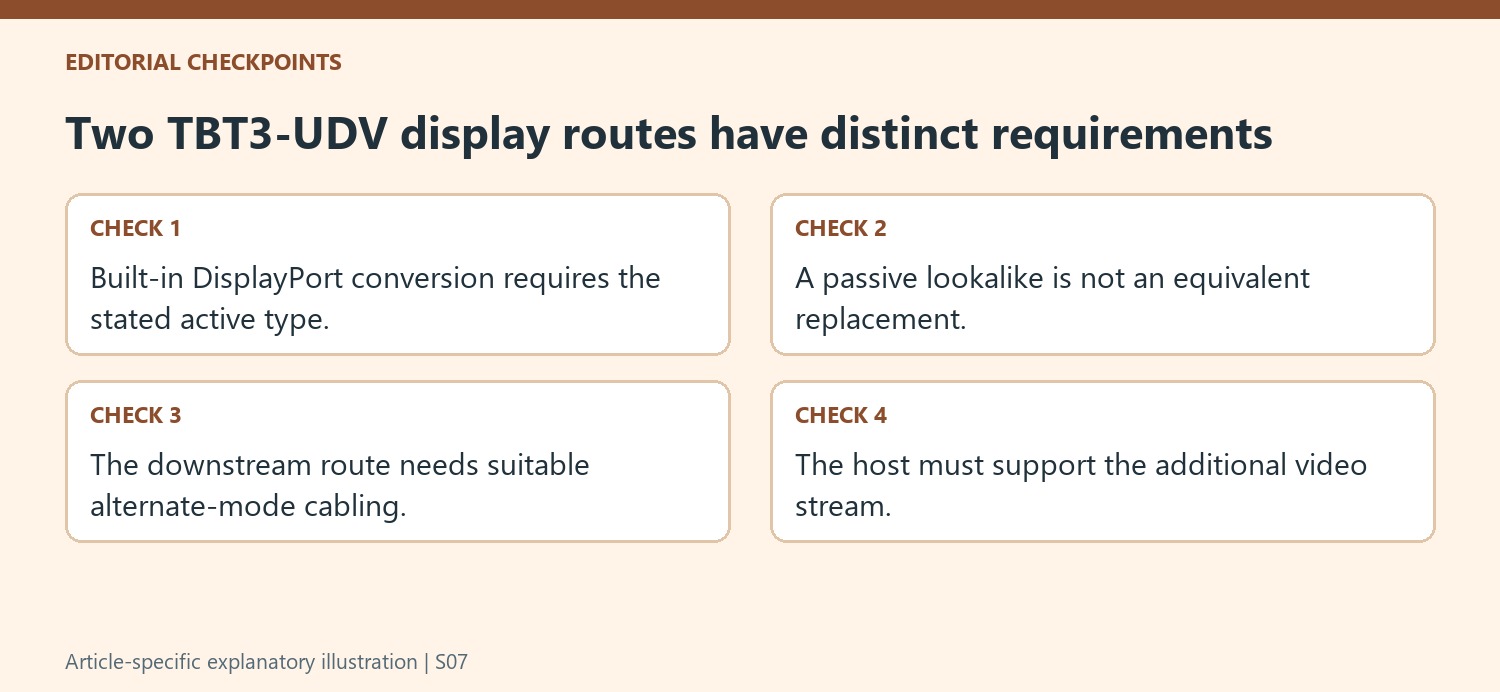
Identify the dock model before choosing a replacement adapter. Plugable’s guidance specifically requires active conversion for the built-in DisplayPort output when connecting to the listed alternative input types. A passive cable can have the same visible plugs while depending on a different source capability, so connector appearance is not enough to establish that it substitutes for the included active HDMI adapter.
Read the adapter description for the supported conversion and its operating mode. The stated 4K-at-60Hz maximum belongs to the specified HDMI arrangement, with the monitor and remaining path still needing appropriate support. Converting to DVI or VGA likewise requires the active type described in the source. Avoid extending that instruction into an unsupported claim that every dock or every DisplayPort conversion has exactly the same requirement.
Treat the downstream port as another video route with host conditions
The guide offers suitable USB-C Alternate Mode cables or dongles for a second display through the downstream Thunderbolt 3 port. That arrangement depends on the host supporting a second video stream. The existence of the physical port does not remove that requirement, and a working first screen does not prove that another independent stream is available.
Choose the downstream cable according to the second monitor’s input and verify its supported direction and mode. Keep this connection separate in the equipment map from the adapter on the built-in DisplayPort output. If the first monitor works while the second remains blank, the distinction shows which host capability and path should be investigated rather than repeatedly replacing the active adapter serving the screen that already functions.
Build and report the arrangement one screen at a time
Establish a supported first monitor, record the cable and active conversion used, then add the downstream screen. Select the correct inputs and verify the intended independent desktop behavior. Keep a known working first-screen configuration available during the comparison. If support is required, report the host model, dock model, first-output adapter and second-output cable separately, together with each screen’s requested mode. This makes a stream limitation distinguishable from an incorrect adapter type. It also gives the next test a clear purpose instead of reducing two different video routes to a generic complaint that a Thunderbolt dock has a blank display.
References
- Which plugable usb c alt mode adapters or displayport adapters are compatible with the tbt3 udv dock. Plugable Knowledge Base.
To convert the TBT3-UDV's DisplayPort output to HDMI, Plugable specifies the included active adapter, supporting up to 4K at 60Hz. Converting that output to DVI or VGA also requires an active adapter. A passive product with the same visible connectors is not an equivalent substitute for this dock.


Leave a Comment
Comments (0)