
Alogic Folio Duo Pairs Two Portable QHD Panels
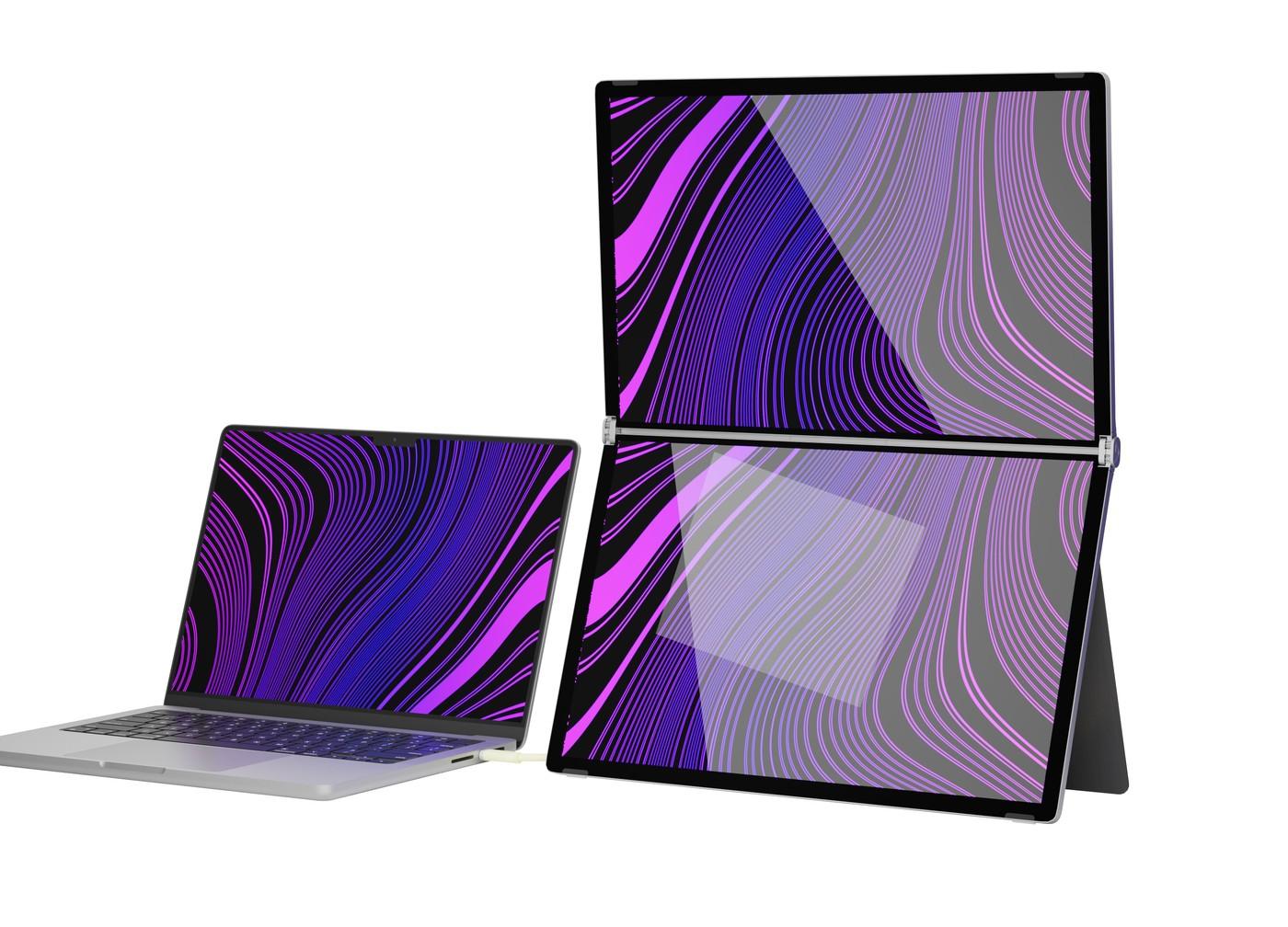
TechRadar reports that Alogic's Folio Duo combines two IPS panels into a folding portable monitor arrangement. Each screen is described as 2560-by-1440 at 60Hz, with a cover stand supporting deployment away from a permanent desk. The product is aimed at users who need more workspace while traveling.
Its USB-C arrangement includes an optional power input and a host connection, with up to 45W pass-through charging reported for compatible laptops. These details matter when planning both screens and battery use. Check the supported host configuration instead of assuming every USB-C laptop provides identical multi-display behavior.
Read the touch and display claims as configuration details
The report describes gesture support and ten-point multitouch on compatible Mac and Windows setups. That is a feature to verify against the intended host, software, and connection rather than a promise for any device with USB-C. It also reports 400-nit brightness, a weight around 1.2kg, and a dual-QHD layout. Those details describe a particular portable workstation accessory, not two conventional desktop screens that happen to share a stand.
Compare deployment needs before accepting the premium price
The Folio Duo combines two panels with a folding form and cover stand, potentially reducing the number of loose supports carried on a trip. Confirm the desk footprint when open and the safe packing space when closed. The article reports a two-year warranty and notes that the separately sold stylus is not included. Its launch-price comparison is historical and should be checked before purchase. The practical question is whether the added workspace and supported touch functions justify the cost and extra equipment for the actual workflow. Users who need only occasional reference material may not benefit as much as those regularly arranging several application windows.
Compare workspace gained with the effort of deployment
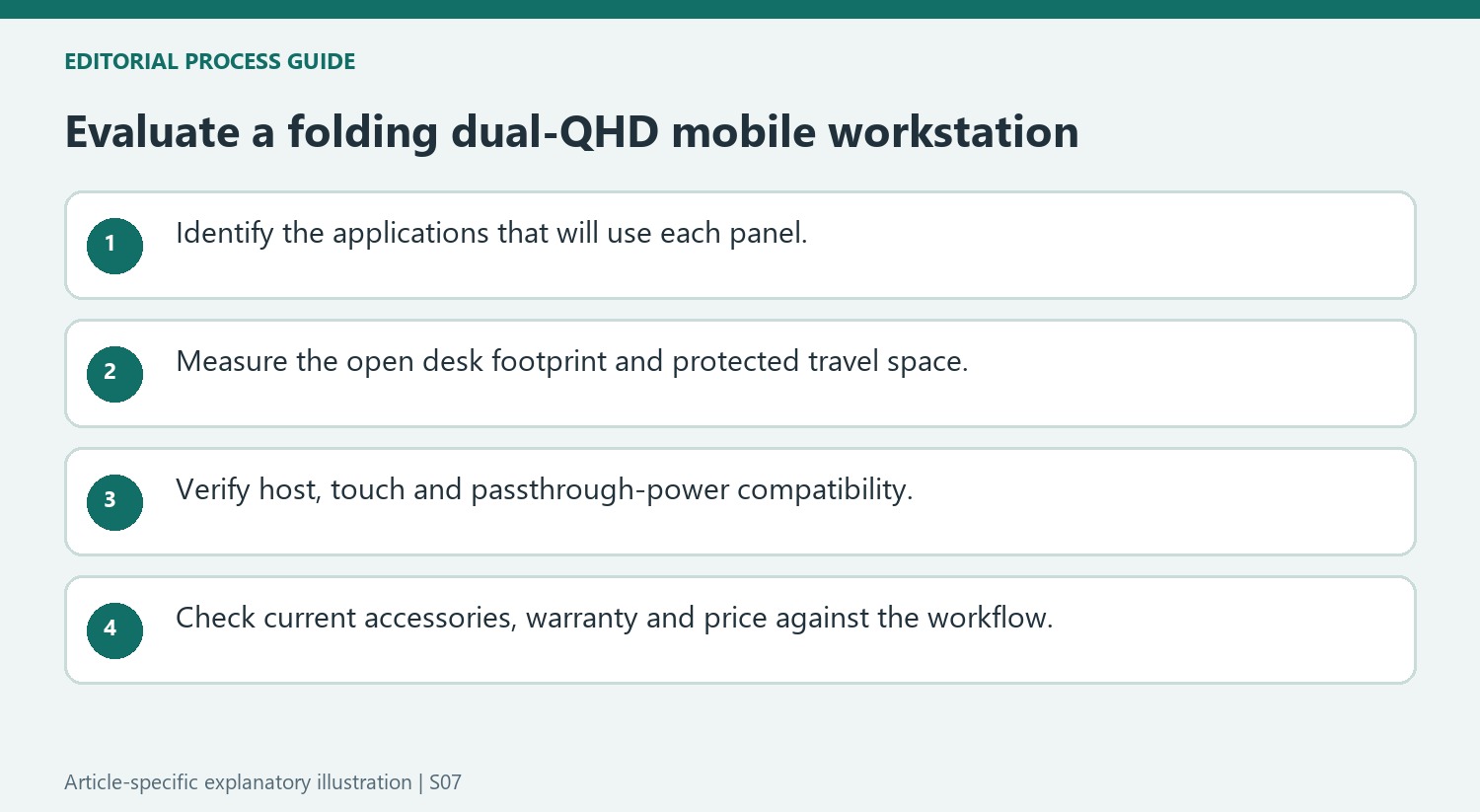
The report describes a folding pair of QHD panels intended for mobile professionals. Consider which applications would occupy each screen and whether that arrangement solves a repeated task. More pixels can help separate reference material from active work, but the benefit depends on a workflow that uses them rather than the simple appeal of carrying two displays.
Measure the desk area required when the unit is open and the space needed to protect it in transit. The integrated cover stand reduces the need for separate supports, while the reported weight still adds to the equipment carried with the laptop. A portable workstation should be evaluated as a complete travel kit, including cables and any power source required for the intended session.
Confirm host, touch and power support as separate requirements
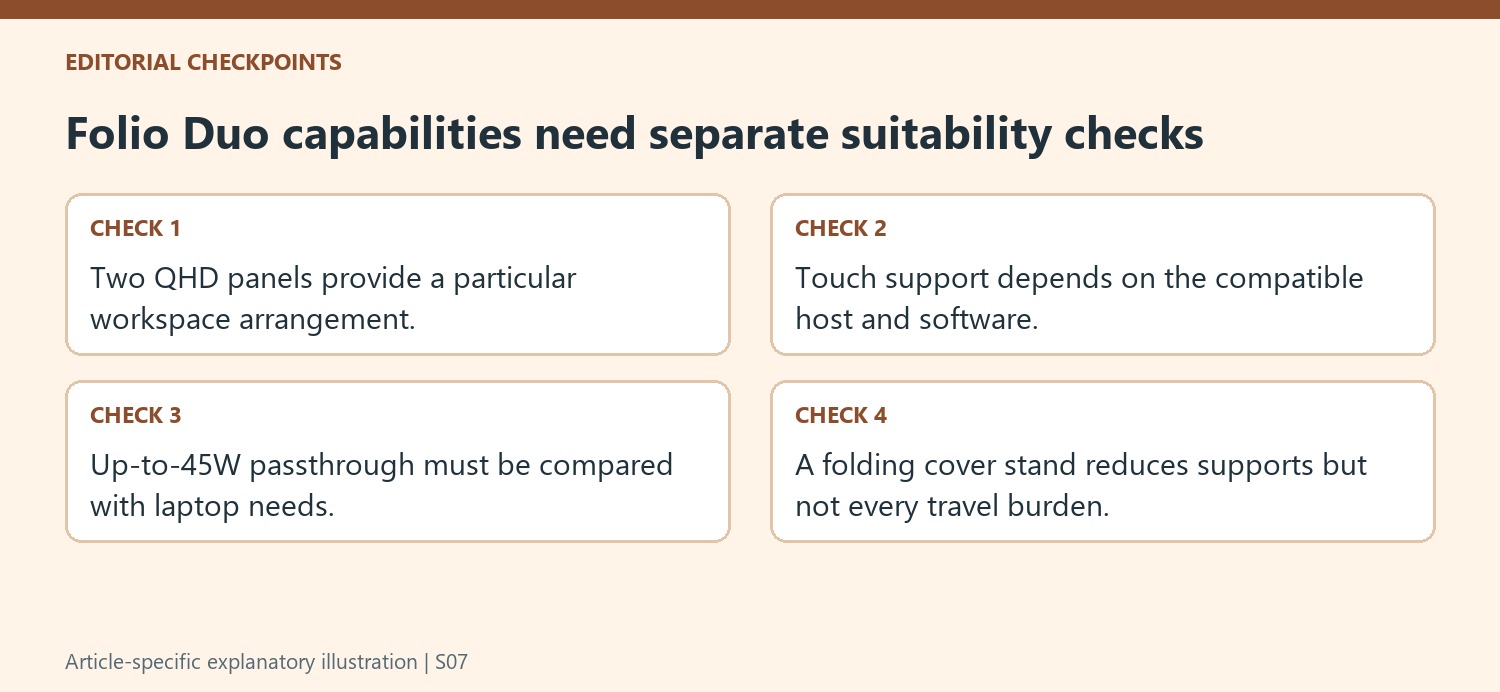
The article reports USB-C connection and up to 45W passthrough charging for compatible laptops. Compare that allowance with the intended computer’s needs rather than assuming that any charging indication is sufficient during demanding work. Include the optional power input in the plan when the chosen arrangement requires it, and verify the supported connection before relying on it away from the usual desk.
Gesture control and ten-point touch are additional reported capabilities that deserve their own compatibility check. Verify the host and software requirements for the actual Mac or Windows setup. A successful video signal does not by itself establish that every touch function is available, and the presence of a USB-C socket alone does not settle multi-display behavior on every computer.
Read launch coverage as an introduction rather than a personal test
The source reports product specifications, positioning and launch pricing. Keep those claims distinct from results measured on the reader’s own equipment. Check current availability, warranty terms and included accessories before purchasing, including the separately sold stylus mentioned in the report. The listed 60Hz panels emphasize a particular workstation proposition rather than every high-refresh gaming requirement. A careful decision weighs supported workspace and input features against the actual travel routine and premium cost, with the complete host, power and carrying arrangement understood before the folding design becomes part of an essential mobile workflow.
References
- This dual-display monitor set addresses all your portable workstation needs. TechRadar; Rahim Amir.
TechRadar reports that Alogic's Folio Duo combines two IPS panels into a folding portable monitor arrangement. Each screen is described as 2560-by-1440 at 60Hz, with a cover stand supporting deployment away from a permanent desk. The product is aimed at users who need more workspace while traveling.


Leave a Comment
Comments (0)