
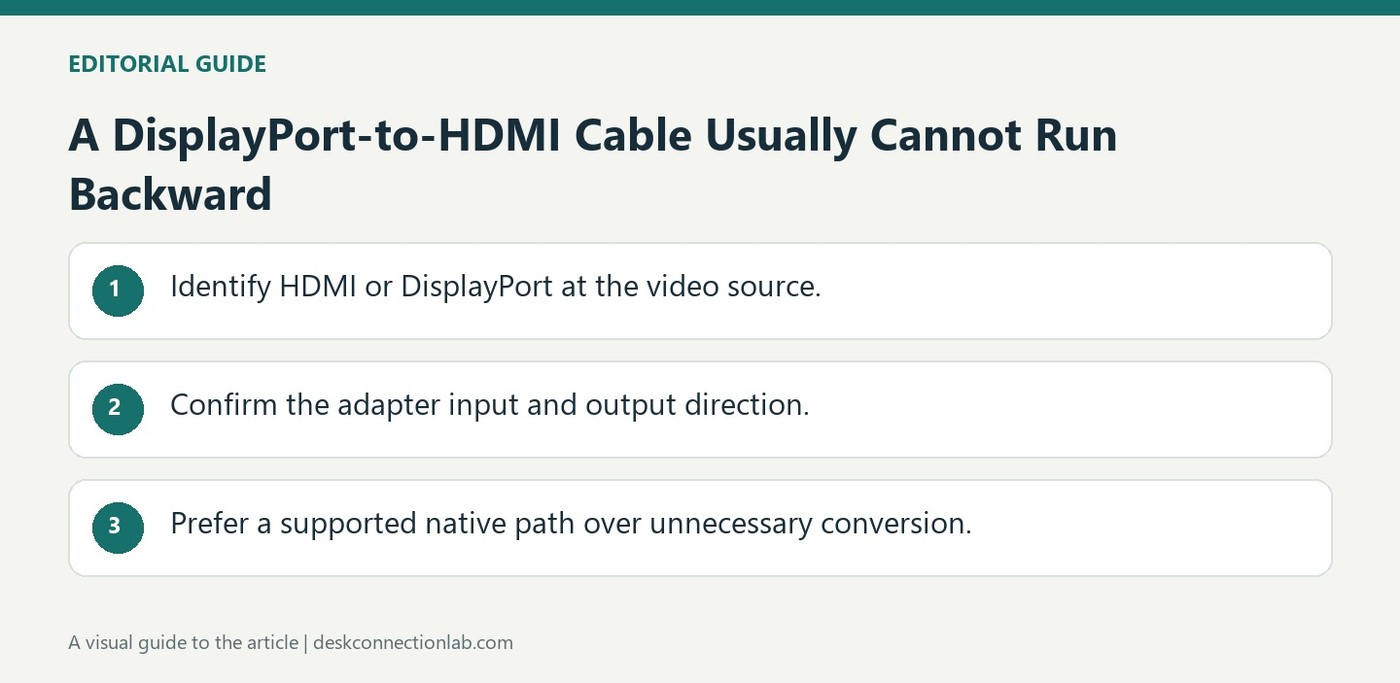
A DisplayPort-to-HDMI Cable Usually Cannot Run Backward
Most DisplayPort-to-HDMI cables accept a DisplayPort source and feed an HDMI display. Reversing their ends does not make them convert a dock's HDMI signal into DisplayPort. Plugable explains that these interfaces transmit video differently, and the reverse conversion needs additional processing.
Powered HDMI-to-DisplayPort converters exist, but their resolution, refresh rate, and reliability can vary. Plugable recommends a native DisplayPort connection where possible instead of this reverse adaptation. Check both the source and destination labels before buying a cable that has the correct physical plugs but the wrong operating direction.
Trace the direction before choosing a converter
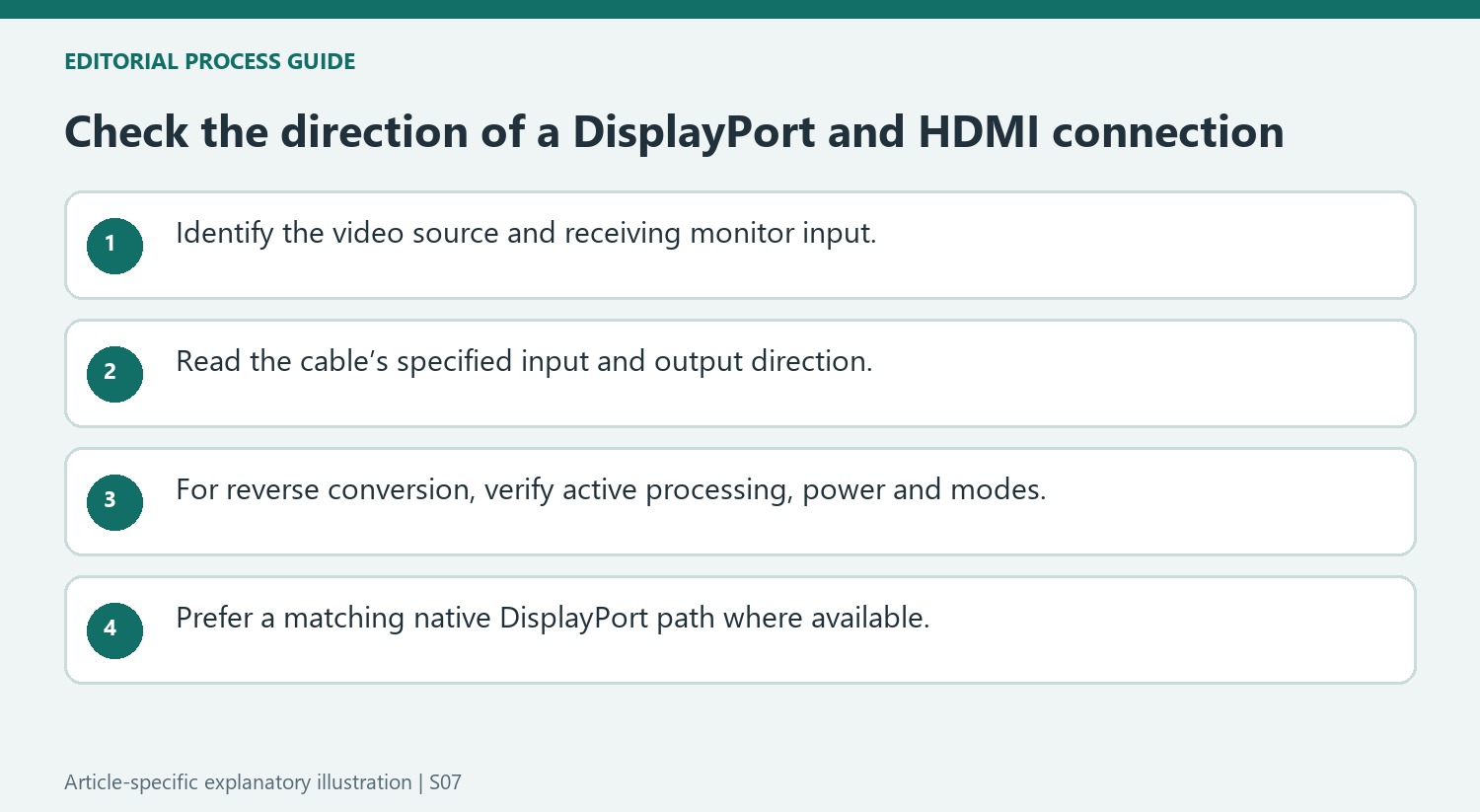
Mark the computer or dock as the source and the monitor as the receiving device. A passive DisplayPort-to-HDMI adapter commonly depends on the source providing a compatible signal, so reversing its physical position cannot perform the opposite conversion. A cable listing both connector names may leave this crucial direction unclear. Read the stated input and output, not just the product photograph, before deciding it solves an HDMI-output-to-DisplayPort-input mismatch.
Account for conversion power and mode limits
The reverse converters discussed by Plugable use additional processing and typically need external power through USB or another supply connection. Their presence does not guarantee the same resolution, refresh rate, or stability as a native DisplayPort route. Plugable's recommendation favors native connections with its docks where possible. If evaluating a converter elsewhere, check the exact display mode and power requirements rather than assuming any powered adapter is sufficient. When the dock already offers both HDMI and DisplayPort, choosing the matching native output can remove an unnecessary conversion stage and make future troubleshooting easier to understand.
Read source and sink labels as functional requirements
Identify the socket sending video and the socket receiving it before searching for a cable. A computer or dock output is the source; the monitor input is the sink. The common DisplayPort-to-HDMI product described by Plugable serves a DisplayPort source and an HDMI sink. Reversing where its plugs are inserted does not reverse the conversion it was designed to perform.
Product names can be ambiguous when they merely list both connectors. Inspect the stated input and output direction and compare it with the equipment map. A cable with the correct-looking plugs may be perfectly functional for its intended use and still be unsuitable for an HDMI-output-to-DisplayPort-input arrangement. Recognizing that mismatch can prevent repeated exchanges of otherwise working cables.
Understand why an active reverse converter is a different product
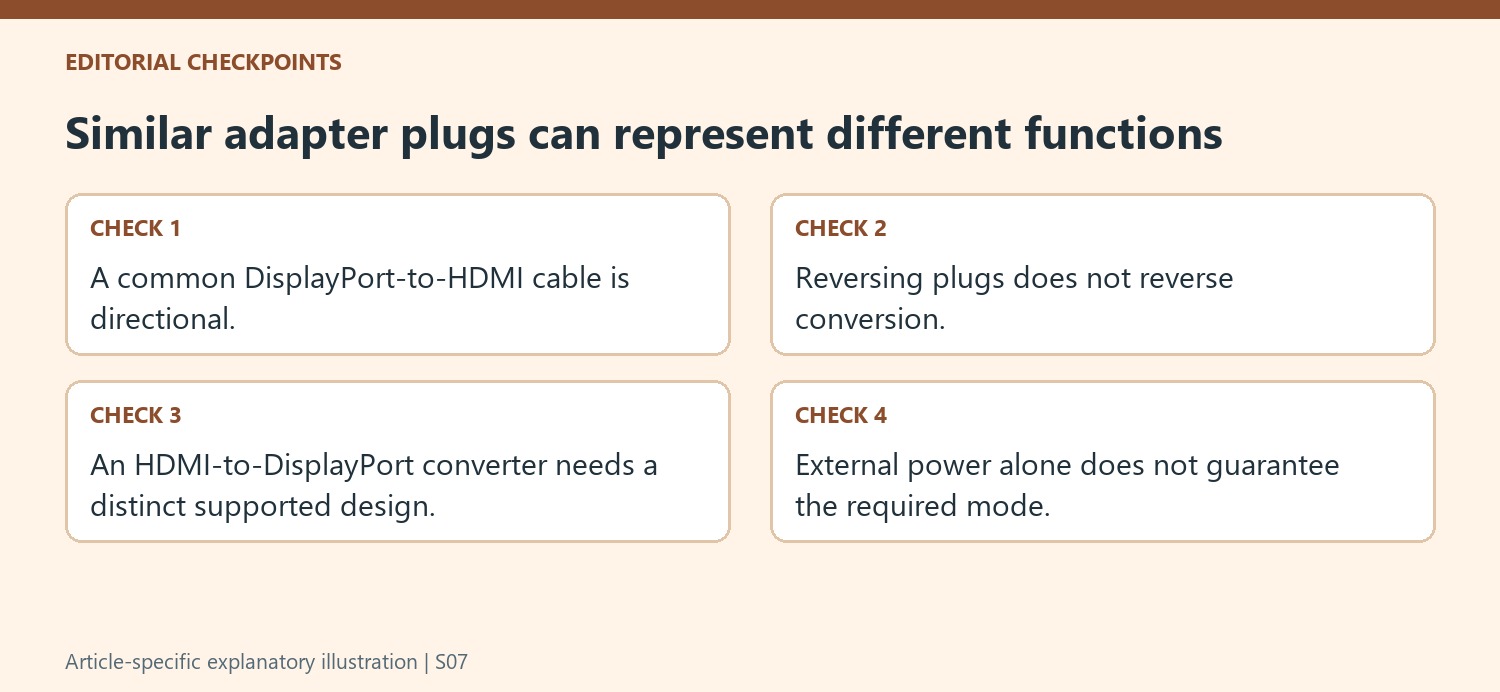
The source explains that the interfaces transmit signals differently and that an HDMI-to-DisplayPort converter needs additional processing. It describes externally powered products using USB or another supply connection. That is a different functional device from an ordinary passive cable, so power requirements and supported video modes need to be read explicitly.
External power alone does not establish that a converter supports the intended resolution, refresh rate or reliable operation with a specific dock. Plugable reports less reliable results from such reverse converters in its testing and recommends native DisplayPort where possible. Keep that recommendation attributed to the manufacturer’s dock context instead of assuming it proves that every converter in every environment is unusable.
Prefer a matching native output when the hardware already offers one
Inspect the dock’s available outputs before adding a reverse-conversion stage. Where an appropriate DisplayPort output and monitor input are already available, a suitable native connection can remove an unnecessary variable. If another environment requires active conversion, verify the exact product, direction, power source and target display mode together before purchase. After connecting, select the correct monitor input and test the required mode. Include the converter?s supply cable in that functional check. A clear record of this path also improves support requests: it explains whether the problem involves a native signal, passive conversion in its designed direction or a powered reverse converter with its own limits, rather than reducing all three cases to a cable with two familiar connector names.
References
- Can i connect a displayport dp monitor to the hdmi port on this device using an adapter or cable. Plugable Knowledge Base.
Most DisplayPort-to-HDMI cables accept a DisplayPort source and feed an HDMI display. Reversing their ends does not make them convert a dock's HDMI signal into DisplayPort. Plugable explains that these interfaces transmit video differently, and the reverse conversion needs additional processing.


Leave a Comment
Comments (0)