
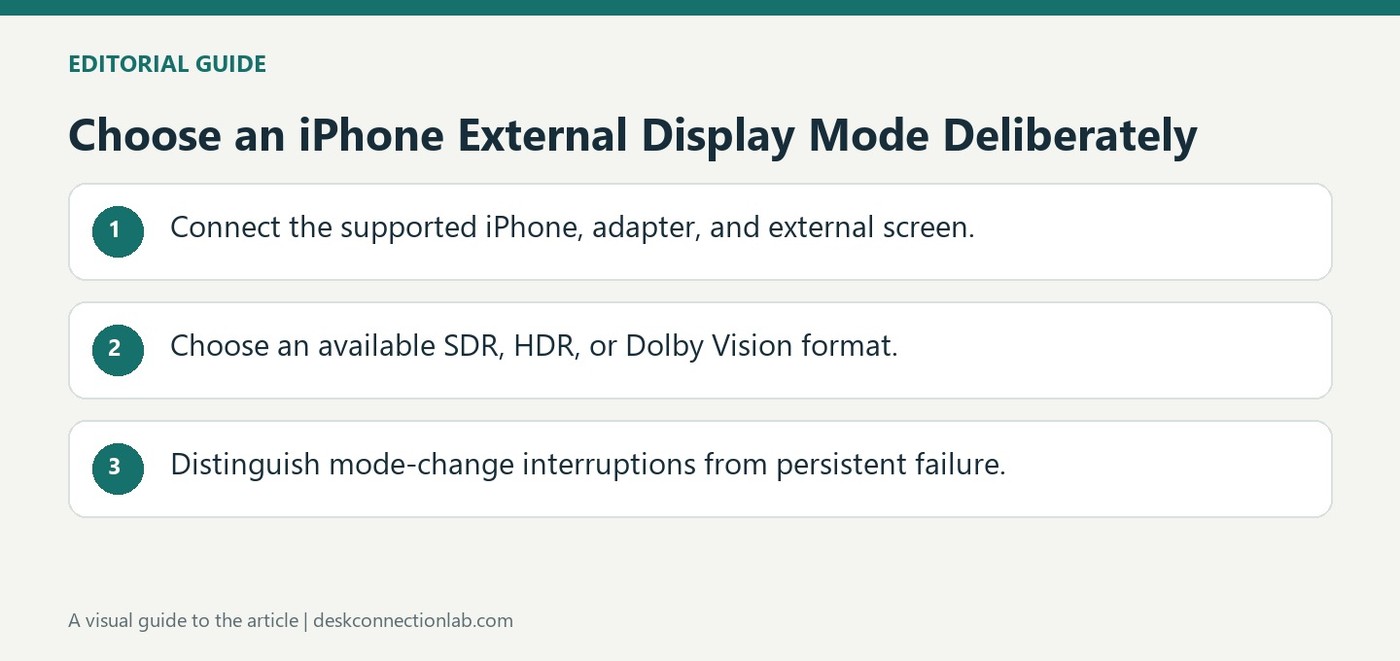
Choose an iPhone External Display Mode Deliberately
With a compatible USB-C iPhone and Plugable HDMI adapter, external display options appear under Display & Brightness in Settings. Plugable describes choosing the external screen and selecting Dolby Vision, HDR, or SDR where the particular phone and display support those formats. A missing option may reflect display capability.
Allow Display Mode Changes can switch modes to match the content being viewed. Plugable notes that these transitions may briefly interrupt the video signal or cause flickering. Distinguish that expected mode change from a persistent connection failure before replacing an adapter or cable.
Select the format supported by the phone and screen
Open the external display entry only after the supported adapter and display are connected. A phone model supporting one format does not establish that the television accepts it, and a television label does not establish that every iPhone configuration provides the same output. The Plugable note concerns compatible USB-C iPhone and adapter combinations, including particular newer iPhone models. Verify the exact phone, adapter, and display when an expected option does not appear.
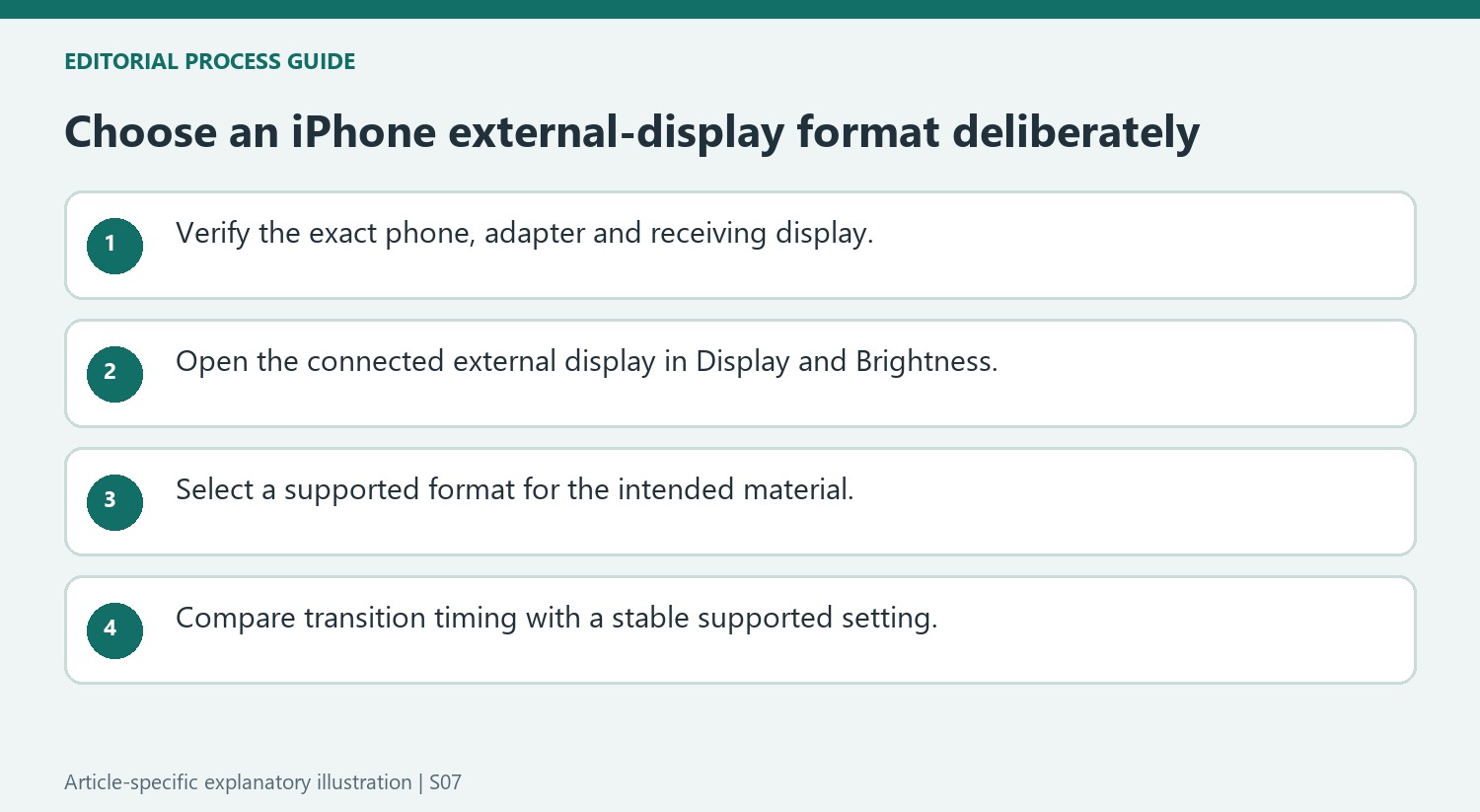
Evaluate transitions separately from persistent failure
Allow Display Mode Changes is intended to adjust the output to the material being viewed. That adjustment can briefly leave the screen without a signal while the mode changes. Compare the behavior with a stable selection such as SDR when troubleshooting, rather than assuming every brief interruption proves a defective cable. If the picture remains absent afterward, return to the connection and compatibility checks. Record which format was selected and whether the interruption happens only when the content changes; that observation distinguishes an expected transition from a display that never establishes a usable signal.
Start with a verified phone, adapter and receiving display
The source concerns compatible USB-C iPhone and Plugable adapter combinations, with particular model families and trims cited as examples. Verify the exact phone and adapter rather than assuming every device with a USB-C socket provides identical external-display features. Include the television or monitor in the check, because the selected format must also be accepted by the receiving screen.
Connect the supported arrangement before looking for the external display in Settings. The available choices belong to that detected combination, not to a general promise made by the phone’s connector. A missing HDR or Dolby Vision choice should prompt review of the screen and full setup instead of an immediate conclusion that the cable is broken or that every phone model offers the same menu.
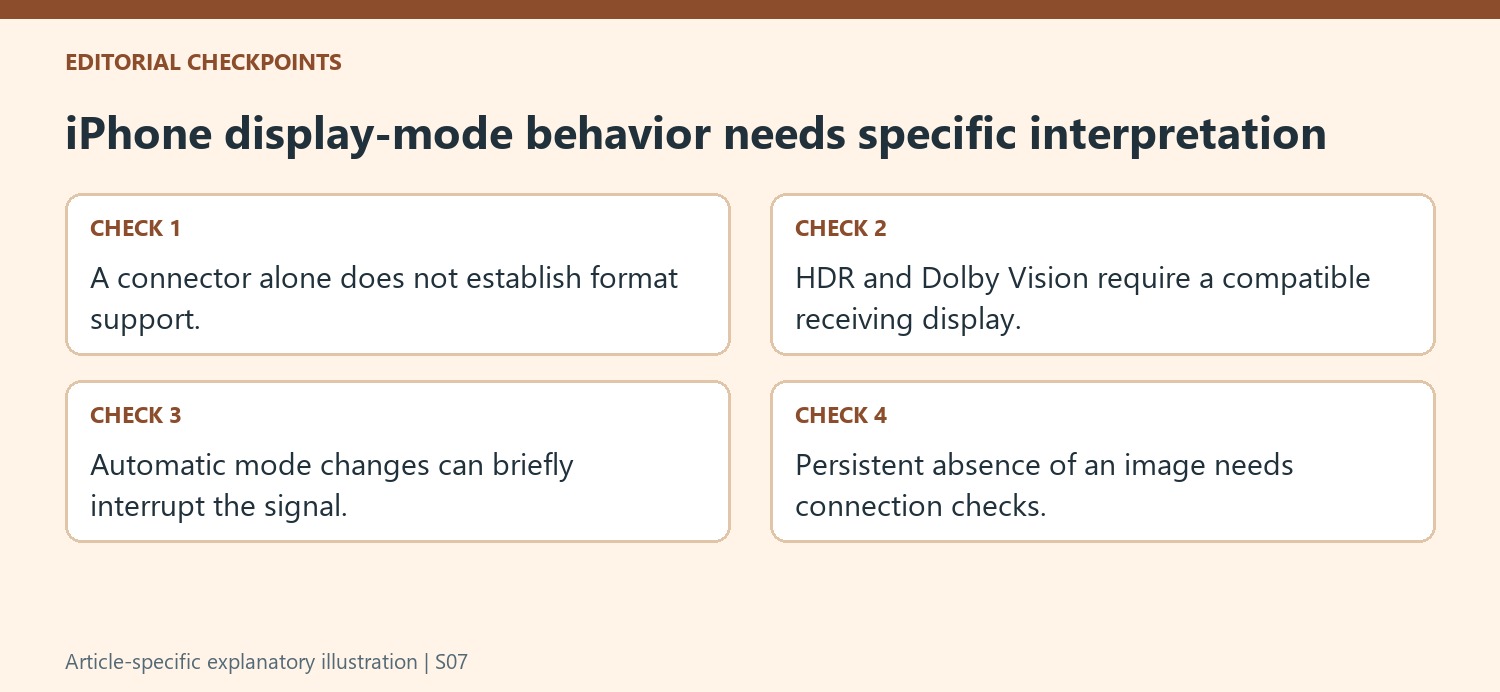
Select a format according to the material being viewed
The guide places the controls under Display & Brightness and the external display entry. Choose a supported format appropriate to the intended content and note the starting selection before troubleshooting. Dolby Vision, HDR and SDR are different output choices; their presence and suitability depend on the actual equipment and content rather than a rule that the most elaborate label always produces the right result.
The Allow Display Mode Changes option can adapt output to the material being played. The source notes that transitions may cause temporary signal interruption or flickering. Observe whether the interruption coincides with a content change and whether a stable image returns. That timing is useful evidence and helps distinguish an expected transition from a connection that never establishes or repeatedly loses a usable picture.
Compare a stable setting before replacing hardware
If the behavior is confusing, compare it with a supported stable choice such as SDR and repeat the same viewing sequence. Record the selected format and whether the interruption persists outside mode transitions. Note whether the same content reproduces the same interruption. A stable comparison does not prove that every higher-format path is supported, but it narrows the investigation. If the picture remains absent, return to the exact phone, adapter, display and connection requirements. This keeps a brief documented switching effect separate from a persistent fault and avoids buying replacements solely because the screen briefly loses signal while the output mode changes.
References
- How to play hdr and dolby vision content on iphone using a plugable usb c to hdmi adapter. Plugable Knowledge Base.
With a compatible USB-C iPhone and Plugable HDMI adapter, external display options appear under Display & Brightness in Settings. Plugable describes choosing the external screen and selecting Dolby Vision, HDR, or SDR where the particular phone and display support those formats. A missing option may reflect display capability.


Leave a Comment
Comments (0)