
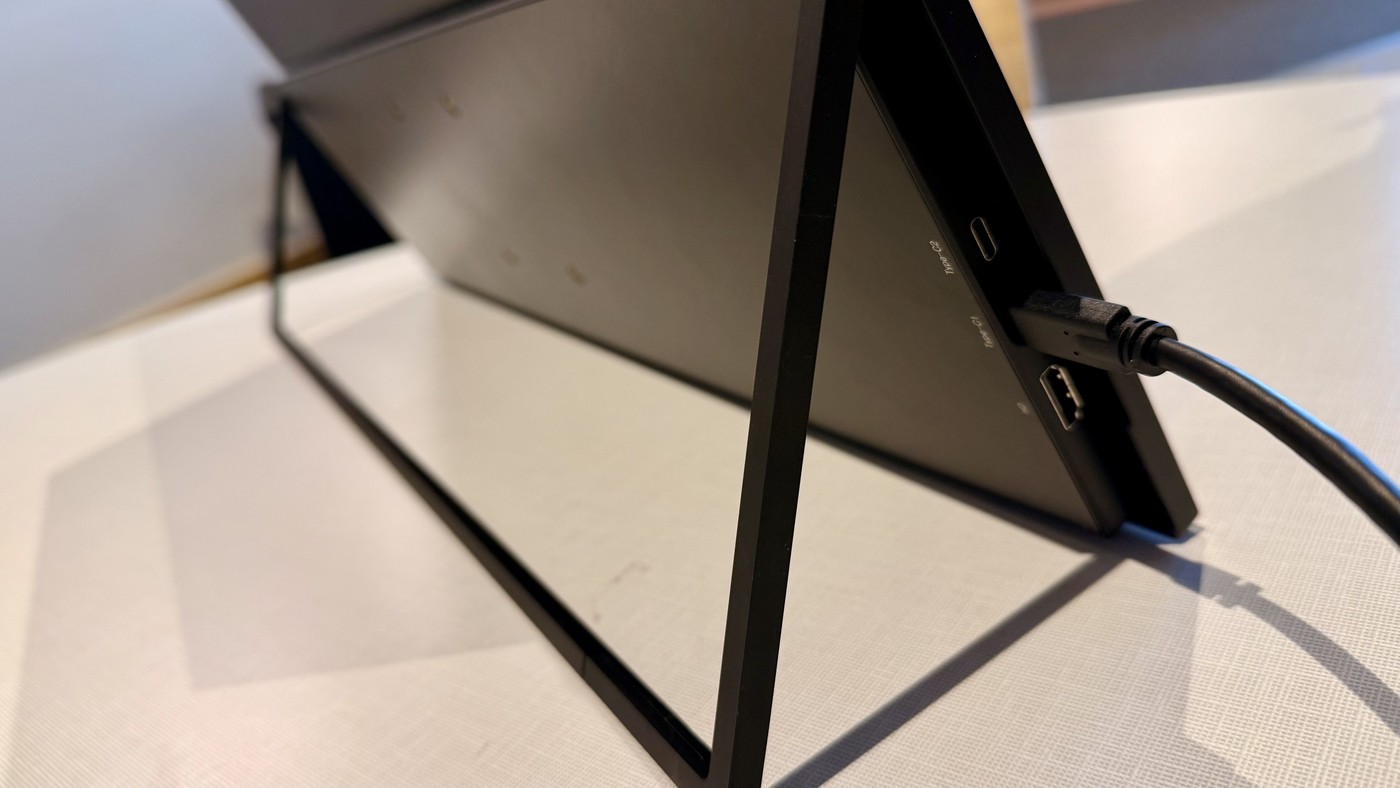
UColor T3 Uses Different Power Paths for USB-C and HDMI
TechRadar's UPerfect UColor T3 review describes a 23.8-inch 4K matte display with a thin portable design, built-in stand, and VESA mounting capability. On a suitable host, a single USB-C connection supplies the display setup. That can make it useful for temporary workspaces despite its larger travel footprint.
An HDMI connection follows a different arrangement: the review describes adding USB-C power because HDMI does not supply the monitor's operating power. Check that distinction when changing source devices. A screen that works through one cable on a laptop may need two connections when used with an HDMI-only source.
Decide whether semi-portable suits the actual trip
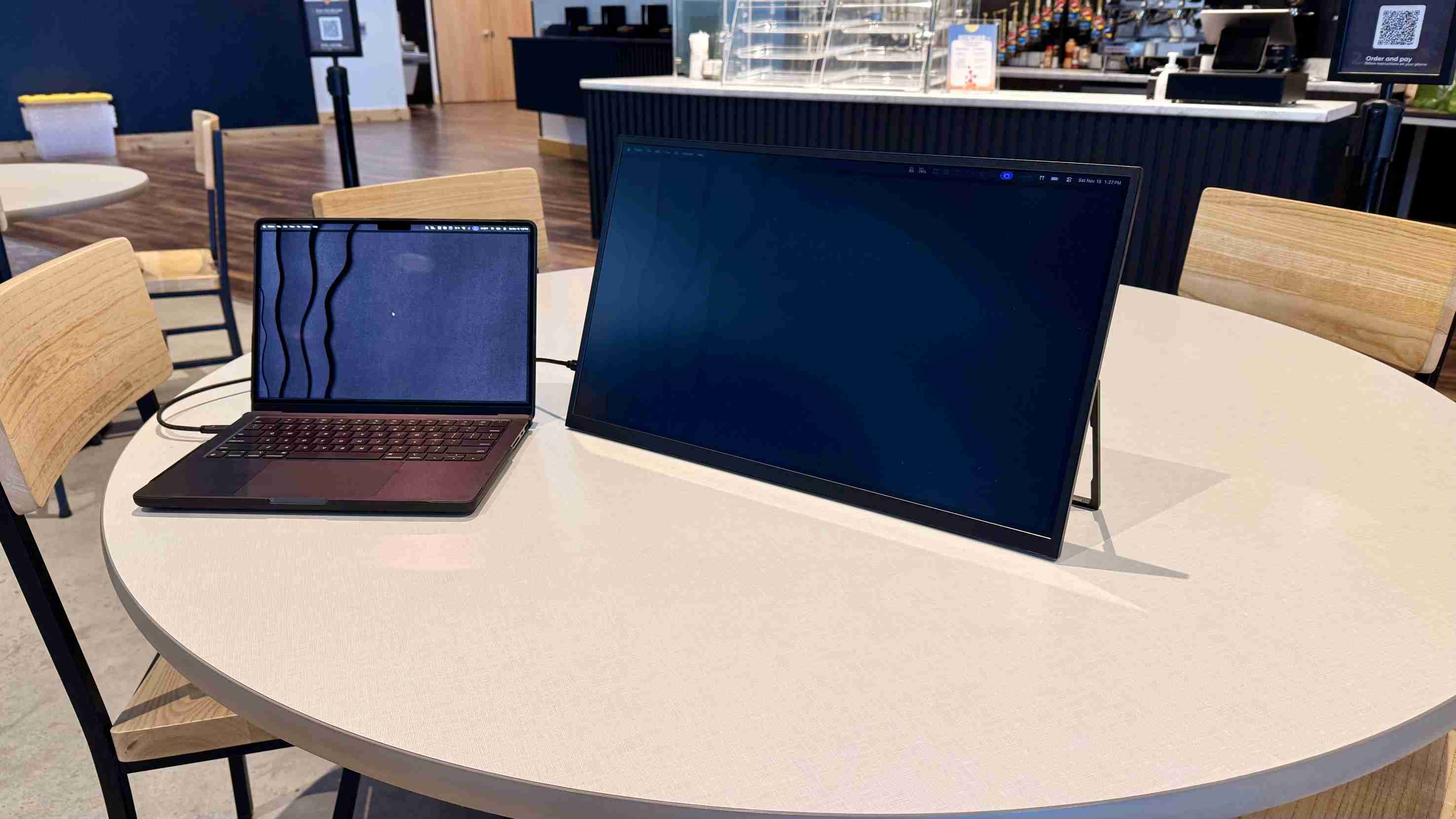
The reviewer found the T3 useful for temporary workstations and moving between locations, but too large for an ordinary backpack. Its roughly desktop-sized panel changes the practical meaning of portable. Measure the carrying space and the work surface at the destination rather than comparing only its thin profile with a smaller travel display. The built-in tilt stand reduces the need for another support, while VESA mounting offers a more permanent arrangement.
Consider the panel and power together
The review lists a 3840-by-2160 IPS panel at 60Hz, a matte surface, and a rated brightness of 350 cd/m2. It also identifies limited usefulness in bright environments as a drawback. Those observations favor indoor work with a suitable power and video connection, rather than an assumption that the monitor will be equally comfortable outdoors. Before relying on a one-cable installation, check that the host provides the required USB-C video and power functions. For HDMI use, include the separate USB-C power connection in the packing list. The review's price and discounts are historical observations, so verify current availability independently.
Plan transport around a large panel rather than the portable label
The review presents the T3 as a bridge between a desktop monitor and a travel display. Its thin construction and integrated stand reduce setup burden, but the nearly desktop-sized panel still needs appropriate carrying space. Measure the case and destination desk before assuming it will fit the same routine as a smaller screen that travels inside a normal laptop backpack.
Think about the frequency and style of travel. A temporary office, equipment cart or occasional relocation may benefit from the larger workspace, while frequent walking between locations can make the footprint less convenient. These are applications suggested by the reviewer’s experience, not proof that one size is appropriate for every mobile worker. The right comparison includes how the panel is carried and supported.
Pack for the chosen video and power arrangement
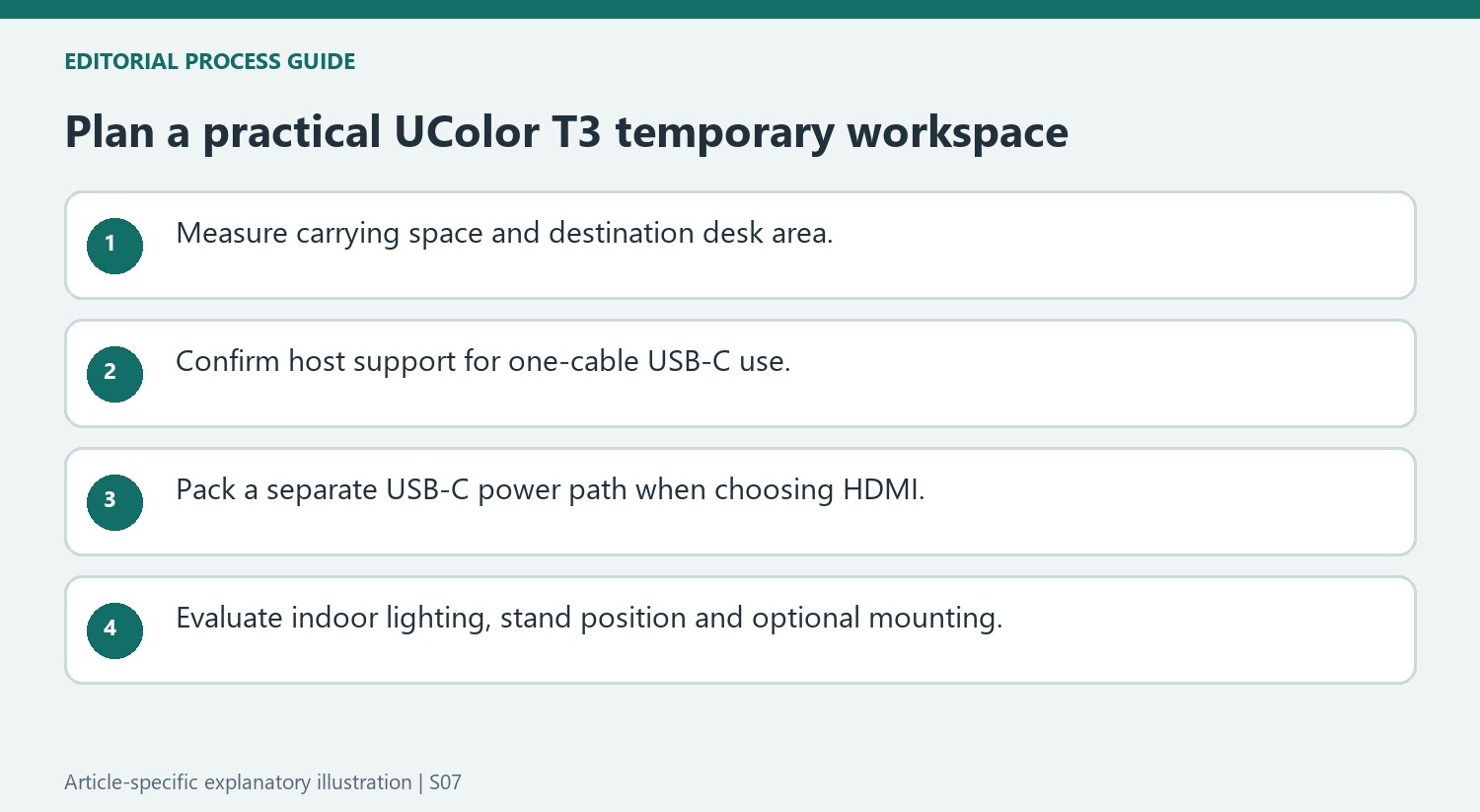
The single-USB-C setup depends on a suitable host providing the required display and power functions. Confirm that arrangement with the actual computer before leaving for a temporary workspace. The reviewer’s successful connection does not establish equivalent behavior from every USB-C socket or cable, even when the plugs look the same.
If the source uses HDMI, include the separate USB-C power connection and the necessary power equipment. The review explicitly distinguishes this from its one-cable USB-C arrangement. Changing input types can therefore change the packing list as well as the monitor menu selection. Test the complete set of cables together so that a missing power path is not mistaken for a failed HDMI signal at the destination.
Balance indoor readability with mounting flexibility
The matte panel and 4K workspace are central positives in the review, while limited brightness in strong light is a stated drawback. Evaluate the lighting where the screen will actually be used instead of treating anti-glare finish as a guarantee of outdoor readability. The built-in stand supports quick deployment, and the listed VESA mounting offers another arrangement when the display stays longer in one place. Choose between them according to the work surface and desired height. Current pricing and availability should be checked separately from the review’s historical deal, keeping the practical decision centered on the space, light and power the intended workspace provides.
References
- UPerfect UColor T3 4K portable monitor review. TechRadar; Collin Probst.
TechRadar's UPerfect UColor T3 review describes a 23.8-inch 4K matte display with a thin portable design, built-in stand, and VESA mounting capability. On a suitable host, a single USB-C connection supplies the display setup. That can make it useful for temporary workspaces despite its larger travel footprint.


Leave a Comment
Comments (0)