
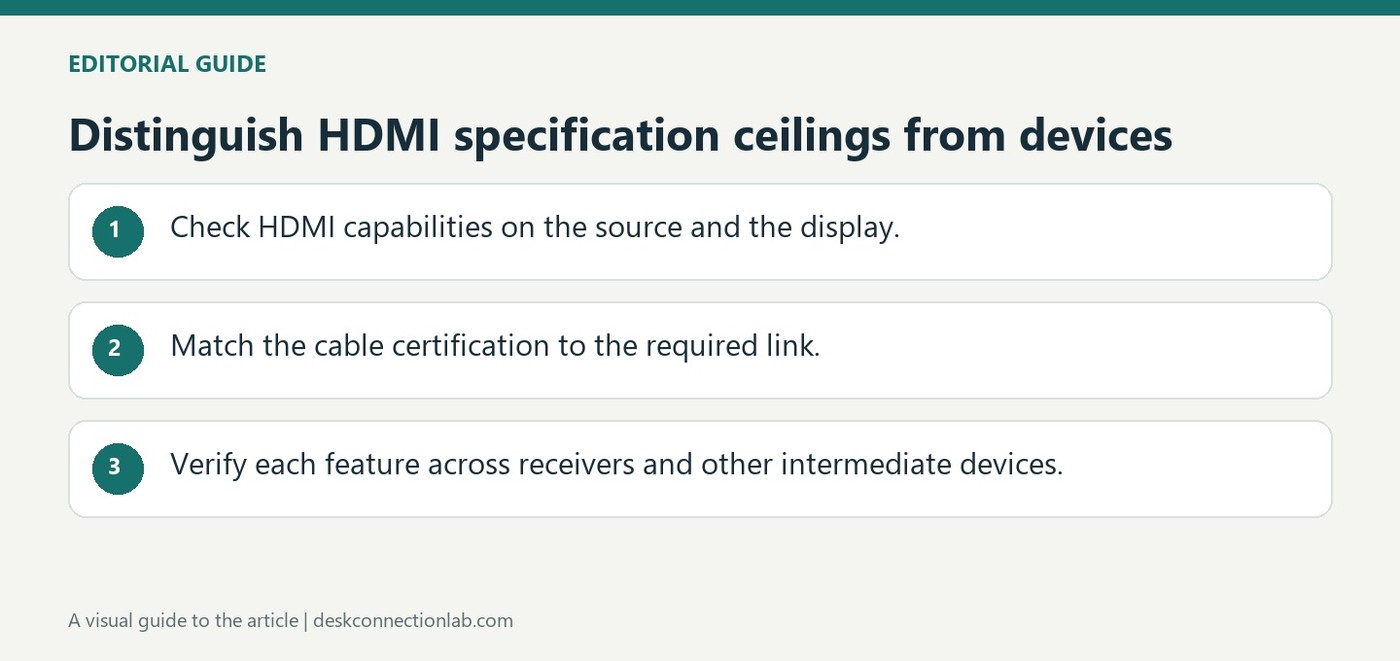
Distinguish HDMI specification ceilings from devices
Newer specifications need matching hardware
The HDMI licensing organization's overview describes HDMI 2.2 with bandwidth up to 96Gbps and an Ultra96 cable category for supported applications. It also distinguishes the earlier Ultra High Speed HDMI cable category, associated with configurations up to 48Gbps. These are capabilities of specified combinations, not automatic upgrades for older ports.
Choose for the actual monitor mode
A laptop, graphics output, cable and display must all support the desired video format. The newest specification's resolution and refresh-rate examples should therefore be checked against the equipment being connected. For a practical monitor purchase, identify the supported mode on each end first; buying a higher-rated cable cannot create a display feature that the source or monitor lacks.
Distinguish the cable certification from the connector shape
HDMI 2.2 introduces Ultra96 cable certification for the higher-bandwidth connection. The reference discusses feature markings associated with 64, 80, and 96Gbps operation, while the previous Ultra High Speed cable category is associated with 48Gbps. A matching HDMI socket does not reveal which of those capabilities is implemented in a television, graphics card, receiver, or cable. Backward compatibility maintains a supported connection with older equipment; it does not turn the older port into a higher-bandwidth output.
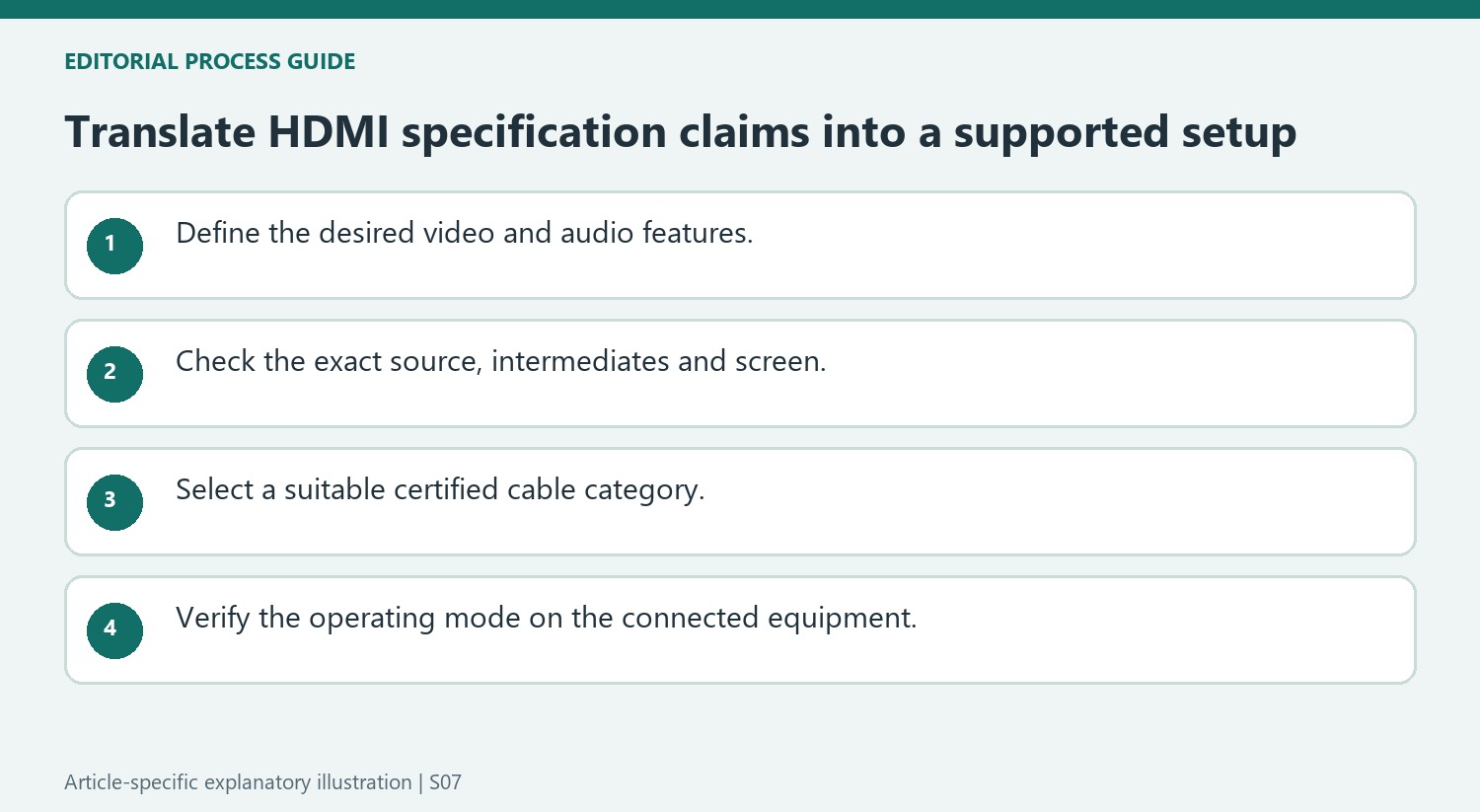
Check the features that matter to the whole chain
The specification also describes LIP for timing across longer audiovisual chains, along with features such as eARC, variable refresh rate, and automatic low latency mode. Their presence in a specification is a reason to inspect device documentation, not proof that all products implement them. The headline 4K, 8K, and higher-resolution examples refer to particular signal configurations. Color depth, chroma format, compression, and refresh rate all matter. Do not estimate a guaranteed display mode merely by dividing bandwidth figures; confirm support at the source, every intermediate device, and the screen.
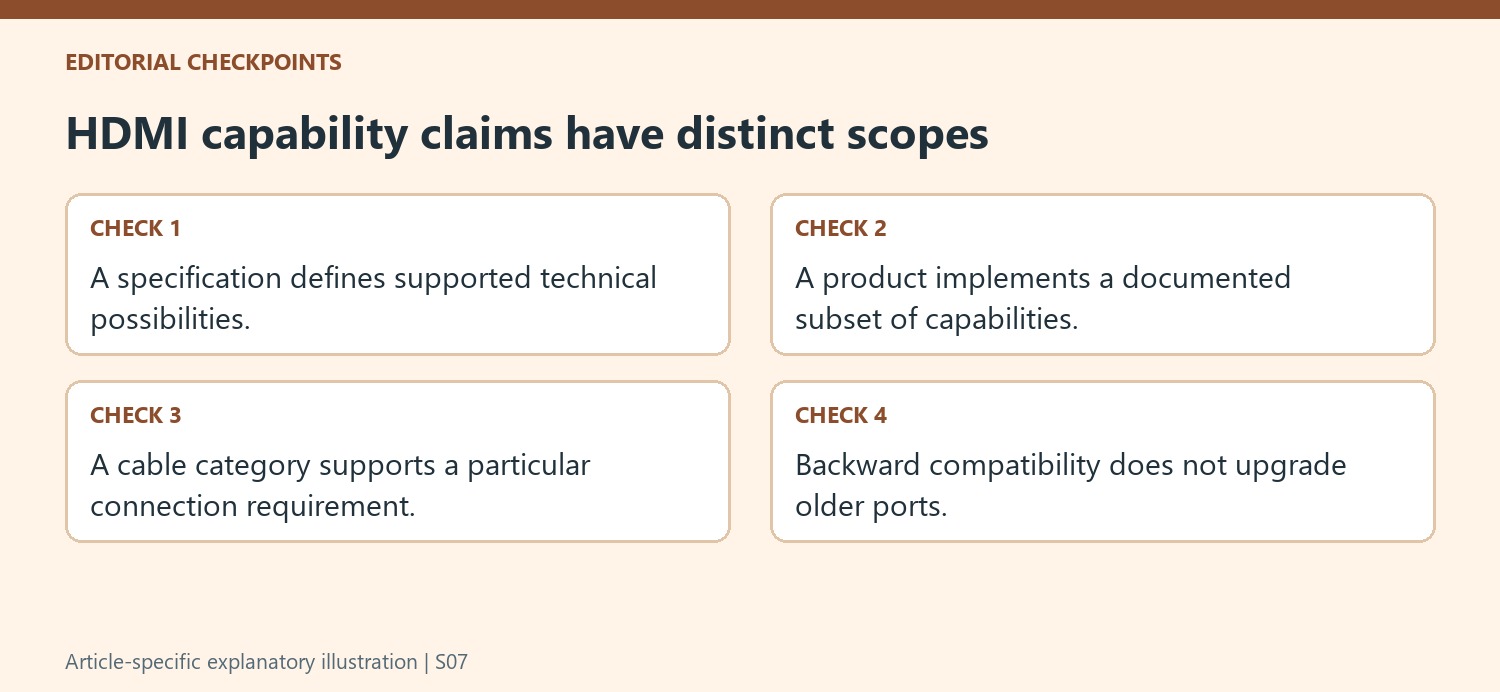
Keep specification capability separate from product implementation
The licensing organization describes what the HDMI 2.2 specification makes possible, including higher bandwidth and demanding display formats. A specification overview is not a compatibility list for every television, graphics card or receiver already in use. Identify the exact products in the proposed chain and check their documented features before expecting one of the headline formats to appear in a settings menu.
Apply the same distinction to backward compatibility. A newer compliant cable can be used with existing equipment where the connection is supported, but the older hardware keeps its own limits. Replacing only the cable does not add a new transmitter or receiver function. This matters when a purchase is motivated by a large bandwidth number rather than a specific supported operating mode.
Evaluate the required signal and every intermediate device
Describe the desired resolution, refresh rate, color depth and relevant chroma or compression conditions together. The source’s examples combine these properties deliberately. Two modes with the same pixel dimensions can place different demands on a connection, so the resolution name alone does not establish whether a particular cable or port is sufficient.
Include receivers and soundbars when they sit in the video or audio path. The overview highlights synchronization across multi-hop arrangements, illustrating why the endpoints are not the whole system. Check the needed audiovisual feature at each relevant stage. The presence of eARC, VRR or another named capability in the specification does not by itself establish that every device in the chain implements it.
Buy certification for a defined requirement
Use the cable category and product markings to answer whether the intended connection is supported, rather than treating the newest label as a universal quality upgrade. The source distinguishes Ultra96 from the earlier Ultra High Speed category and describes several bandwidth levels associated with the newer feature name. Consult the actual product documentation for the supported combination. After connecting, verify the selected display mode and required features in operation. That final check ties an abstract specification to the practical goal: a stable signal with the expected picture, timing and sound behavior on the equipment being used.
References
- HDMI 2.2 Specification Technology Overview. hdmi.org.
The HDMI licensing organization's overview describes HDMI 2.2 with bandwidth up to 96Gbps and an Ultra96 cable category for supported applications. It also distinguishes the earlier Ultra High Speed HDMI cable category, associated with configurations up to 48Gbps. These are capabilities of specified combinations, not automatic upgrades for older ports.


Leave a Comment
Comments (0)