
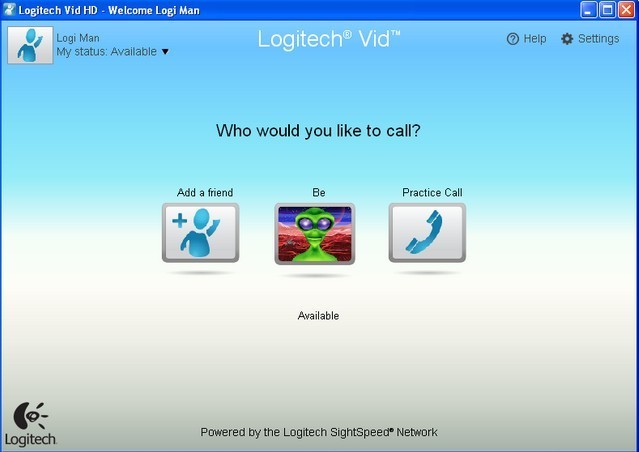
Legacy Vid HD Calls Increased Resolution After Connection Stabilised
Logitech's legacy C270 and Vid HD guide describes a call that begins before reaching its final resolution. After the other person accepts, the software stabilises the connection, then may increase video to 1280 by 720 if the system meets the required conditions.
The transition can take a minute or longer, so the first small call window was not necessarily the final quality. The guide also allowed changing camera, microphone and speakers during a call. These details describe the older Vid application rather than promising identical timing in modern conferencing software.
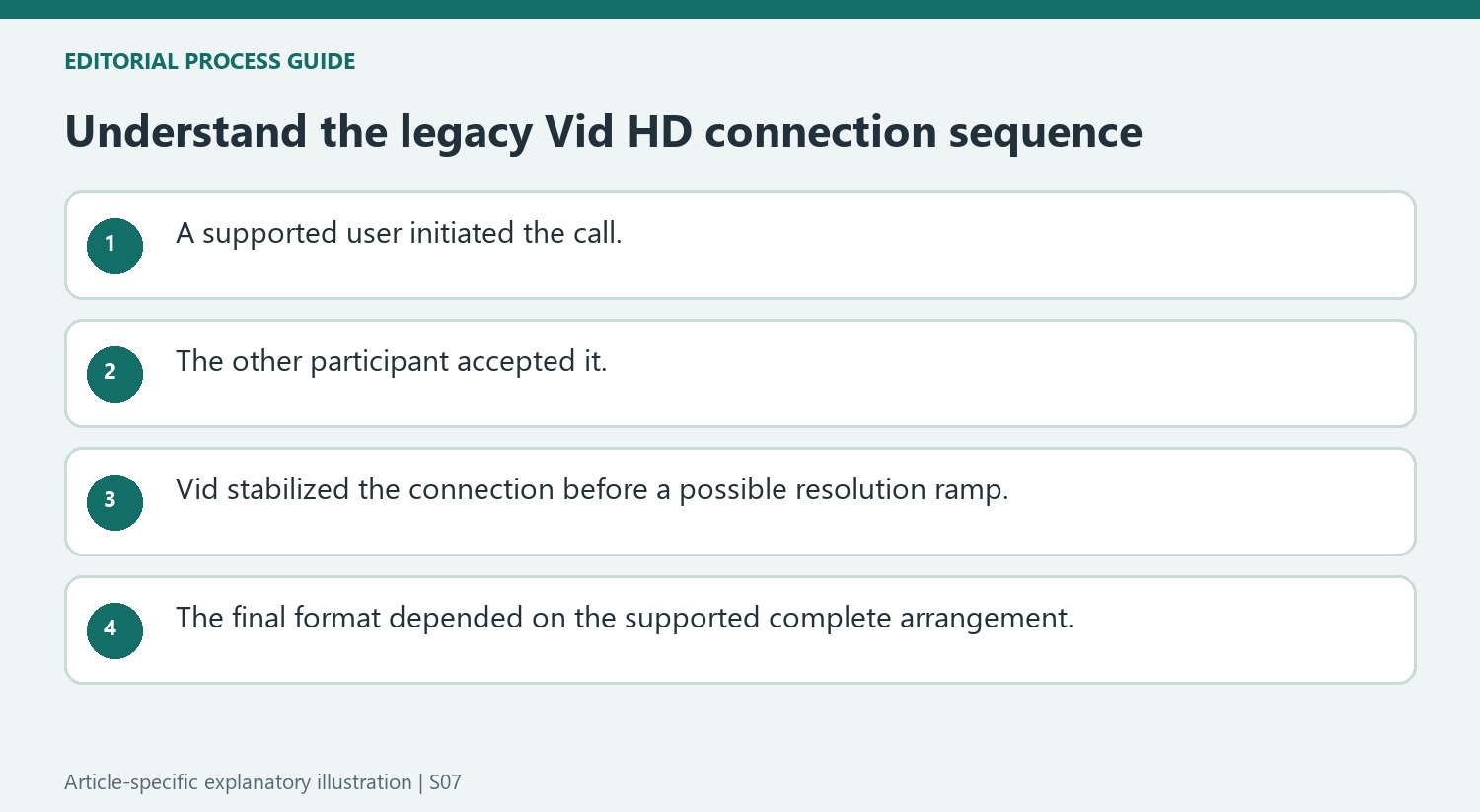
Read connection progress before judging the final stream
The legacy sequence begins by checking Vid HD’s minimum system requirements, opening the application and selecting a contact. The other person must accept before a successful call can begin. Logitech describes an initial stabilization period of roughly twenty-five seconds, followed by a larger call window and a possible move to HD if the requirements are satisfied. The HD icon marks that later state. This progression explains why the first visible image was not the only quality checkpoint, without promising that every accepted call would reach the same format.
Use in-call controls for their separate purposes
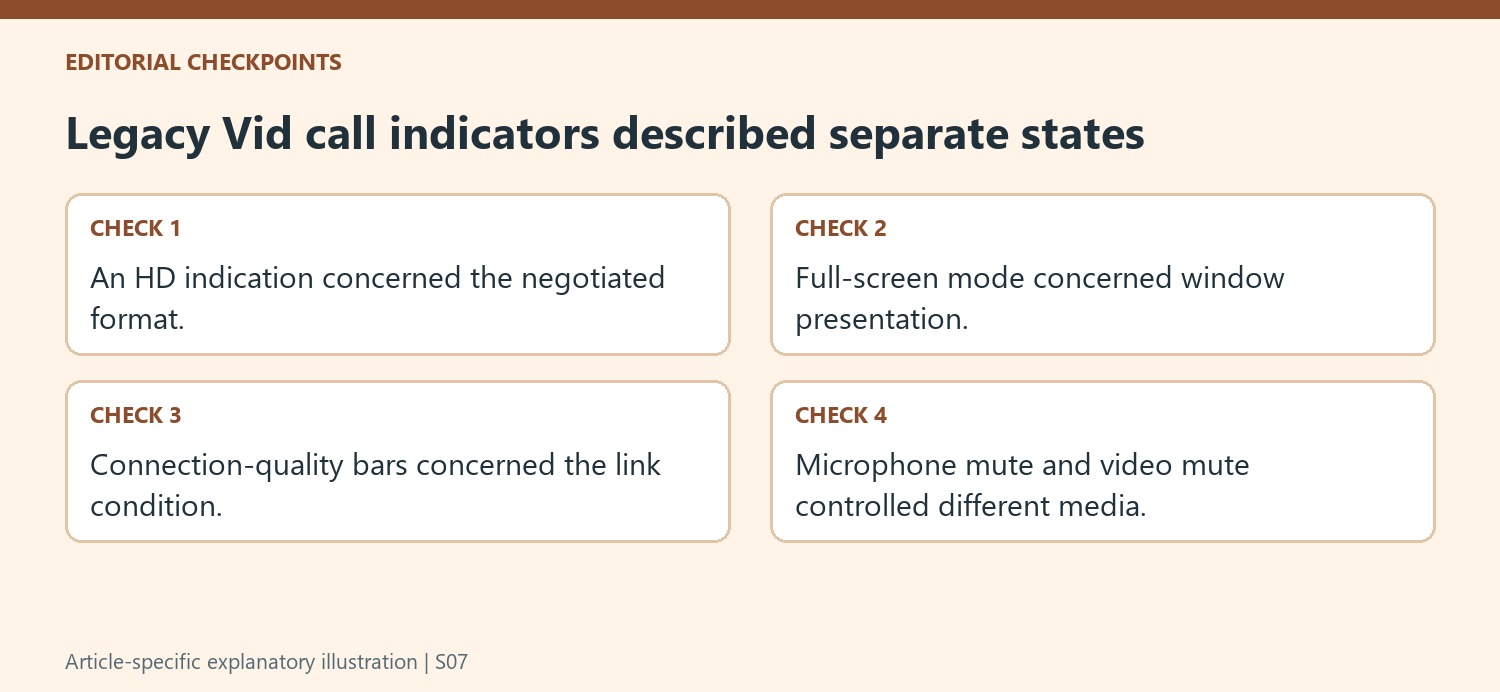
The settings control can change camera, microphone and speakers without hanging up, while dedicated controls mute microphone or video separately. The volume slider changes listening level, and full-screen mode changes the display presentation rather than guaranteeing a higher-resolution stream. Logitech also describes a connection-quality indicator: five bars indicates a good connection, while two or fewer warns that the call could terminate. These details belong to the older Vid interface. They illustrate distinct input, output and connection checks, but should not be copied as current button locations or quality thresholds for an unrelated meeting application.
Read the resolution ramp as behavior of a legacy calling system
The support note describes Logitech Vid HD and the C270-era setup, including a stabilization period before the call could move to 1280 by 720. That timing belongs to the named historical software and should not be assumed to describe a current conferencing app. The procedure also required the other person to accept the call and the system to meet the relevant requirements. A small initial call window was therefore not, in that context, immediate proof that HD was unavailable. The article is useful as an example of negotiated call quality changing after connection, with the resolution outcome dependent on the complete supported arrangement rather than the camera label alone.
Keep camera, microphone, and speaker choices independent
Vid's documented settings allowed changing the camera, microphone, and speakers during a call without hanging up. That illustrates a distinction still useful for understanding a calling setup: video source, recording input, and playback output are separate selections. The article's microphone mute and video mute controls also acted on different directions of the conversation. A visible picture did not confirm that speech was unmuted, and hearing the other person did not prove the intended microphone was selected. When studying this legacy workflow, read each control according to its actual purpose rather than treating all of them as generic call-quality adjustments or expecting their old icon positions in modern software.
Distinguish a larger display window from a higher-quality stream
The source lists full-screen viewing separately from resolution and connection quality. Enlarging the call window changes presentation but does not by itself establish that more detail is being transmitted. Vid's bars indicated the connection condition, with a low bar count warning of instability, while the HD indication described another aspect of the stream. Those were software-specific cues. Do not use the historical timing or bar thresholds as diagnostic rules for another service. For a current setup, consult the application's own quality and device information. The lasting lesson is to identify the camera, selected devices, negotiated format, and connection behavior separately, keeping the older article as context rather than a present-day installation recommendation.
References
- Making a High Definition video call with C270 and Vid HD. Logitech Support.
Logitech's legacy C270 and Vid HD guide describes a call that begins before reaching its final resolution. After the other person accepts, the software stabilises the connection, then may increase video to 1280 by 720 if the system meets the required conditions.


Leave a Comment
Comments (0)