

Understand the history of Windows webcam format controls
A report about a preview feature
TechRadar reported resolution and frame-rate controls discovered in a Windows 11 Insider Canary preview build. The article described automatic or manual stream choices and possible multi-app and basic troubleshooting modes. Because it was a preview report, its instructions do not establish that the same hidden feature is present on every Windows 11 computer.
Use current supported settings for setup
The report illustrates why webcam configuration has moved beyond brightness and contrast, but availability depends on the Windows build and camera. For a working setup, check the current Cameras settings and the recording application's supported formats instead of assuming a preview-only control exists. A historical report about a planned interface should be read alongside present Microsoft documentation before making system changes.
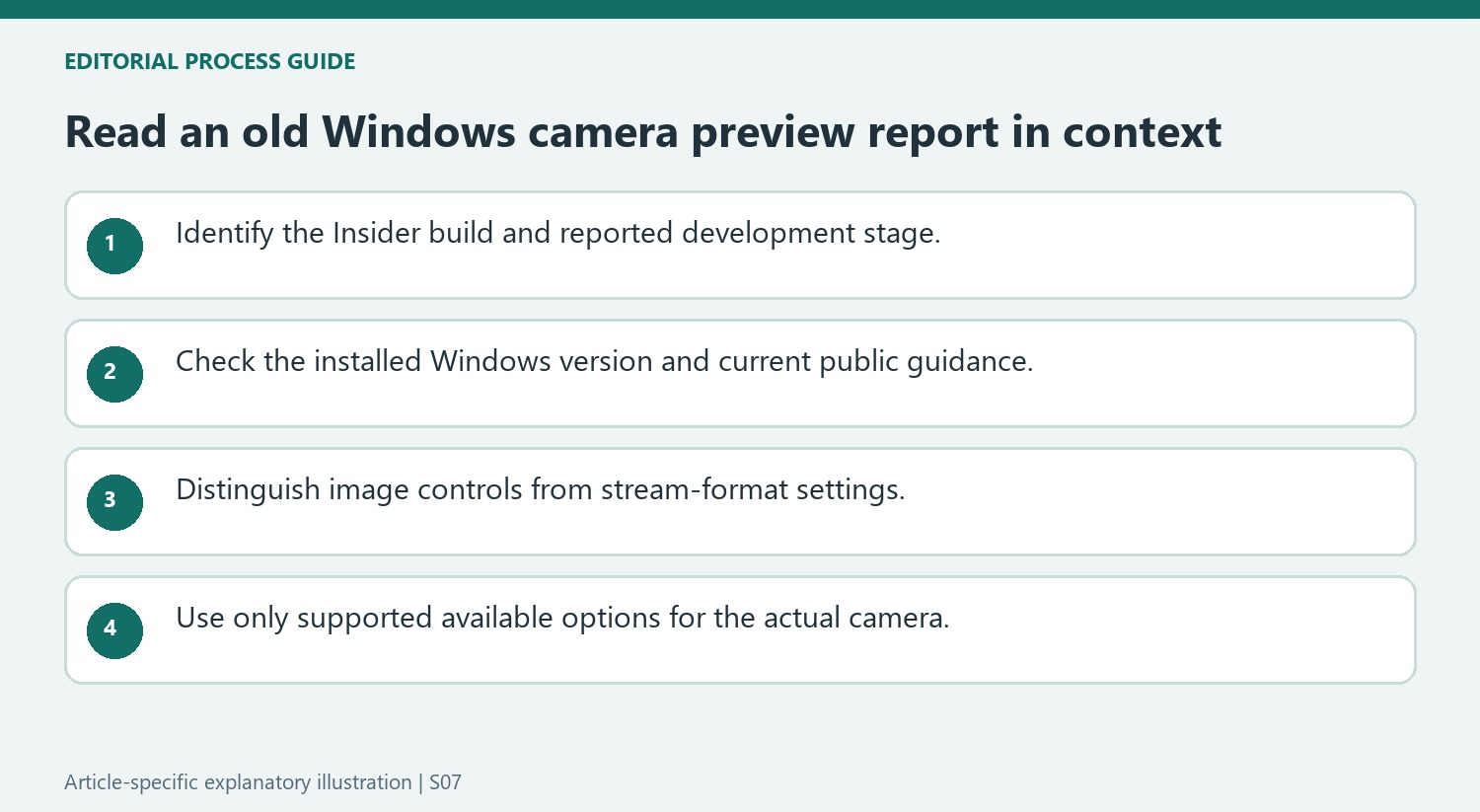
Distinguish automatic format choice from a fixed selection
The reported interface would let Windows choose a suitable webcam format automatically or let a user select a fixed resolution and frame rate. These are related but separate characteristics of the video stream, and the available combinations depend on the camera. The story also describes an Edit entry alongside the webcam after the hidden feature is enabled. Those interface details explain the proposed convenience: format choices could move into Windows settings instead of requiring a manufacturer utility merely to find them. They do not establish the actual transmitted format in every conferencing service.
Keep the Insider build context attached to the report
The article refers to Canary preview build 27744 or newer and a hidden feature exposed with ViveTool, drawing on reporting by PhantomOfEarth and Neowin. Its expectation of a future public release was an expectation at publication, not a guaranteed schedule or confirmation of universal availability. Multi-app access and a basic troubleshooting mode were also described as additions in that preview context. For a current setup, verify the installed build and consult supported Windows documentation. A hidden-feature report can explain the development history without becoming a blanket instruction to modify a production computer’s experimental settings.
Keep the preview-build context attached to the announcement
The report concerns a hidden feature observed in a Windows Insider Canary build, not a promise that every Windows 11 installation already contained the same controls. That distinction is central when reading it later. A missing Edit option on a particular computer does not by itself mean the camera or Settings app is broken. Check the installed Windows version and current Microsoft documentation before comparing the interface with an old preview report. The article records an earlier stage of development and the author's expectation about a future release. Those are useful historical details, but they should not be silently converted into a current availability statement or a universal setup procedure.
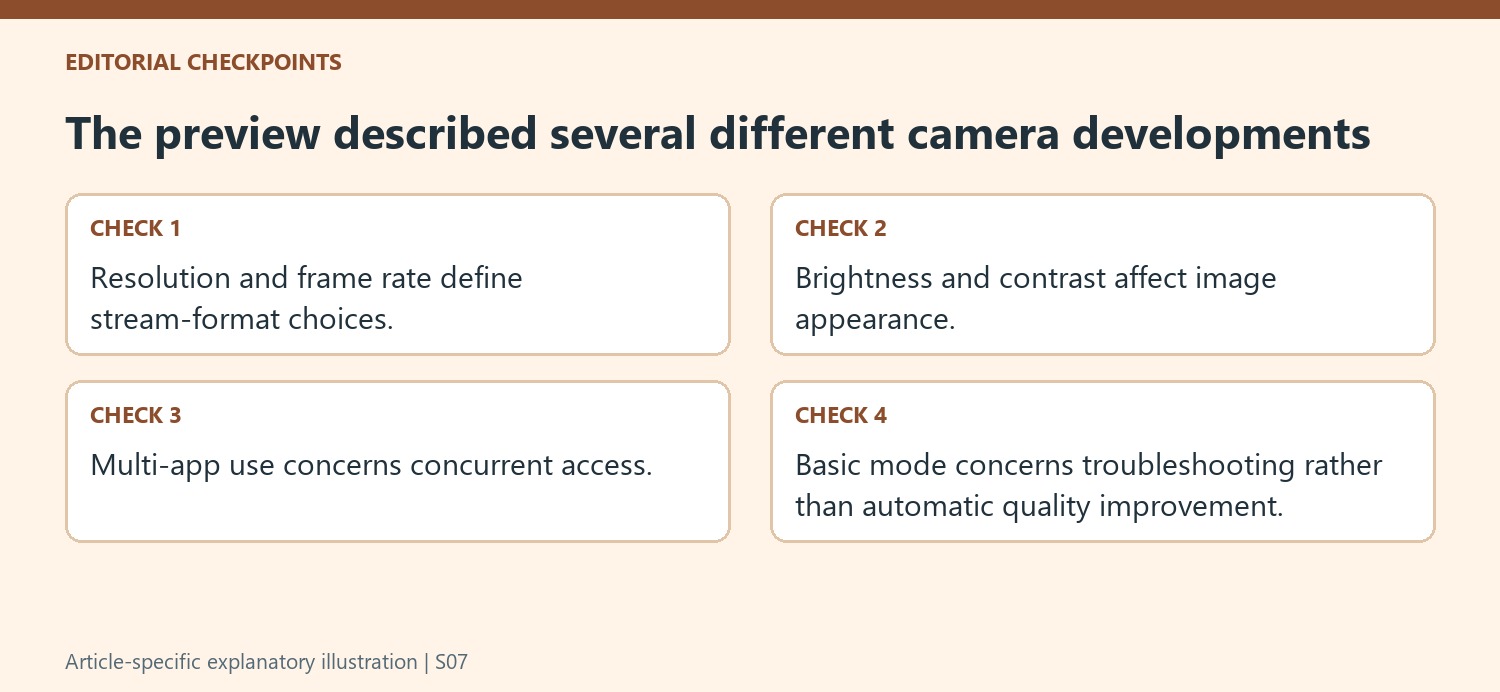
Distinguish image appearance from stream format
Brightness, sharpness, and contrast affect the appearance of a supported camera image, while the reported additions concern resolution and frame rate. Those controls answer different questions. A brighter preview is not necessarily using a higher-resolution stream, and a resolution selection does not automatically fix poor light or focus. The preview report describes either automatic selection or a fixed format from the camera's available list. That list is constrained by the device and software environment, so it should not be interpreted as a way to create an unsupported camera mode. Define whether the actual goal is a different image appearance, capture detail, or motion setting before looking for the corresponding control.
Treat shared-camera and basic modes as separate developments
The same report mentions multi-app access and a basic troubleshooting mode alongside the format controls. Their presence in one panel does not make them interchangeable quality enhancements. Sharing a stream with another application addresses concurrent use, while a troubleshooting mode changes the path used to obtain the image. Review their present documented behavior for the actual Windows version before enabling them. An older article's reference to a hidden-feature tool is also different from an ordinary supported settings instruction. For everyday configuration, use current public guidance and the installed camera's supported choices. Keeping the chronology and function of each control clear makes the report useful background without encouraging an unnecessary attempt to recreate an experimental build arrangement.
References
- Windows 11’s new webcam settings will make adjusting resolution a breeze — no extra software needed. TechRadar; Kristina Terech.
TechRadar reported resolution and frame-rate controls discovered in a Windows 11 Insider Canary preview build. The article described automatic or manual stream choices and possible multi-app and basic troubleshooting modes. Because it was a preview report, its instructions do not establish that the same hidden feature is present on every Windows 11 computer.


Leave a Comment
Comments (0)