
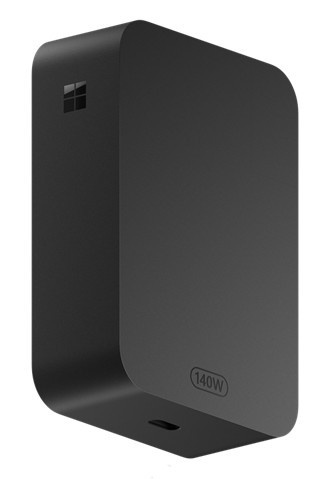
Pair a High-Power USB-C Adapter With a Suitable Cable
Microsoft describes the Surface 140W USB-C Power Adapter as a power source for compatible USB-C charging devices. The adapter's detachable USB-C cable is sold separately, and the support page recommends a cable rated for five amps. The cable is therefore a separate part of checking the charging arrangement.
Compare the device's requirements with the adapter and the specific lead being used, rather than assuming the connector alone guarantees the intended result. Microsoft also recommends genuine or licensed charging accessories. Follow the device's charging and safety guidance when assembling a replacement setup or using the adapter with another supported device.
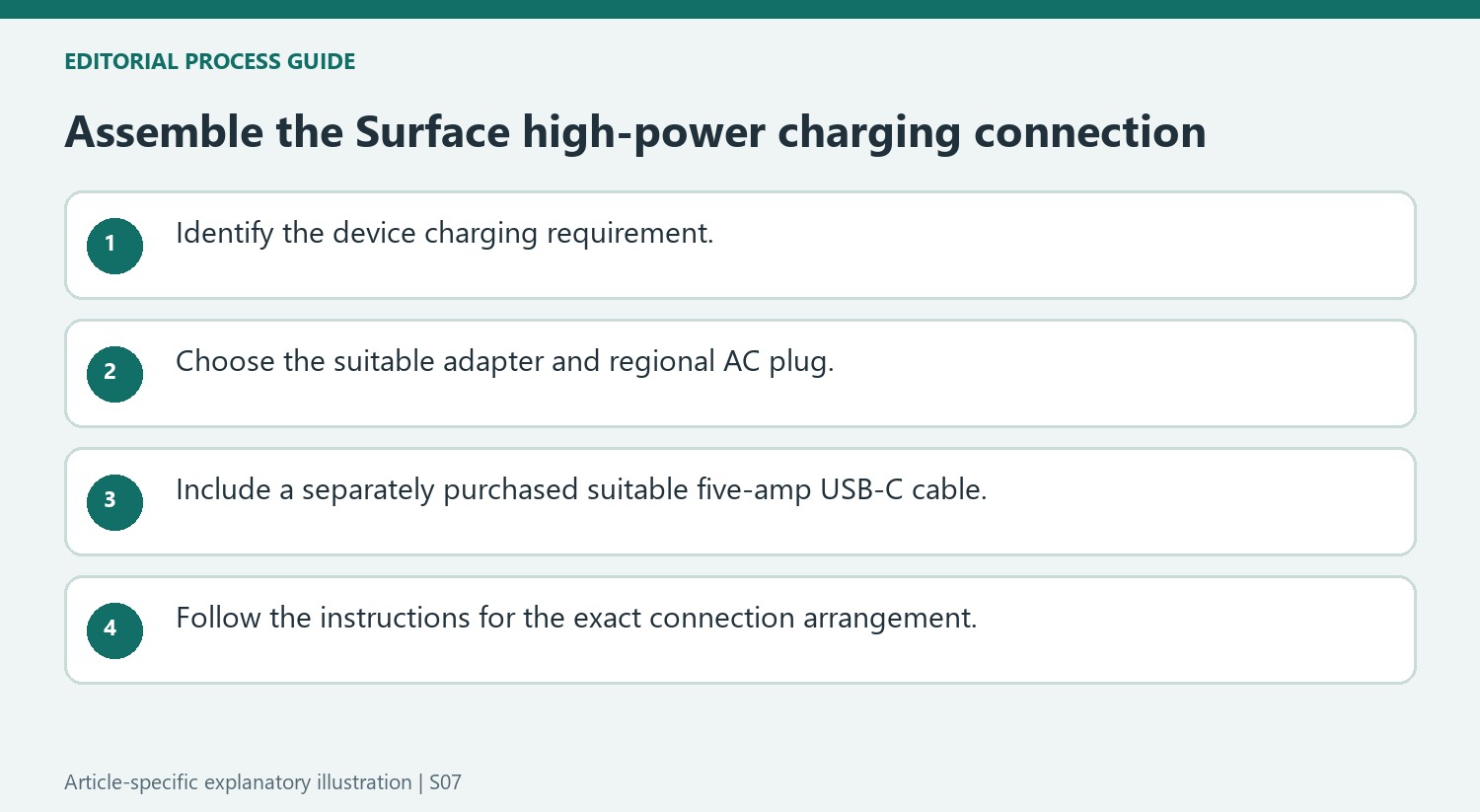
Check the separate cable as part of the charging setup
The adapter includes its AC plug, while the detachable USB-C cable is sold separately. Microsoft recommends a cable supporting five amps and says the adapter is best matched to devices requiring up to 140 W. These are separate checks: identifying the adapter does not identify the cable, and seeing a USB-C socket does not establish the receiving device’s charging requirements. Review the Surface power-supply and charging documentation for the exact model before assembling the replacement arrangement, especially when a cable originally supplied with another device is being reused.
Understand the Magnetic Connect Cable option
The source also describes using a Surface Magnetic Connect Cable with this adapter. Depending on the device being charged, either its magnetic end or its standard USB-C end can attach to the power adapter. Follow the cable’s supported arrangement rather than assuming all magnetic charging accessories work the same way. Microsoft lists its Store and other retailers as purchasing routes and links product safety and regulatory instructions. That guidance supports checking the complete accessory combination; it does not establish that every device will draw the adapter’s full rated power simply because the two ends can be connected.
Include the cable in the purchase decision
Microsoft states that the detachable USB-C cable is sold separately from this adapter. That detail changes what a buyer needs to prepare: owning the power adapter alone does not create a complete connection to the device. The support page recommends a cable supporting five amps, so cable selection should follow the stated power requirements rather than physical fit alone. Check the intended device and the current cable specification before purchase. A familiar USB-C connector can appear on leads built for different tasks, and an unmarked spare should not be assumed to support the adapter's intended high-power arrangement simply because it plugs into both ends.
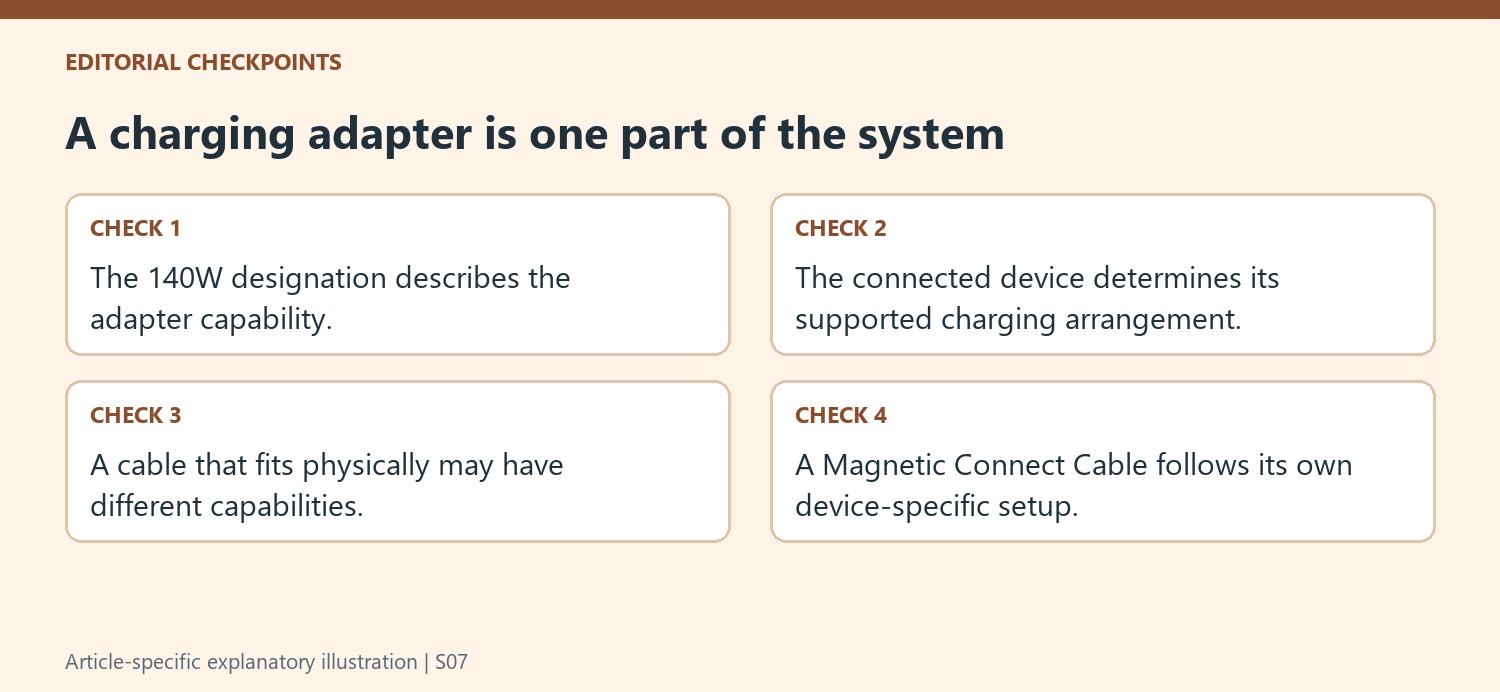
Treat 140W as available capability rather than compulsory delivery
The adapter is presented for devices requiring up to 140W, with particular attention to the demanding Surface Laptop Ultra. That does not mean every connected USB-C product will charge at the headline figure. The connected device's supported charging arrangement remains part of the match. Microsoft's separate Surface power-supply guidance is therefore relevant when selecting equipment for a particular model. Compare the recommended requirement with the adapter and suitable cable as a complete system. This also avoids a common shopping mistake: choosing only by the largest number on the box while overlooking whether the computer, connector arrangement, and cable support the intended use at the desk or on the move.
Check the connection arrangement and accessory source
The page describes a Surface Magnetic Connect Cable option in which the end attached to the adapter depends on the device being charged. Follow the instructions for that exact cable and device combination instead of assuming a magnetic accessory works identically to an ordinary USB-C lead. Microsoft also recommends genuine or Microsoft-licensed charging accessories and directs users to the applicable safety and regulatory instructions. Those are useful details when comparing a complete package from a retailer. Confirm what is included, the correct regional AC plug, and any separately required cable. A carefully matched adapter-and-cable set provides a clearer basis for charging than an assortment of apparently compatible components with unknown specifications.
References
- Use Surface 140W USB-C Power Adapter. support.microsoft.com.
Microsoft describes the Surface 140W USB-C Power Adapter as a power source for compatible USB-C charging devices. The adapter's detachable USB-C cable is sold separately, and the support page recommends a cable rated for five amps. The cable is therefore a separate part of checking the charging arrangement.


Leave a Comment
Comments (0)