
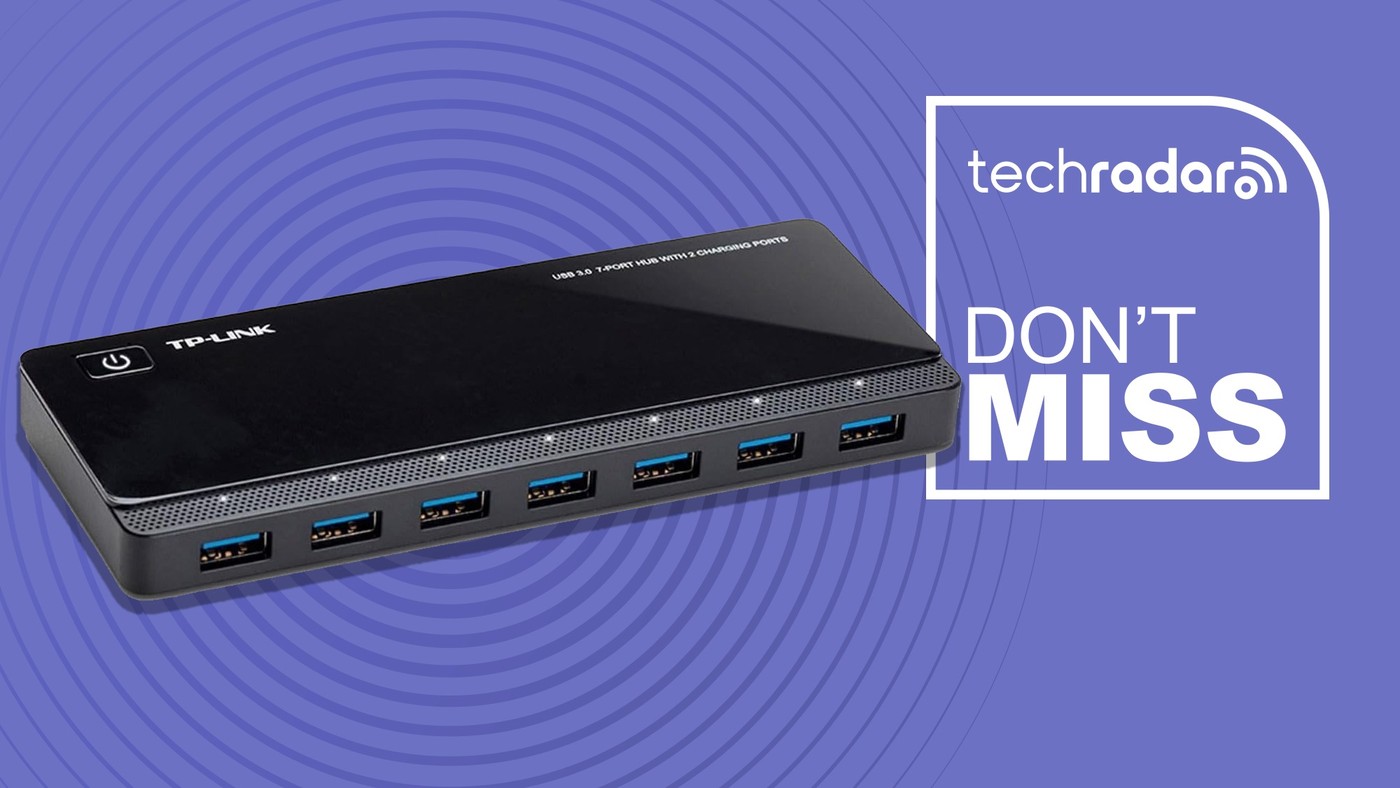
A Powered USB Hub Groups Data and Charging Tasks
Count the ports by function
TechRadar's TP-Link hub report describes seven USB 3 data connections alongside two dedicated smart charging ports. These are distinct roles even though the sockets may look familiar. A keyboard, mouse or storage device needs an appropriate data path, while a charging-only position should not be assumed to carry the same traffic. List the accessories normally used and match them to the documented ports. A headline total can otherwise make the hub appear to provide more usable data expansion than it actually offers. Check the exact model and current specifications before applying the article's description to another product in the range.
Keep the shared connection in view
The report lists data performance up to five gigabits per second and compatibility with several operating systems. Those statements describe the hub's connection capabilities rather than promising that every attached device transfers at that rate simultaneously. The computer, accessory and complete connection still influence the result. The source presents ordinary use as plug and play without an extra hub driver, but individual peripherals may have their own software needs. Treat a working hub as a way to attach supported devices, not a replacement for checking the requirements of a specialist accessory connected through it.
Choose around the actual desk need
A powered hub can be useful where several USB peripherals need a stable place at the desk, reducing repeated changes at the laptop. Follow the product's power supply and installation instructions rather than assuming any adapter will provide an equivalent setup. The article also mentions protective features, which should not be interpreted as a guarantee against all device or data faults. Its price belongs to a particular promotional report and needs checking again. Compare the required port mix, power arrangement and available desk space first. A useful expansion product solves those specific needs without adding display or laptop charging expectations that its documentation does not support.
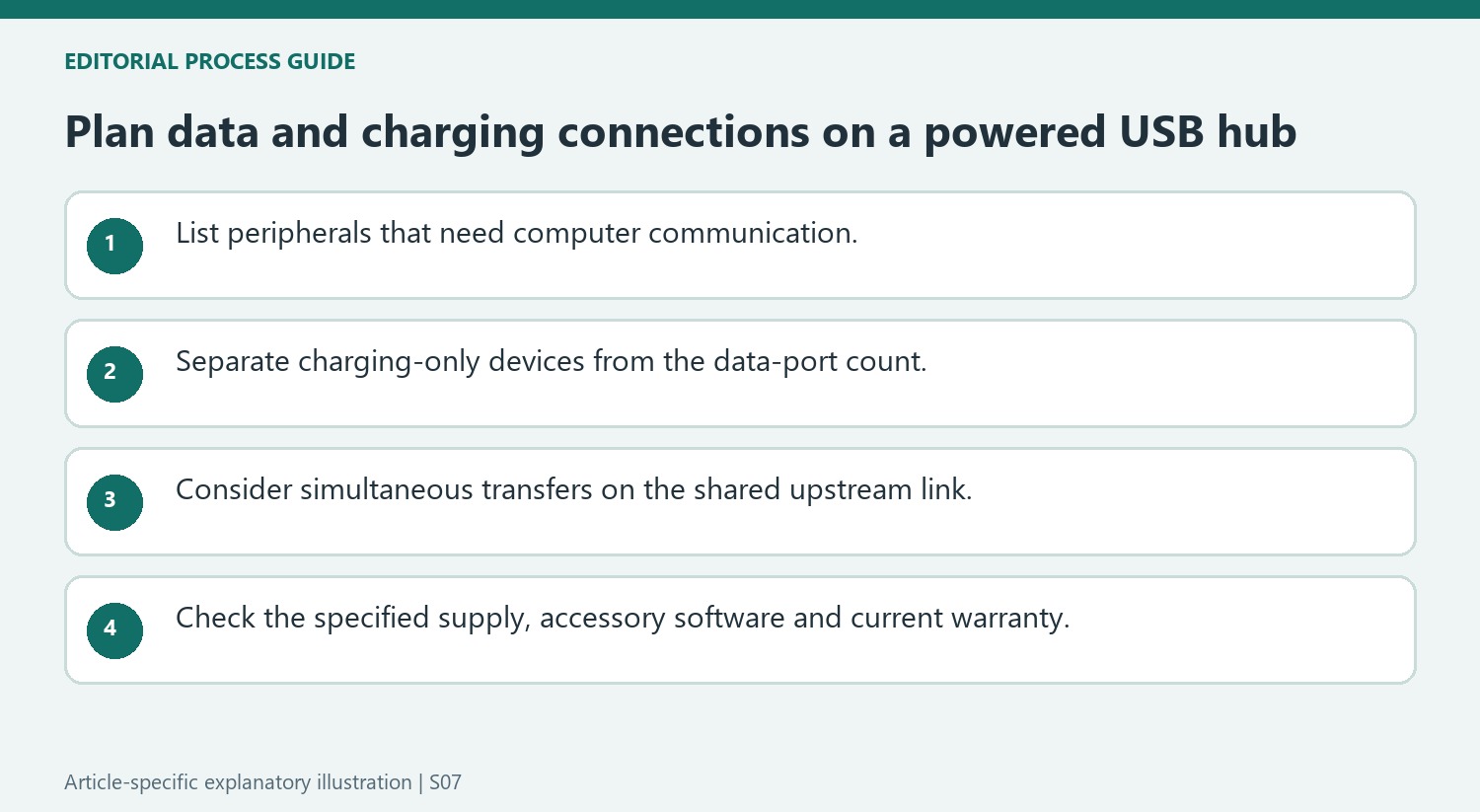
Count useful functions rather than adding every socket together
The seven data ports and two smart charging ports have different jobs. A peripheral that needs a computer connection belongs on an appropriate data port; a charging-only position should not be counted as another data expansion socket. Begin with the devices that need to communicate with the host and then list devices that only need power.
That distinction makes the advertised nine-port arrangement easier to assess. It may suit a desk with several USB peripherals and separate charging needs, while providing fewer usable data positions than a reader might assume from the total socket count. Check the exact product layout and labels instead of moving cables by appearance alone.
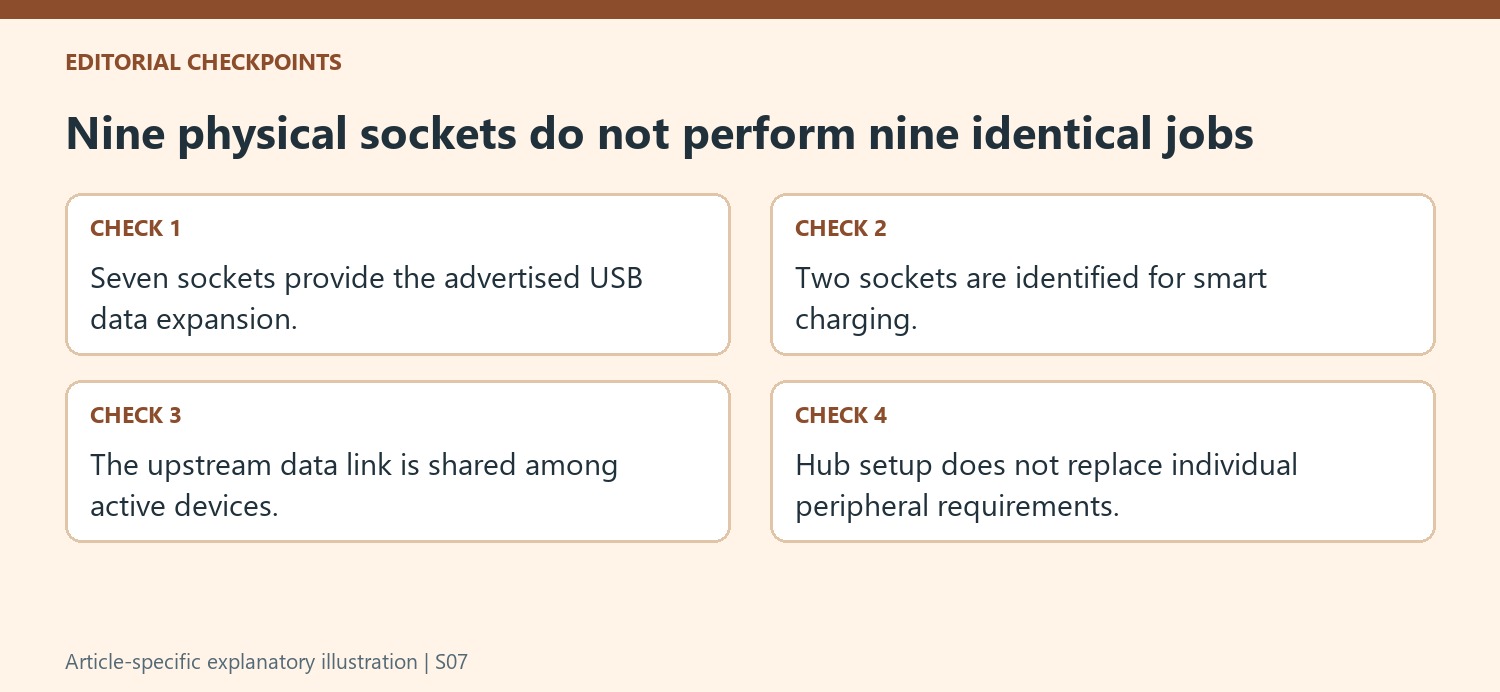
Read the shared host connection and peripheral requirements together
The stated up-to-5Gbps connection is a link capability, not an independent simultaneous allowance for every attached device. Several active peripherals use the common upstream path. Consider whether the normal workload involves brief keyboard activity, sustained storage transfers or a mixture before judging the practical value of the port expansion.
The source describes broad operating-system compatibility and driver-free hub setup. That does not remove the software or driver requirements of every peripheral later attached to it. Verify those requirements independently, including support for the intended operating-system version. If a particular device fails to work, distinguish the hub connection from the accessory's own setup and compatibility conditions.
Treat external power and protection claims with their proper scope
Use the power supply specified for the exact hub and check which ports serve the charging task. A powered design does not make an arbitrary replacement adapter appropriate. The article also mentions protection features and a warranty; these should be checked against current manufacturer terms rather than treated as absolute guarantees against device faults or lost files. Keep ordinary backups for important data independently of the hub. Finally, verify current price and package contents, because the original deal describes one historical offer rather than a permanent market price.
References
- Sick of your laptop lacking USB ports? This Black Friday USB hub deal from Amazon could fix that. TechRadar; Kristina Terech.
A TechRadar report describes a TP-Link hub with separate data and charging ports, making the intended role of each socket important.


Leave a Comment
Comments (0)