
Belkin's Eleven-Port Dock Gives USB-C Different Jobs
Read the role of each socket
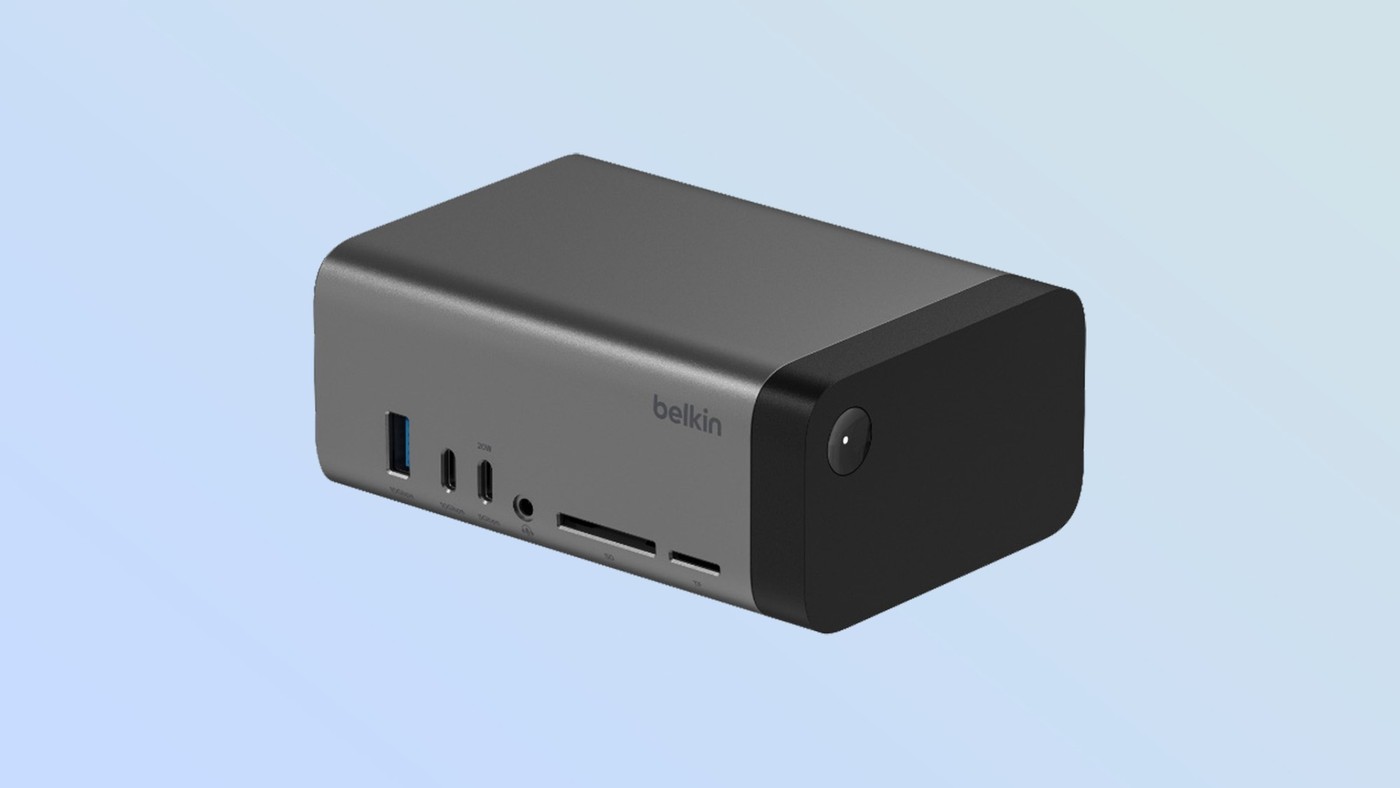
A row of USB-C sockets can look uniform while serving quite different purposes. In its MWC 2025 coverage, Tom's Guide described Belkin's USB-C 11-in-1 Pro GaN Dock 150W with precisely that distinction. Alongside Gigabit Ethernet, two HDMI connections, memory-card slots, audio and USB-A, the dock includes several USB-C connections with different specifications. The announcement assigned 10 Gbps data and 7.5 W power to one USB-C connection, while another combined 5 Gbps data with 20 W power. Matching a peripheral to a socket therefore requires more than checking whether its plug fits.
Separate host power from other outputs
Another USB-C connection was described as supporting DisplayPort output together with 10 Gbps data and 15 W power. The host power connection was listed at up to 96 W. These individual ratings explain why the 150 W in the product name should not be treated as a laptop charging guarantee. A dock's overall power arrangement and the output assigned to a particular port answer different questions. Before connecting a display, fast external drive or demanding laptop, check the current manufacturer's port diagram and compatibility notes. That helps avoid assigning a data accessory to the wrong connection or expecting a charging figure that belongs elsewhere in the system.
Consider the desk before packing the bag
The announcement described a unit measuring roughly 3.6 by 2.1 by 5.2 inches and weighing about two pounds. That makes its permanent desk role worth considering alongside the convenience of consolidating accessories. A small travel adapter may suit an occasional presentation, while a larger powered dock can serve equipment left connected every day. The source was announcement coverage rather than a completed hands-on test of every function. Use its specifications to understand the intended design, then verify current availability, supported display combinations and laptop requirements before deciding whether this particular dock matches the workspace.
Assign a job to each USB-C connection
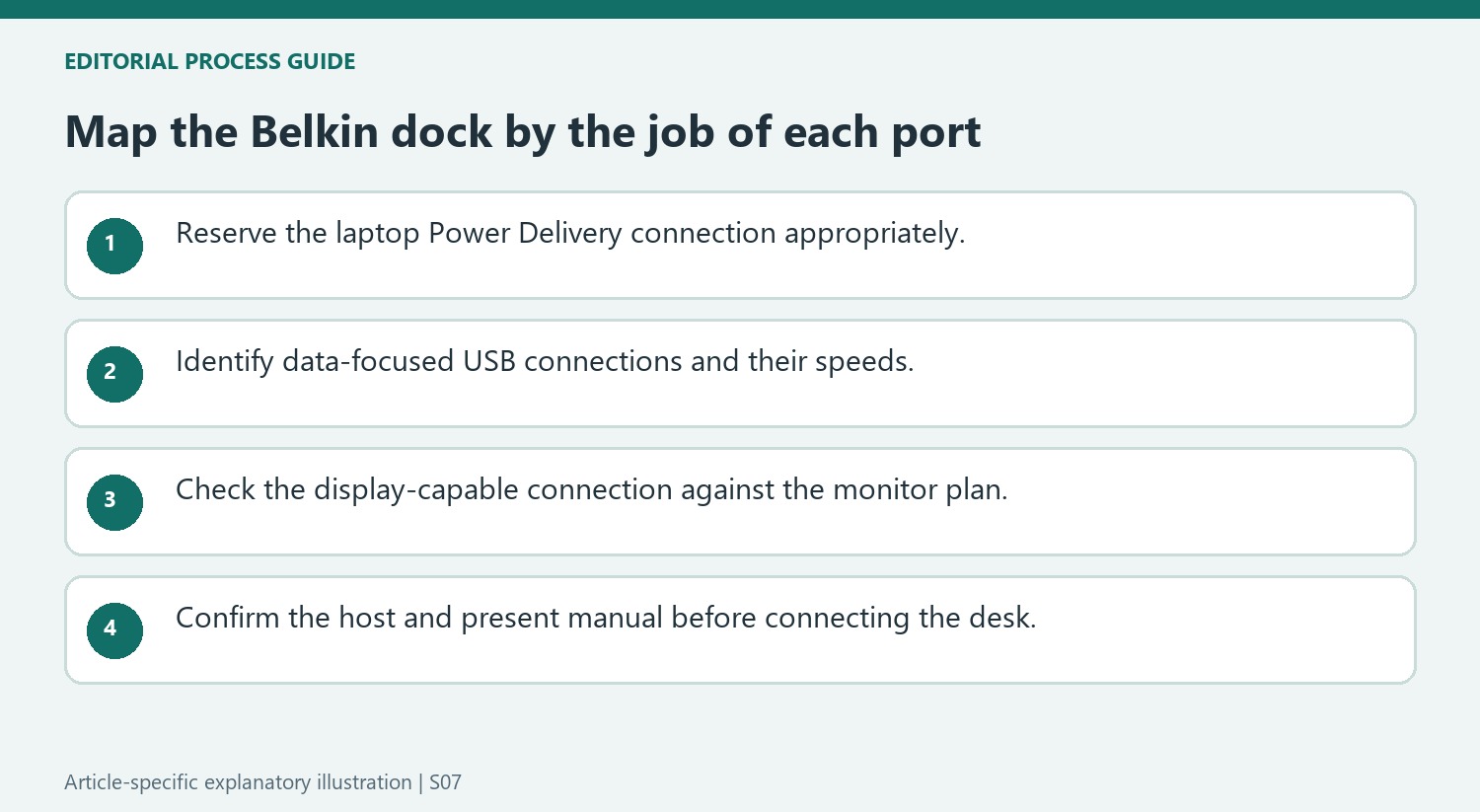
The announcement lists USB-C ports with different combinations of data speed, charging output, and display support. That makes a port map more useful than a simple count. The 10Gbps data-focused connection and the reported 5Gbps connection with 20W charging are not interchangeable descriptions of every socket. A display-capable USB-C port has another role, while the Power Delivery connection provides the reported laptop charging provision. Label the intended cable routes in a desk plan before plugging everything in. The shared connector shape can make moving a cable easy, but it does not make the underlying capabilities identical. Confirm the current manual when selecting the connection for a screen, storage device, or charging task.

Understand what the integrated power design contributes
The dock combines its connectivity with a reported 150W GaN power design, avoiding a comparison based only on the number of external ports. The source describes up to 96W laptop charging, which is a separate figure from the overall power designation in the product name. Do not treat the larger number as the charging rate for any one attached device. The approximately two-pound weight is another practical consideration: a compact enclosure can still be better suited to a stable desk than frequent carrying. Compare dimensions, weight, laptop requirements, and the actual screen configuration together. The announcement's broad monitor support should be verified against the exact host computer and current product documentation.
Choose travel organization separately from desk expansion
Belkin's organizer bag in the same announcement addresses a different part of working with accessories. Its compartments, mesh storage, elastic cable retainers, and standing shape aim to make a collection of equipment easier to carry and access. A bag does not change which connections a dock supports, and the dock's port selection does not determine whether the packed collection fits comfortably. The announcement also includes several chargers and power banks, each with its own output arrangement. Treat them as separate product options rather than assuming all share the dock's capabilities. Check current availability and the complete travel load, since launch timing and prices in an event report may no longer reflect what is offered locally.
References
- Belkin’s MWC 2025 lineup includes an 11-in-1 USB-C hub and a bag to keep all your travel tech organized. Tom's Guide; Tom Pritchard.
Belkin's MWC 2025 dock announcement shows why identical-looking USB-C sockets need separate checks for data, video and charging.


Leave a Comment
Comments (0)