
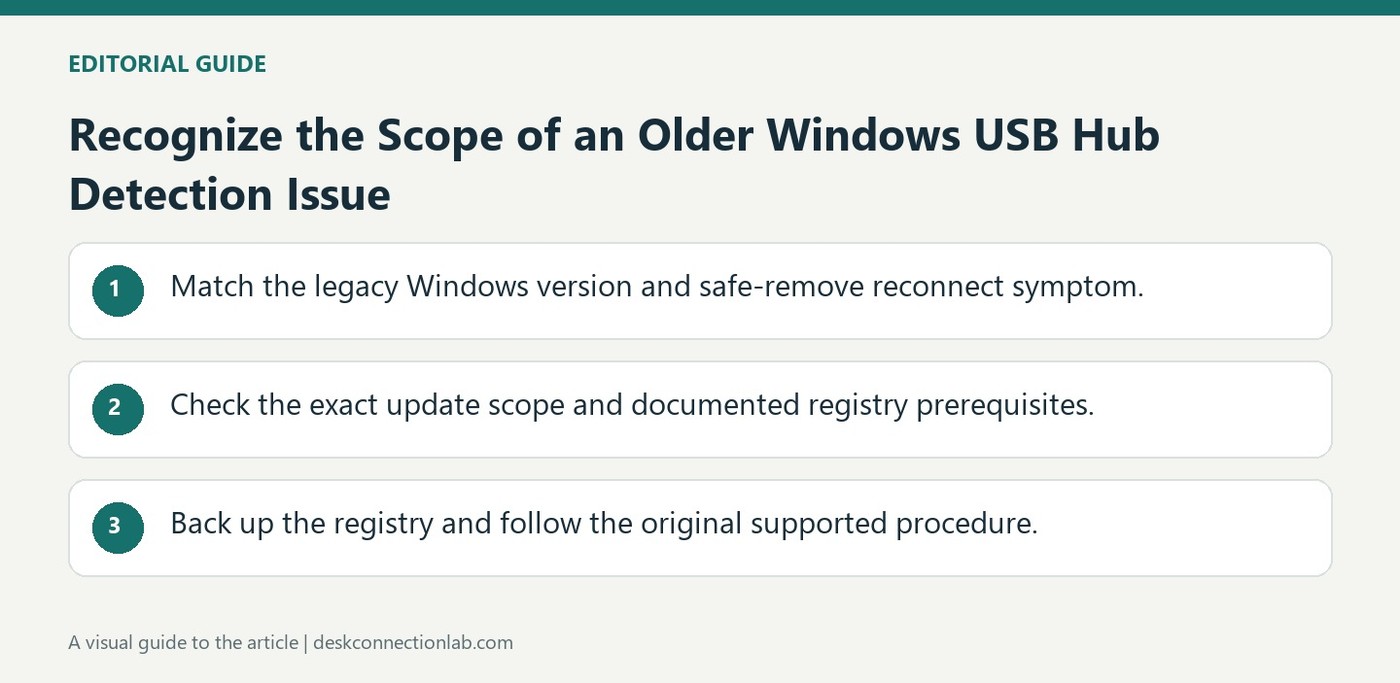
Recognize the Scope of an Older Windows USB Hub Detection Issue
Microsoft documents a case in which a USB device is not detected after it is safely removed and then reconnected through a hub. The article concerns particular Windows 8-era systems and explains that the affected port can remain disabled. It also distinguishes which systems the hotfix itself applies to.
Use the operating-system and symptom details to decide whether this reference is relevant before following its resolution. An old update or registry procedure should not be treated as a general answer for current Windows computers. Match the exact situation described, and use the supported troubleshooting guidance for a different system.
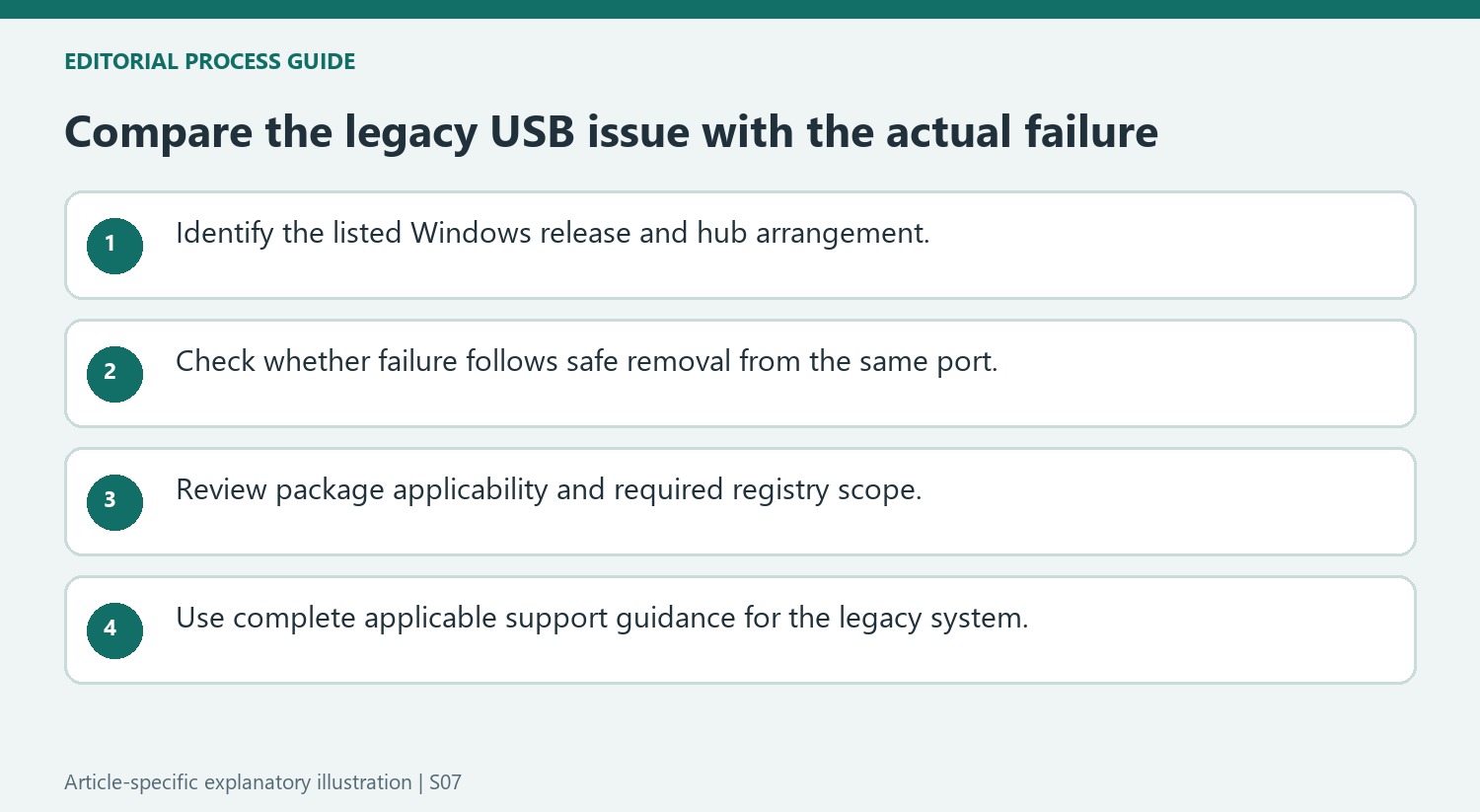
Match the reconnect sequence and hub component
The article describes a device that works through a USB hub, is safely removed, and is then reconnected to the same hub port. In the documented fault, Windows leaves that port disabled, so either the original device or another device can go undetected there. Microsoft specifically includes USB 2.0 hubs and the USB 2.0 component of USB 3.0 hubs. This is a narrower symptom than any device failing to appear after attachment, and it is useful to record that sequence before deciding the legacy reference explains a current problem.
Preserve the hotfix scope and registry prerequisites
Microsoft distinguishes the hotfix package, which applies to Windows 8 and Windows Server 2012, from information also covering Windows 8.1 and Server 2012 R2. The resolution combines the appropriate update path with the documented DisableOnSoftRemove registry setting and a restart. The source describes device-specific and wider registry locations, and explicitly calls for a registry backup before modification. Those details are prerequisites of that historical fix, not optional context to omit. On a different Windows generation or with a different reconnect symptom, use matching support guidance rather than applying an old registry recipe simply because a USB hub is involved.
Match the failure sequence before applying the explanation
The support article describes a specific sequence: a device is attached through a hub, safely removed, and then the same or another device is not detected when connected to that same hub port. The listed cause is that the port remains disabled after removal. This is more precise than a general claim that Windows cannot recognize USB hardware. Note the operating system, the intervening hub, and the order of events when comparing a real problem with the article. A device that fails on its first direct connection, for example, does not reproduce the described sequence. Matching the circumstances helps keep an old, targeted remedy from becoming a blanket instruction for unrelated connection problems.
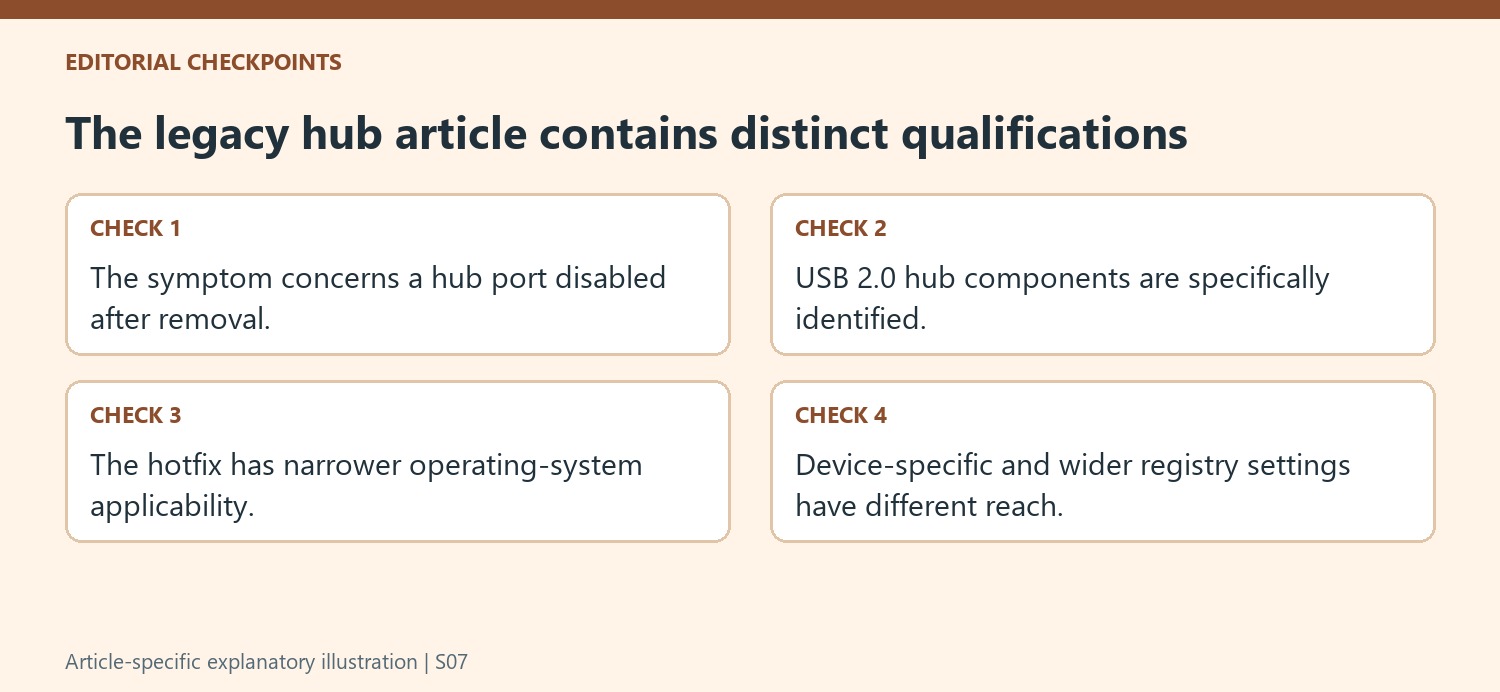
Read the operating-system qualifications carefully
The article discusses Windows 8.1, Windows Server 2012 R2, Windows 8, and Windows Server 2012, while explicitly limiting its downloadable hotfix to Windows 8 and Windows Server 2012. Those qualifications must remain attached to the remedy. An article title mentioning one release does not make every package in its body suitable for all releases. The note also identifies USB 2.0 hubs and the USB 2.0 components within USB 3.0 hubs as affected, so the enclosure's newer connector label alone does not exclude the scenario. For a machine outside the listed scope, use support information appropriate to its actual Windows version rather than importing this historical package or registry procedure.
Understand the scope of the registry options
Microsoft documents both a device-specific registry setting and a broader setting affecting enumerated USB devices. The device-specific route uses identifiers for vendor, product, and revision, making correct identification part of the procedure. The broader route has a wider effect and should not be treated as an interchangeable shortcut. The article also requires a restart and warns that incorrect registry changes can cause serious problems, with a backup recommended beforehand. These details make the remedy a controlled system change rather than a casual reconnection trick. Confirm applicability and follow the complete current support guidance if maintaining an affected legacy machine; otherwise, preserve the symptom description as useful context without applying a change designed for another operating environment.
References
- Connected USB device is not detected in Windows 8.1. Connected USB device is not detected in Windows 8.1.
Microsoft documents a case in which a USB device is not detected after it is safely removed and then reconnected through a hub. The article concerns particular Windows 8-era systems and explains that the affected port can remain disabled. It also distinguishes which systems the hotfix itself applies to.


Leave a Comment
Comments (0)