
Choose Between a USB Splitter and a Multifunction Hub
Start with what needs connecting
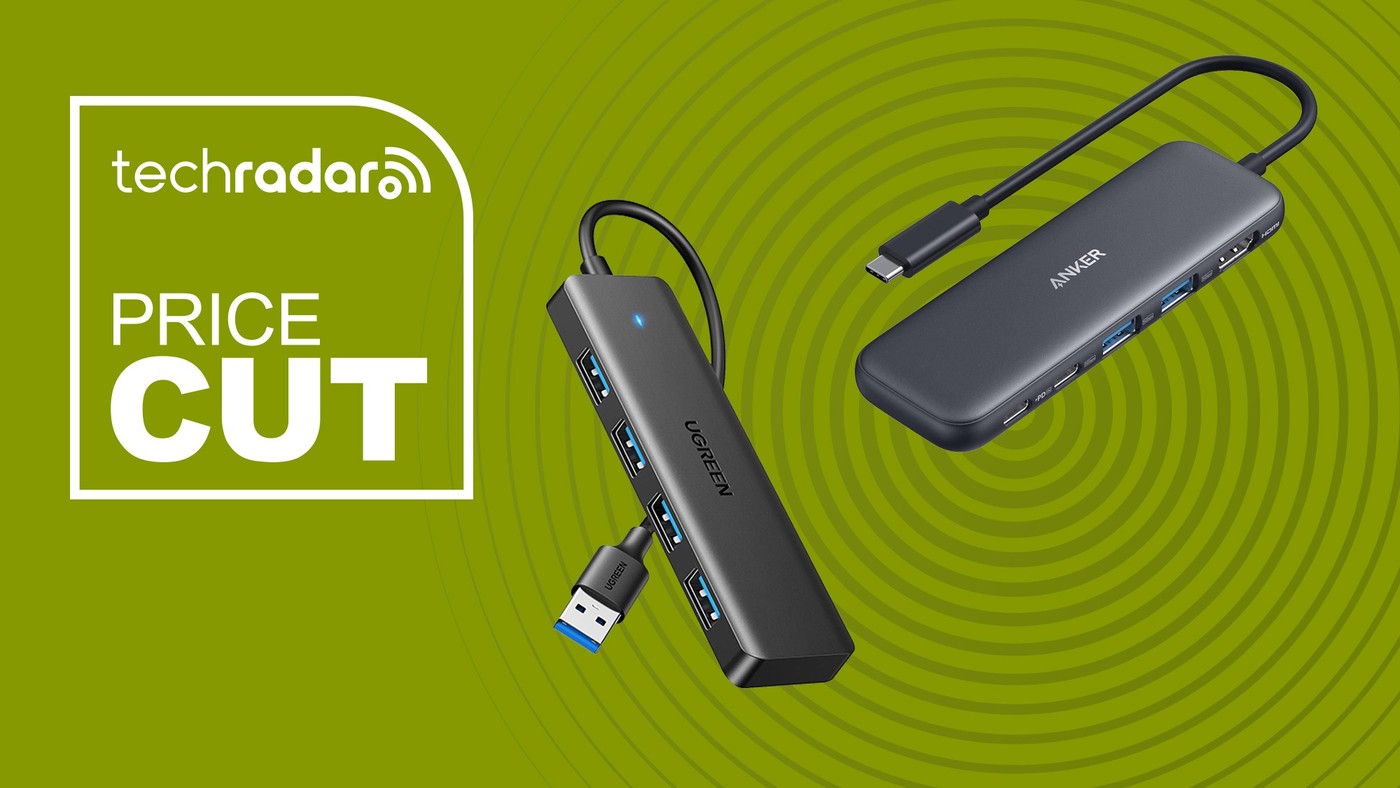
TechRadar's docking and hub roundup includes a simple four port USB-A splitter as well as USB-C products with several different functions. The simple device expands USB data attachment for accessories such as a keyboard, mouse or flash drive. It should not be judged as though it also provides the monitor, network and charging roles of a larger dock. Begin with a list of what the laptop lacks. If the need is only several ordinary USB accessories, a small hub may be enough. If the routine also requires a display or card reader, compare products that explicitly include those connections.
Read each multifunction port separately
The roundup's USB-C examples combine various data sockets, HDMI, card slots, Ethernet and Power Delivery inputs. The mix differs by model, and not every USB port in one product necessarily has the same speed or role. A pass through charging input also needs a suitable external supply and compatible host arrangement. Check current product documentation for those details rather than treating a large in one count as a complete specification. Monitor capability needs particular care: the listed physical outputs do not automatically establish the same extended display behavior across every operating system and computer.
Use a deals list to identify questions, not promises
The source was written for a particular sale, with changing prices and promotional summaries. Verify the current model, included power equipment and supported operating systems before making a purchase. Some products also require graphics software for their display functions, unlike a simple USB data splitter. Compare the complete installation effort and cable arrangement as well as the number of sockets. A useful choice solves the actual connection gap without adding unnecessary complexity. Keeping basic USB expansion distinct from display docking makes both the specification and the likely desk setup easier to assess.
Build the port list from tasks before comparing product names
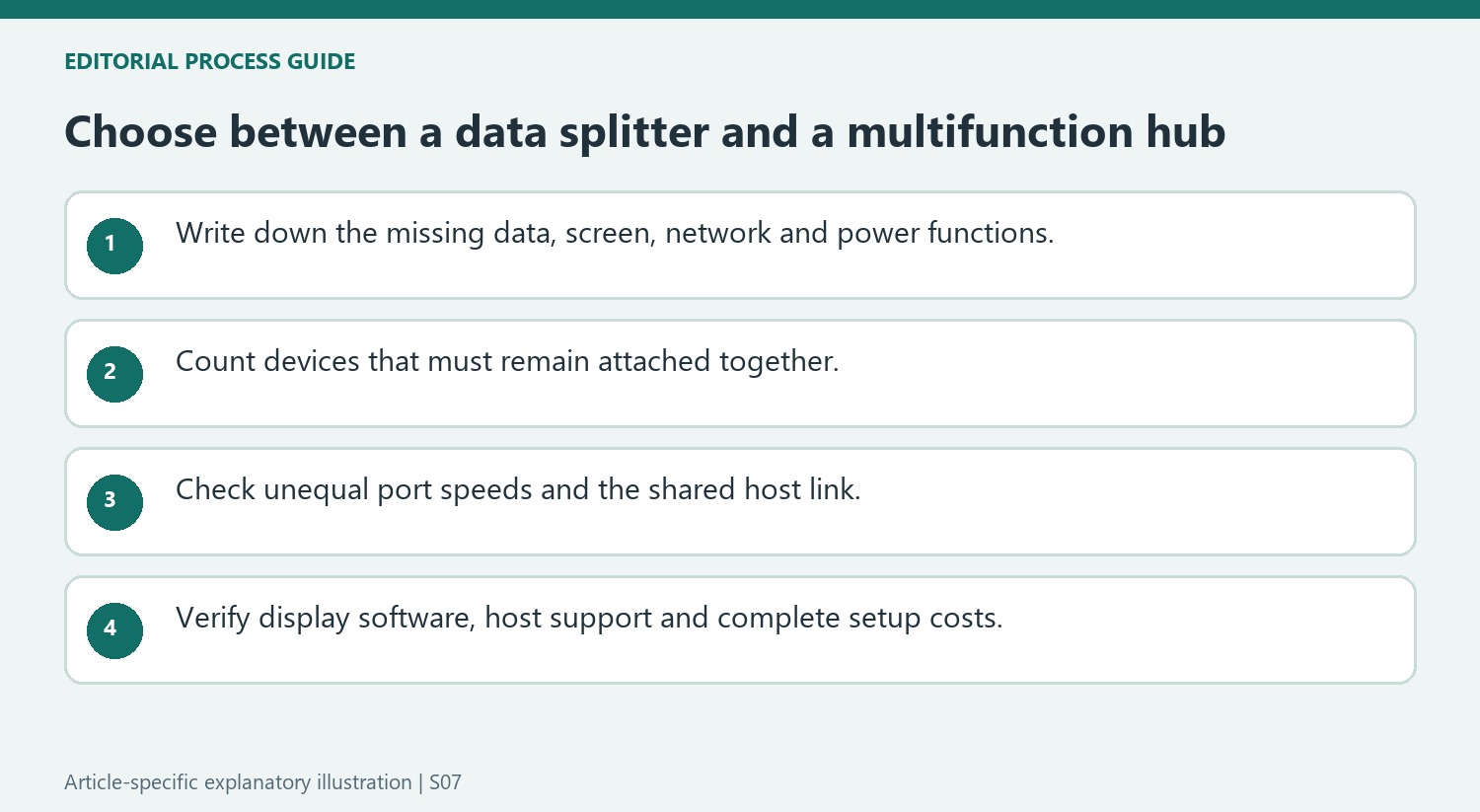
A basic USB-A splitter and a multifunction USB-C hub can solve different shortages. The simple four-port model in the roundup expands a USB data connection; another product adds a mixture of display, charging-input and accessory sockets. Describe the missing functions first, then compare the exact model that provides those functions.
Count which devices must remain attached at the same time. Include a monitor, memory card, network cable or host charging only when those are part of the routine. This prevents an inexpensive data hub from being selected for an absent video function, or a complicated dock from being judged by a socket total that includes functions the desk will never use.
Read unequal port speeds and host conditions explicitly
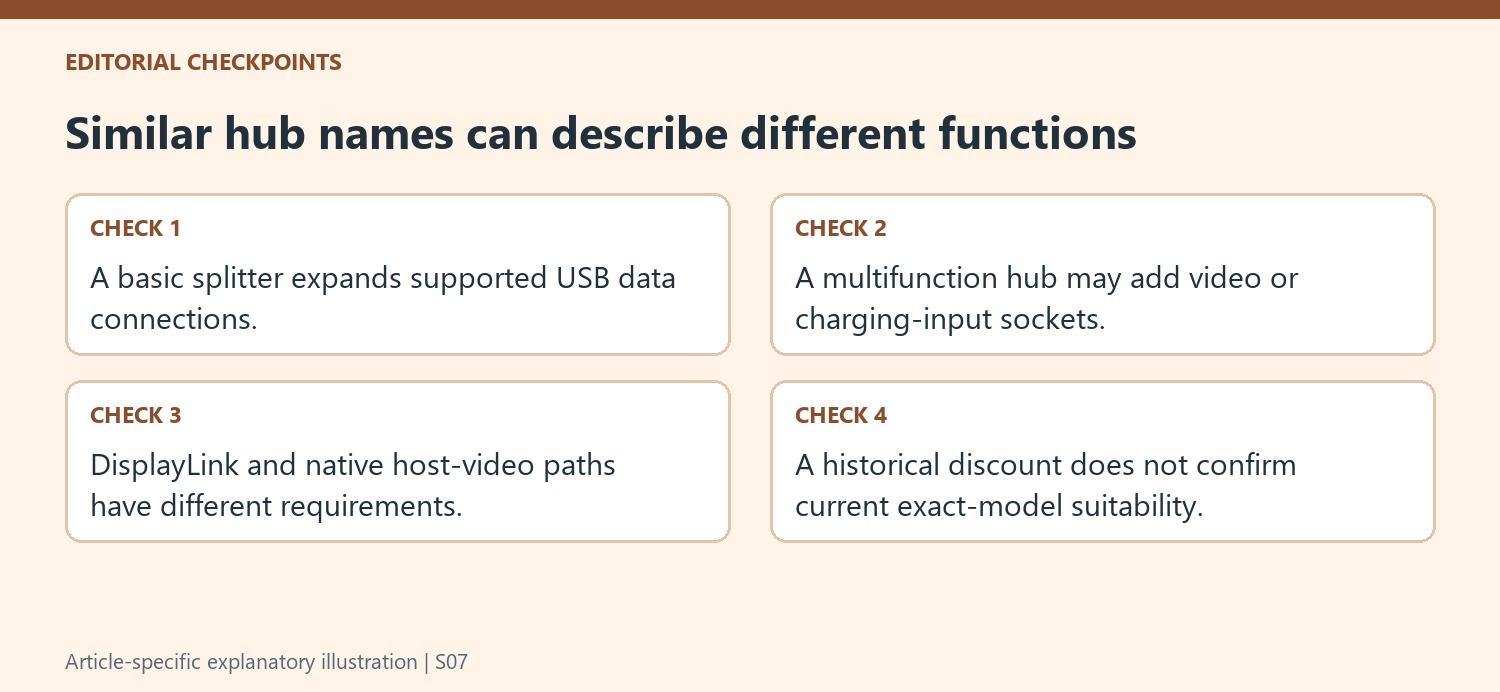
The roundup includes products mixing faster and slower USB sockets. Keep each rating attached to the correct port rather than applying the highest listed speed to the whole enclosure. The upstream connection is also shared, so several simultaneous transfers should not be assumed to receive independent copies of the maximum host bandwidth.
Display support needs its own check. Some products use the host's native video capability, while the cited DisplayLink model requires the appropriate software. Operating-system and host limits can affect extended-monitor arrangements. A promotional screen-count claim does not settle those conditions, and a charging-input socket alone does not establish a complete compatible power supply.
Compare the whole setup cost with current documentation
Include any required charger, monitor cables, adapters and software setup in the comparison. A lower product price may still leave essential parts outside the box, while extra built-in functions only help if they match the actual workflow. Use the shopping roundup to identify candidates, then consult current documentation for the exact version before ordering. Historical discounts and broad product descriptions are starting points rather than permanent guarantees of price or compatibility. After installation, verify the normal combination of connected devices instead of testing each advertised feature only in isolation. Record the working connection map so a later accessory change can be assessed against the same requirements.
References
A TechRadar roundup shows why adding USB sockets is a different job from adding displays, card readers and charging inputs.


Leave a Comment
Comments (0)