
Test USB Power Availability Before Adding a Powered Hub
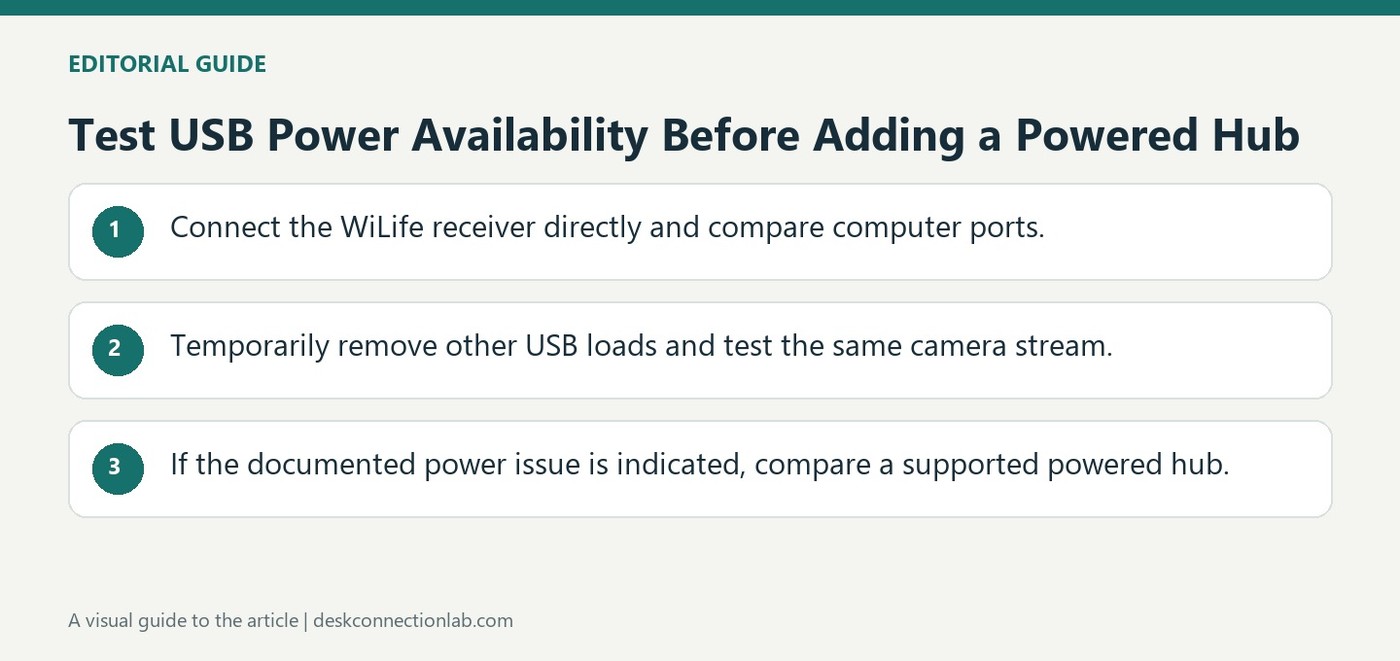
Logitech's guidance for WiLife camera receiver modules recommends a direct connection to the computer in normal use. On some older systems, insufficient USB power can cause intermittent video streaming. The article suggests trying another computer port and temporarily disconnecting other USB devices to help identify that cause.
An externally powered USB hub is a possible remedy for the particular situation described. This is product-specific troubleshooting, rather than a claim that every unstable USB device needs another hub. Establish whether the power load changes the behavior before adding equipment, and keep the camera system's own supported configurations in mind.
Compare ports and power load before buying a hub
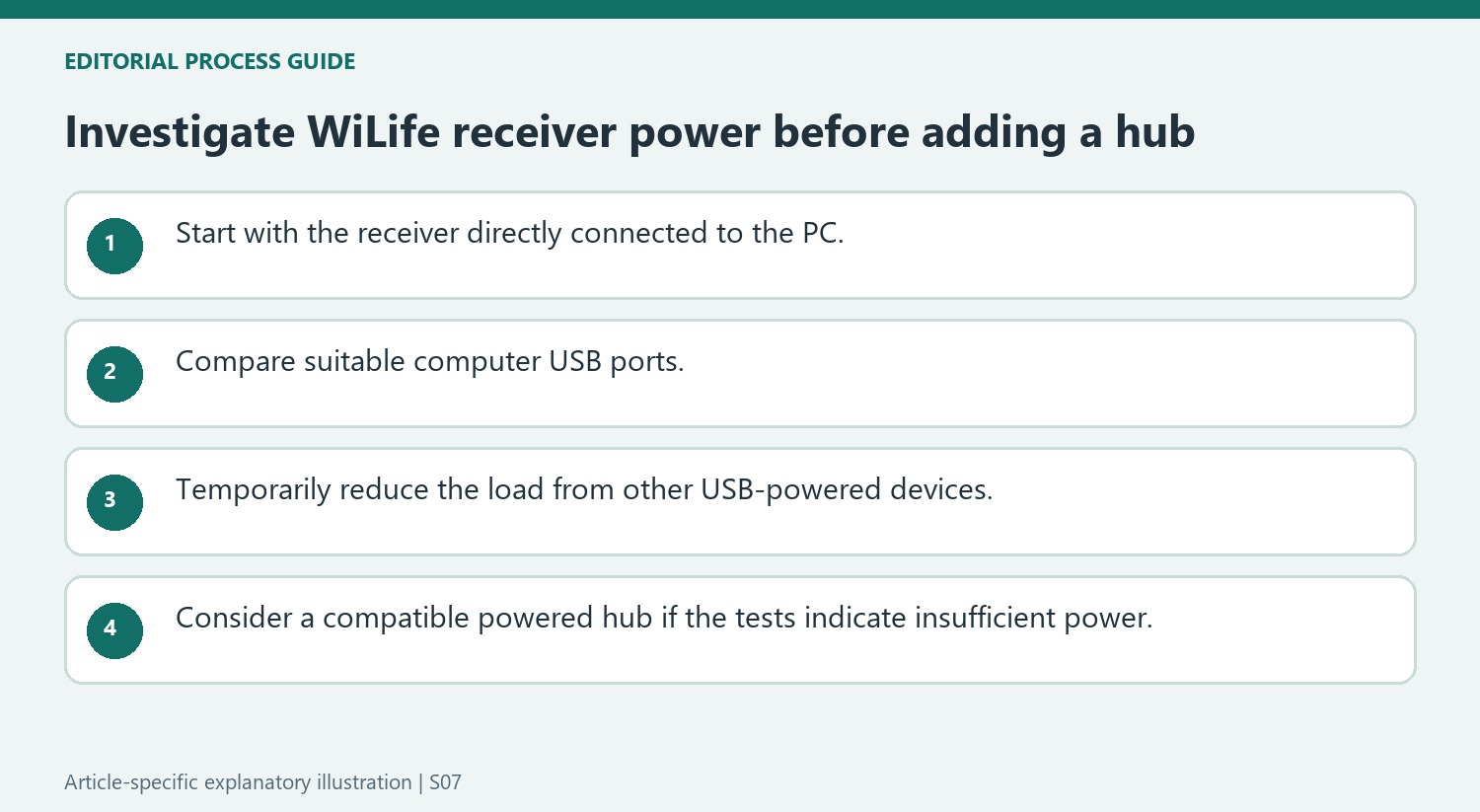
The source concerns WiLife camera kits and their computer-connected receiver module. Logitech starts with a direct PC connection and suggests trying different ports when streaming becomes intermittent. Its observation that rear ports can perform better on some PCs belongs to that specific troubleshooting context. Temporarily disconnect other USB-powered devices and compare the same camera stream. If reducing the load changes the result, that is more useful evidence for a power-related problem than assuming every dropped frame must originate in the network or the camera itself.
Treat the named powered hubs as historical examples
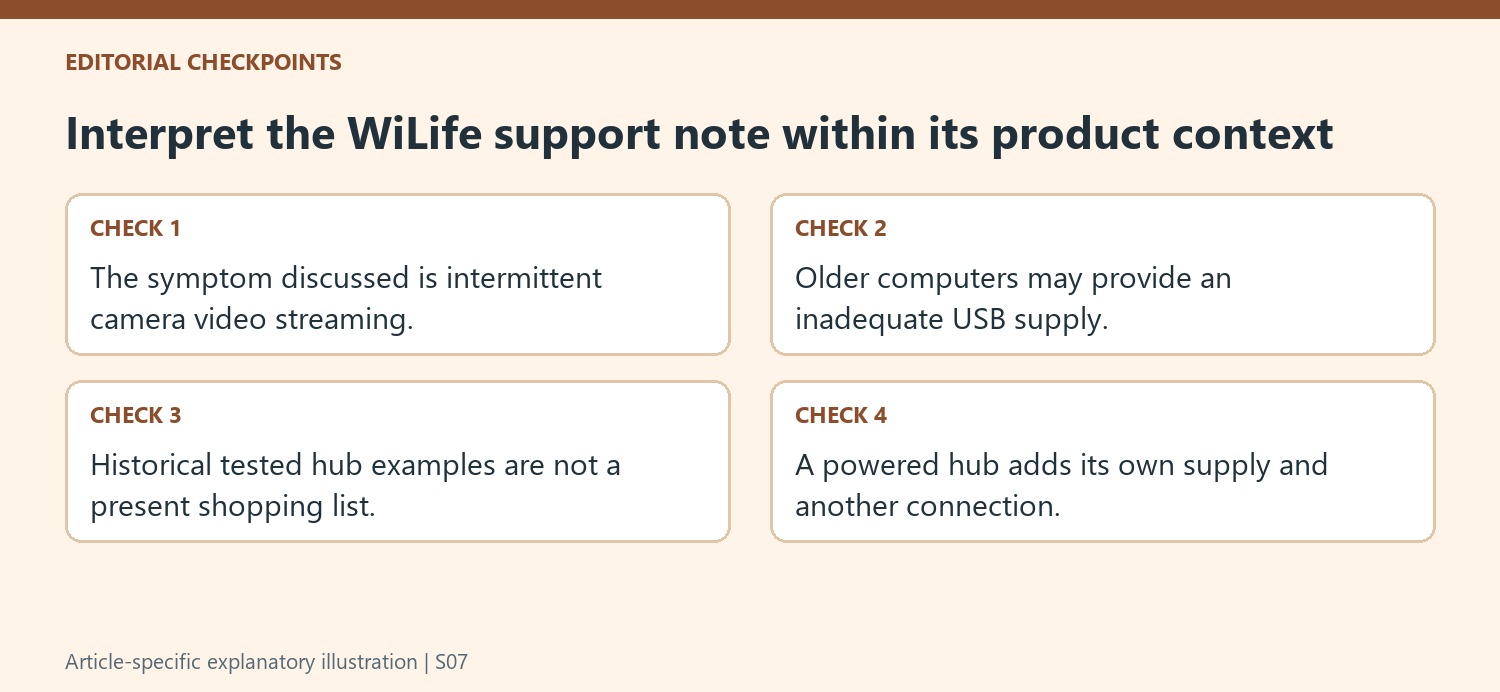
An externally powered hub supplies another documented test when the older computer’s USB connection appears underpowered. The article names particular Radio Shack and Belkin models it tested, but that historical list is not a current compatibility catalogue or an instruction to buy an obsolete accessory without checking availability and support. Keep the receiver model, computer and changed power arrangement in the troubleshooting notes. A powered hub is a remedy proposed for this described condition; it should not be generalized into a claim that every camera system performs better through a hub than through its supported direct connection.
Keep the WiLife context attached to the advice
Logitech's note concerns WiLife camera kits and their USB receiver module. It describes intermittent video streaming on some older computers as a possible symptom of insufficient USB power. That is a narrower claim than saying any unstable USB accessory needs an externally powered hub. The recommendation begins with a direct connection to the computer because that normally supplies what this receiver needs. A reader investigating another product should use its own support guidance alongside these general isolation steps. The useful lesson is the order of the check: establish the receiver's direct behavior first, then investigate the computer's available ports and attached load before adding another device to the chain.
Change the USB load in a controlled comparison
The support note suggests temporarily disconnecting other USB-powered equipment to see whether the camera behavior improves. This is a practical comparison because it changes the demand placed on the computer's USB supply. It is most informative when the video is checked under otherwise similar conditions. If several accessories are removed and the problem stops, reconnecting them thoughtfully can help reveal whether the difficulty tracks the added load. The result still needs interpretation; an improvement is evidence about the arrangement, not proof that every disconnected accessory is faulty. Record which port the receiver used and which devices were connected so that the test can be repeated without relying on memory.
Use the powered-hub option after the simpler tests
Trying another computer port is part of Logitech's sequence, with the note observing that rear desktop connections can sometimes work better than front ones. If the tests indicate the receiver is underpowered, the article recommends an external powered hub as the next option. Its named hub examples are historical tested products, not a current shopping list or a promise about every modern hub. Check the receiver's present support information and the candidate hub's compatibility and power arrangement before buying. An externally powered model introduces its own supply and another connection, so the complete arrangement needs to be connected correctly. The goal is stable camera operation supported by the comparison tests, rather than simply increasing the number of available sockets.
References
- Reference: Using a powered USB hub. Logitech Support.
Logitech's guidance for WiLife camera receiver modules recommends a direct connection to the computer in normal use. On some older systems, insufficient USB power can cause intermittent video streaming. The article suggests trying another computer port and temporarily disconnecting other USB devices to help identify that cause.


Leave a Comment
Comments (0)