
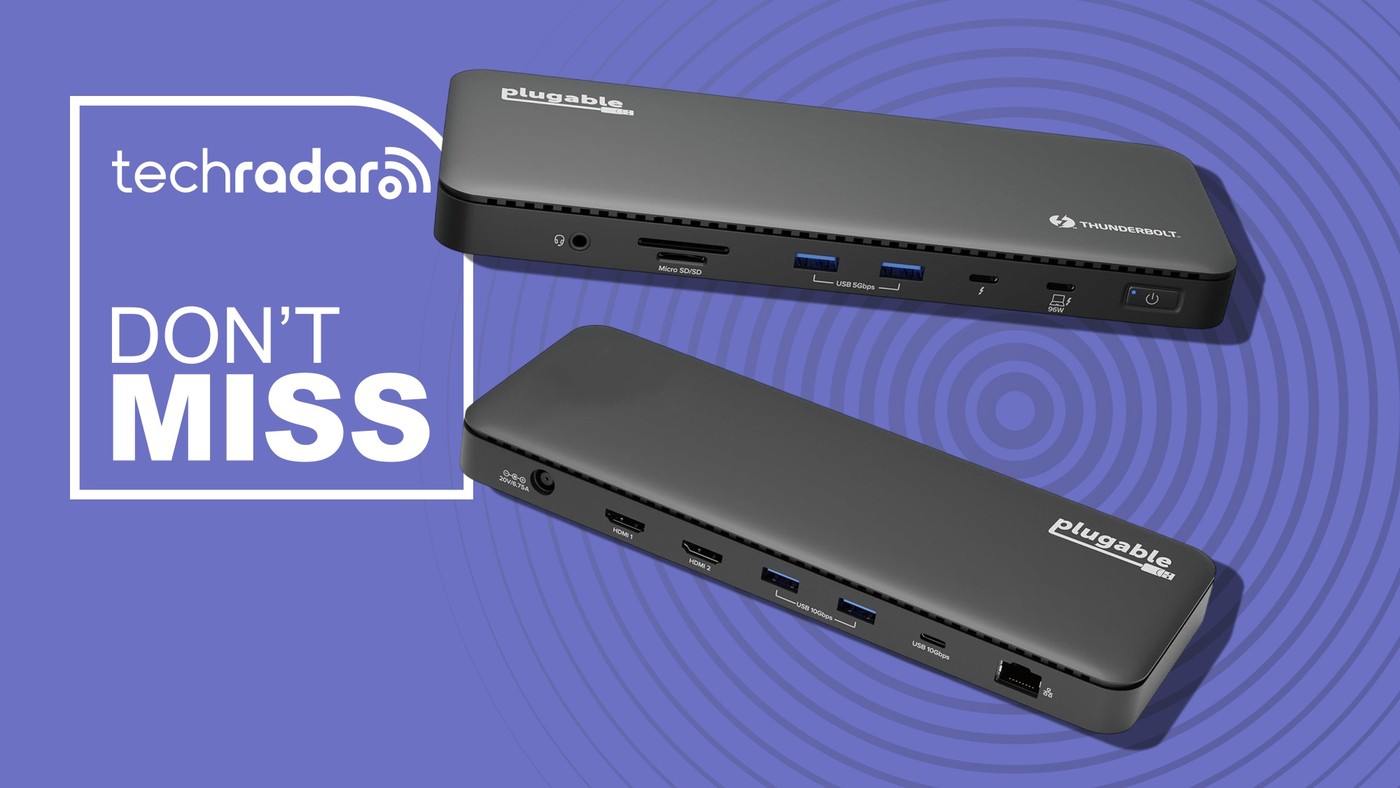
A Thunderbolt Dock for a Desk That Stays Connected
Leave the desk equipment connected
A laptop is portable, but its monitor cables, wired network, memory cards and desktop accessories usually are not. The TechRadar report presents Plugable's TBT-UD5 as a way to leave that equipment connected while moving the computer. Its thirteen connections include HDMI, USB-A, USB-C, card readers, Ethernet and audio. The practical benefit is a repeatable docking routine: attach the host lead when sitting down and disconnect it when leaving. This arrangement is especially useful when several separate adapters have begun to occupy the same work surface.
Check the display and charging conditions
The reported display configurations include two 4K screens at 60 Hz or a supported single-screen configuration reaching 8K. Those figures describe particular operating conditions; they should be checked against the laptop, operating system, display inputs and current product documentation. A Thunderbolt label does not make every host support the same screen arrangement. Charging also deserves attention. The report mentions a 100 W advertised figure alongside a 96 W certified delivery figure, so the relevant specification is what reaches the connected computer. Compare that output with the laptop's requirements, particularly during demanding work when an inadequate supply may not sustain its normal charging rate.
Choose connections that will actually be used
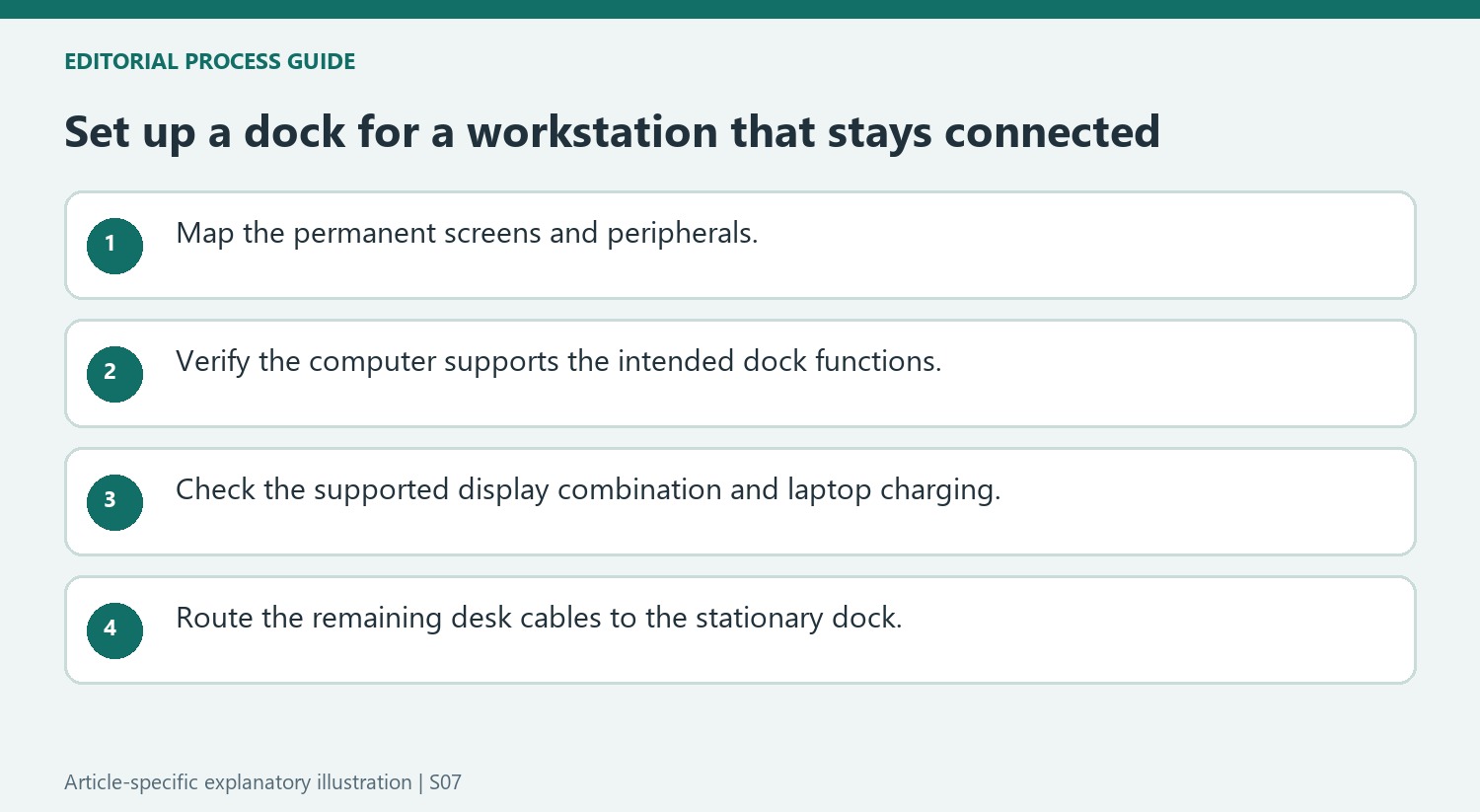
A broad dock is most convincing when its ports replace several pieces of equipment already on the desk. Someone using Ethernet, two monitors and removable storage has a different requirement from someone connecting one mouse and a flash drive. Count those real connections before selecting a model. The article also discussed promotional pricing, which belongs to its publication context rather than a current buying promise. Treat the report as a description of the product and its intended desk role, then verify present compatibility, included power equipment and available offers separately before purchasing.
Start with the permanent desk rather than the advertised total
The dock's central idea is to leave monitors, networking, and accessories connected at the desk while the laptop moves elsewhere. That means the useful connection count is the number needed by the owner's actual workstation. Two HDMI monitors, a card reader, wired Ethernet, and a few peripherals can make a consolidated dock attractive. A setup using one display and little else may need much less equipment. Map those connections before comparing the thirteen-port headline. Also allow physical room for the dock and for cables entering it: consolidating the laptop connection changes the route of the wires, but the screen, network, and peripheral cables still need an orderly place on the desk.
Verify the host's display support before choosing monitors
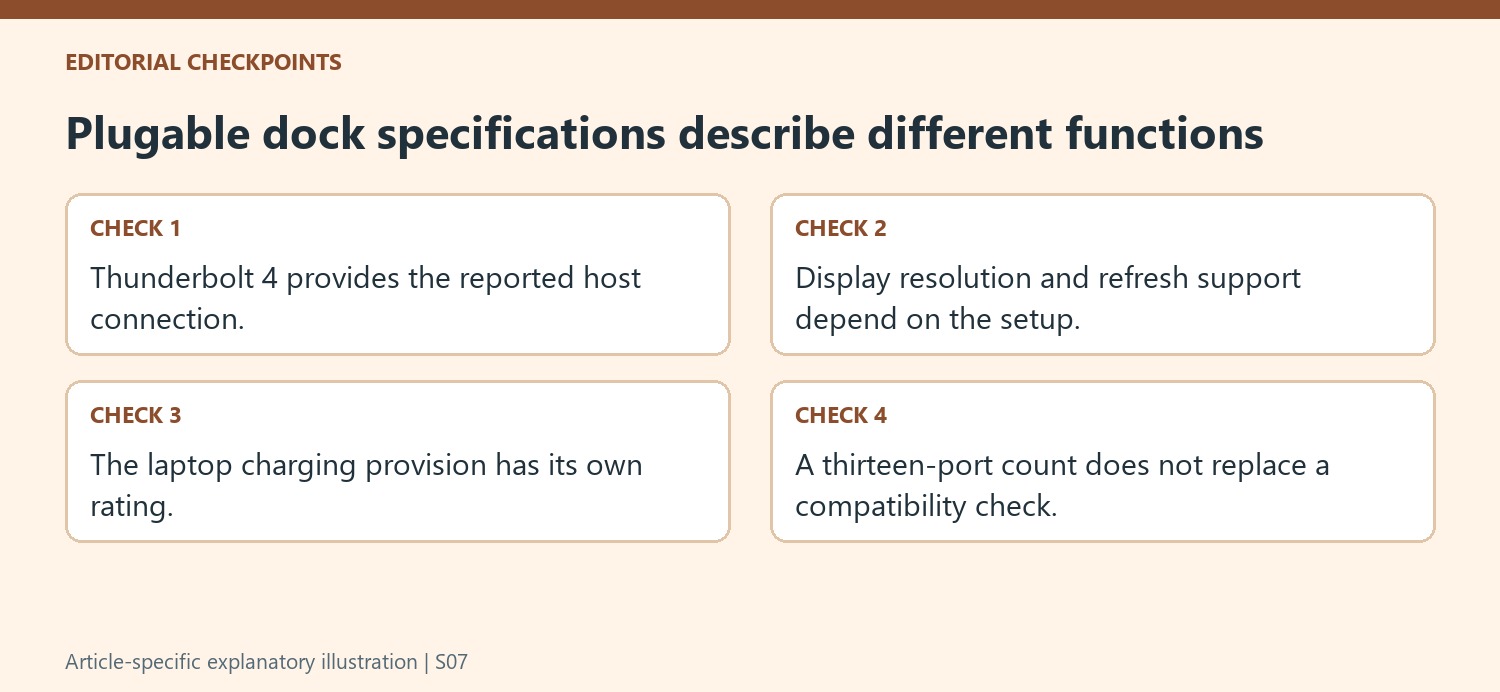
The source describes dual 4K displays at 60Hz or a single display up to 8K on supported systems. Those are alternative advertised arrangements, not a guarantee that any computer with a similar-looking socket can deliver every option. The host's support and the exact product documentation should determine the monitor plan. Likewise, Thunderbolt 4's cited 40Gbps capability describes the connection standard, rather than a separate transfer allowance for each attached peripheral. The article presents the dock as driverless for compatible Windows and macOS machines, but compatibility remains a prerequisite. Check the specific computer, operating system, and intended display combination instead of using the connector shape as the only test.
Put laptop charging and purchase context alongside connectivity
The report distinguishes a charging claim of up to 100W from 96W certification. That detail deserves comparison with the laptop's recommended supply, particularly when the computer will run demanding work at the desk. A docking solution should provide the right operating arrangement as well as enough sockets. The promotional prices in the article were linked to an October sale, so they should be treated as a snapshot of an earlier offer. Review the current package and price before judging its value against separate adapters. The source's positive comments about other Plugable reviews are useful brand context, but they do not substitute for confirming this exact model's fit with the equipment it will connect.
References
- Plugable’s 13-port Thunderbolt dock fixes the dreaded cable mess. TechRadar; Wayne Williams.
Plugable's TBT-UD5 brings desk connections onto one hub, but display support and charging still depend on the laptop and setup.


Leave a Comment
Comments (0)